Enterprise platform discussions often begin with software costs.
Licence fees, subscription models, implementation budgets, and support agreements are relatively easy to compare during procurement. They are visible, measurable, and usually well documented by vendors.
The challenge is that software costs represent only one part of a platform’s economic impact. Once a platform is embedded across teams, workflows, and business processes, a much broader set of costs begins to influence its value.
Integrations need maintaining. Governance models need evolving. New channels emerge. Teams expand into new regions. Business priorities shift. Technologies that were not part of the original requirements become important.
Over time, these factors often have a greater influence on platform economics than the original software agreement.
This is why enterprise organisations increasingly evaluate platforms through the lens of total cost of ownership (TCO).
The largest platform costs often emerge after launch
Many digital platforms begin with a relatively clear set of requirements. A website needs to be rebuilt. A content platform needs modernising. Multiple properties need consolidating onto a shared foundation.
Those projects have a defined scope and budget.
The complexity arrives later.
As organisations grow, digital platforms become connected to a wider ecosystem of services. Content management systems frequently sit alongside customer data platforms, analytics tools, ecommerce services, identity providers, DAM systems, marketing automation platforms, translation workflows, and increasingly, AI-powered tools.
Each integration creates value. Each integration also introduces dependencies that require maintenance, governance, and operational oversight.
At enterprise scale, platform ownership becomes less about running a CMS and more about managing an evolving digital ecosystem.
Understanding how a platform supports that evolution is central to understanding its long-term cost profile, and thus the total cost of ownership.
Why platform flexibility has financial value
Enterprise requirements rarely remain static for long.
A business may acquire a new brand, expand into a new market, launch a new product line, or introduce entirely new customer experiences. Regulatory requirements change. Internal operating models evolve. New technologies create opportunities that were not anticipated when the platform was first selected.
Every one of these developments places demands on the underlying platform.
Some platforms accommodate change relatively easily. Others require significant redevelopment, specialist expertise, or commercial agreements before new capabilities can be introduced.
The difference has a direct financial impact.
When introducing a new integration takes months rather than weeks, costs increase. When teams are forced to work around platform limitations, productivity declines. When architectural decisions made years earlier restrict future options, innovation becomes slower and more expensive.
This is one reason enterprise leaders increasingly assess a platform’s adaptability alongside its feature set.
Understanding the economics of proprietary platforms
Proprietary platforms provide a clear commercial model. Organisations pay for access to software that is owned, developed, and governed by a vendor.
For many businesses, this structure offers reassurance. Product roadmaps, support models, and accountability are clearly defined.
As digital estates grow, however, the relationship between platform usage and platform costs often becomes more complex.
Licensing models frequently scale alongside adoption. Additional users, environments, websites, markets, or capabilities may introduce additional costs. Access to advanced functionality may require higher pricing tiers. Integrations and customisations can become dependent on vendor-approved approaches or specialist expertise.
None of this is unusual. It reflects the incentives built into commercial software businesses.
The important consideration for enterprise buyers is how those costs behave over time. Growth, complexity, and change are constant features of large organisations. Understanding how a platform responds to those forces is often more valuable than comparing feature lists during procurement.
Where open source creates a different economic model
Open source platforms approach the same challenge from a different direction.
Rather than charging for access to the software itself, open source shifts investment towards implementation, operations, and capability development. Organisations retain ownership of their code, data, infrastructure decisions, and platform architecture.
This changes how investment is allocated.
Budget that might otherwise be committed to recurring licensing costs can be directed towards improving editorial workflows, strengthening integrations, enhancing customer experiences, modernising infrastructure, or introducing new capabilities. The organisation has greater discretion over where resources are invested and how priorities are balanced.
Control also extends beyond budgeting.
Teams can choose hosting providers, adopt new technologies, work with different implementation partners, and evolve their architecture as requirements change. Decisions are shaped by business priorities rather than vendor roadmaps or commercial constraints.
For enterprise organisations operating in environments where change is constant, that flexibility has practical and measurable value.
Vendor lock-in is an operational and financial consideration
Vendor lock-in is often discussed as a technical issue, but its effects extend much further.
Organisations that become heavily dependent on a single vendor ecosystem can find future decisions increasingly constrained. Replacing services becomes more difficult. Negotiating commercial agreements becomes more challenging. Migrating data or introducing alternative technologies requires greater investment.
These constraints affect both risk and the total cost of ownership.
By contrast, platforms built on open standards and open technologies provide more options when business requirements change. That does not eliminate complexity, but it does reduce dependency on a single supplier or ecosystem.
For many enterprise leaders, preserving optionality has become a strategic objective in its own right.
The cost that rarely appears in TCO models
One area that receives relatively little attention in platform evaluations is the cost of delayed innovation.
Organisations compete through their ability to adapt. New products, services, workflows, and customer experiences all depend on how quickly teams can turn ideas into reality.
When platform constraints slow experimentation, the impact is rarely captured in procurement spreadsheets. Lost opportunities do not appear as line items. Delayed launches rarely show up in platform budgets.
Their effect is still significant.
Teams that can test new ideas quickly tend to learn faster. Organisations that can integrate emerging technologies more easily tend to adapt more effectively. Platforms that support continuous evolution create fewer barriers between strategy and execution.
These advantages accumulate over time.
A broader view of return on investment
Enterprise platform decisions influence far more than technology stacks.
They affect how teams collaborate, how quickly organisations can respond to change, how easily new capabilities can be introduced, and how much control businesses retain over their digital future.
Viewed through that lens, total cost of ownership becomes a measure of resilience and adaptability as much as financial efficiency.
The most valuable platforms are rarely those that simply minimise costs. They are the platforms that allow organisations to evolve without repeatedly rebuilding, replatforming, or renegotiating the foundations of their digital estate.
Download The Enterprise WordPress Playbook to explore platform strategy, governance, composable architecture, AI adoption, and the factors that shape long-term enterprise platform success.
Download The Enterprise WordPress Playbook to explore platform strategy, governance, composable architecture, AI adoption, and the factors that shape long-term enterprise platform success.
AI pilots for enterprise platforms are easy to start.
A team picks a tool, tests a few prompts, generates summaries, drafts metadata, experiments with search, or explores content recommendations. Results arrive quickly. The demo looks promising. Everyone can see the potential.
Then the harder questions begin.
How does this fit into existing workflows? Which content can AI access? Who reviews the output? How are prompts managed? Can different teams use different models without creating chaos? What happens when the preferred provider changes? How do you maintain quality, governance, and compliance as usage grows?
This is where many enterprise AI initiatives start to slow down.
The issue is rarely a lack of enthusiasm. Most organisations have no shortage of ideas about where AI could create value. The challenge comes when those ideas need to move beyond experimentation and become part of day-to-day operations.
For AI to deliver sustained value, it needs to connect with the systems where content, data, publishing decisions, and governance already live. That makes enterprise platform strategy an increasingly important part of the AI conversation.
AI needs more than a tool layer
Many organisations begin with AI tools that sit outside their core publishing environment.
That works well for early experimentation. Editors can generate copy. Marketing teams can test campaign ideas. Product teams can explore personalisation concepts. The results are often useful, particularly for isolated tasks.
At enterprise scale, that model introduces friction.
Content gets copied between systems. Outputs are stored inconsistently. Teams develop their own standards and processes. Valuable work happens, but it becomes difficult to repeat, govern, and improve.
AI adoption becomes far more effective when it is woven into the platform itself.
Within WordPress, AI can sit directly inside the editorial experience. Teams can generate summaries, suggest headlines, enrich metadata, apply taxonomy, and support content updates without leaving the workflows they already use every day.
The benefits extend beyond efficiency.
Because the output remains connected to structured content, it can be reused across multiple parts of the platform. Metadata can support personalisation. Taxonomy can improve discoverability. Content summaries can enhance search and recommendation experiences. Archive analysis can inform editorial planning.
AI becomes part of the content lifecycle rather than a separate activity.
The real opportunity sits in workflow
The conversation around AI often focuses on content generation.
For enterprise organisations, the more interesting opportunities are often operational.
Large content archives contain years of institutional knowledge. Editorial teams spend significant time maintaining taxonomy, metadata, and content quality. Publishers need ways to surface relevant content, identify gaps, and improve discoverability across growing estates.
These are all areas where AI can provide meaningful support.
Content can be analysed at scale. Relationships between topics, entities, and audiences can be identified more easily. Metadata can be maintained more consistently. Editorial teams can spend less time on repetitive tasks and more time on activities that require judgement, expertise, and creativity.
The common thread running through these use cases is integration.
AI needs access to content, context, workflows, and permissions. It needs to operate within systems that already support how teams publish, review, approve, and manage content.
This is where platform flexibility becomes important.
WordPress gives organisations an open foundation for building the workflows they need. It integrates with analytics platforms, customer data platforms, DAMs, search services, personalisation tools, and AI providers. It supports traditional publishing models alongside headless, hybrid, and composable architectures.
That flexibility allows organisations to adopt AI in ways that fit their existing operations rather than forcing teams to adapt to a predefined model.
Governance becomes more important as adoption grows
AI introduces new responsibilities alongside new opportunities.
Accuracy, bias, quality, data handling, brand consistency, and compliance all require attention. Early experiments can often be managed informally. Enterprise adoption demands a more structured approach.
Teams need visibility into where AI is being used and how outputs move through the publishing process. Editorial standards need to remain consistent. Sensitive content and regulated information need appropriate controls.
These requirements are often easier to address when AI sits inside existing workflows.
WordPress already supports role-based permissions, approval processes, and editorial governance. Those foundations make it easier to introduce AI without losing oversight. Review stages, auditability, and workflow controls can become part of the implementation from the outset rather than being added later.
That balance between flexibility and governance becomes increasingly valuable as adoption expands across teams and regions.
Why WordPress is well positioned for AI adoption
The pace of AI development creates a challenge for enterprise organisations.
New models emerge constantly. Existing providers release new capabilities at remarkable speed. Teams are still discovering where AI creates the greatest value and which workflows benefit most from automation.
Few organisations want to commit themselves to a single provider or a fixed approach while the landscape continues to evolve.
This is one reason open platforms are attracting renewed attention.
WordPress has always been valued for its extensibility, ecosystem, and ability to integrate with wider technology stacks. Those qualities are becoming increasingly relevant as AI becomes part of everyday digital operations.
Recent developments such as the AI Client initiative are helping standardise how AI services connect into WordPress. That creates opportunities for more consistent, governable, and flexible AI-powered workflows across publishing, content operations, search, personalisation, and automation.
It also points towards a broader shift in how enterprise platforms operate. As AI capabilities mature, platforms will increasingly support workflows that are more autonomous, more connected, and more context-aware. Organisations that build on flexible foundations today will be better positioned to take advantage of those developments as they emerge.
Building for what comes next
Enterprise AI adoption is still in its early stages.
Many organisations are experimenting with use cases, testing different models, and exploring where AI can create the greatest value. At the same time, platform teams are making decisions that will influence how easily those capabilities can be adopted in the future.
Those decisions touch architecture, governance, content operations, integrations, security, and developer experience. They influence how quickly teams can experiment, how easily successful initiatives can scale, and how much flexibility remains as technology continues to evolve.
This is why platform strategy has become such an important part of the AI conversation. Organisations are not simply evaluating tools. They’re creating the conditions that allow those tools to deliver value over time.
WordPress is increasingly well positioned for that role. Its open architecture, growing AI ecosystem, and ability to integrate with wider enterprise technology stacks make it a strong foundation for organisations navigating a period of rapid change.
This article is adapted from The Enterprise WordPress Playbook, our strategic guide to scaling, governing, and future-proofing digital platforms with WordPress.
Download the playbook to explore AI-powered workflows, composable architecture, governance, security, performance, and the decisions shaping the next generation of enterprise WordPress platforms.
This article is adapted from The Enterprise WordPress Playbook, our strategic guide to scaling, governing, and future-proofing digital platforms with WordPress.
Download the playbook to explore AI-powered workflows, composable architecture, governance, security, performance, and the decisions shaping the next generation of enterprise WordPress platforms.
A practical guide to the terminal coding agent landscape in early 2026.
Just a year ago, most conversations about AI-powered development tools started and ended with Claude Code. Today, every major AI company has a coding agent, open source alternatives are flourishing, and new entrants seem to appear every week.
That’s exciting for developers. It’s also made choosing a tool significantly harder.
Before we get into the list, it’s worth clarifying the scope of this article. This isn’t a guide to every AI development tool on the market. It’s specifically a look at terminal-based coding agents: tools that can inspect repositories, edit files, run commands, and increasingly act like autonomous software engineering assistants.
That’s a very different category from IDE extensions, AI-native editors, chat applications, and desktop assistants. Those deserve their own comparison.
Things are moving ridiculously quickly, so treat this as a snapshot of the first half of 2026 rather than a definitive ranking. A new model release can completely change the picture overnight!
First-party agents
These are the tools built by the companies behind the models themselves. If you’re already paying for a specific provider, this is usually the most obvious place to start.
Vendor: Google Model: Gemini Desktop app: Yes Free version: Yes Open source: No
Google’s replacement for Gemini CLI, announced at Google I/O 2026. It gives developers access to the Gemini ecosystem through a supported first-party coding agent.
As of early 2026, Gemini isn’t generally considered the strongest option for coding work compared with Anthropic and OpenAI, but if you already have access to Gemini it’s well worth trying.
Vendor: Anthropic Model: Claude Desktop app: Yes Free version: No Open source: No
The benchmark most other coding agents are compared against. Claude Code is widely used, well understood, and tightly integrated with Anthropic’s models.
If you’re paying for a Claude Code subscription, this is the tool you should use. Trying to route that subscription through another tool could put your account at risk, so it’s generally not worth getting clever.
Vendor: OpenAI Model: OpenAI Desktop app: Yes Free version: No Open source: Yes
OpenAI’s answer to Claude Code. Codex has improved rapidly and is now a serious contender for developers already invested in ChatGPT or OpenAI’s wider ecosystem.
If you’re already using OpenAI models heavily, Codex is one of the most obvious alternatives to Claude Code.
Vendor: xAI Model: Grok Desktop app: VS Code and supported IDEs Free version: No Open source: No
xAI’s coding agent is still relatively early. Access currently depends on higher-tier Grok plans, and the tooling isn’t yet as established as Claude Code or Codex.
Teams evaluating Grok should think carefully about governance, neutrality, and whether the model’s behaviour aligns with their organisation’s requirements.
Open source agents
This is where things start to get interesting.
Open source agents support multiple providers, local models, and highly customised workflows. The trade-off is that you’re often responsible for more of the setup and configuration yourself.
Vendor: Open source Model: Multiple providers Desktop app: No Free version: Yes Open source: Yes
One of the strongest open source alternatives to Claude Code. Opencode supports Claude, OpenAI, local models and more through API access rather than through Claude Code or ChatGPT subscriptions.
If you’re paying by API and want flexibility across providers, this is one of the first tools I’d look at.
Vendor: Qwen Model: Qwen Desktop app: VS Code Free version: No Open source: Yes
A Qwen-focused coding agent built on Gemini CLI foundations.
Qwen’s open models have improved dramatically over the last year, especially for teams interested in local or lower-cost workflows. As of early 2026, though, the strongest Anthropic and OpenAI models still tend to perform better on complex engineering tasks.
Vendor: Kilo Model: Multiple providers Desktop app: VS Code, PHPStorm and others Free version: Yes Open source: Yes
A fork of Opencode with deeper integrations into the Kilo ecosystem.
Like Opencode, it supports multiple providers through API access and gives developers a lot of flexibility. Kilo’s focus on integrations and enterprise readiness makes it particularly interesting for larger teams.
Agent platforms and ecosystems
These tools sit somewhere between terminal agents, IDE integrations, and broader developer platforms. They’re included here because they all offer CLI coding-agent workflows, even if they’re better known for graphical products.
Vendor: GitHub Model: Multiple providers Desktop app: VS Code and supported IDEs Free version: Yes Open source: Source available
Copilot has evolved a long way from autocomplete.
GitHub’s biggest advantage is reach. Millions of developers already use GitHub every day, making Copilot one of the easiest tools to adopt across an organisation.
Vendor: Cline Model: Multiple providers Desktop app: VS Code and supported IDEs Free version: Yes Open source: Yes
Cline started life as a Claude-focused tool but has grown into a broader agent platform.
One of its more interesting features is the ability to manage work visually, including Kanban-style workflows, while still supporting coding-agent behaviour underneath.
Platform-specific agents
Some agents are built around a specific ecosystem rather than trying to be general-purpose development tools.
Vendor: Atlassian Model: Claude and OpenAI Desktop app: Jira Free version: Yes Open source: No
Rovo brings coding-agent functionality into the Atlassian ecosystem.
If your team already lives in Jira and Confluence, that context can be valuable. It’s less about being the best standalone coding agent and more about bringing AI directly into existing delivery workflows.
Vendor: Automattic Model: Claude Desktop app: No Free version: Yes Open source: Yes
A WordPress-focused coding agent available through WordPress Studio.
It’s still rough around the edges, but it’s interesting because it points towards a future where coding agents are deeply aware of the platforms they’re working with.
Apple Silicon users already have access to a lightweight local AI model through Apple Intelligence, and tools such as Apfel make it possible to interact with that model directly.
The context window is tiny compared with modern frontier models, so don’t expect it to tackle large software engineering tasks any time soon.
Many coding agents can connect to Ollama, allowing you to run models locally.
That’s attractive for privacy, security, and cost control, although local hardware remains the limiting factor. Open models are improving fast, but they’re still behind the frontier labs for complex coding work.
The agent matters less than the model
It’s easy to spend all your time comparing interfaces, but the underlying model usually matters more.
Most coding agents are wrappers around Claude, OpenAI, Gemini, Grok, Qwen, or local models. A brilliant interface wrapped around a weaker model will still struggle with complex engineering work.
Benchmarks are imperfect, but they’re useful signals. DeepSWE has attracted attention because it focuses on realistic software engineering tasks rather than narrow coding puzzles.
As of today, the broad picture is that Anthropic and OpenAI remain ahead for serious coding work. Open models have improved dramatically, but they’re still behind the frontier labs on complex engineering tasks.
That doesn’t mean open models are useless. They’re often excellent for constrained tasks, local workflows, experimentation, and teams with strict data requirements. But if your primary goal is coding performance, model choice matters more than the shell wrapped around it.
The same applies to Gemini. If you already have access to it, it’s worth exploring. If you’re spending money specifically for coding, though, the current benchmark picture suggests Anthropic and OpenAI are stronger bets.
The important thing to remember is that these rankings change fast. What looks true today may not be true six months from now.
What enterprise teams should consider
For enterprise teams, the most impressive demo isn’t always the best choice.
Before standardising on a coding agent, ask:
Where is code sent and stored?
Is customer or proprietary code used for training?
Can usage be audited?
Does the tool work with existing AI provider agreements?
Are developers using subscriptions correctly, or trying to route them through unsupported tools?
Can the organisation switch providers later?
Does the workflow fit existing security and compliance requirements?
For many teams, the key decision isn’t just which agent is best. It’s whether you want to commit to a single vendor’s ecosystem or keep enough flexibility to move as the market changes.
Which terminal coding agent should you choose?
If you’re paying for a Claude Code subscription, use Claude Code.
That’s the clean, canonical answer. It’s what the subscription is for, and trying to use that subscription through other tools may create account risk.
If you’re paying through API access, the picture gets much more interesting.
Opencode, Kilo, Pi, Oh My Pi, Crush Charm and similar tools give you the freedom to switch between providers, compare models, and build workflows around your own preferences.
If you’re already paying for Gemini, try Google’s tooling, but don’t assume it’ll outperform Claude or OpenAI on coding tasks. If you’re evaluating Grok, think about governance and neutrality as well as raw capability. If you’re interested in open models, test them seriously, but be realistic about the current gap between them and the frontier labs.
There’s no single winner for every team. There are simply too many workflows, pricing models, governance requirements, and personal preferences for that.
One thing’s clear: Claude Code isn’t the only game in town anymore. The terminal coding agent landscape is bigger, stranger, faster-moving, and more competitive than ever. For developers, that’s a very good thing.
In 1985, Microsoft shipped Goal Seek in Excel. A few years later came Solver and Monte Carlo simulations. Instead of guessing outcomes, you could define success and let the software search for the variables that produced it.
I remember using these tools during my years in banking, often grinding the CPU to a halt. Solver, VBA, lookups and pivot tables gave ordinary users enormous leverage. At one point I automated almost my entire predecessor’s role into a handful of workflows that took 25 minutes a day to run.
The more I use Claude Autoresearch, Codex’s /goal functionality and similar optimisation frameworks, the more they remind me of Solver. The interface has changed, but the principle hasn’t: define success, explore possibilities, and let the machine discover what works.
We didn’t call it AI then. Yet here we are again.
Rather than talk about it abstractly, let’s use a real example.
Example: Perfecting Content at HM.com
I recently ran an Autoresearch optimisation exercise across Human Made’s content archive. After more than 300 experiments, it consistently converged on the same combination of variables:
Headlines that take a clear position.
Articles between roughly 800-1,000 words.
Content published in the AI & Future category.
This combination produced the highest simulated engagement score across years of historical content.
While the result itself is interesting, it’s also worth noting how quickly it was possible to discover. It took me 37 minutes from start to finish to get a full visual report.
To run the experiment, I combined three sources of data:
Content (WordPress export/REST API)
Analytics (GA, Posthog, etc.)
Claude/Codex (using /goal, autoresearch or other looping optimisation tools).
Everything was merged into a single dataset containing content, metadata and performance metrics. From there, Autoresearch ran hundreds of experiments, continuously adjusting variables such as topic cluster, headline format, category and word count in pursuit of one objective: maximising engagement.
Other insights that shook out of this analysis:
The top posts share one thing:they answer a question someone was already asking. The #1 post took a clear position on something that has multiple takes. The #2 all-time post solved a specific, painful admin UI problem. No post in the top 10 is vague, all of them snipe into a defined subject with tactical instructions or advice.
2023 was the highest-output year -> 44 posts, but also had the worst average engagement of any year with real volume (0.13). 2026 has 11 posts and a 1.83 average (over 10x vs 2023). The data doesn’t suggest publishing more. It suggests picking winning ideas when you have them.
AI & Future posts average 2.3× the engagement of everything else combined. Beyond the “hype”, it’s really what the audience is clicking on, reading, and spending time with.
As you can see, you can uncover and drive evidence-backed optimisations. Given the speed and ease-of-use, that’s incredibly powerful. This goal-directed research loop is, in many ways, yesterday’s Solver (but for content teams today, albeit 30 years later).
Another insightful chart: The data landscape feeding into Autoresearch can also be seen as weights, taxonomies, strengths, etc. Here we see how some pages such as “Home” or “Career” need to be excluded from training data, as things such as target audience and purpose will vastly skew the data. Thus, we really only ran the backtesting on eligible content:
Word count was one of the Autoresearch variables, and had a decent impact. It doesn’t move the objective function as much as topic cluster, headline format and others, but still worth tracking. The below shows engagement vs word count.
From here on out, you can use multiple other sources from search/SEO data sources, product analytics, and other variables. The opportunities are endless, especially once you mix in financial attribution/touchpoints.
Turns out we’re once again at an inflection point, that same feeling Excel gave us when it magically automated a huge parcel of work from one day to the next. We don’t need expensive BI tools or long integration projects to drive high-leverage plays on a day-to-day basis. We can do everything from our own computers with existing tools, and within minutes once automated.
I’ll be at WordCamp Europe this week in Kraków, and hosting an AI-focused webinar online next week. Grab me for a chat or get in touch if you’re experimenting with anything similar.
What does it actually look like to work with AI every day as an engineer?
In this piece, Human Made Senior Engineer Ivan Kristianto shares a practical, battle-tested workflow for building with AI agents. From spec-first thinking and parallel execution to disposable code and “vibe user” testing, this is a candid look at what works, what breaks, and how to stay effective as the tooling evolves almost daily.
I use AI agents every day: not just to write code, but for research, brainstorming, planning, and user testing. This post is not a tool recommendation. It is a set of patterns I have found effective: staying tool-agnostic, working spec-first, building skills, isolating work in worktrees, spawning agents in parallel, and using AI away from the keyboard. The goal is to show what a real AI-augmented workflow looks like, trade-offs and constraints intact.
The Non-Deterministic Reality
The first thing to accept about AI is that it is non-deterministic. Run the same prompt twice and you get two different results. This is not a bug to work around. It is the nature of the medium, and once you accept it, everything else about how to use these tools becomes clearer.
Because output varies, I do not commit to one tool or one model. I move freely between Claude Code, Gemini CLI, Copilot CLI, Codex CLI, Codex App, OpenCode, and Anti Gravity, picking whatever fits the task or the moment. The landscape changes fast; most mornings there is a new model or a new release to try. Locking yourself to a single tool means constantly leaving capability on the table.
Spec-First, Then Build
Before writing any code, I spend time on the spec. This single practice separates productive AI usage from frustrating AI usage.
My framework is obra/superpowers, which implements a seven-stage development process: brainstorming, worktree setup, plan writing, subagent-driven development, test-driven development, code review, and finishing. I do not follow every stage mechanically, but the core sequence, brainstorm, spec, plan, build, review, is the backbone of how I work.
Step 1: Create the Worktree
Every piece of work starts with its own Git worktree. A personal skill creates worktrees in an opinionated, consistent way: the right branch name, the right directory structure, the right environment. One command, and the workspace is ready.
This matters because everything that follows happens in isolation. The worktree is the container for the entire feature, from first brainstorm to merged PR.
Step 2: Brainstorm With the Agent
With the worktree ready, I open a brainstorming session using the superpowers brainstorming skill. The agent interviews me, asks questions to understand the problem, explores different approaches, and sometimes visualizes options: diagrams, flow descriptions, comparisons. It does not start designing until it understands what I actually want.
This step is slower than typing “build X.” It is also why the output is worth building.
Step 3: Write and Review the Spec
Once the agent has enough context, it writes the design spec. I read it carefully and improve it where my thinking has evolved. Then I bring in a second agent: I share my vision for the feature and ask whether the spec aligns with that vision. A fresh agent without prior context finds gaps I glossed over.
The spec is the source of truth for everything that follows. Getting it right here prevents rewrites later.
Step 4: Build the Implementation Plan
With a solid spec, I ask the agent to write an implementation plan. Superpowers breaks this into small tasks: each two to five minutes of work, with exact file paths, complete code intent, and verification steps.
I read the plan thoroughly. When I find gaps or steps that do not match my intent, I tell the agent to change them. A vague step in the plan produces vague code. I fix the plan until every step is something I would hand to a junior developer with no further explanation.
Step 5: Cross-Review Spec Against Plan
Before building starts, I spawn a fresh agent and ask it to review the spec and the implementation plan side by side. Does the plan deliver what the spec describes? Does every acceptance criterion in the ticket have a corresponding step in the plan?
This agent reports gaps. I fix them. Then building can start.
Step 6: Execute the Plan
When the plan is solid, I run the executing-plans skill. This dispatches subagents that execute each task sequentially, running checks between steps and stopping if something goes wrong.
I use a detailed prompt for this step to give the agent the right context and constraints:
/superpowers:executing-plans
docs/plans/path-to-implementation-plan.md

Follow the plan strictly and complete tasks sequentially and do not stop until finish.

Execution Rules

1. Implement tasks one by one in the order defined in the plan.
2. Create a separate commit for each completed task.

Code Review Phase
3. When all tasks are completed:
- run the requesting-code-review skill
- review the code changes against the implementation plan
- fix any valid feedback or implementation gaps.

Finalization
4. Run all tests and quality gates again.
5. If everything passes:
- commit final changes
- push the branch

Output
6. Provide a concise summary including:
- tasks completed
- commits created
- issues fixed during reviews
- manual test results
- test and quality gate results
- link to the created PR.
I start it and leave. The agents work through the plan without me.
Step 7: Review as a User
When execution finishes, I review the result as a user, not as an engineer. I do not read the code at this stage. I use the feature. I look for whether it does what I asked, not whether the implementation is elegant.
If the result is significantly wrong or too much is missing, I reset. I discard the code and return to the plan: refine it, try a different model, or rethink the spec. Starting over is faster than patching something fundamentally off.
If the result is mostly right with some gaps, I continue.
Step 8: Code Review by Three Agents
For the code review, I spawn three subagents in parallel, each focused on a different angle:
Maintainability: is the code readable, consistent, and easy to change?
Performance: are there obvious bottlenecks or inefficiencies?
Security: are there vulnerabilities, unsafe inputs, or exposed data?
Each agent reviews independently. When the results come back, I triage them: critical issues get fixed immediately, lower-priority findings get addressed or noted. Then I ask the agent to implement the fixes.
This cycle repeats until the code meets the bar.
Step 9: Ship to PR and Test
When the code passes review, I open a pull request and do a final manual review of the diff. Then I create a test plan as a user: a checklist of scenarios a real user would walk through.
I give that test plan to an agent with browser access and ask it to execute each step using the Chrome integration. The agent runs through the plan, reports what passes and what fails, and I address the failures.
This cycle, fix, retest, fix again, continues until the feature works end to end as a user would experience it.
When it does, I merge.
Code Is Cheap: The Throw-Away Mindset
I treat generated code as disposable by default.
The agent builds. I review. If the result falls short, I throw it away and start again: with a different model, a different prompt, or a refined implementation plan. This sounds wasteful. In practice it saves more time than it costs. Iterating on code going in the wrong direction is expensive. A clean start with a better spec is cheap.
Code is cheap now. The expensive part is reading, deciding, and knowing when to stop.
This mindset only works if you are honest during review. The temptation is to keep patching something that is mostly right. Resist it. If you would not write it yourself, and the agent cannot fix it cleanly in one more pass, throw it away.
Quality Gates: Built-In Self-Correction
The single biggest improvement to agent output quality is not a better prompt or a smarter model. It is a strict set of quality gates that run before every commit.
Agents still hallucinate (a lot). They produce code that looks right but breaks something subtle. Quality gates change that: the agent catches its own mistakes without you having to notice them. The gates fail, the agent reads the error, fixes it, and tries again. By the time you see the output, it has already corrected itself.
The Gates I Run
I enforce six checks on every project:
ESLint catches JavaScript and TypeScript errors, enforces code style rules, and flags patterns that cause bugs. The agent cannot commit code that fails this.
Stylelint enforces CSS and SCSS consistency. Without this, agents drift into inconsistent naming, specificity problems, and unmaintainable styles.
Prettier formats all code uniformly. It removes every formatting argument and keeps diffs clean.
Design system compliance is a custom check that verifies the agent is using the correct design tokens, components, and patterns rather than inventing its own. This gate most often catches an agent going off-script.
TypeScript typecheck runs tsc --noEmit to catch type errors that ESLint misses. Agents frequently produce type-unsafe code that passes linting but breaks at runtime.
Unit and integration tests run on every commit. If the agent breaks something that was working, the tests catch it immediately rather than at review time.
Why This Works
Each gate provides fast feedback. The agent does not wait for a human review to learn it got something wrong; it gets an immediate, machine-readable description of exactly what needs to change. It reads the error, fixes it, and commits.
This loop, write, check, fix, commit, runs automatically inside the executing-plans skill on every task. By the time the skill finishes, the code has passed all six gates on every commit in the plan.
The code quality you get back is substantially higher than what agents produce without gates, not because the agent got smarter, but because it corrected itself dozens of times before you saw the result.
Skills: Build Once, Reuse
A skill is a reusable prompt or workflow: a precise set of instructions for doing a specific thing well, invocable with a single command. Skills eliminate the overhead of re-explaining context every time.
Finding Skills
Before building a skill, I search for one that already exists. I use skills.sh, a tool that searches available skill libraries and surfaces what fits the task. Most of the time, someone has already built what I need.
When I find a candidate, I read it carefully before downloading. A skill that looks useful can encode assumptions that conflict with how I work, or instructions I would not want an agent following automatically. Reading it first costs a minute; discovering the problem mid-task costs far more.
If the skill works, it earns a permanent place in my toolkit. If it does not, I delete it and move on. No friction, no sunk-cost trap.
Building Custom Skills
For tasks I repeat often and cannot find a skill for, I build one. The process is straightforward: describe what I want to achieve, have the AI draft it, read it carefully, refine it, and test it. Once built, I run it, step away, and come back to the result.
The fire-and-forget pattern works because the skill captures the reasoning once. I do not re-explain the standard every time; I invoke it.
I build new skills whenever I find myself writing the same instructions more than twice. That threshold is the signal.
Skills I Use
These are the skills currently in my toolkit across ~/.claude/skills and ~/.agents/skills:
Skill
What it does
worktree-environment-setup
Creates a Git worktree in an opinionated, consistent way: branch name, directory structure, environment
multi-reviewer-code-review
Spawns three subagents in parallel to review code for maintainability, performance, and security
generate-test-plan
Produces a user-facing test plan from git changes
execute-test-plan
Runs a test plan using Chrome browser automation, step by step
Turns a rough idea or bug description into a well-formed GitHub issue
agent-browser
Browser automation for agents: navigating pages, filling forms, extracting data
writing-clearly-and-concisely
Applies Strunk’s rules to any prose I write or edit
reflect
After a session, extracts learnings and patterns worth keeping
skill-creator
Builds, tests, and improves skills, including benchmarking and eval runs
frontend-design
Generates production-grade frontend components with high design quality
gemini
Runs Gemini CLI for code analysis, refactoring, or automated editing
codex
Runs Codex CLI for the same
lfg
Full autonomous engineering workflow, end to end
debug-optimize-lcp
Debugs and optimises Largest Contentful Paint using Chrome DevTools
seo-audit
Audits a site for technical SEO issues
Worktrees: One Branch, One Environment
I use Git worktrees heavily. The rule is simple: one branch of work equals one worktree.
This lets me run multiple repos and multiple workstreams at the same time without context switching. I use supacode.sh daily, which makes managing multiple worktrees across multiple repos workable. Each worktree is isolated: its own environment, its own agent session, its own state.
The practical effect is that I can run three or four things in parallel without losing track of any of them. One agent is building a feature. Another is doing research. A third is running tests. I move between them when there is something to review, not before.
Parallel Agents: Do More at Once
Whenever tasks are independent, I spawn multiple agents or subagents in parallel. This is one of the most direct ways to save time.
Instead of running three research tasks in sequence and waiting for each one, I fire all three at once. When they are done, I read the results. The same logic applies to code generation, code review, brainstorming, and exploratory analysis. If the work does not depend on other work completing first, it should run in parallel.
This requires a slight shift in how you think about task planning. Before starting, I ask: which parts of this depend on each other, and which parts are independent? The independent parts go in parallel. It takes practice but becomes instinctive quickly.
Vibe User: Let the Agent Be the User
One technique that most developers miss: ask the agent to use the app as a normal user would.
I call this “Vibe User.” Rather than always using agents to build or review code, I give them browser access, via Chrome DevTools MCP, agent-browser, or the Claude Chrome integration, and tell them to explore the app as a real user with no prior knowledge. The agent navigates, finds friction, forms opinions, and returns ideas, suggestions, and critiques.
This is valuable precisely because I built the thing and know too much. I know where to click, what each error means, where the sharp edges are. A user does not. The agent-as-user surfaces problems I would not notice because I am too close to the code.
Vibe User works well for UX review, early-stage product testing, and any time you need a fresh perspective on something you built. It complements Vibe Coding rather than replacing it.
This is an example of the prompt I use to do UX research on a web app:
You are a Senior Product Designer with 15+ years of experience shipping consumer and B2C products at companies known for design excellence.
Your expertise includes interaction design, information architecture, usability, and design systems.

Role
Act as my design partner and perform a usability and product design review of the application.

Target App
http://YourURL.local/

Method
Use the Chrome DevTools (or Agent Browser) skill to:
1. Open the application.
2. Log in using the provided demo credentials.
3. Explore the product as different user roles.
4. Visit all accessible pages and test core features and workflows.

Demo Credentials

Admin
Email: demo@example.com
Password: demo123456789

Review Framework

For each page you visit, document:

Page
- Page name / route

Observation
- What the page does
- Key UI components and interactions

Critique
- Usability issues
- Interaction friction
- Information architecture problems
- Design system inconsistencies
- UX clarity or affordance issues

Improvement Suggestions
- Specific design improvements
- Interaction changes
- IA or layout changes
- Component-level recommendations

Final Output

After reviewing the entire application:

1. Summarize the overall UX quality of the product.
2. Identify recurring design problems or patterns.
3. Provide the **Top 3 highest-impact improvements** that would most improve usability or product clarity.
4. For each improvement include:
   - Problem
   - Proposed solution
   - Expected impact.
Half of This Is Not Coding
If I add up where my AI usage actually goes, roughly half is not coding at all. It is research, brainstorming, and making sense of information. Agents are as useful for thinking as they are for building, sometimes more so.
On Mobile: Fire and Forget
I use Gemini, Claude, and ChatGPT from my phone throughout the day. When an idea surfaces, on a walk, between meetings, late at night, I open a new thread, ask a question using a skill, gem, or custom GPT, and leave it. I come back when it is ready.
This works because of skills. A good skill means I do not re-explain the context or the standard I am working to. I invoke it, set it running, and move on. Ideas get explored the moment they arise, not when I next find time at a desk.
NotebookLM: Making Sense of Messy Sources
For client-facing and sales work, I use Google NotebookLM. The problem it solves is: I have an RFP, a set of Slack notes, a GitHub thread, a Fathom call transcript, and a slide deck, and I need to understand all of it quickly enough to respond well.
I put everything into NotebookLM. Then I ask questions, request summaries, and build mind maps until I have a clear picture of what the client needs. It replaces hours of reading and cross-referencing with a focused conversation.
Two things make NotebookLM useful for this work. First, it hallucinates less than most tools. Second, it cites its sources. Every claim traces back to the document it came from. When I am preparing for a client call, I need to trust what the tool tells me; source citations make that possible.
The Pattern
The pattern is the same across all of it: define the question, send the agent, move on. Come back to the answer.
The agents run while I am doing something else. The work does not wait for my attention. That is the point.
What This Adds Up To
AI agents do not replace thinking. They compress the time between an idea and a result, but only if you show up with clear intent.
The patterns in this post each solve a specific problem. Staying tool-agnostic means no single model’s bad day blocks your progress. Spec-first work means the agent builds what you actually wanted. The throw-away mindset means bad output costs almost nothing. Skills mean repeated work gets faster over time. Worktrees mean you can run many streams without losing track. Parallel agents mean independent work does not wait in a queue. Vibe User means you get honest feedback on what you built.
Together these let you handle more work with less friction. That is the practical part.
What I Had to Unlearn
The harder lesson was emotional.
Early on, I put emotion into my prompts. When the agent produced wrong output, I grew frustrated. When it hallucinated, I pushed back as if it had made a choice. When it kept apologising for the same mistake, I got angry. None of that helped. The agent has no feelings, does not remember being scolded, and frustration in a prompt produces worse output, not better.
I no longer put emotion into how I work with agents. When something goes wrong, I stop, create new session and ask a clear, direct question: what specifically is wrong, and what should change? One precise instruction produces better results than a paragraph of exasperated corrections.
When I genuinely do not know what to do, when I am stuck or the problem is beyond what I understand, I stop guessing and ask the agent to research it. I ask it to return options and reasoning, not an answer. Reading those options helps me think. Then I choose what to do next.
When the output is bad, I throw it away. No negotiating, no patching, no sunk cost. Throw it away, adjust the spec or the model or the approach, and start again. Repeat until it is right.
The Mindset That Stays
The tools will keep changing: new models, new interfaces, new integrations, every week. The underlying approach does not:
There are still much to explore, but I have to pick and choose what works for me and improve my flow better.
PS: I brain dumped all my thoughts for this article into Claude Cowork and Claude Code. This article has been through many cycles of review by myself before publishing.
We recently announced the winners of our inaugural Human Made Awards. Of all the categories we celebrated, there’s one we wanted to come back to and give a little more space: Technical Wizardry, won this year by Samantha Miller.
Technical excellence sits right at the heart of what we do at Human Made. It’s why our clients trust us with business-critical projects, and it references the standard our team holds itself to every day.
So when we asked everyone at the company to nominate the Human whose technical skill, problem-solving, and craft had set a new bar this year, it was a meaningful question. And Sam’s name came through loud and clear.
We caught up with Sam to talk about the award, the work, and what she’d say to other women weighing up engineering as a career.
How did it feel to win the Technical Wizardry award?
“I was completely shocked. I work with some of the most talented people in the industry, so to be recognised by my peers at a leading agency has genuinely blown me away. I’m incredibly proud, and if I’m honest, I’m still getting my head around it!”
What do you love most about what you do?
“I work on projects for a range of clients, and they all bring their own unique challenges that require creative technical thinking. I’m constantly learning, and that keeps things exciting.
“I love working with clients, understanding what they really need and finding the right solutions for them. I take a lot of pride in my work. I’m meticulous about the small details, because I think that’s what turns good work into great work. That craft and care really matters to me. I also love working at Human Made, and that makes a huge difference.”
What are some of your favourite projects you’ve worked on recently?
“Skyscanner Travel Trends 2026 was a highlight. I was the technical lead and worked closely with Skyscanner’s design team to realise their creative vision. I loved the technical challenge of building a scalable frontend that had to be dynamic, visually engaging and carefully crafted, while also being flexible and intuitive for editors. It’s the kind of project where the details really matter, and that’s where I do my best work.”
“AI is an area I’ve been working in a lot recently and find really intriguing. Last year I spoke at our WP:25 event about a project I led with AGBI, where we embedded AI into their editorial workflow to generate and refine content summaries for editors to review and publish. More recently I’ve led projects building tools that reframe existing content, using AI to show users only what’s most relevant to them. For me, AI is a tool to enhance what people can do, not a solution in itself. Keeping people at the heart of what we do is what matters.”
What advice would you give women looking to build a career in web development?
“Be curious and do what you enjoy. Seek out people to learn from at your local meetups, conferences and online. Share what you learn – there will always be something you know that others don’t. Take up opportunities and put yourself forward, even if you don’t feel ready. You have more to offer than you realise.”
Engineering at Human Made
We want Human Made to be a company where engineers from every background can thrive, feel genuinely recognised, and be proud of where they work.
Women are still massively under-represented in web development. And we would like to do our bit to change this. If you’re a developer thinking about your next move — and especially if you’ve ever been made to think engineering wasn’t a space for you — we’d love to hear from you.
Congratulations again to Sam, and thank you for everything you bring to the team.
As a globally distributed company, our work typically happens across time zones, async, on video calls, and in pull requests. We love working this way; it means we can build the best teams possible. But it does come at the expense of face-to-face time with other Humans.
That’s why our annual company-wide retreat is always such a highlight. Just before the sun sets on this year’s retreat, we’d like to take a minute to celebrate the winners of our inaugural Human Made Awards.
We asked everyone at Human Made to nominate the people they felt deserved recognition across eight categories. The response was incredible. The nominations told stories of generosity, technical ability, passion, craft, quiet brilliance, and the kind of everyday excellence that doesn’t always show up in a project retrospective.
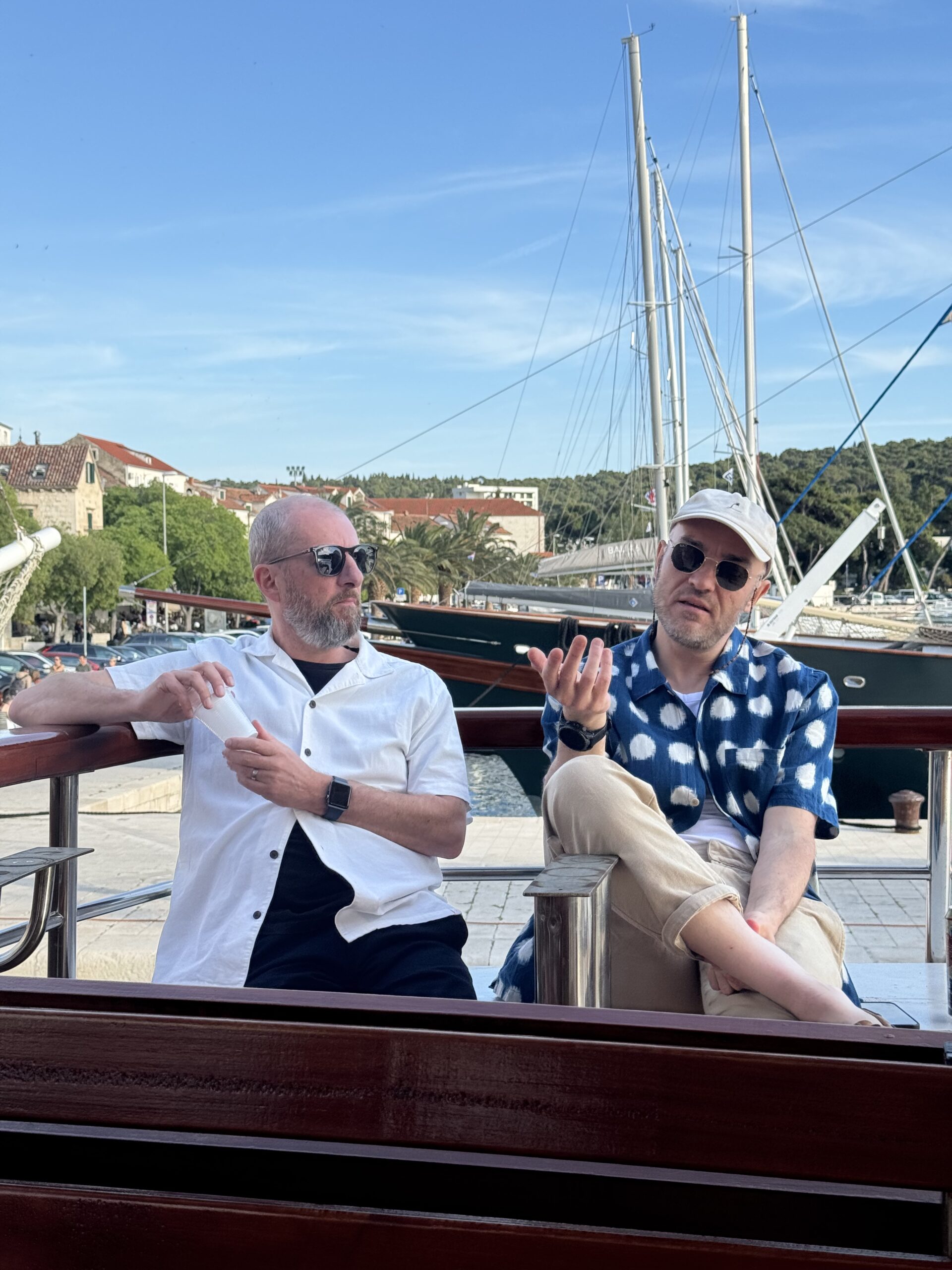
The gongs were dished out at a glittering ceremony out at sea off the coast in Brela, Croatia, a couple of weeks ago.
Tom Willmot, Human Made CEO, said:
“The awards were such a great addition to our retreat. The ceremony itself was filled with emotion, gratitude, love, and tears! It’s powerful to be recognised by peers you respect, and rewarding to endorse someone publicly.
“Congratulations to each of the deserving winners (listed below) and thank you to everyone who took part. I think these will be a regular feature from now on”.
Culture Champion Recognising someone who lives our values, brings people together, and helps make Human Made the kind of place people want to work.
Winner: Zoe Hoyle
Technical Wizardry For the person whose technical skill, problem-solving, or engineering craft has set a new bar this year.
Winner: Sam Miller
Biggest Cheerleader For the colleague who consistently lifts others up, celebrates wins big and small, and brings warmth and encouragement to the team.
Winner: Vojislav Vlasic
Client Whisperer For the person who builds exceptional relationships with the clients we partner with — turning trust into long-term success.
Winner: Sarah Jones
Behind the Scenes For the unsung hero whose work keeps everything running — often without anyone realising just how much they do.
Winner: Fatima Rampurawala
Leadership Impact For the person whose leadership — whether formal or informal — has had a real, positive impact on the people around them this year.
Winner: Adam Brown
Creative Spark For the person bringing fresh ideas, original thinking, and a bit of magic to their work.
Winner: Pawel Mikolajek
Human Made Hero Our headline award. For the person who, more than anyone this year, has embodied what it means to be part of Human Made.
Joint winners: Hannah Terrill and Jenny Wong
Awards like these aren’t really about trophies and acceptance speeches. They’re about creating space for us all to appreciate the amazing work our colleagues do throughout the year.
Human Made is built on the belief that people bring the heart to the technology we build, and these awards provide a small way of allowing us all to celebrate exactly this.
They serve as a reminder of the brilliant people we work with, the amazing work we do for our clients and the fun we have along the way.
Congratulations to all our winners and nominees and thank you to everyone at Human Made for being part of what makes this company so unique.
It had been nearly two years since we were last on retreat together in Greece, which, in a company like ours, feels like a very long time.
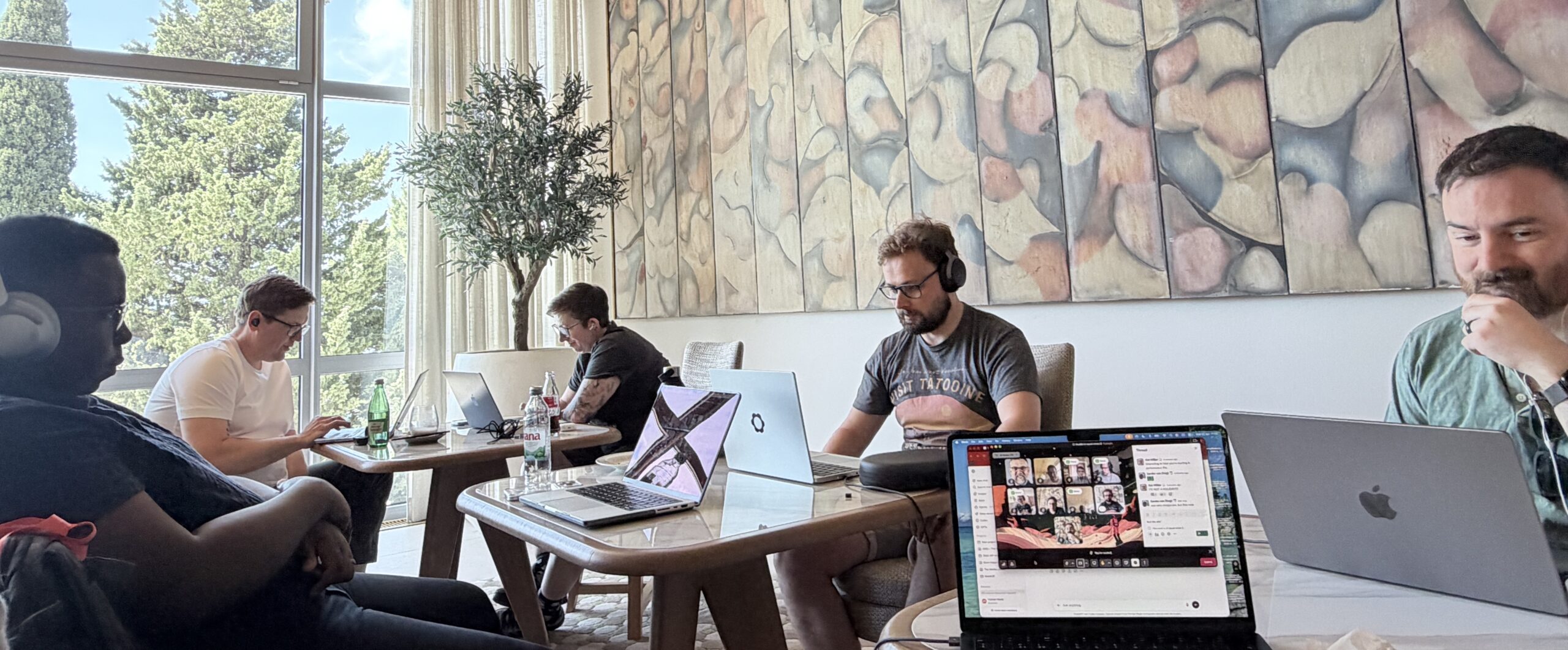
Last week, we brought Human Made back together again, this time on the Croatian coast, surrounded by mountains, sea air, and the kind of setting that invites both reflection and energy in equal measure. As a remote company, these moments are not incidental to how we work, they are fundamental to it, giving us the opportunity to reconnect in ways that simply are not possible through a screen and to strengthen the relationships that sustain us throughout the rest of the year.
There is always a moment, usually quite early on, where you can feel the shift happen, where conversations begin to flow more easily, where familiarity replaces distance, and where the company, which normally exists across time zones and Slack threads, becomes something tangible again.
Ready, steady, Croatia!
Bringing a global team together in one place is no small undertaking, and it takes a remarkable amount of coordination, care, and attention to detail to make it happen in a way that feels effortless once we arrive.
I want to start by recognising everyone who contributed to making this retreat possible – in particular our retreat organisers Zoe, Leyla, Hannah, and Fatima – because events like this do not come together by accident, and the experience we all had last week is the result of a huge amount of unseen work.
What continues to stand out to me each time we do this is just how quickly people settle into being together, how conversations that might take weeks to unfold remotely instead happen within minutes, and how connections form naturally across teams, disciplines, and experiences.
There is a sense of ease that emerges, and with it, a level of understanding and collaboration that carries forward long after the retreat itself has ended.
Finding our retreat flow
Every retreat develops its own character, shaped as much by the people as by the moment we find ourselves in as a company, and in Croatia there was a clear sense of exploration running throughout the week.
This year, that exploration centred around AI, not just as a topic, but as something actively being tested, questioned, and understood across the entire organisation. What was particularly striking was the breadth of experience, from those in the agency who are already deeply embedded in using these tools to reshape their work, to those who are only just beginning to understand what might be possible.
What was encouraging, and genuinely exciting, was how quickly that gap began to close once we were all in the same space.
People shared openly, demonstrated how they approach problems, and helped each other unlock new ways of thinking about their day-to-day work, often in ways that felt immediately practical rather than theoretical. You could see confidence building in real time, not just within engineering, but across every discipline, as people realised that these tools are not confined to one role or one way of working.
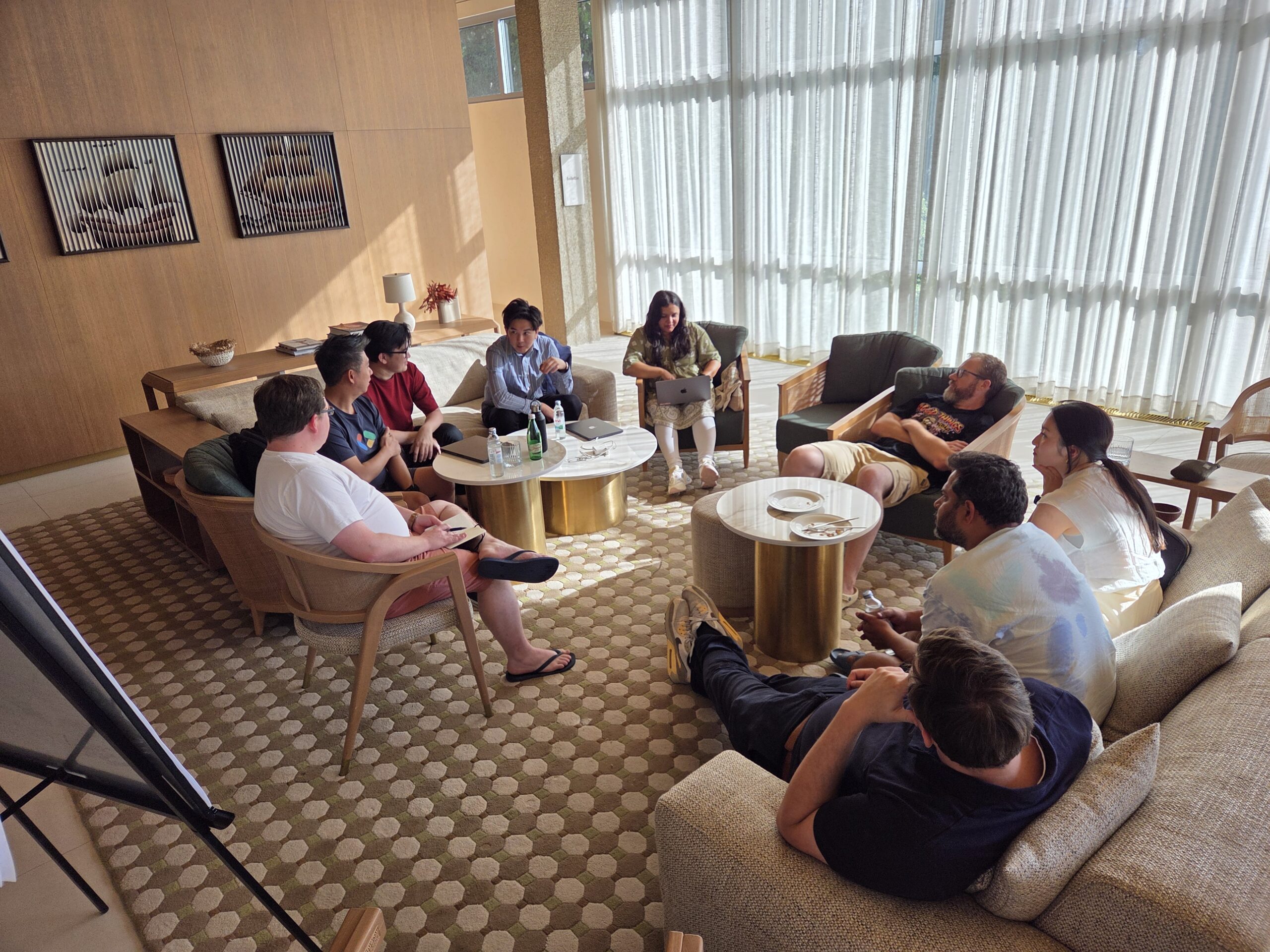
The AI hackathon we ran across part of the week brought all of this together in a way that felt both energising and revealing, as teams formed around ideas, experimented freely, and pushed into new territory without the expectation that everything needed to be fully formed or successful.
What mattered was the willingness to engage, to try, and to learn from each other, because that is ultimately where meaningful progress begins.
The value of being together
We often talk about the benefits of being a remote-first company, and there are many, but being together in person serves as a powerful reminder of what underpins all of it.
There is a natural flow to in-person conversation that is difficult to replicate elsewhere, where ideas evolve more quickly, context is shared more easily, and collaboration becomes something dynamic rather than structured. More than that, it allows people to understand each other beyond their roles, to build trust, and to develop the kind of relationships that make working together not just more effective, but more enjoyable.
That sense of connection is not something that stays behind when the retreat ends, it becomes part of how we work moving forward, shaping the way we communicate, collaborate, and support each other throughout the year.
The moments that matter
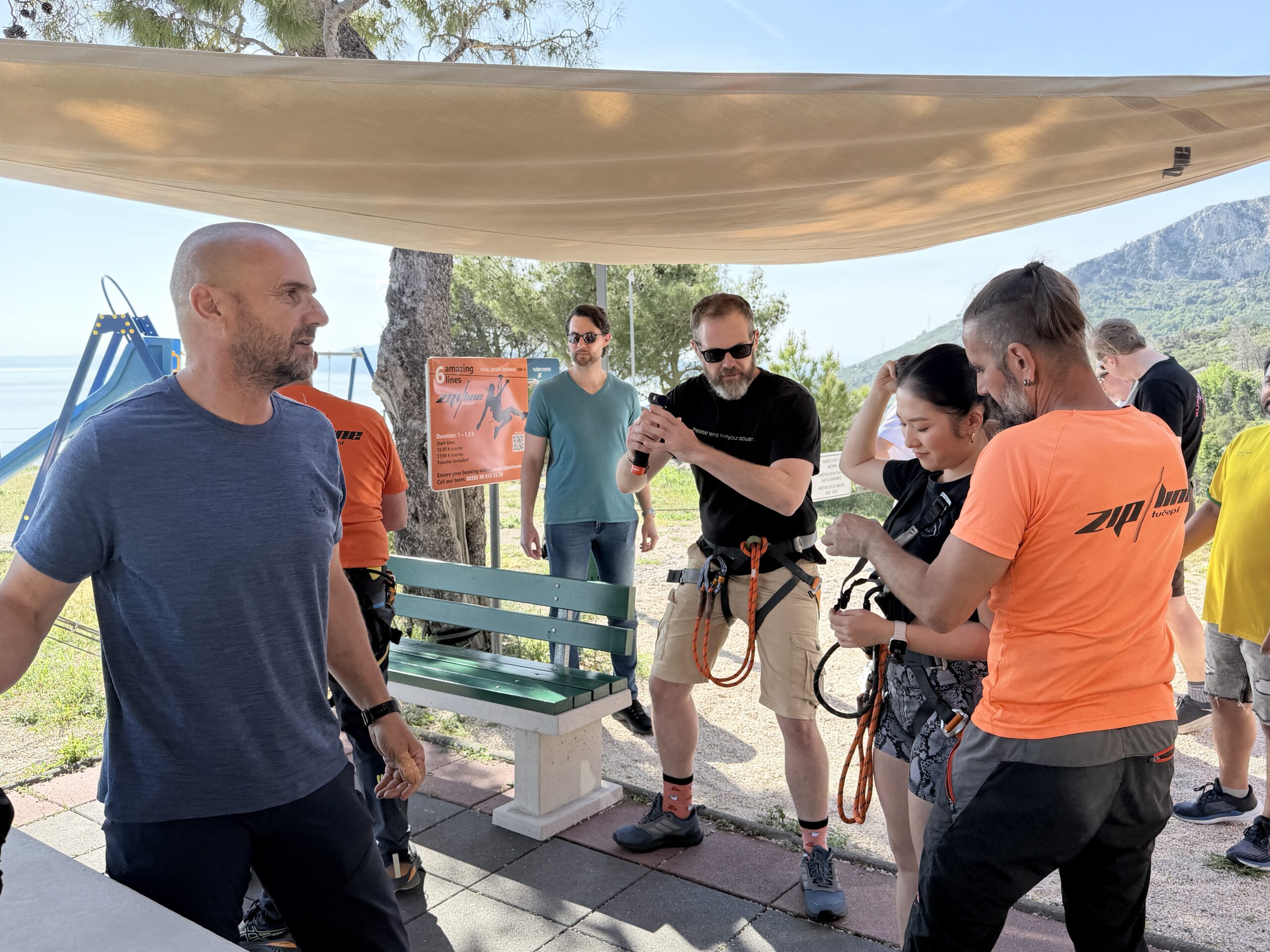
Alongside the work, there were countless moments that captured the spirit of what these retreats are about, from shared meals and late-night conversations to the energy of a pub quiz, the celebration of HM’s birthday out on the water, and the quieter interactions that often leave the most lasting impression.
There were people stepping outside their comfort zones, others discovering new confidence in sharing their ideas, and many simply enjoying the opportunity to spend time together in a way that is rarely possible in our day-to-day work.
These moments may seem small in isolation, but collectively they form the foundation of our culture, not as something defined in words, but as something experienced and carried forward by everyone who is part of it.
Looking ahead
Each time we come together, I’m reminded of what makes Human Made what it is, which is not just the work we do, but the way in which we approach it, with openness, curiosity, and a genuine willingness to learn from one another.
Croatia gave us the space to reconnect, to explore new ideas, and to strengthen the relationships that make our work possible, and it is that combination that continues to define us as a company.
Thank you to everyone who made it what it was.
Now we take that shared experience, that energy, and that momentum, and carry it forward into everything that comes next.
AI is already part of how enterprise teams work. Quietly in some places, more visibly in others.
Editors use it to summarise long-form content. Marketers lean on it for campaign copy and optimisation. Content teams use it to analyse performance and spot gaps. What started as experimentation has moved into daily workflow faster than most platforms have been able to keep up with.
That gap is where things start to get messy.
Where things start to break down
In many organisations, AI still sits outside the core publishing environment.
An editor drafts in the CMS, switches to an AI tool to generate a summary, copies it back, tweaks it, then repeats the process for metadata, headlines, or social variations. Multiply that across teams, regions, and content types, and it quickly becomes fragmented.
It works, up to a point. Then it doesn’t.
Outputs vary in quality. Content loses structure. There’s no consistent way to apply standards or track how AI is being used. What feels like a productivity boost at the individual level starts to create friction at scale.
The platform, instead of supporting the workflow, sits slightly to one side of it.
Bringing AI into the editorial experience
The real shift happens when AI moves into the platform itself.
Inside WordPress, AI can become part of the editorial flow rather than something separate. Editors can generate summaries, refine copy, suggest metadata, or enrich content without leaving the interface they already know.
That alone reduces friction. But the bigger impact comes from what happens behind the scenes.
Because the content stays structured, those AI-generated elements are more than text pasted into a field; they’re part of a system that can be reused, queried, and adapted across channels. A summary becomes an input for search. Metadata feeds personalisation. Structured content opens up new distribution paths.
Small changes in workflow start to compound.
From isolated tasks to connected workflows
Most early AI adoption focuses on speeding up individual tasks.
Write this faster. Summarise that quicker. Generate a few variations.
Useful, but limited.
The bigger opportunity sits in connecting those tasks together into workflows that build on each other. Analysing a content archive to surface high-value material. Extracting entities and applying consistent taxonomy. Feeding that structure back into new content creation.
Over time, the platform becomes smarter about the content it holds.
Teams spend less time repeating the same work and more time shaping outputs. Editorial effort shifts from production to refinement. Consistency improves without adding overhead.
That is where scale starts to show.
Making governance part of the system
As AI becomes more embedded, the conversation quickly moves beyond productivity.
Accuracy matters. Bias matters. Brand voice matters. At enterprise scale, those concerns cannot be handled informally or left to individual judgement.
They need to be designed into the system.
WordPress gives teams the ability to do that. Review steps can be built into workflows. Permissions can define who can generate, edit, and publish AI-assisted content. Prompts can be managed centrally. Outputs can be tracked and audited.
Nothing sits in a black box.
This creates a different dynamic. Teams can move quickly, experiment with new use cases, and still maintain control over what goes live. Governance becomes part of the workflow, not something layered on afterwards.
Why flexibility matters more than ever
AI capabilities are evolving at pace.
New models, new providers, new use cases. What works today might not be the right fit in six months. Locking into a single approach too early can limit what teams are able to do later.
This is where platform flexibility becomes critical.
With WordPress, AI integrations can be adapted over time. Different services can be connected through a consistent interface. Workflows can evolve as teams learn what delivers value. There is room to experiment without committing to a fixed path.
That ability to adjust matters just as much as the initial implementation.
It also points to where things are heading. WordPress is beginning to move beyond simple integrations towards a more agent-driven model, where AI can take on more active roles within workflows. If you want a deeper look at that direction, this piece on WordPress as an agentic platform explores what that could mean in practice.
Publishing is becoming more dynamic
Content no longer moves in a straight line from draft to publish.
It is analysed, enriched, updated, and redistributed across multiple touchpoints. A single piece might feed a website, an app, a newsletter, a recommendation engine, and a search experience. AI helps drive that process, but only when it is connected to where the content actually lives.
Otherwise, it becomes another disconnected layer.
Platforms that support this kind of dynamic publishing tend to share a common trait. They treat content as structured data, not just formatted text. That structure is what allows AI to add value beyond surface-level generation.
It is what makes content reusable, adaptable, and easier to govern.
Closing the gap between capability and execution
AI adoption is accelerating, regardless of whether platforms are ready.
Teams will continue to use it where they can. The risk is not adoption itself, but inconsistency. Different tools, different standards, different outputs. Over time, that becomes harder to manage and harder to scale.
Bringing AI into the core platform closes that gap.
For enterprise teams working with WordPress, that shift is already underway. The platform’s extensibility makes it possible to integrate AI in ways that reflect real workflows, not idealised ones. It allows teams to move faster while keeping structure, visibility, and control.
That balance is what turns AI from a useful tool into a meaningful capability.
And it is what will define how publishing continues to evolve.
Enterprise platform decisions are often framed as a choice between build or buy. Either you invest in something bespoke, or you purchase a proprietary system that promises speed and structure.
But for many enterprise organisations, that framing no longer fits.
Digital platforms now have to support multiple brands, markets, teams, channels, integrations, and increasingly, AI-enabled workflows. Requirements change quickly. New services need to be added. Legacy systems need to be replaced gradually. Teams need to move faster without losing control.
In that environment, the strongest platform strategy is not always to rebuild from scratch or commit to a single vendor-led roadmap. It is to evolve.
The limits of traditional replatforming
Large-scale replatforming projects often begin with good intentions. The current platform feels too slow, too expensive, or too difficult to change. A new system promises a clean break.
The problem is that enterprise complexity doesn’t disappear when a platform changes. It moves.
Content models, integrations, governance, editorial workflows, compliance requirements, performance needs, and internal processes all still need to be understood and supported. A big-bang migration can create risk, delay value, and force teams to make decisions before they have had a chance to test what works.
By the time the new platform is live, requirements may already have shifted.
Why evolution is a better fit for modern digital teams
An evolution-led approach treats platform change as an ongoing process, not a one-off transformation.
Instead of replacing everything at once, organisations build on a flexible foundation and improve it over time. Capabilities can be added, replaced, or refined as business needs change. Integrations can be modernised in stages. Teams can validate decisions earlier and reduce disruption.
This is where open platforms like WordPress are especially powerful.
WordPress gives enterprises the ability to shape the platform around their needs, rather than adapting their organisation to fit a fixed product model. It can support traditional, headless, hybrid, multisite, and composable architectures, depending on what each part of the business requires.
Flexibility reduces long-term risk
At enterprise scale, the cost of change matters.
A platform that is quick to launch but difficult to adapt can become expensive over time. Licensing tiers, constrained integrations, vendor dependencies, and customisation limits all affect how easily an organisation can respond to new priorities.
Open architecture changes the equation.
With WordPress, teams can change hosting providers, integrate specialist tools, adopt new services, and evolve workflows without being tied to a single vendor’s roadmap. That flexibility reduces lock-in and gives organisations more control over both cost and direction.
Evolution supports better governance
Continuous evolution doesn’t mean uncontrolled change.
In fact, it works best when governance is built in from the start. Shared standards, reusable components, role-based permissions, approval workflows, security practices, and clear ownership models all help distributed teams move quickly while staying aligned.
For global, multi-brand, or multi-language organisations, this balance is critical. Central teams can maintain consistency while local teams retain the flexibility to serve their own markets.
The role of WordPress in an evolving enterprise stack
Modern enterprise platforms rarely operate alone. They sit within a wider ecosystem of DAMs, CDPs, analytics tools, commerce platforms, search services, and AI providers.
WordPress fits naturally into this kind of composable architecture. It can act as the content layer, the publishing interface, the integration point, or part of a wider digital experience platform.
That makes it well suited to phased change. Organisations can start with a focused use case, prove value, then expand over time.
From replacement mindset to evolution mindset
The most successful enterprise platforms aren’t static; they improve continuously.
That requires a shift in mindset. Instead of asking which platform will solve every problem today, leaders should ask which platform gives them the most room to adapt tomorrow.
For many organisations, WordPress provides that foundation: open, extensible, widely adopted, and capable of supporting complex digital operations at scale.
Replatforming may still be necessary. But the goal should not be another fixed end state.
The goal should be a platform that can keep changing.
For non-technical stakeholders, choosing a WordPress agency can feel like guesswork.
Most agencies sound convincing. Many have polished portfolios. Pricing varies wildly. And without a technical background, it is difficult to separate genuine engineering expertise from surface-level competence.
That gap matters.
The technical decisions made early in a WordPress project shape everything that follows: performance, scalability, security, editorial experience, and long-term cost. Two sites can look identical at launch and behave completely differently six months later.
We’re here to help you spot that difference.
Why technical depth matters more than you think
At a glance, most WordPress builds look similar. Under the surface, they rarely are.
Less experienced agencies tend to optimise for speed of delivery. That often means leaning heavily on page builders, stacking plugins, or introducing custom code that bypasses WordPress conventions. It works, until it doesn’t.
What that usually leads to:
performance that degrades as the site grows
updates that break critical functionality
security exposure through poorly maintained dependencies
rising maintenance costs over time
difficulty integrating with other systems
less editorial flexibility and creativity
developer support is required for simple content or design updates
More mature teams take a different approach. They build with WordPress, understand its capabilities and are close to its evolving roadmap. They make fewer shortcuts early on, so you aren’t paying for them later.
The difference is rarely visible in a demo. It becomes obvious in ownership.
WordPress core alignment and contribution
A simple way to gauge technical maturity is to look at how an agency relates to WordPress itself.
WordPress isn’t static. It evolves continuously through an open-source community. Agencies that stay close to core benefit from that evolution. Agencies that fight it tend to carry increasing technical debt.
You are looking for alignment, not reinvention.
Strong signals include a preference for native functionality, a clear awareness of upcoming changes, and an absence of unnecessary abstraction layers. The best teams will also contribute back, whether that’s to core or the wider ecosystem. The Five for the Future pledge database is a great resource for checking which organisations have made a commitment to contribute regularly.
That contribution matters. It’s one thing to use WordPress; it’s another to help shape it.
If you are not sure how to assess this, ask directly:
Do you contribute to WordPress?
How do you stay aligned with core updates?
Where have you deliberately chosen core over custom?
Clarity and intent are more important than perfect answers. There’s got to be an obvious culture of contributing from the top down.
Modern WordPress: Full Site Editing and the block editor
WordPress has changed significantly. Not every agency has kept up.
The block editor and Full Site Editing represent a shift towards a more flexible, system-driven way of building sites. They’re more than new tool: they change how content teams work and how sites evolve.
Get the whole story on Full Site Editing and what it means for enterprise teams.
Some agencies still default to older approaches. Classic themes. Heavy page builders. Layered abstractions that make simple things harder than they should be.
That’s not always wrong, but it should always be a conscious choice.
A technically strong agency will be comfortable explaining where modern WordPress fits, where it does not, and why.
In practice, that usually means:
They treat the block editor as the foundation, not an add-on.
They understand block-based theming and where Full Site Editing is appropriate.
They create custom blocks when it adds value, not as a default.
They think about the editor experience as carefully as the front end.
If those points are missing from the conversation, that tells you something.
Code quality and engineering standards
You don’t need to read code to understand whether an agency takes engineering seriously.
You just need to listen to how they describe their work.
Teams with strong engineering practices tend to talk about process with confidence and specificity. They can explain how things are built, tested, and maintained without resorting to jargon or hand-waving.
Look for evidence of discipline.
Version control is standard. Code is reviewed. Deployments are structured, not manual. There is a clear approach to testing, even if it is pragmatic.
Just as importantly, they can connect those practices to outcomes.
Performance is considered from the start, not retrofitted. Accessibility is treated as a requirement, not an enhancement. Security is built in, not patched on.
If the answers feel vague or overly simplified, they probably are.
Questions to ask in a pitch or discovery meeting
You don’t need technical knowledge to ask effective questions. You just need to focus on how decisions are made.
A few well-placed questions can reveal a lot:
How do you decide what should be custom versus using existing WordPress functionality?
What does a well-architected WordPress project look like to you?
How do you approach performance from the start of a project?
What technical mistakes do you see most often in WordPress builds?
How do you ensure the site is maintainable over time?
Then listen carefully.
Strong agencies will talk about trade-offs. They will explain why, not just what. And they will connect technical decisions back to business outcomes without being prompted.
Personability and working relationship
Technical capability matters. But so does what it is like to actually work with the team.
Most enterprise WordPress projects are not short engagements. They involve ongoing collaboration, trade-offs, and moments where clarity matters more than speed. The relationship you have with the agency will shape that experience just as much as their technical decisions.
It is worth asking a simpler question alongside everything else: can you see yourself working closely with these people?
Trust is a useful proxy here.
Do they listen carefully to your brief and reflect it back with clarity? Do they explain their thinking in a way that makes sense, without defaulting to jargon? When something is complex, do they simplify it or hide behind it?
The strongest teams are able to translate technical decisions into clear, practical implications. They bring you into the process rather than keeping you at a distance.
There is also a more human dimension to consider.
Is the conversation easy, or does it feel strained? Do they challenge you constructively, or simply agree? Can they navigate ambiguity without creating confusion?
These signals matter because they compound over time.
A technically strong agency that communicates poorly can make a project feel difficult. A truly effective partner will make the process feel structured, collaborative, and, importantly, manageable.
That does not mean every interaction needs to be effortless. But it should feel like a working relationship you would be comfortable relying on.
Red flags to watch for
Some warning signs are easy to miss if you are not looking for them.
Over-reliance on page builders without a clear reason is one. So is solving simple problems with large numbers of plugins. Proprietary frameworks that lock you in should raise questions immediately.
Pay attention to tone as well as content.
If an agency dismisses WordPress core, avoids discussing the block editor, or struggles to explain their decisions in plain language, that is usually a signal of weak foundations.
Equally, if there is no clear story around updates, maintenance, or long-term ownership, you should assume it has not been thought through.
Making a confident decision
You don’t need to become an expert to evaluate one.
The best WordPress agencies are capable, but also intentional. They align with the platform, invest in good engineering practices, and build with the long term in mind.
Just as importantly, they can explain all of that clearly.
If you focus on those signals, you move the conversation away from surface-level comparisons and towards something more meaningful.
After a couple of delays, WordPress 7.0 is scheduled to land on May 20th.
We’re looking at this through the lens of the beta releases and recent core updates, so some details may still shift. But the overall direction is already clear, and it’s one enterprise teams have been waiting for.
This is the release where WordPress starts to feel like it’s designed for how large organisations actually run.
A platform that’s catching up with how it’s used
Enterprise teams have been stretching WordPress to fit complex needs for years. Governance, consistency, performance, multi-team workflows, all solved through a mix of plugins, custom code, and process.
It works well, but it comes at a cost.
What’s happening in 7.0 is a gradual pullback of that complexity into core. The platform is starting to take responsibility for problems teams have been solving themselves for a long time.
That shift is where the real value is.
The editor finally behaves like a controlled environment
One of the most important changes in 7.0 is also one of the least visible.
The editor is now always iframed.
That brings a level of consistency that has been hard to guarantee across environments. Styles are properly isolated. What you see in the editor is far closer to what gets rendered on the front end, without unexpected bleed from themes or admin styles.
For teams running large platforms, this is a big step forward.
There is some cleanup involved. Older plugins and custom integrations that rely on direct access to the global document will need updating. But once that’s done, the editing experience becomes much more predictable.
And predictability is what scales.
Design systems start to hold their shape
Keeping content consistent across teams, regions, and brands is where things usually start to drift.
Building on the leaps forward in WordPress 6.9, WordPress 7.0 gives teams better tools to keep that under control without slowing anyone down.
Templates are clearer about what can and can’t be changed. Patterns are easier to treat as reusable, governed components. Block-level controls behave more reliably across different contexts.
All of that adds up to a system that reinforces the design system instead of relying on people to remember it.
For engineering teams, it means fewer edge cases and less defensive code. For content teams, it means fewer accidental breakages and a smoother path to publishing.
Governance gets simpler
If you’ve ever had to manage permissions and workflows across a large editorial team in WordPress, you’ll know how quickly things can get complicated.
Plugins help, but they also introduce more moving parts.
WordPress 7.0 improves the baseline here. Permissions are more flexible, ownership is clearer, and a lot of the common governance needs can be handled without reaching straight for additional tooling.
That doesn’t remove the need for custom workflows in complex organisations, but it does reduce how much of that logic sits outside core.
Fewer dependencies, fewer surprises when it comes time to upgrade.
Performance that keeps up with modern builds
Block-based sites are powerful, but they can get heavy fast.
7.0 includes improvements that target that complexity directly. Rendering is more efficient, assets are loaded more selectively, and caching behaves more consistently.
These are the kinds of changes that don’t always show up in screenshots but make a real difference in production.
For high-traffic platforms, it means more stable performance without as much ongoing tuning. For teams, it means less time chasing regressions and more time building.
Developer experience is moving in the right direction
There are a few updates in the recent developer notes that are worth paying attention to.
Block visibility tied to viewport opens up new ways to handle responsive behaviour directly in the editor. That changes how content models are designed and reduces reliance on front-end-only solutions.
Per-block custom CSS is also coming into play. Useful, but something teams will want to manage carefully to avoid introducing inconsistency at scale.
The common thread is that more capability is moving into the block layer. That’s powerful, but it also means teams need to think more deliberately about how they govern it.
A better fit for modern architectures
Most enterprise platforms aren’t running WordPress in isolation.
They’re integrating with front-end frameworks, personalisation tools, analytics platforms, and more. In that world, consistency in data and APIs is essential.
7.0 continues to make progress here. Block data is easier to work with, API responses are more predictable, and the gap between what editors create and what developers consume keeps getting smaller.
For headless and hybrid setups, that reduces friction across the board.
WordPress 7.0: What to look at before May 20th
With the release just around the corner, now is the time to start testing.
A few areas worth focusing on:
Editor integrations Check anything that interacts directly with the editor environment, especially where it touches the DOM.
Design system enforcement Look at how templates and patterns are used today and where core features can take over.
Permissions and workflows Review your governance model and see what can be simplified.
Performance on complex pages Test the pages that tend to cause problems and see how they behave on the latest beta.
Plugin compatibility Pay close attention to plugins that interact with the admin or editor experience.
Where this leaves enterprise WordPress
WordPress has been running enterprise platforms for a long time. What’s changing with WordPress 7.0 is how much effort it takes to keep things running well.
More of the patterns that teams have built around WordPress are now becoming part of the platform itself. That reduces duplication, lowers maintenance overhead, and makes upgrades less of a balancing act.
There’s still work to do, especially for platforms with a lot of legacy customisation. But once that alignment is in place, the payoff is a system that’s easier to manage and more predictable over time.
Our recent event, WP:26, was a deep dive into the future—and I was completely fired up to see us gather technologists, publishers, and platform leaders to explore the key patterns shaping WordPress in 2026 and beyond. We packed an afternoon full of talks and discussions, covering the massive impact of AI, accessibility, enterprise publishing, and evolving web standards on the essential role of a CMS.
To cap off a day of critical insight and conversation, we hosted a truly amazing final panel discussion, ‘Why we’re backing WordPress in 2026’, with an exceptional line-up of speakers.
Although Executive Director of WordPress, Mary Hubbard, was unable to attend live, she was kind enough to provide a video intro to kick us off:
“The question isn’t just which CMS should we use; it’s ‘which platform can and will evolve with us?’ WordPress’ enduring strength is its ability to adapt to changing demands and evolving organisational needs… What really sustains the platform is the ecosystem around it, the community, the contributors, and the organisations pushing it forward in production every day.” – Mary Hubbard, Executive Director, WordPress
The core of our discussion centred on how and why enterprise brands are actively choosing and investing in WordPress as their platform of the future. The conversation was grounded in the reality of the challenges faced by media companies in 2026—from managing content at a massive international scale to navigating a rapidly shifting technological landscape.
We heard first-hand accounts of how WordPress enables huge international publishing brands to meet these challenges. The consensus was clear: the platform’s adaptability, open nature, and robust ecosystem are its greatest assets when faced with the demands of an enterprise environment.As Gabriel Koen, SVP, Technology at PMC, noted:
“WordPress does a great job of staying modern… the fact that we’ve been able to build on top of it for almost two decades and still see it as the platform for the next several years is pretty remarkable.” Gabriel Koen, SVP, Technology, PMC
From Drupal to WordPress: The CERN example
One of the most compelling threads of the discussion—and something that really excited me—was the story of CERN, the birthplace of the world wide web, and their decision to embrace WordPress after moving from Drupal.
Joachim Valdemar Yde, Web Manager at CERN, provided amazing insight into how one of the world’s most significant scientific organisations chose to standardise on WordPress after a year-long, 14-requirement evaluation against alternatives like Wix and Squarespace. He stressed the importance of having a system that allows their users—scientists and researchers—to be content creators, not web developers.
The move by an organisation like CERN highlights a major shift: WordPress is no longer just a blogging tool, but a flexible, scalable, and future-proof enterprise platform ready for the next generation of web challenges.
Enterprise-grade solutions for what’s to come
The panel also addressed the essential role of enterprise-grade solutions and partnerships in preparing brands for the future. Steph Yiu noted a surge in new enterprise interest driven by AI, which I think is a really important shift:
“AI is forcing innovation across every business… We want to build on a future-proof platform. Closed just isn’t going to cut it for me anymore. I want to build on an open stack.” – Steph Yiu, CEO of WordPress VIP
This perspective underscored that enterprise adoption isn’t just about the open-source software itself, but also the world-class hosting, support, and strategic development partners that turn a flexible CMS into a mission-critical business platform. It’s the combination of the open-source core and the mature, robust ecosystem that provides true peace of mind for global brands.
The conversation also touched on the critical transition of AI from experimentation to production. Gabriel discussed using AI behind the scenes for content translation and processing vast print archives, while Umer shared News UK’s focus on leveraging AI to streamline print and digital publishing workflows to “take entire swathes of effort out of your business.”
If you want to make a dent with AI, you have to take entire swathes of effort out of your business and I think that’s really where the fundamentals are for us at the moment. We’re still a print business and it’s a huge part of our revenue stream, although it’s sort of counter to the WordPress ethos, WordPress is where we do all of our authoring for our print content or certainly where we want to move all of our authoring for our print content alongside our digital content. So, a big part of what we’re working on at the moment is how we streamline workflows. – Umer Ehsan, Director of Technology – Content, News UK
The Future-Proof Platform for Enterprise
If there was one idea that framed the end of WP:26, it was this:
WordPress is the definitive, future-proof platform for the enterprise web.
The final panel discussion reinforced the core message of the day: WordPress is evolving, driven by an open community and backed by the world’s largest digital brands. The platform’s ability to evolve, adapt to modern challenges (be it AI, headless architecture, or new publishing models), and maintain a stable core is why we—and so many others—are backing it for 2026 and beyond.
The collective backing of the panelists, from the platform’s governing body to global publishing and scientific institutions, offers an undeniable picture of its long-term viability and central role in the future of the web.
For me, this event was a tremendous success. We dove deep into the patterns shaping WordPress, and I’m immensely proud that we’ve once again brought together such a vibrant, community-driven event. My sincere thanks go to our incredible panel—Gabriel, Umer, Joachim, and Steph—for generously sharing their time and such critical insights with us. It’s the passion and commitment of people like them that truly sustains the platform and continues to push us forward in production every single day. I couldn’t be more hyped about what we’ll achieve together in the years to come.
At WP:26, Human Made’s virtual event exploring the future of WordPress, much of the conversation focused on what’s changing across the web. AI is accelerating workflows, enterprise platforms are becoming more complex, and expectations around digital experiences continue to rise.
But in the middle of all that change, one session brought the conversation back to something more fundamental.
In a conversation with Rian Rietveld, we explored accessibility not as a compliance exercise or a checklist, but as a core part of how we design and build for the web. It quickly became clear that while the tools and technologies around us are evolving rapidly, the question of who we are building for remains just as important as ever.
Throwing off the shackles of compliance checklists, Rian delivered a clear and focused take on how accessible design fundamentally impacts your audience reach and revenue. Across an insight-packed 30-minutes, she guided us through the current state of WordPress accessibility, the awesome WP Accessibility Knowledge Base project she’s been working on, and—crucially—the highest-return investment teams can make today.
Read on to get the key moments and insights from Rian’s session.
From compliance to commercial reality
One of the most striking themes from the session was how quickly the conversation around accessibility is shifting. What was once framed as a compliance requirement is increasingly being recognised as a commercial imperative.
Excluding users with disabilities doesn’t just create a poorer experience, it actively limits your audience. As Rian pointed out, that audience is far from marginal. In fact, the cost of getting accessibility wrong is measurable, with billions in lost revenue each year in markets like the UK alone.
For teams building on the web, this reframes the challenge. Accessibility is no longer about meeting minimum standards or ticking regulatory boxes. It is about ensuring your product is usable by as many people as possible, not only because it is the right thing to do, but because it directly impacts reach, engagement, and ultimately, revenue.
Accessibility, AI, and search are converging
One of the most interesting parts of the discussion was how accessibility is increasingly intersecting with other concerns that teams are already prioritising, particularly around AI and search.
As highlighted throughout WP:26, machines are playing a growing role in how content is discovered, interpreted, and acted upon. Whether it is search engines, assistive technologies, or AI agents, all of these systems depend on the same underlying signals to make sense of the web.
Those signals are not new. They include things like semantic HTML, clear heading structures, meaningful labels, and predictable interactions. In other words, the same practices that have always underpinned accessible design.
What is changing is the level of importance. Accessibility is no longer a separate consideration running alongside SEO or AI readiness. It is becoming part of the same foundation. If content is not structured in a way that machines can understand, it becomes harder to find, harder to interpret, and ultimately less useful.
That convergence raises the stakes. Getting accessibility right is no longer just about supporting specific users. It is about ensuring content works in an increasingly machine-mediated web.
Actionable strategy: The highest-return on investment
If advising a digital leader, Rian shared the single highest-return investment in 2026:
Training people: Train your designers, content creators, and developers on how to build accessible products. Most accessibility is “just decent code, decent HTML.”
Prioritise keyboard navigation: A website and all its functionality must be able to work with the keyboard only. This is the essence of accessibility and should be a non-negotiable testing priority.
Contribute to the Knowledge Base: Rian encouraged the community to get involved with the WP Accessibility Knowledge Base to create one central source of truth for all WordPress accessibility documentation.
“If you create only for perfect people, people who have perfect eyesight, are clear of mind, can move their hands, are web savvy. Well, then you say, okay, only those people are allowed in my web shop and the rest of the people I don’t give access to and the rest of the people are quite a lot of people. So you have to take into account that you build for everyone, not only for perfect people.” – Rian Rietveld, Web Accessibility Specialist.
On 12 March 2026, WP:26 assembled the brightest minds in the WordPress ecosystem to explore the trends actively redefining the platform. From AI-driven workflows and the agentic web to accessibility and the future of search, we went beyond the surface to unpack what’s changing and what it means for building with WordPress at scale.
One of the most insight-packed sessions came from Alex Moss, Principal SEO at Yoast, who provided a focused examination of the search landscape’s rapid evolution.
From SEO to AI Search Optimisation: Catch up on the replay of the session and read on to get the strategic takeaways from our essential WP:26 session on AI’s impact.
Throwing off the shackles of buzzwords and new acronyms, Alex delivered a clear and focused take on how the arrival of AI has fundamentally impacted search, content discoverability, and content strategy for all of us. Across an insight-packed 30-minutes, he guided us through where the industry has been, what’s happening right now, what the future might look like, and—crucially—what actionable steps enterprise teams can take today.
Read on to get the key moments and insights from Alex’s session.
The generative shift: from clicks to decisions
The native search experience has been disrupted by Large Language Models (LLMs), moving from a list of 10 links to a model of retrieval and generation that delivers conversational, contextual, and increasingly personalised answers. The focus for publishers is now shifting from maximising clicks to driving decisions and selections via AI agents.
The rise of GEO (Generative Engine Optimisation)
Alex introduced GEO, defining it as:
“optimising content for generative AI search environments, like LLM-powered engines to make it discoverable, trustworthy, and authoritative.” – Alex Moss, Principal SEO at Yoast.
The key takeaway? “Good SEO is good GEO”, because the core principles correlate.
Actionable strategy: The four pillars for SEOs
Alex detailed the four crucial areas to focus on this year, including:
Editorial standards: Mediocre content will not survive. Content must be unique and human-driven, but it must also be machine-readable (e.g., concise conclusions, proper headings, lists, evidence, and citations).
Discoverability and EEAT: The goal is to assist the AI agent in synthesising the answer. This structural shift requires adherence to the EEAT framework (experience, expertise, authority, trust) to ensure your brand is validated by the system.
Data integrity: Structured data is more important than ever. Technologies like Yoast Schema Aggregation and Cloudflare’s /crawl endpoints are emerging to allow LLMs to ingest an entire site’s structured data at once, leading to greater efficiency and fewer hallucinations.
Success Metrics: Clicks and impressions are becoming less valuable. Discovery is the new valuable metric, and SEOs need to update their reporting to track how the brand is being seen and cited across different LLMs.
“If you’re one of those companies where if I go to the about page and read three sentences and I still don’t know what you do, that’s for the human. That’s not for the machine. Make sure that everything’s machine readable and make sure that everything’s concise, everything is structured well.” – Alex Moss, Principal SEO at Yoast.
At WP:26, Human Made’s virtual event exploring the future of WordPress, we asked a simple question:
What patterns are shaping the web in 2026?
To help answer that, Chris Reynolds, Senior Developer Advocate at Pantheon, stepped back from the day-to-day tooling conversations and looked at the bigger picture.
While many discussions about the future of the web focus on disruption, Chris framed the moment differently.
The web isn’t being replaced. It’s accelerating.
AI is speeding up how teams build and publish. Expectations around digital experiences continue to rise. And organisations are under increasing pressure to deliver faster, smarter, and more resilient platforms.
The question isn’t whether the web is changing. It’s how platforms and teams adapt to keep up.
The web is speeding up
One of the key themes Chris explored was the pace of change.
AI tools are dramatically lowering the friction involved in creating, editing, and shipping digital content. Teams that once spent hours drafting, revising, and formatting can now iterate much faster.
But that speed comes with new challenges.
When publishing cycles accelerate, the surrounding systems also need to keep up. Infrastructure, workflows, governance, and editorial processes all need to scale alongside the tools themselves.
It’s not enough to move quickly. Platforms need to support sustained velocity.
Rising expectations for digital experiences
At the same time, user expectations continue to climb.
Audiences expect fast websites. Accessible interfaces. Consistent experiences across devices. And increasingly, they expect content to be relevant and personalised in real time.
These expectations aren’t new, but they are becoming non-negotiable.
For organisations operating at scale, this means the bar for digital platforms keeps rising.
Sites must perform well under heavy traffic. Content needs to be delivered quickly across multiple channels. Editorial teams need workflows that allow them to publish at speed without sacrificing quality.
In other words, the web isn’t just bigger. It’s more demanding.
Why adaptability matters more than disruption
Chris offered a useful reframing of the current moment. Instead of focusing on disruption, he emphasised resilience.
Platforms that succeed over the next decade won’t necessarily be the ones chasing every new trend. They’ll be the ones capable of evolving steadily as the ecosystem changes around them.
That means:
supporting new technologies as they emerge
integrating with an expanding ecosystem of tools
adapting workflows without forcing organisations to rebuild everything from scratch
This kind of adaptability is often overlooked when people talk about digital transformation. But in practice, it’s what determines whether platforms can survive long-term.
WordPress and the long game
That perspective makes WordPress particularly interesting.
For more than two decades, the platform has evolved alongside the web itself. From blogging tool to full-scale CMS, and now increasingly into a flexible application platform.
Throughout those changes, its core strength has remained the same: adaptability.
WordPress doesn’t require organisations to abandon their workflows every time the industry shifts. Instead, teams can evolve their platforms gradually, integrating new capabilities while maintaining the stability they rely on.
That ability to change without constant reinvention is something many organisations are rediscovering as the pace of digital innovation accelerates.
A broader view of where the web is heading
Chris’ session offered an important reminder that while individual technologies may come and go, the underlying patterns shaping the web are remarkably consistent.
In 2026, the web continues to grow more connected. More interactive. More intelligent.
And organisations that succeed will be the ones building platforms that can evolve alongside those changes rather than constantly chasing them.
That perspective helped anchor the wider conversations throughout WP:26.
Across discussions about AI, accessibility, and enterprise publishing, one theme kept emerging: the future of the web won’t be defined by a single technology shift, but rather by platforms that can adapt to many of them.
And that’s a challenge the WordPress ecosystem has been quietly preparing for a long time.
New campaigns launch. Product updates go live. Traffic spikes. Leadership wants reporting. And suddenly your WordPress platform is under more scrutiny than ever.
If you manage an enterprise WordPress estate, performance is not just a technical concern. It directly impacts revenue, search visibility, user satisfaction, and operational efficiency.
Before the new quarter begins, now is the time to pressure test your platform.
Here is a practical checklist of five performance audits every enterprise team should complete before Q1 kicks off.
1. Full-stack performance benchmarking
Before you optimise, you need a clear baseline.
Enterprise sites are complex. Multiple integrations, global audiences, high editorial velocity, and layered caching all influence performance. A superficial PageSpeed score is not enough.
Start with:
Real user monitoring data, not just synthetic tests
Core Web Vitals across key templates
Performance under peak load conditions
Geographic performance for global audiences
Logged-in versus anonymous user experiences
Look at performance by template type, not just the homepage. Product pages, landing pages, search results, and editorial content often behave very differently.
You should be asking:
Where are we slowest, and why?
Are performance issues systemic or template-specific?
How does performance change during traffic spikes?
Are recent releases impacting speed?
For enterprise WordPress, performance issues are often architectural, not cosmetic. This audit helps identify whether you are dealing with frontend inefficiencies, backend bottlenecks, infrastructure constraints, or a combination of all three.
2. Infrastructure and hosting review
Your infrastructure is the foundation of performance. If it’s misconfigured or under-provisioned, no amount of frontend tuning will compensate.
Before Q1, review:
Hosting architecture and scalability model
Autoscaling policies and thresholds
Database performance and indexing
Object caching implementation
CDN configuration and cache hit rates
PHP version and runtime configuration
Enterprise traffic patterns are rarely consistent. Campaign launches, media coverage, and seasonal demand create unpredictable spikes. If your autoscaling policies have not been tested recently, you are taking a risk.
Load testing is critical here. Simulate realistic Q1 traffic scenarios. Don’t just test maximum concurrent users. Test editorial workflows, logged-in traffic, API usage, and background jobs running simultaneously.
A mature enterprise platform should degrade gracefully under load, not fail abruptly.
3. Plugin and dependency audit
Enterprise WordPress sites accumulate plugins over time. Some are essential. Others linger long after their purpose has passed.
Each plugin introduces:
Additional database queries
Extra HTTP requests
Potential conflicts
Security and maintenance overhead
Before Q1, conduct a thorough plugin and dependency review.
Ask:
Is this plugin still necessary?
Can its functionality be consolidated or custom-built more efficiently?
Is it actively maintained and compatible with your WordPress version?
Does it introduce frontend performance overhead?
Pay particular attention to:
Page builder plugins
Analytics and tracking scripts
Marketing automation integrations
Search enhancements
Personalisation tools
Also review third-party scripts injected via tag managers. Marketing tags often expand quietly over time, increasing JavaScript execution costs and affecting Core Web Vitals.
Enterprise performance is often eroded gradually. This audit should help you regain control.
4. Frontend performance and Core Web Vitals deep dive
These days, Core Web Vitals aren’t just SEO metrics; they’re user experience indicators. And for enterprise brands, experience is everything.
Audit:
Largest Contentful Paint on key templates
Cumulative Layout Shift caused by dynamic content
Interaction to Next Paint and JavaScript execution time
Image optimisation and responsive image handling
Critical CSS and render-blocking resources
Enterprise WordPress themes evolve over years, and design refreshes, campaign components, and microsite features accumulate. The result can be bloated bundles and redundant CSS.
Look for:
Unused JavaScript
Excessive client-side rendering
Overuse of large component libraries
Inefficient image formats or missing lazy loading
Web font loading strategies
If your design system has expanded without a performance review, this is where you’ll find hidden costs.
5. Editorial workflow and backend performance audit
Performance concerns what users see, but it’s also about how your teams work.
Slow admin screens, delayed publishing, and heavy block editor experiences reduce productivity and create operational friction.
Audit:
Admin load times
Block editor responsiveness
Media library performance
Search performance in large content repositories
Background processing queues
Enterprise WordPress sites often contain hundreds of thousands of posts, assets, and metadata entries. Database growth affects both frontend and backend performance.
Check:
Database indexing and query efficiency
Post revisions and autoloaded options
Taxonomy usage and optimisation
Cron job configuration
If your editorial team is preparing for Q1 content pushes, campaign launches, or product updates, backend performance matters just as much as frontend speed.
A fast publishing workflow supports business momentum.
Why this matters before Q1
Q1 is when budgets reset, expectations rise, and new initiatives go live.
Performance issues during this period are more visible, more disruptive, and more costly.
An enterprise performance audit before Q1 helps you:
Reduce risk before traffic spikes
Protect SEO visibility
Improve conversion rates
Support marketing and product teams
Strengthen confidence at leadership level
It also gives you a clear roadmap for prioritising improvements, instead of reacting to issues once they surface.
Ready to audit your platform?
Enterprise WordPress performance is rarely about a single fix. It is about architecture, governance, infrastructure, and ongoing optimisation working together.
If you want a comprehensive, expert-led assessment of your platform, our team can help.
Explore our performance audit offering and speak to our specialists about preparing your WordPress platform for Q1 success.
When we started planning WP:26, we kept returning to one question:
What patterns are emerging that will shape WordPress in 2026 and beyond?
The CMS landscape is changing quickly. AI is transforming how teams work. Expectations around accessibility and performance are rising. Enterprise organisations are rethinking how their digital platforms evolve over time.
By the end of the event, one thing was clear: WordPress isn’t standing still while the web changes around it.
If anything, the platform is evolving faster because of the people building with it — publishers, developers, and organisations experimenting at scale.
From agent-ready architectures to accessibility, AI experimentation, and enterprise workflows, the conversations throughout the day were thoughtful, candid, and occasionally delightfully chaotic (as all good live events are).
To everyone who joined us from around the world: thank you. And a huge thank you to our speakers for sharing their experience so generously.
If you missed any of the sessions, you can watch them below.
WordPress as an agentic platform
HM CGO Noel Tock opened the day with a provocative idea: what happens when software agents start interacting with websites as much as people do?
We’re already seeing AI systems summarise content, generate answers, and navigate websites programmatically. The next step is systems that act on behalf of users — querying data, triggering workflows, and orchestrating actions across platforms.
For Noel, that changes how we think about a CMS.
WordPress isn’t just publishing infrastructure anymore. It’s becoming a programmable platform for intelligent workflows.
“The web is shifting from something humans browse to something agents can act on.”
What made the talk particularly compelling was the idea that WordPress may actually be well suited to this shift.
Because it’s open, extensible, and deeply embedded in the web ecosystem, it can evolve alongside these new patterns rather than trying to bolt them on later.
It was the perfect framing for the rest of the day.
AI search and the return of web fundamentals
Yoast Principal SEO Alex Moss took us into the rapidly changing world of AI-driven search and discovery.
But instead of focusing on hype, Alex highlighted something refreshingly practical: the websites performing best in AI-powered search environments tend to be the ones doing the foundational web practices really well.
Clear semantic HTML.
Logical heading structures.
Proper form labelling.
Content that machines can actually understand.
In other words, the same practices that make a site accessible also make it legible to AI systems.
“If you’re one of those companies where if I go to the about page and read three sentences and I still don’t know what you do, that’s for the human. That’s not for the machine. Make sure that everything’s machine readable and make sure that everything’s concise, everything is structured well.”
One of the most interesting threads of the entire event started here:
accessibility, AI discoverability, and search optimisation are increasingly the same conversation.
Accessibility isn’t a feature — it’s a mindset
Talking with Web Accessibility Specialist Rian Rietveld is always energising because she has a way of reframing accessibility in a way that feels both practical and urgent.
At one point she captured the stakes perfectly:
“If you create only for perfect people, then you say only those people are allowed in your web shop.”
It’s a simple way of expressing a big truth: accessibility isn’t a box to tick. It’s about who gets to participate in the web you’re building.
We also explored how the block editor and full-site editing could become powerful tools for accessibility if reusable components are designed inclusively from the start.
If core patterns — menus, accordions, navigation blocks — are accessible by default, entire websites can inherit that accessibility automatically.
Rian also shared progress on the WordPress Accessibility Knowledge Base, an initiative aimed at creating a clear, central source of accessibility guidance for designers, developers, and content teams.
Her closing advice was refreshingly direct:
“Train your people. Accessibility is mostly just good HTML and good thinking but it has direct impact on revenue.”
The state of the web
Pantheon’s Chris Reynolds zoomed out to look at the bigger picture shaping the web today.
AI tools are accelerating how quickly teams can build, publish, and iterate. At the same time, expectations around digital experiences continue to rise.
The result is an environment where organisations need platforms that adapt quickly without constant reinvention: Chris framed this as a question of resilience rather than disruption.
Platforms that succeed over the next decade won’t be the ones chasing every trend. They’ll be the ones that evolve steadily as the ecosystem changes around them.
And that adaptability is something WordPress has quietly excelled at for more than twenty years.
Why enterprises are backing WordPress in 2026
Following a prescient introduction by WordPress Executive Director Mary Hubbard, we closed WP:26 with a panel featuring leaders running WordPress at truly impressive scale:
Gabriel Cohen, SVP Technology, Penske Media Corporation
Umer Ehsan, Director of Technology – Content, News UK
The stories shared during this session were fascinating.
Penske Media powers iconic publications like Rolling Stone, Variety, and Billboard. News UK operates massive news platforms with millions of daily readers. CERN manages hundreds of scientific websites serving a global research community.
Despite their very different environments, they described remarkably similar reasons for choosing WordPress.
“WordPress does a great job of staying modern.” — Gabriel Cohen
Joachim shared that CERN conducted a year-long evaluation of CMS platforms before deciding to adopt WordPress as the foundation for its next generation of websites.
Umer talked about how AI experimentation is moving from curiosity to solving real operational problems, from editorial workflows to publishing automation.
Steph highlighted a broader trend she’s seeing across enterprise customers:
“Closed platforms just aren’t going to cut it anymore. Organisations want open stacks they can build on.”
That sentiment surfaced repeatedly throughout the panel.
As AI accelerates innovation across the industry, companies are increasingly looking for flexible, open platforms that can evolve with them.
And WordPress — supported by its global ecosystem of contributors, developers, and organisations — continues to fit that role remarkably well.
Thank you
WP:26 wouldn’t have been possible without the speakers who shared their insights and experience so generously.
A huge thank-you also goes to the Human Made marketing team, who worked behind the scenes to make the entire event run smoothly.
And finally, thank you to everyone who attended, asked questions, and joined the conversation from around the world.
The future of WordPress isn’t just defined by a roadmap.
It’s shaped by the people building with it every day.
And if WP:26 showed us anything, it’s that the next chapter for enterprise WordPress, AI-powered publishing, and the open web is going to be a fascinating one.
At WP:26, Human Made’s virtual event exploring the future of WordPress, we brought together technologists, publishers, and platform leaders to discuss one big question:
What patterns are emerging that will shape WordPress in 2026 and beyond?
Across a day of talks and conversations, speakers explored how AI, accessibility, enterprise publishing, and evolving web standards are reshaping the role of a CMS.
To open the event, Human Made’s CGO and Partner Noel Tock set the tone with a provocative idea:
What happens when software agents start interacting with websites as much as people do?
It’s a question that sits right at the centre of how the web is changing. AI systems are already summarising content, generating answers, and navigating websites programmatically. The next step is systems that don’t just read the web, but act on it.
And when that happens, the role of a CMS starts to look very different.
The web is becoming machine-operable
For most of the web’s history, websites have been designed primarily for human interaction. People visit a page, read content, click buttons, and navigate between sections.
But increasingly, machines are doing the same things.
Search engines have been crawling and interpreting websites for years. Now AI assistants and software agents are beginning to go further, understanding context, extracting information, and triggering workflows across systems.
As Noel put it during the talk:
“The web is shifting from something humans browse to something agents can act on.”
That shift has significant implications for how digital platforms are designed.
If agents can interact with websites directly, the web becomes less like a collection of documents and more like a network of programmable interfaces.
Rethinking what a CMS actually does
This is where the conversation gets interesting for agentic WordPress.
Traditionally, a CMS has been thought of as publishing infrastructure. A system for managing content, rendering pages, and delivering experiences to users.
But in an agent-driven environment, a CMS becomes something more powerful: a platform for orchestrating workflows between systems, people, and AI agents.
Content becomes structured data. Interfaces become programmable endpoints. Publishing workflows become automation pipelines.
That’s not a distant future scenario. In many organisations, it’s already starting to happen.
Why WordPress is well positioned for an agentic future
One of the most compelling ideas in Noel’s keynote was that WordPress may actually be unusually well suited to this transition.
Not because it was designed for AI agents — it wasn’t.
But because of the way the platform has evolved over time.
WordPress already has many of the characteristics needed for this next, agentic phase of the web:
Open APIs that allow systems to interact with content programmatically
Extensibility through plugins and custom development
Flexible architectures that support headless, hybrid, and full-stack approaches
A large ecosystem constantly experimenting with new patterns
In other words, the platform has the structural flexibility needed to adapt as the web changes.
That adaptability has been one of WordPress’s quiet strengths for more than two decades.
Open ecosystems move faster
Another thread running through the session was the role of openness.
When technology shifts quickly, proprietary systems often struggle to keep up. Innovation tends to happen faster in open ecosystems where developers can experiment, integrate new tools, and build on top of shared infrastructure.
We’re already seeing that pattern play out across the AI landscape itself, where many of the most influential tools and frameworks are emerging from open communities.
WordPress fits naturally into that model.
Its openness allows teams to integrate new AI capabilities, experiment with agent-based workflows, and adapt their platforms without waiting for a vendor roadmap to catch up.
From publishing system to programmable platform
If there was one idea that framed the rest of WP:26, it was this:
WordPress is evolving from publishing infrastructure into a programmable platform for intelligent workflows.
That doesn’t mean the fundamentals of content management go away. Publishing, editorial workflows, and content creation are still at the heart of the platform.
But the context around them is expanding.
Content isn’t just read by people anymore. It’s processed by systems. Websites aren’t just visited. They’re queried and acted upon.
And platforms that can support that shift will play an important role in how the next generation of digital experiences are built.
A fitting start to WP:26
Noel’s keynote set the tone for the rest of the event.
Throughout the day, speakers explored related themes from different perspectives: how AI is changing search and discoverability, how accessibility overlaps with machine-readable content, and how enterprise organisations are adapting their WordPress platforms to support increasingly intelligent workflows.
In many ways, those conversations all traced back to the same underlying idea.
The web is changing.
And platforms like WordPress are evolving right alongside it.

 Login
Login