❌

Reading view

There are new articles available, click to refresh the page.

The Most Profitable Service Your Agency Isn’t Selling

There’s a moment every freelancer and small agency knows. The site launches, the invoice clears, everyone’s happy. Then, three weeks later, the first email arrives. Something looks off on mobile. A plugin wants updating. Can you take a quick look?

You take a quick look, because you’re decent and because it takes ten minutes. Then another email comes next month, and another. A year later you’re providing an ongoing service to a dozen past clients, and your rate for it is zero.

This is the strangest pricing decision in our industry, and almost everyone makes it. We charge carefully for the part of the work clients struggle to evaluate (design, build, strategy) and give away the part they value most viscerally: the site staying up, fast, and safe.

Ask a client what they fear about their website. It’s rarely about typography. It’s waking up to a white screen.


Email notification mobile phone mail

Why We Avoid

Designers and developers tend to resist selling hosting and maintenance for three honest reasons.

The first is the 2 a.m. fear. Recurring responsibility sounds like being on call forever, and nobody opened a studio to babysit servers at night.

The second is liability math. If I host it and it breaks, it’s my fault now. Referring clients to some big hosting brand feels safer, even when that brand then makes the client’s site slow, and the client blames, inevitably, you.

The third is identity. Maintenance doesn’t feel like work. It’s not going in the portfolio. So it gets treated as an afterthought, priced at zero, and resented quietly.

All three reasons made sense in 2010. They’ve aged badly.

What Has Changed

Managed infrastructure quietly rewrote the liability math. Monitoring now notices problems before clients do, and tools like Cloudways Managed AI Agents can even start diagnosing issues on their own. Updates, security patching, and scaling are handled by platforms whose entire business is being awake at 2a.m. so you don’t have to be.

The risky, sleepless version of “we’ll take care of your site” has become a coordination job: you own the client relationship and the standards, the platform owns the pager.

That flips the economics. The scary recurring liability becomes the most stable revenue an agency can hold.

Project income is feast and famine. Care revenue arrives monthly, smooths the gaps between builds, makes hiring less terrifying, and compounds as your client list grows.

It’s also the single biggest driver of client retention, because the client whose site you keep healthy doesn’t shop around for their next project. And if you ever sell the studio, recurring revenue is what buyers actually pay for.

How to Productize

Keep it boring and specific. Three tiers cover almost every client:

  • Tier #1: Essential: Hosting, updates, backups, uptime monitoring, and a monthly report. The report matters more than it seems and it’s the visible proof of invisible work.
  • Tier #2: Standard: Everything above, plus a small monthly block of content changes and fixes, priority response times, and performance checks.
  • Tier #3: Growth: Everything above, plus quarterly improvements: speed work, conversion tweaks, a small roadmap you propose. This tier turns maintenance into an ongoing design relationship, which is where the identity objection dissolves. The care plan becomes the reason you’re still doing creative work for that client in year three.

Two rules make it stick.

  1. Price on value, not your cost. The client is buying sleep, and sleep is not priced per hour.
  2. Write the boundaries down. What’s included, what’s a project, and what response times mean. Unwritten expectations are how free favors creep back in.

Then stop offering the zero-dollar alternative. New proposals include a care plan by default. Past clients get a friendly note: you’re formalizing how you look after sites, here are the options, the quick-look era ends next month.

Some will decline. Most won’t, because they were never asking for free labor. They were asking for someone to be responsible, and nobody had ever offered to sell them that.

You already do this work. The only question is whether it keeps being a favor or finally becomes a product.


The post The Most Profitable Service Your Agency Isn’t Selling appeared first on Speckyboy Design Magazine.

Should Your Agency Charge Less for AI-Assisted Solutions?

Artificial Intelligence (AI) has become a staple for modern agency workflows. We use it to write code, troubleshoot issues, and research solutions. But it goes beyond building and maintaining websites. The technology is impacting every aspect of running a business, from customer service to strategic planning.

This brings up an important question for WordPress agencies: How does using AI on client projects affect pricing?

On the surface, it feels like a tricky question. AI is supposed to improve efficiency. A more efficient process should take less time to complete, which means lower costs. But it’s not that simple.

The point of increased efficiency is to make more profit. Faster results and decreased overhead shouldn’t mean that your business takes a financial hit, right? If that’s the case, then agencies have no incentive to use AI for, well, anything.

So, should we reassess the value of our services in the age of AI? And how do we present it to clients? Let’s try to find the answers.

Time-Based Billing Is Outdated

The hourly rate has been a standard for many freelancers and agencies. We charge based on how much time we spend on a given task. This policy worked well enough when everything was done by hand. However, it doesn’t fit with how most of our work is done today.

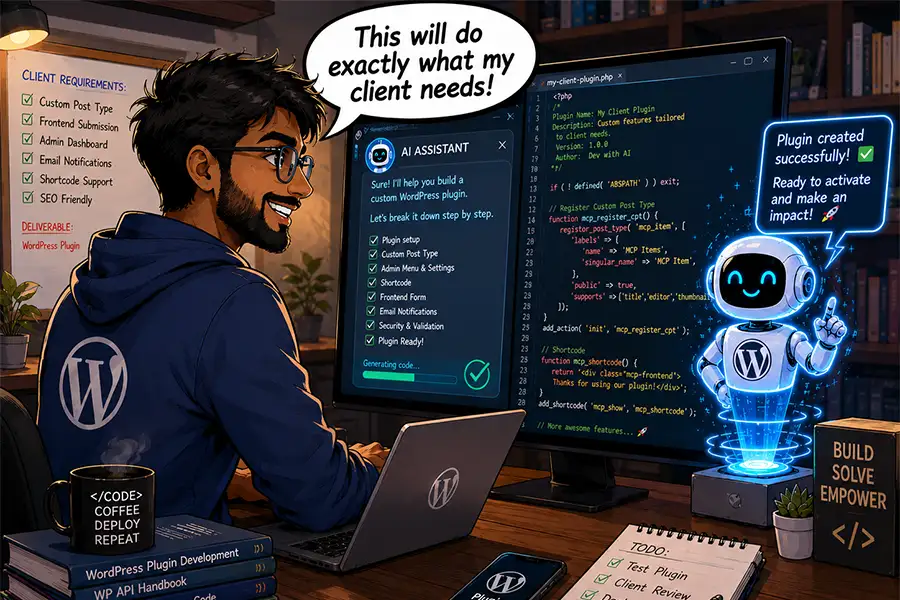
Let’s take a custom WordPress plugin as an example. In this scenario, our client needs a niche plugin that adds functionality to their website.

This type of project could have taken several hours before AI came into the picture. Much depends on your level of expertise, but it’s safe to say you’d need to conduct research, write the code, then test. There would inevitably be bugs to fix and more tests to run. It’s easy to get stuck on an issue that delays progress.

An hourly rate could make sense here, as you risk getting burned by a project-based fee. What if the project takes longer than anticipated? You might lose money on the deal.

Using AI accelerates the entire process. You should still conduct research, and there will still be bugs to fix. You’ll also want to test for security. But the increased efficiency will likely lead to faster turnaround times.

Here, a project-based fee is a more reasonable solution. You’re charging based on the outcome, rather than time spent. And the result is the most important part of the equation – regardless of how long it took.

Project-based fees are a better way to charge for result-oriented tasks

Using AI Requires Different Thinking and Communication

Working with AI also means a shift in our approach on both the project and client sides. Agencies and developers must focus on the big picture more than the process of getting it done. Again, the idea is that time isn’t the most relevant factor.

AI-based workflows often turn us into orchestra conductors, rather than old-school code jockeys. We’re using plain language to guide the tool in the right direction. We spend less time on the foundational aspects and more on the structure and feel. It’s a different role that can take time to grasp fully.

This also affects how we communicate with clients. We should emphasize the value in what we build. Clients must understand the benefits of a new feature and how it moves them closer to their goals.

In that regard, it doesn’t matter if building a new plugin took you five days or five hours. The only question worth asking is: Did we provide the best possible solution within their budget?

This isn’t much different than other service-based industries. You probably didn’t care what tools the carpenter used to build your new deck. You were likely more excited about how it looked and functioned.

AI is akin to the carpenter’s power tools. In the right hands, it becomes easier to achieve the desired outcome. You still need a certain level of expertise, however.

Getting the best results from AI requires experience and expertise

AI Should Increase Your Agency’s Revenue

The bottom line is that AI provides a path to do more with less. Perhaps the biggest hurdle for agencies and freelancers is embracing this philosophy.

Remember, there have been many changes in how we build websites. We went from hand-coding HTML to using content management systems (CMS) like WordPress. Tools like WYSIWYG editors and page builder plugins incrementally increased our productivity. Little by little, web professionals adopted these solutions and adapted their businesses to take advantage of them.

AI is more of a revolutionary technology, as it increases our output exponentially. Naturally, a change this big leads to questions about how we work and how much we charge.

You may run into a client who expects lower pricing because of your increased efficiency – don’t fall for it. Your knowledge and experience are still guiding the ship, and they are worth a premium. Once you realize this, you can use AI to encourage growth. These new tools simply offer a faster way to get there.

The post Should Your Agency Charge Less for AI-Assisted Solutions? appeared first on Speckyboy Design Magazine.

How to Work With Your Client’s Next (Or Previous) Developer

Building and managing websites for clients is challenging. Sure, there are technical and financial obstacles to work around. You’ll also find that you’re managing client personalities. And, despite our best efforts, some clients will leave for greener pastures. But it works both ways. Sometimes, you’ll be on the other end of the spectrum, with a client leaving their previous developer for you.

I’ve experienced both scenarios. Sometimes, there’s no rhyme or reason why clients come and go. You can do everything right, and still a client looks elsewhere when it’s time for a redesign or new project. Perhaps they were swayed by a sales pitch. Or, a new person comes in and wants to shake things up. It’s an unfortunate part of this business.

Regardless, there’s still work to be done. Their website may need to be migrated to a different host. Credentials need to be created for the new freelancer. There are project assets and notes to share.

It’s an awkward situation at best. But never fear, I have some tips for making the transition as smooth as possible. Keep reading to learn the do’s and don’ts of working with that new (or old) developer!

Keep It Professional

Maybe it sounds obvious. However, it’s easy to become emotional when letting go of a project (and its revenue). The same thing applies when you’re the new developer. Some clients will paint an unfortunate picture of their previous agency. Don’t get caught up in it.

Odds are, neither you nor the other party is evil or inept. There are always two sides to a story, and you’ll probably only hear one of them.

As such, there’s no reason to be rude or unhelpful. Answer questions, document processes, and respond within a reasonable period of time. These are common courtesies that will speed up the transition. After all, no one wants this thing to drag on for too long.

The funny part is that you may encounter the same developer again. For example, I’ve gained and lost clients to the same local agency. It’s a reminder to keep it professional and avoid burning bridges.

We may be competitors, but we’re all in the same boat.

Put aside your feelings and be professional.

Get Paid Before Doing the Work

These transitions can be especially frustrating if a client owes you money. They may expect you to work with their new developer with a promise to pay later. Avoid this scenario at all costs!

A client who is always late with payment is unlikely to make good on their debt after you’re gone. As such, getting paid should be a condition for transferring the site to someone else.

Create an agreement (in writing) that outlines what you need from them before you can do the work. Don’t provide a single file or login until that condition has been met. This places the ball firmly in their court. If they want to move on, they’ll need to settle their outstanding debt. It’s a perfectly reasonable request.

If the client balks at the idea, you may need to bring a lawyer into the fold. It’s not ideal, but it may be the only way you’ll get your money.

Ensure that your client has paid their outstanding invoices before providing assets to another developer.

Think Before You Share Sensitive Information

Sharing credentials is part of any website transition. There are logins for hosting, content management systems (CMS) like WordPress, and third-party SaaS applications. Not to mention API keys and software licensing details.

You may be tempted to send a laundry list of logins to the new developer. However, it’s worth taking a step back and ensuring you aren’t exposing yourself to risk.

If you manage a client’s hosting or domain name, for example, be sure that anything you share is specific to their website. You wouldn’t want someone to have access to other client data. If possible, create delegate accounts that provide only the necessary permissions.

Also, create a new administrator account for their CMS, rather than sharing your login. This takes you off the hook for any user activity or, worse yet, a hacked password. And make sure your account is deleted when you’re out of the picture.

Software licensing can be tricky, especially if they aren’t under your client’s name. If you have a developer license for a WordPress plugin, consider your comfort level with allowing a client to continue using it. It might be worth recommending they purchase a separate license.

If you’re inheriting the site from another developer, think about what you’ll need. Ask about all of the above and find out as much as you can. The goal is to avoid any surprises once you take over.

Don't share your credentials with anyone - even new developers! Create a separate account instead.

Transitions Are a Part of the Job

It’s safe to say that no one enjoys transitioning a website from one developer to another. It’s often a messy process and can raise your anxiety levels, regardless of which side you’re on. But there’s an opportunity to make the best of a difficult situation.

Maintaining a professional attitude is a must. Treat it as just another business transaction and do your best to leave personal feelings out of it. Work with integrity and aim to produce the best possible outcome.

It’s also important to protect your interests. A client who’s leaving must live up to their end of the bargain. Don’t allow them to walk away without paying their outstanding balance. Also, be careful about the information you share with a new developer.

The most positive aspect is the experience you’ll gain. Learning to manage clients coming and going will serve you well. Doing so will allow you to focus on the task at hand while avoiding all the negatives. That’s great, because you’re likely to need those skills again and again.

The post How to Work With Your Client’s Next (Or Previous) Developer appeared first on Speckyboy Design Magazine.

How Low Will You Go for a WordPress Project?

Booking projects is a challenge for every new WordPress agency. So, you often take what you can get. That includes low-revenue and otherwise unappealing gigs. Everyone has to start somewhere, right?

That tendency fades as you build your business. You move on to the bigger fish in the pond in an effort to make more money and expand your reach. Any small fish left in your portfolio could potentially hold you back from leveling up.

Even so, you’ll still hear from potential clients who want you to take on their small project. Or you might be asked to undercut a competitor’s price on a large WordPress site. Either way, it may lead to mixed feelings. How should you respond?

Established agencies don’t need to take every project. It’s worth considering where you draw the line, however. How small is too small? Does a lower upfront cost mean there’s no potential for future profit? And, is it ever worth taking on a large project for a bargain price?

These are important questions to ask as your business evolves. Let’s explore the pros and cons of “going low”. We’ll also share some tips for determining the minimum requirements for accepting a project.

Does the Project Offer Any Additional Benefits?

Money is an important part of any project (we all need to keep the lights on and the AI tokens flowing). However, there are other potential benefits. That may be enough to make a small or heavily-discounted project worthwhile.

For example, consider working with a charity or other non-profit organization. These clients are often bootstrapped and have a limited budget. As such, the project is more about doing good than making a big profit. This is both a source of pride and something you can use in your marketing efforts.

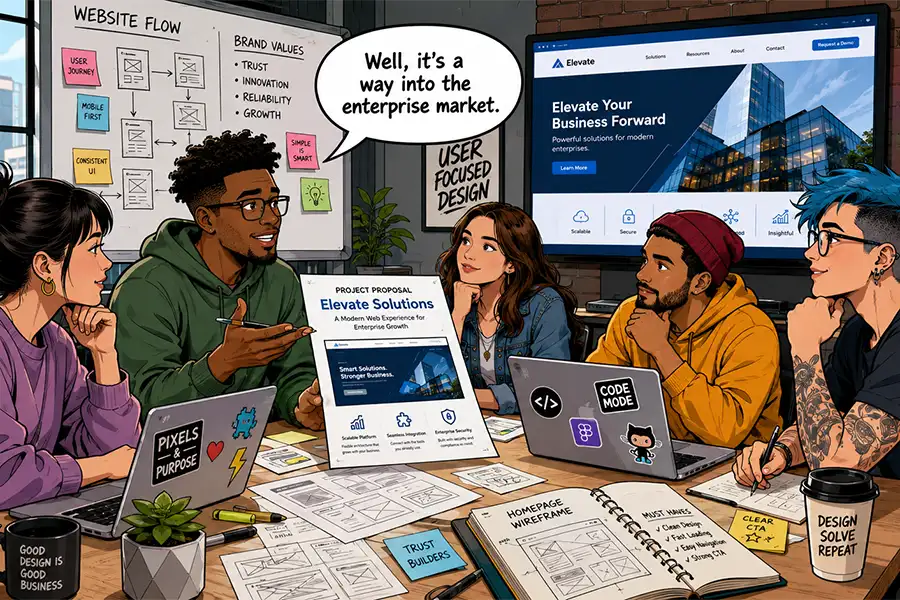
Likewise, some projects can open the door to a specific industry or clientele level. If you don’t have experience in the enterprise WordPress space, offering a discount could increase your chances of booking the gig. You exchange a bit of money for prestige in your portfolio. Proving your worth to one such client could make others take notice.

This won’t be the case for every project. There will always be clients looking to cut costs however they can. Others won’t have the resources to work with your agency. Still, some opportunities are beneficial beyond money.

Some lower cost projects are opportunities to break into a new market.

Consider the Potential for Future Profit

Just because a project starts with a smaller profit doesn’t mean it has to stay that way. There is usually a path to increasing your revenue in the long term.

Maintenance packages are a great vehicle for keeping clients in the loop while creating dependable income. WordPress requires routine software updates, security monitoring, and hosting. Clients may also want to add new features as their website evolves. These are all things you can and should charge for.

Such recurring revenue is important for every agency and freelancer. New projects are harder to come by, and budget-conscious clients may be wary of spending big on redesigns. Maintenance and related subscription services improve your business’s sustainability.

This strategy also mirrors what we see in other industries. Clients are acquired with a lower starting cost, while the “real” money comes in the form of future services.

Book enough of these arrangements and you won’t be as susceptible to the boom/bust cycle of new design and development projects. Note that this is part of a bigger plan, rather than something to do on a one-off basis. So, think about how it fits into your business before making a decision.

Future maintenance needs can increase project revenue.

Find the Price Point of Diminishing Returns

Every agency should have a minimum project price. This helps you avoid losing money and gives you more room to focus on your goals. But how do you determine that number?

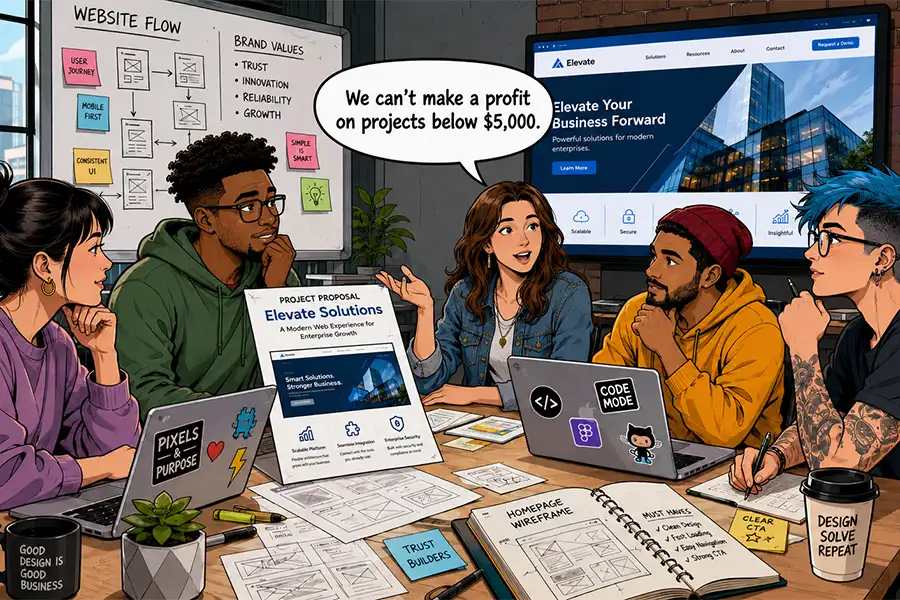
You could come up with an arbitrary amount. Some agencies won’t touch a project for under $5,000, for example. It sounds reasonable. However, you still risk losing money on the proposition. It’s better to study your workflow and resources before setting a minimum.

The first consideration is the cost of taking a project from start to finish. Time spent on design and development is a part of the equation. But don’t forget about client communication, the revision process, and testing. Commercial theme and plugin licenses can also be a factor.

If your agency has employees, think about who will do the work. Their salary counts toward the ultimate cost. You might also consider where else they could be spending their time. For instance, will a small project take them away from a bigger one?

The same thing applies to solo freelancers. Lesser projects don’t always mean less work. They can overwhelm your calendar and take time away from your top clients.

Don’t leave it to guesswork! Set a minimum price based on facts. The result should be a profit margin you’re comfortable with.

You'll have to do some math to determine a minimum price for your projects.

Accept WordPress Projects That Are Worth Your While

Experience will help you determine which projects to accept and which ones to turn down. Yet, there’s value in digging deeper before deciding. There could be more to the story than you think.

Some projects offer long-term benefits that are easy to miss. You may find opportunities to stabilize your agency via recurring revenue. They might also be a gateway to establishing a new niche. In some cases, it’s worth taking a leap of faith.

Understanding the time and resources involved is key to the decision-making process. This will put you in a position to say “yes” or “no” with confidence. You’re also less likely to experience regret after the decision!

Take time to figure out what makes the most sense for your business. That will free you to move onward and upward.

The post How Low Will You Go for a WordPress Project? appeared first on Speckyboy Design Magazine.

5 Things To Know About Your Client’s WordPress Website

If you offer WordPress maintenance services, odds are you’ll inherit a website built by someone else. It’s not easy to pick up where the previous developer left off, though. There are so many potential themes and plugin combinations. Thus, taking over feels like opening Pandora’s box.

There are also plenty of nuances that can impact maintenance. The original developer may have used methods you aren’t familiar with, or that go against best practices. Not to mention that you may be the latest in a long line of others to work on the site. If you’re lucky, you’ll find documentation that explains who did what. Short of that, you’re on your own.

That being said, it’s important to know what you’re working with. That’s the key to bringing the site up to snuff with regards to performance and security. Plus, avoiding breakage is crucial to building strong client relationships.

So, what should you know before you start work? We have a checklist of items to look for. Some are obvious, others obscure, but all will give you a better understanding of what makes your client’s WordPress website tick.

1. The Site’s Active Theme and Plugins

This may seem obvious, but it’s important to know what third-party software is installed on your client’s website. This includes the site’s active theme and plugins. But you’ll want to go deeper than knowing their names.

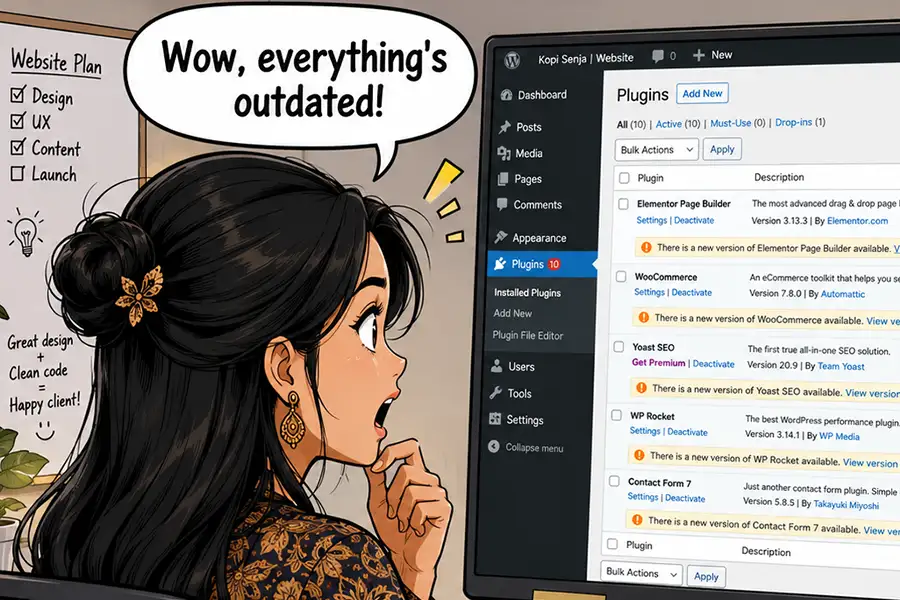
Take note of each item’s version number and when it was last updated. You may find software that’s outdated or even abandoned by its author. It’s a potentially dangerous situation, as there could be unpatched vulnerabilities lurking beneath the surface. There may be compatibility concerns as WordPress and other dependencies evolve.

You may also identify plugins that are installed but not being used. These items waste resources while also increasing security risks. If you’re unsure of a plugin’s purpose, ask your client.

As for the site’s theme, make a point to inspect its template structure. For example, is it a block or a classic theme? Is a child theme in use? Review the template’s code and determine if there are any areas of concern.

You may find outadated software on your client's website.

2. Custom Code

Adding custom code can enhance a website’s functionality. The problem is that there are multiple ways to implement it, and there’s no guarantee of quality. And it’s not always apparent when or how it’s being used.

This is critical information to know, as the site may depend on custom snippets for e-commerce features or other key functions. As such, switching themes or deactivating a plugin could cause problems.

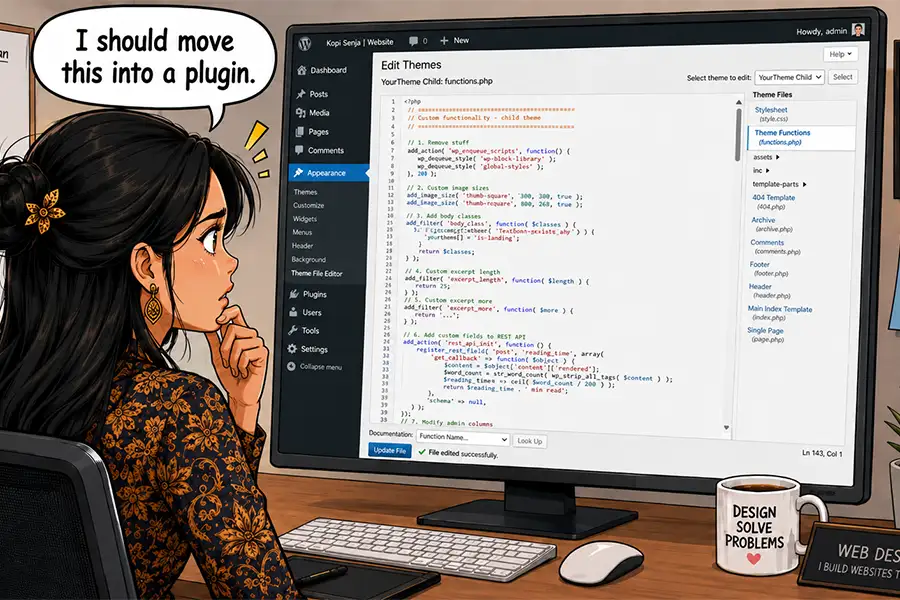
The first place to look for custom code is the theme’s functions.php file. It often serves as a catch-all for random snippets. You never know what you might find!

Custom plugins are also a popular spot for such code. If you don’t recognize a plugin by name and it’s not listed in the official repository, there’s a good chance it’s a bespoke project. Also, be sure to look for any must-use plugins in the /wp-content/mu-plugins/ folder.

Once you identify any custom code, you’ll want to inspect it. Your favorite AI model can help you learn more about what it does and help you spot any potential issues.

Keep track of any custom code - it could be critical to the site's functionality.

3.  Web Hosting Provider and Configuration

Web hosting is an important piece of the puzzle, as it impacts site performance, security, and stability. Find out who hosts your client’s website, the hosting package they use, and the server’s configuration.

Pay special attention to the account’s available resources. A hosting package with insufficient memory or CPU cycles will result in slowness or downtime. Shared accounts can also be problematic regarding the spread of malware.

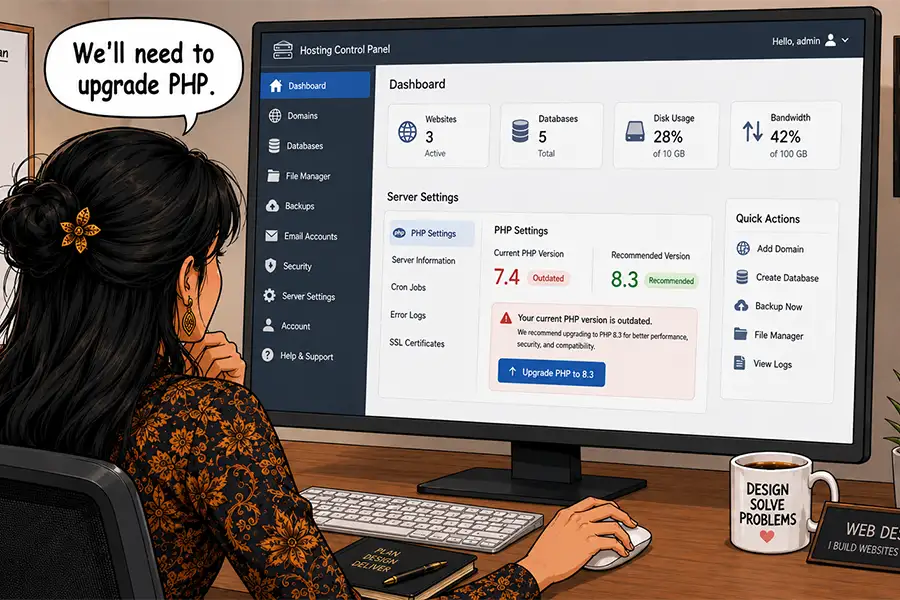
Also, be sure to note which PHP version is running. Old versions are less performant and no longer receive security patches. You’ll want to upgrade, provided the site’s theme and plugins are compatible.

Lastly, ask your client for access to their account, as you’ll need it to manage the server’s configuration and contact technical support. Some hosts provide developer accounts that allow access to technical features only – a good solution for clients who don’t want to share their billing information.

You'll need hosting account access to work with technical support and view important information.

4. Third-Party APIs and Connections

Modern websites often rely on connections to third-party APIs and SaSS providers. It could be something simple, like an analytics suite, social media feed widgets, or a mailing list service. There are also complex integrations with automation tools, payment gateways (particularly on WooCommerce sites), and content delivery networks (CDNs).

Similar to custom code, these connections can be implemented in myriad ways. Some have official plugins, while others may be added via a bespoke web application or directly applied to a theme. In some cases, you may not see any trace of them inside the WordPress admin.

Keep track of every third-party connection you can find, because they may play a critical role in the site’s functionality. At the very least, they impact privacy laws such as GDPR.

Unsure of what outside services the site connects to? Your browser tools’ Network tab will display each call. Privacy scanning tools like Blacklight can also help with spotting tracking scripts, cookies, and related items.

Third-party APIs can power functions like analytics and advertising.

5. Who Manages Their Domain’s DNS

Sometimes, inheriting a WordPress site means moving to a new web host. That usually requires a change to their domain’s DNS configuration. So does connecting to CDNs, mail delivery apps, and services that require domain ownership verification.

It’s good to know where your client’s DNS is hosted and who manages it. For some clients, their internal IT department will handle these tasks. But a small organization may ask you to take charge.

Keep this information on record – you never know when you’ll need it.

Find out where your client's DNS is hosted before you need to make changes.

The More You Know (About Your Client’s Website)

The beauty of WordPress is that you can build a site any way you see fit. There are very few limits when it comes to code and design. But that knowledge doesn’t always transfer to the next developer in line. Such unfamiliarity makes maintenance harder. You also risk missing something important during a redesign.

So, take some time and dig into the site’s inner workings. Find out where it’s hosted and what services it connects to. Don’t be afraid to ask questions if you’re unsure of something.

The more you know, the better service you can provide. It could save you from a few headaches and help you build trust with your clients.

The post 5 Things To Know About Your Client’s WordPress Website appeared first on Speckyboy Design Magazine.
How Consistency Benefits Your WordPress Agency

Starting an agency is like a grand experiment. You book a few projects and feel the rush of building something from nothing. You also learn some lessons about working with clients and managing money.

Then, just as you think you’ve figured it out, things become hectic. Your to-do list grows faster than you can complete tasks. Unexpected events, such as a broken site, force you into a panic. How will you ever keep up with the demand?

Hiring another developer or project manager can help. However, that’s not always feasible. Budgets only stretch so far.

This is where consistency swoops in to make life easier. By creating processes for getting things done, you’ll have proven steps to take. Better still, you can improve them as you go. The result is better efficiency and less chaos in your day.

The great thing is that you can make a process for just about anything. Tasks like design, troubleshooting, and even client communications are on the table. You can even personalize them to match your needs.

So, how does it work? We’ll show you a few examples of processes that will bring consistency to various parts of your business. Let’s get started!

Start With a Theme and Plugins You Trust

The design-and-build process starts with your chosen theme. Many themes tend to cater to a niche or try to be everything to everyone. The first option isn’t ideal for working with clients in different industries, while the latter may be too bloated and complex. Neither is right for scaling at an agency level.

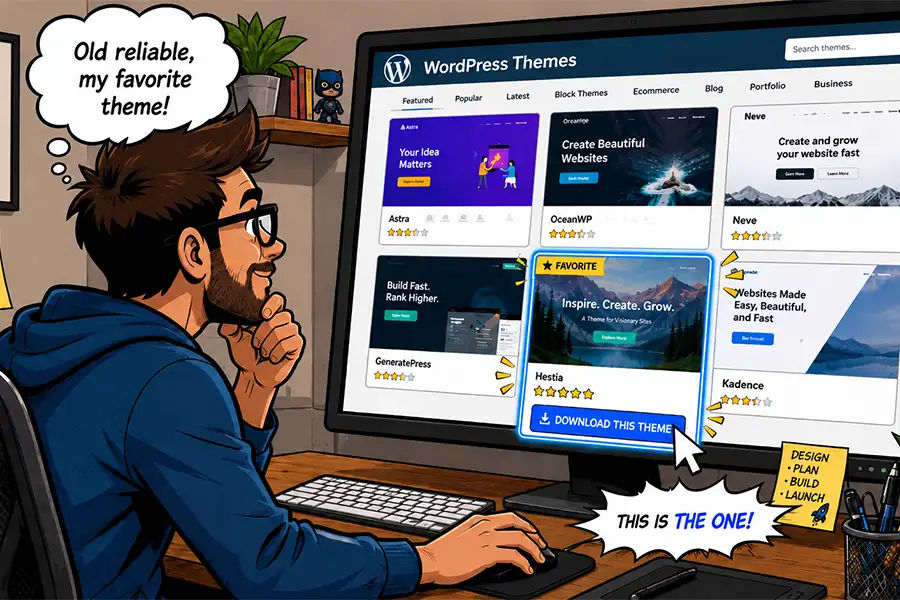
Look for a theme you can use as the foundation of every new project. For example, starter themes offer handy features without an opinionated design. This flexibility lets you take the design and functionality anywhere you want to go. And there are options for both classic and block themes.

It’s also worth sticking with the same page builder plugin across the board. There are several on the market, and it’s tempting to try them all. But every tool has a learning curve. As such, you’ll spend too much time figuring out how things work instead of getting things done. Using multiple page builders also complicates future maintenance. Not to mention juggling several commercial licenses.

This approach extends to plugins that handle forms, SEO, e-commerce, and other common functionality. Using a set of preferred tools on your projects can lead to more predictable outcomes. Efficiency and expertise come from repeated use.

You’ll reduce friction throughout the project’s lifecycle and always have a solid starting point.

Using a trusted theme means you have one less thing to worry about.

Create Processes To Organize Your Business Tasks

The more clients you have, the more you’ll benefit from organization. Using different billing policies, contract formats, or communication methods becomes messy. The right tools and processes can help you clean things up.

It’s time to simplify. Examples include limiting your maintenance fees to tiered packages, using a single app for billing and invoicing, and storing client information in a customer relationship management (CRM) app. The more you can consolidate these tasks, the better.

Client communication is another area where simple is better. Using email is fine if you have a small client roster. However, a ticketing system can make it easier to keep track of messaging. You could use an outside service or install one on your WordPress website. Take things a step further by designating times of the day for replying.

We can’t forget about your to-do list itself. Project management can be a nightmare without organization. Plenty of apps exist for staying on task, or you could vibe code your own. The point is to know where you stand with each project and have an archive of notes to reference as needed.

Since WordPress is our specialty, you might consider using it to build an admin portal. The free and low-cost options are budget-friendly, and you can tie everything into a single package. Imagine not having to visit multiple sites or download a bunch of apps to run your business!

A project management app will help you keep track of deadlines.

Trust the Process

Creating consistent processes will turn your agency into a well-oiled machine. Doing things the same way and using the same tools allows you to focus on your clients. That’s a growth path you can’t build if you’re bogged down with menial tasks.

You can also pass this knowledge to new employees and contractors. It keeps everyone on the same page and avoids confusion. Onboarding becomes easier, and work happens faster.

Get started by examining how you work. Look for pain points and complicated tasks that you dread. Think about where you spend the bulk of your time.

The post How Consistency Benefits Your WordPress Agency appeared first on Speckyboy Design Magazine.

Tips for Hosting Your Client’s WordPress Website

WordPress Freelancers and agencies often do more than design and development. A full-service company may also maintain and host its clients’ websites.

Providing web hosting has several benefits for freelancers. First, it’s a vehicle to add recurring revenue to your business via reselling or an affiliate program from an established host. That steady flow of money can improve your financial health.

You’ll also have more control over each site’s environment. That helps ensure compatibility and keeps things running smoothly. Plus, you’ll know what to expect regarding performance, security, and support.

However, hosting client sites is also a serious responsibility. It puts you on the hook for technical difficulties. In addition, managing multiple WordPress websites is challenging. One false move could mean a string of crashed or hacked sites.

With that in mind, we have some tips for hosting your client’s WordPress websites. We’ll show you how to keep a watchful eye on each site without breaking your budget.


Keep Each Client Website Separate

Web hosting costs run the gamut from insanely cheap to, well, insanely expensive. It’s tempting to go the inexpensive route with a shared hosting account.

Hosts often allow multiple WordPress installs on an account. It makes sense from a business perspective. You pay for a couple of hosting packages and run all of your client sites on them.

This strategy has a couple of serious flaws. The first is that server downtime could impact every site you host. It’s bad enough when one site is down, let alone a few dozen.

Malware is the other major concern. Malicious code can easily spread from one site to another in a shared hosting environment. Once a site is compromised, it’s only a matter of time until the others are hit.

The lesson here is to keep each website on a separate hosting account. Make sure your host isolates sites via a container or other barrier. That will help prevent a security nightmare. Again, it’s easier to deal with one hacked site than having multiple infections.

And it doesn’t have to be inconvenient. Many hosts offer a centralized dashboard to access each site, and there are also third-party services that do the same.

Lock Down Your WordPress Installs

On many hosts, the famous “5-minute WordPress install” has been replaced with a one-click process. Still, older sites may have been installed manually via SFTP. Thus, it’s important to check each install to verify its integrity.

WordPress file permissions are an area of concern. For instance, allowing public access to the site’s wp-config.php file is an invitation to hackers. The file includes your database login and other sensitive information. A lot of damage can be done if it falls into the wrong hands.

The WordPress developer documentation has a handy guide for setting the correct file permissions. Follow its advice and ensure files only have the required permissions.

You might also want to disable file editing within the WordPress dashboard. That will prevent a malicious actor (or adventurous client) from editing theme or plugin files.

Add the following line to each site’s wp-config.php file: define( 'DISALLOW_FILE_EDIT', true );

Other ways to secure the sites you host:

The goal is to enhance each site’s security, which provides peace of mind for you and your clients.

Ensure You Have Enough Server Resources

Every website you host will have different needs. For example, a brochure site’s functionality isn’t as complex as a WooCommerce shop. Plus, some will inevitably receive more traffic.

That’s why hosting is not a one-size-fits-all proposition. Hosts offer tiered services that account for storage and bandwidth. They may also limit the number of domains, dashboard users, or site visitors. Crossing these thresholds can be costly.

Also, pay attention to server resources like memory, CPU cycles, and PHP workers. Shared hosting environments don’t usually guarantee a minimum. More expensive accounts, such as VPS and dedicated servers, assign these resources to your account.

It pays to understand what your host offers and how it impacts your websites. A site with too few resources won’t perform well and may break. Meanwhile, hosting a small site on a higher tier could be wasteful.

You can avoid problems by assessing each site you host. Pay particular attention to the following factors:

  • Monthly traffic (via Google Analytics or other apps);
  • Security risks (online transactions, user accounts);
  • The amount of content;
  • Special functionality (shopping carts, members-only areas, resource-intensive plugins);

Site stability, performance, and security are vital to success. Using the right hosting will go a long way toward ensuring it.

Keep an Eye Out for Hosting Changes

We know that WordPress, themes, and plugins all require regular maintenance. That’s something we often manage for our clients. But hosts also maintain their infrastructure.

A host will apply new software versions and security patches to their servers. They’ll also upgrade hardware from time to time. You’ll want to know when this happens.

PHP upgrades are a prime example. An outdated theme or plugin could be incompatible with the latest version, which leads to a buggy or broken site.

Staying in the know can help prevent these types of issues. Web hosts often announce maintenance plans ahead of time. They may publish to a blog, add a dashboard alert, or send an email.

Make an effort to inform yourself of what’s happening. It can save you from a future headache or two.

Be a Good Host

Hosting your client’s WordPress websites keeps you in the loop. You’ll be able to watch over each site and ensure its health. It’s also a path to making some extra money.

When things run smoothly, the burden on your time should be minimal. Ensuring things stay that way is part of the job, though.

The first step is to choose your hosting provider wisely. Look for a host that follows best security practices and has a deep understanding of WordPress. They should also offer enough resources to run each site without issue.

From there, it’s all about being proactive with the sites in your portfolio. Keep them updated and take extra security measures. In other words: control the things you can.

Some things are beyond our control. We can’t predict downtime or a host being sold. However, we can put ourselves and our clients in a position to succeed. We hope the tips above will help you get there.

The post Tips for Hosting Your Client’s WordPress Website appeared first on Speckyboy Design Magazine.
How AI Can Help You Expand Your Agency’s Service Offerings

As AI continues to evolve, freelancers and agencies are finding new uses for the technology. It makes sense that many of us start by improving our workflow. Resolving those existing pain points helps us accomplish more with less effort.

However, AI also presents opportunities to broaden our horizons. We can use it to do things we haven’t tried before. Even better, we can experiment with ideas that seemed too ambitious a few years earlier. For example, consider projects that had a big learning curve or were time-consuming. Perhaps they don’t seem as daunting in the age of artificial intelligence.

The right tool could be the key to offering new and improved services to your clients. It’s a vehicle for increasing revenue and strengthening customer relationships. What’s not to love?

Let’s look at how AI can help you expand your agency’s service offerings. We’ll cover potential service ideas and considerations before presenting them to clients. You might even find the perfect growth opportunity for your business.

Find Tasks AI Can Do Faster and Better

Time is often the biggest barrier to creating new services. We’re busy enough without having to learn something new or focus on tedious work. More than anything, these are the tasks AI can help us tackle.

If you often find yourself knee-deep in code, you can use AI to lift the burden and increase productivity. Here are a few ideas to get you started.

Performance and Security Audits

Is your client’s website running at peak performance? Is it chock full of vulnerable code? Some plugins can help you find general answers. However, a full audit is often the best way to diagnose and fix issues.

The problem is that it takes significant effort to go through each line of code. You also need to know what to look for during the inspection process. Not everyone has the depth of knowledge in PHP, JavaScript, and other languages found in a WordPress website.

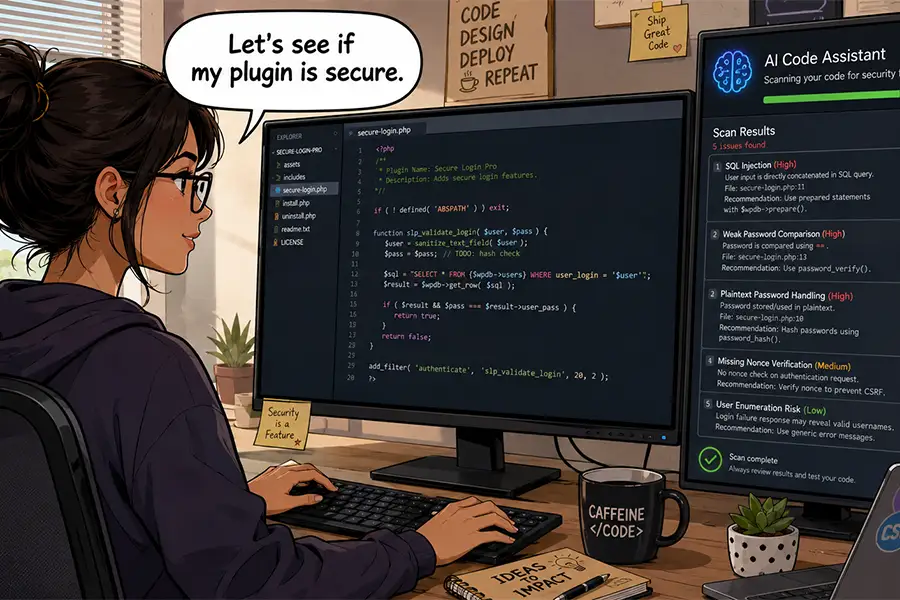
AI tools can save you a ton of time. Even a relatively lengthy code audit can be performed in the background (freeing you to enjoy a cup of coffee or two). Plus, some models are adept at finding security issues and performance bottlenecks.

The big caveat here is that AI can point out issues, but you may not be able to fix every one of them. For example, avoid making changes to WordPress core or third-party plugins. Those changes would be overwritten during a software update. You could, however, alert a plugin author of what you found.

On the other hand, the results can lead you to find better options or use AI to build a custom solution. Regardless, it’s a service you can charge for.

AI tools can scan your site's code for security and performance issues

Custom Plugin Development

There are two truths in agency life: No two projects are the same, and no WordPress plugin can cover every niche. That’s what makes custom development an appealing service.

Here again, we face limits on our time and coding abilities. But even an expert developer may not have enough room in their schedule for a complex plugin. Then there’s the future commitment to maintenance. It’s a lot to put on your virtual plate.

AI models make perfect development companions. They can use WordPress documentation to follow best practices and generate plugins with relative ease. Some more advanced apps can also create a logical file structure for you.

This opens multiple possibilities for your agency. You can create one-off plugins to cover client needs. You might also level up by creating more general-purpose plugins for use across multiple sites. A plugin with enough appeal could be sold in the marketplace.

In every case, there’s an opportunity to boost your revenue. Add custom plugin development to your project and maintenance fees.

You can use AI to expand your custom development capabilities

Content Starters and Analysis

It seems like content is always a sticking point when working with clients. We’re either waiting for clients to deliver it or we’re tasked with cleaning it up. Then there is also the ever-evolving challenge of SEO.

We still don’t recommend using AI to generate production-ready content. It’s simply too generic and won’t reflect branding without human intervention. However, it can help in several areas.

For one, you can use it to create “starter” content. This is text clients can review and edit to match their needs. The final results might be completely different – but that’s not the point. Seeing content on their screen might be the impetus they need to keep the project moving forward. That saves you time and a few headaches.

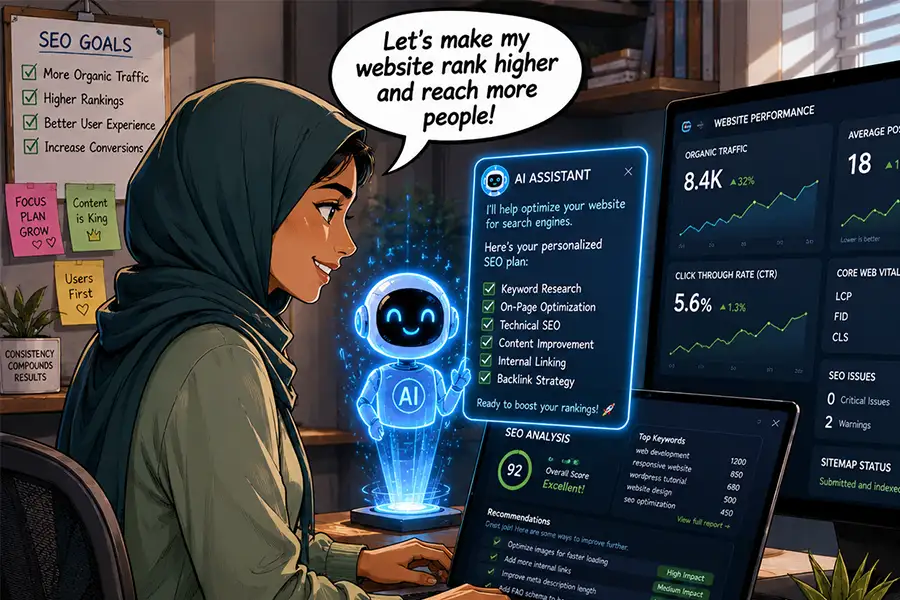
AI can also analyze content for accessibility and SEO best practices. Use cases include simplifying language, determining keyword density, improving titles, and generating meta summaries. It’s also handy for researching competitors.

Now, these common tasks can be completed in a fraction of the time. Adding them to your service list provides more value to clients. In addition, the SEO analysis could be a source of recurring revenue.

AI can help you optimize client websites for search engines

AI Could Be Your Agency’s Growth Engine

Perhaps AI’s value to your business is all about perspective. Sure, you could use it to make less-good versions of what you’re already doing. Generating slop and calling it a day isn’t great for your long-term viability. We won’t argue that some people have chosen this path.

However, AI is also capable of helping you be the best version of yourself. It just requires a more thoughtful approach. Use these tools to tackle the busy work while keeping a close eye on the results. Most importantly, be the decision maker in what you build. In other words, don’t accept AI’s initial output as the final answer.

Treating this technology as a partner is a path to growing your agency. The extra time and mental bandwidth you gain will allow you to identify new revenue opportunities. The ideas above are just the tip of the iceberg.

Ask yourself: What can AI do better and faster? How can it strengthen what I do best? How can I use it to improve client services?

The answers might lead you to something great!

The post How AI Can Help You Expand Your Agency’s Service Offerings appeared first on Speckyboy Design Magazine.
❌