Login
LoginPhotoshop Elements 2027 Adds AI Assistant, Generative Expand, and Upscale
Photoshop Elements is getting a serious AI upgrade, with Generative Expand, AI upscaling and a new assistant that helps you edit simply by describing what you want.

Today is our hand over day, as my brother, Geoff, and his family are coming to borrow the boat for a week. Obi had his normal poo walk and then I cooked some breakfast, using up a pack of sausage and some mushrooms with some bread, with some fresh coffee. Then we started cleaning, and packing our clothes ready for the swap, at about this time lucky we found our toilet tank was full.
This morning the Girls and Sonia took Obi for his poo walk and counted 30 boats moored up ahead of us. While they were out I had a luke warm shower and when they returned I baked some part-baked rolls and fried some bacon for some excellent bacon rolls. Then I prepared the boat for our next chug, not sure where we will get to today, but we wanted to stop at Great Hayward to visit the…
The girls took Obi for this poo walk, while I got the boat ready, when they returned the Grandchildren had breakfast, Sonia and I had coffee, then we set off. Today we planned to get to Penkridge and stay for a couple of days. Not long after setting off we see a strange sign (This is the one at the other side of the area as I was too slow with the camera). I was wondering what I would do…
Dive into the nostalgic world of vintage and retro styling with this collection of Photoshop actions. Whether you’re a photographer, designer, or digital artist, these actions will help give your photos and graphics that vintage aesthetic we all love.
Our collection offers a range of filters to give your photos soft palettes, gentle fades, and other quaint effects. From landscapes to portraits, you can create an authentic vintage aesthetic with just a few clicks.
These actions can help recreate the look of a vintage postcard or an old family album or bring the style of a bygone era to your modern images.
This collection has the best Photoshop actions and presets to streamline your workflow and help you achieve the vintage look you want. Find the perfect action for your next project below!
If you’re looking for more vintage or retro resources, you might like our free collections of Photoshop brushes, vector templates, or fonts.
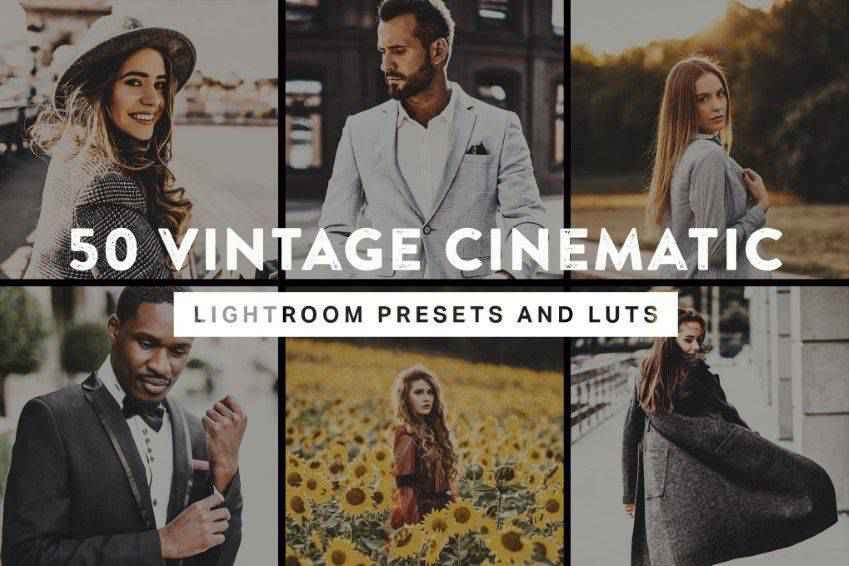
These vintage cinematic Photoshop actions and Lightroom presets will give your photos an authentic, nostalgic look. This bundle has 50 actions, including vintage film colors, dark filters for night photos, vibrant effects, and more. You’ll also get vintage LUTs for video editing.
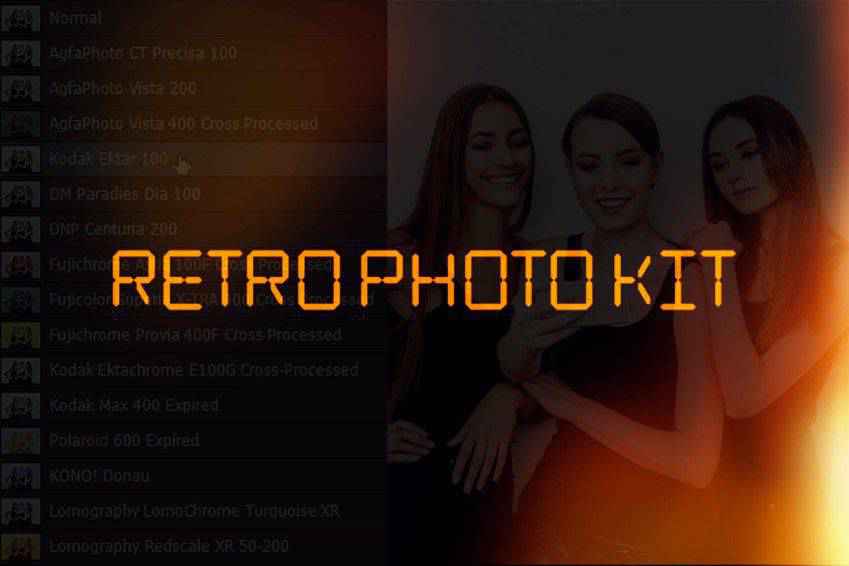
Light leaks, date stamps, and more! This retro Photoshop action collection has everything you need for nostalgic photographs. You’ll get 15 retro film Photoshop actions inspired by vintage camera styles, ten light leak overlays, and more. If you love retro, add this pack to your kit!
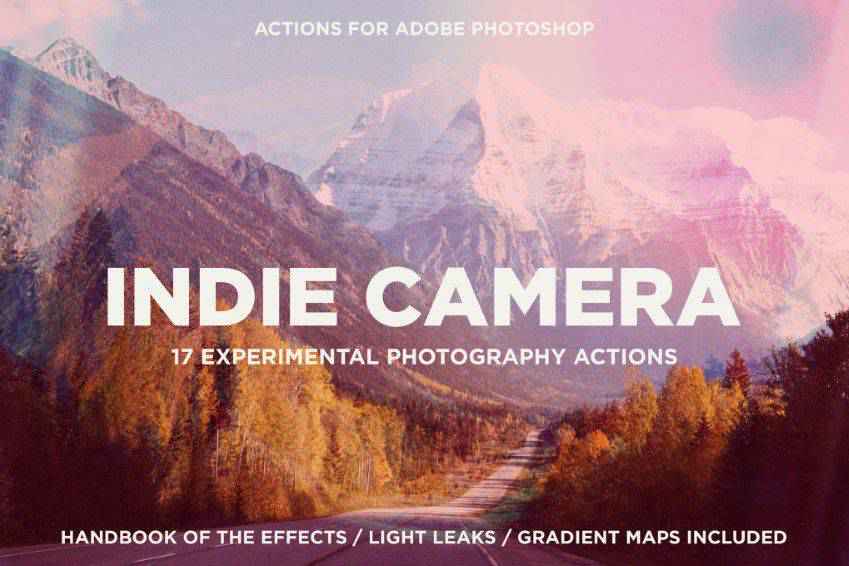
Capture stunning shots and add indie charm to them with these Photoshop actions. This collection includes 17 actions, over 110 gradient maps, and 21 PNG light leak effects. Perfect for creating a nostalgic atmosphere for your portfolios, magazines, and social media images.
With these Photoshop actions, you can transform your photos into watercolor art or give them a vintage atmosphere. This set includes Photoshop brushes, patterns, 20 actions, and everything you need to create vintage. With one click, you’re ready to go!
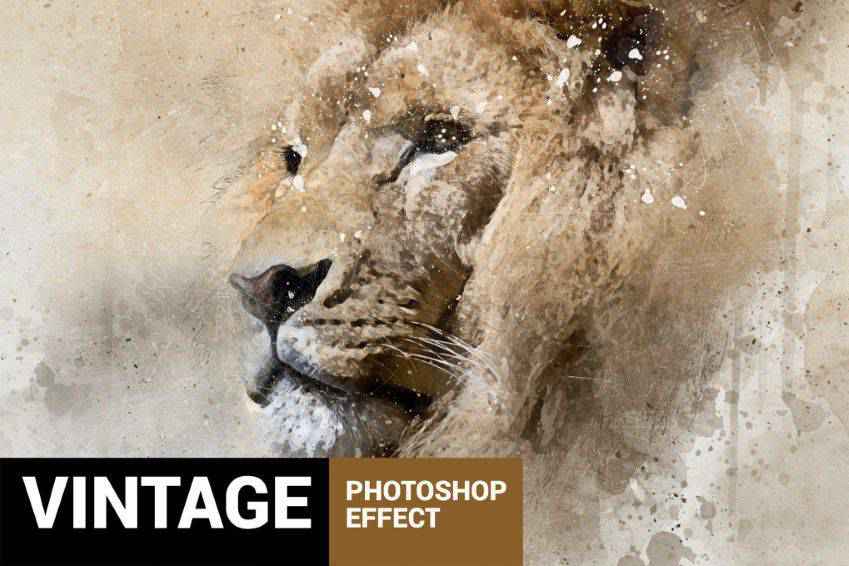
With these Photoshop actions, you will get authentic retro contrasts and vignetting. This set includes ten actions to create an analog film atmosphere in your images, perfect for portfolios, magazines, and social media. You’ll love the subtle retro tones.
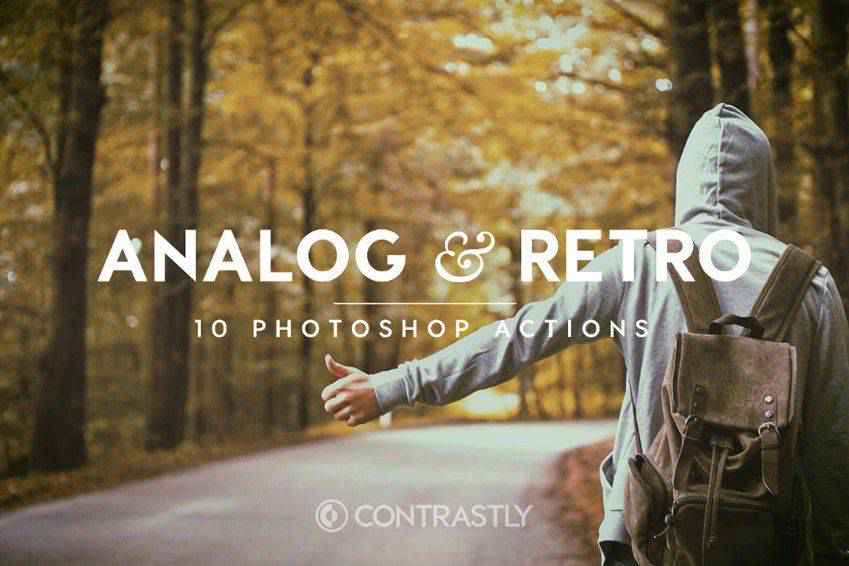
All you need to travel back in time is Photoshop and these vintage actions. This collection helps you transform your standard photos into vintage works of art. You can fine-tune the actions’ details to get old camera effects or create a full-on masterpiece.
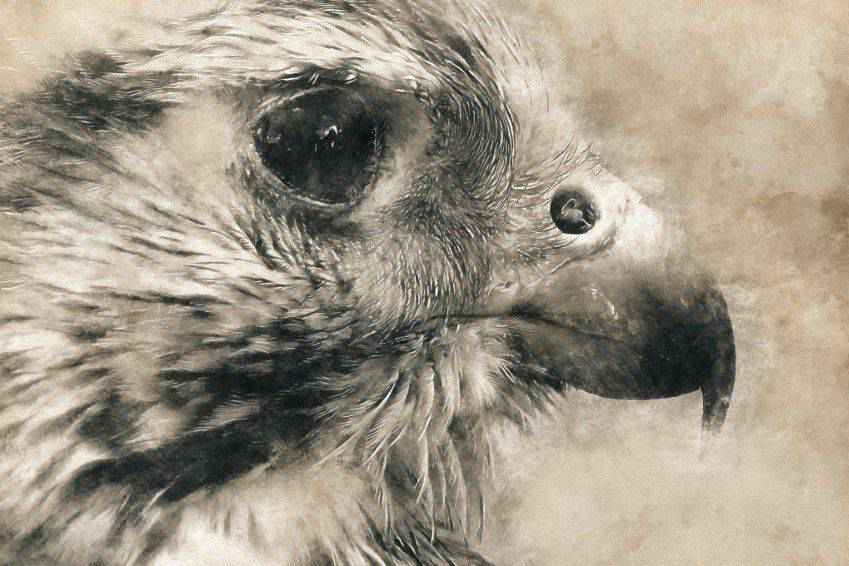
From the faded ’60s to the vibrant ’70s, this set of retro Photoshop actions has every old-school aesthetic you’d ever want! It includes seven editable Photoshop actions, textures, and light leak overlays. Easily create a beautiful lookbook, image, or poster!
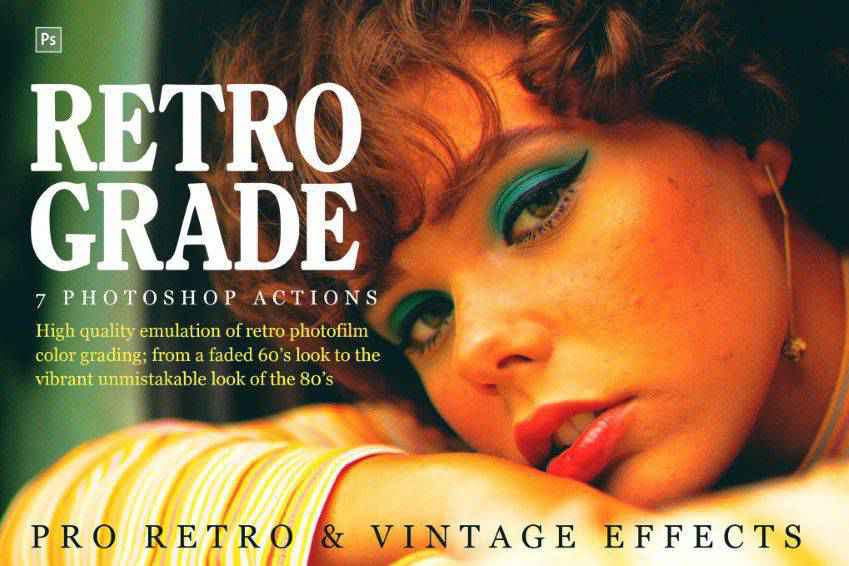
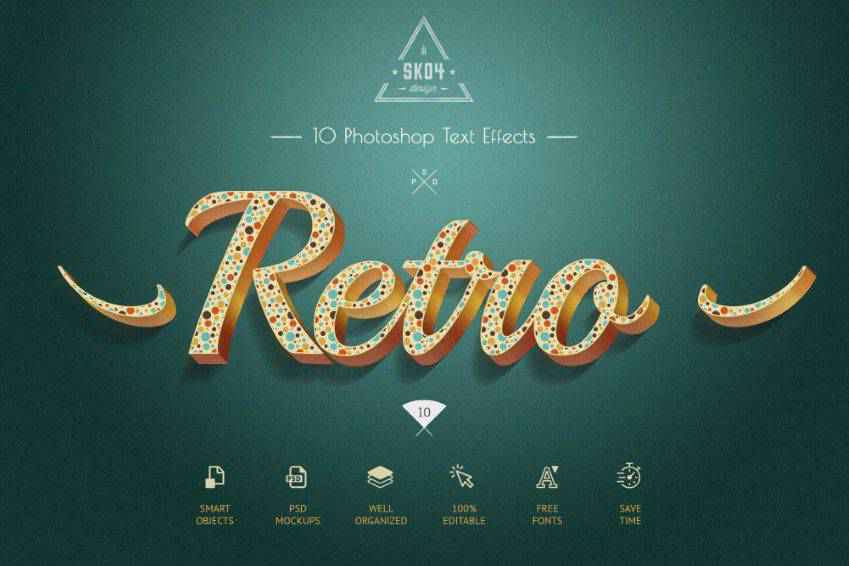
Elegant and authentic, these retro text effects for Photoshop are perfect for your next project. Drawing inspiration from the 50s and 60s aesthetics, in this pack, you’ll get ten unique 3D styles, and they’re 100% editable.
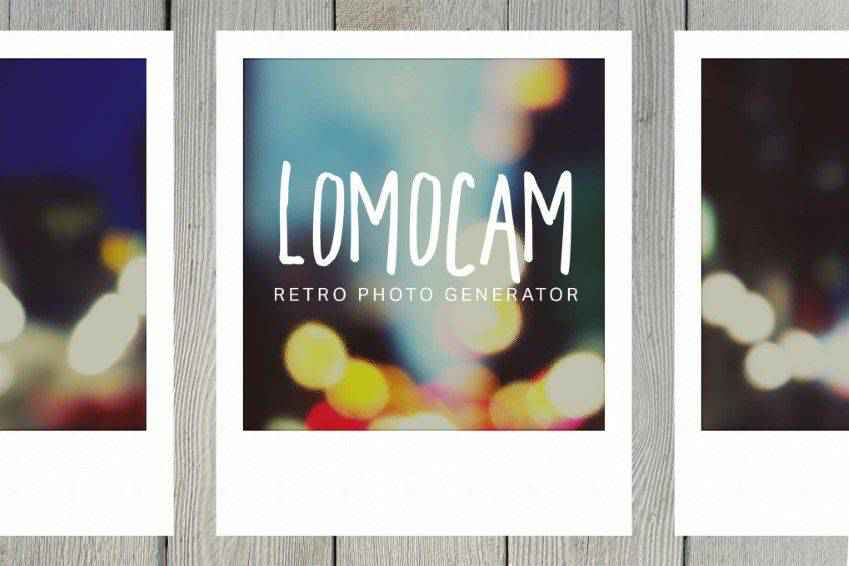
Create Polaroid photos without a Polaroid camera! This Photoshop generator will give you a vibrant Lomography effect that replicates the original styling of Polaroid photos. You can also choose a colorful frame and add special effects like fisheye.
Transform your photo into a work of art with this vintage art Photoshop action set. The action pack also includes brushes, splashes, and color grading, so you can easily give your modern photos a vintage look.

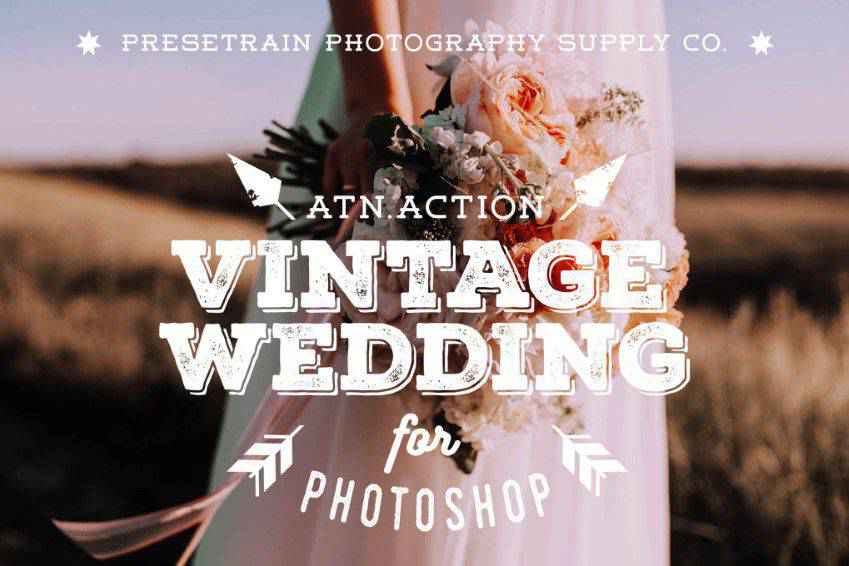
Perfect for wedding photographers, these vintage Photoshop actions will give your clients an unforgettable wedding album. They will give your original shots a soft and gentle look and feel.
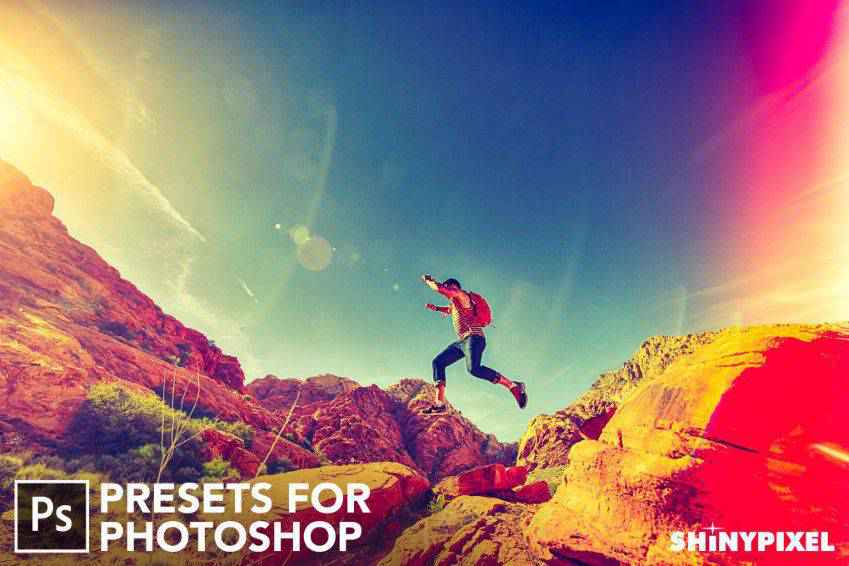
Give your photos a retro touch with these light leak Photoshop presets. They’re ideal for retro-themed photos and add vintage charm to adventure shots. You’ll get 25 light leak effects to work with.
You don’t need to travel back in time with your camera to create stunning retro videos. Use these animated retro vintage film Photoshop actions. You’ll get 24 color options with animated light leaks, camera shakes, and other effects.
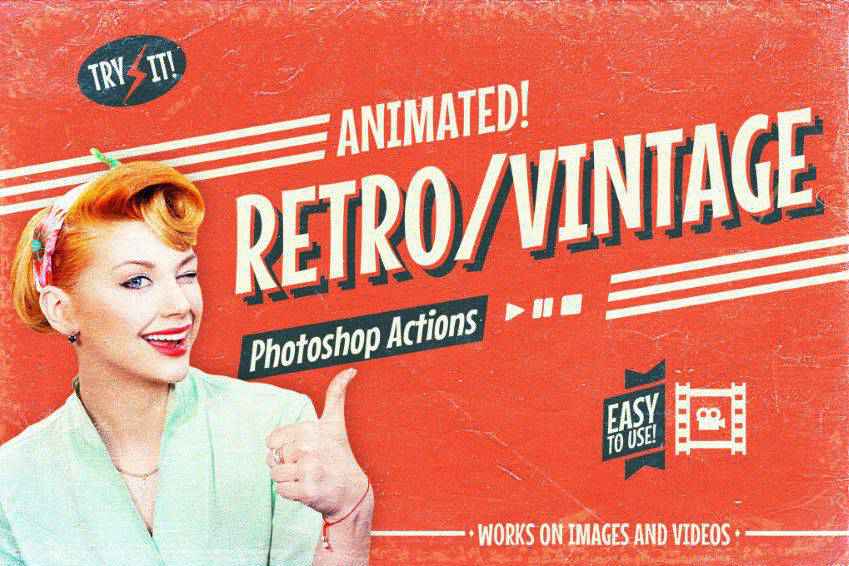
These stunning photo effect actions allow you to create vintage photos and graphics quickly. Download them to add vintage charm with just a few clicks. They’re perfect for stylish fashion editorials and engaging social media posts.
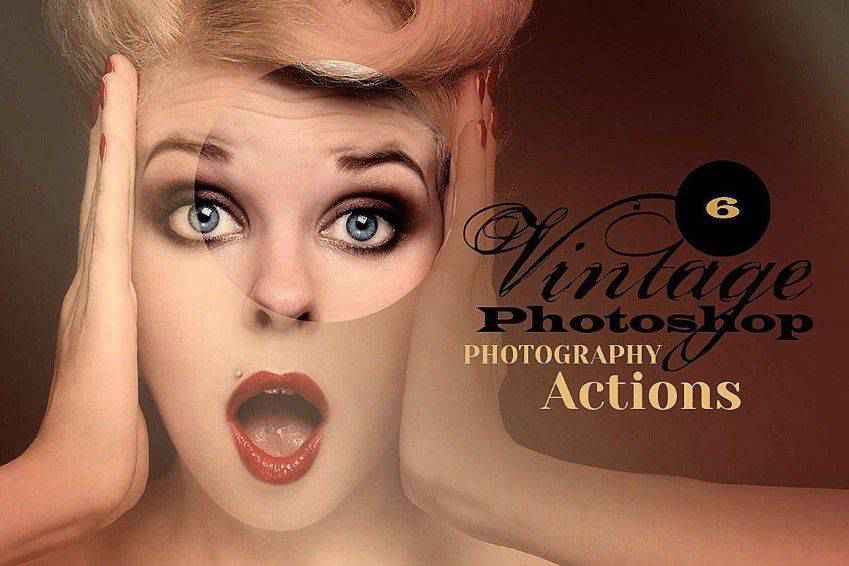
Stylish and authentic, these retro and vintage text Photoshop actions are perfect for old-school typography. You’ll get 18 high-quality Photoshop actions that offer creative text effects for a variety of projects, from flyers and posters to cinematic titles and covers. You can easily use them via smart objects.

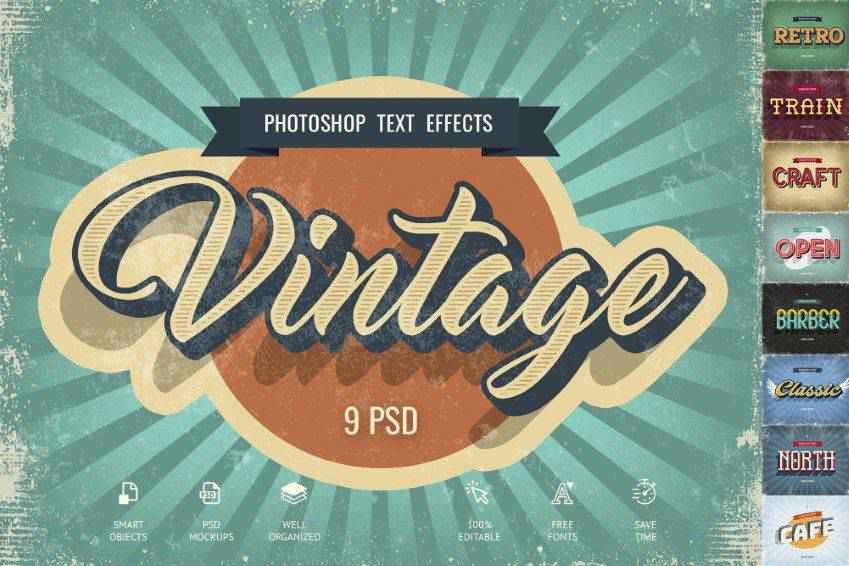
Create gorgeous graphics with these vintage text effects. Nine styles are included, from old-school cafe signs to funky 3D text effects. The smart objects system in Photoshop allows you to easily add your own content with just a few clicks.
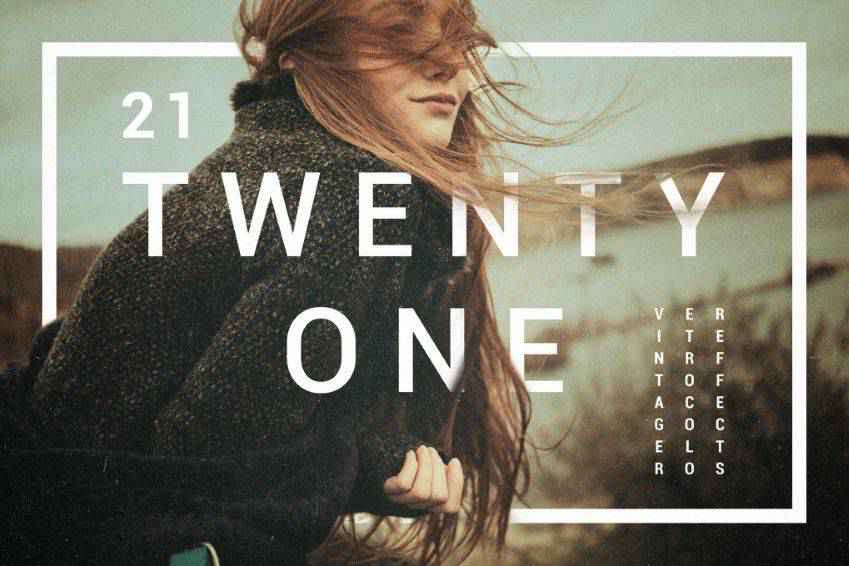
Get perfect toning with these vintage and retro color effects for Photoshop! This pack includes 21 effects, as well as creative effects like vignettes, noise effects, and more.
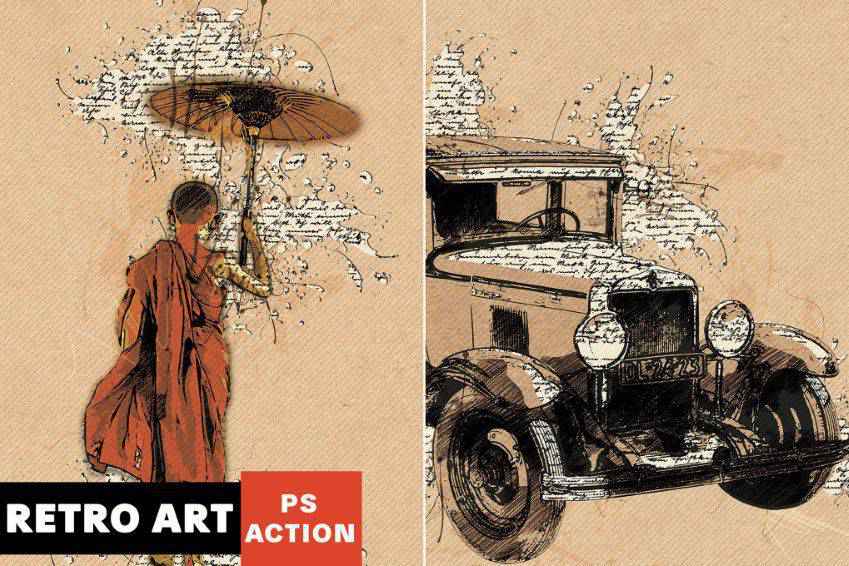
Turn your original photos into vintage art with this retro Photoshop action. In just a few clicks, you can transform your images into masterpieces with vintage splashes, typography, effects, and colors.
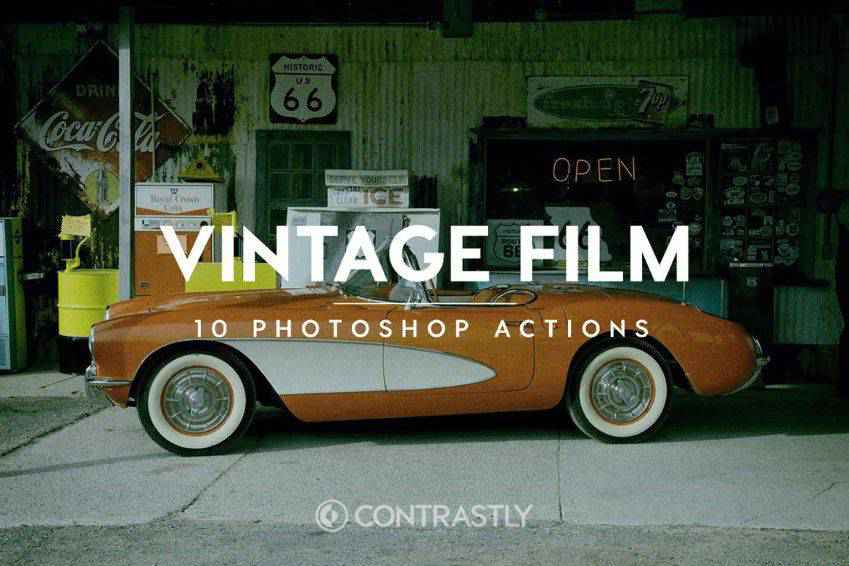
These vintage film Photoshop actions are perfect for professional photoshoots. You’ll get ten actions to create a vintage atmosphere while retaining the beauty of your original shots. They have been inspired by analog films such as Agfa, Fujifilm, and Kodak.
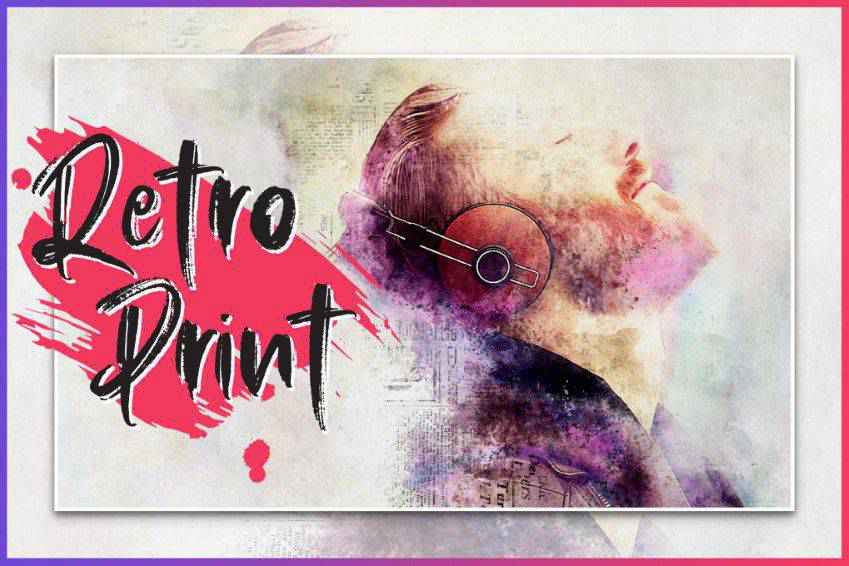
Create retro prints with these Photoshop actions. Inspired by retro art, this collection includes brushes and patterns to create unique effects. All you have to do is brush over the parts of the image you want to transform and play the action.
Actions panel. You can usually find it by going to the Window menu and selecting Actions.Actions panel. Click on the little menu icon (usually represented by three horizontal lines or dots) at the top-right corner of the panel. From the dropdown menu, select Load Actions. A file dialog box will appear. Navigate to the location where the .atn file is saved, select it, and click Load.Actions panel as a new set. The set will have a folder icon and the name of the action set.Actions panel.Actions panel. Click this button, and Photoshop will automatically apply the selected action to your image.File menu in Photoshop.This collection of Photoshop actions has everything you need to give your photos and graphics a retro or vintage touch.
Versatile and user-friendly, these actions will streamline your workflow and help simplify the editing process. With just a couple of clicks, you can transform your work into beautiful, timeless art.
The post 20+ Best Photoshop Actions for Retro & Vintage Photo Effects appeared first on Speckyboy Design Magazine.
Yesterday we managed just one of the Audlem flight before we moored and walked uptown the excellent Shroppie Fly canal side pub, today we are going to finish the last 14 locks of the Audlem flight. Obi has a quick poo walk today as he will walk the Audlem flight, today’s breakfast was an over stuffed bacon roll as we had some bacon that needed eating. but by the time it was cooked and…
An early start for Sonia this morning as she left the boat at 6:30am to catch a train to Birmingham International Station to visit the NEC and the Festival of Quilts. Obi and I walked up to the Nantwich Aquaduct for his poo walk, lots of dog and there carers walking along the towpath this morning, with most of the visitor mooring taken. For me having not fixed the power problems…
Canal Maps has just landed on the Google Play Store, joining the iPhone app that’s been out for a few months. Same offline maps of the UK’s canal network, now on Android too: 150+ canals, rivers and rings, thousands of points of interest (moorings, pubs, water points, sanitary stations, boatyards, locks and more), all bundled in the app so you can use it with no signal.
 Canonical has released Workshop, a new open-source tool to create reproducible development environments with a single command. Using YAML files, the same development setup can be reproduced across different hardware and devices, reducing dependency headaches and configuration drift. Environments in Workshop are built from SDKs (packages that install languages, frameworks and tools). Most of these come from the SDK Store, which supports versioned channels similar to the Snap Store so that projects can define specific SDK versions to use. Canonical offers SDKs for Ollama, OpenCode, NVIDIA CUDA and AMD ROCm at launch, but users can create and define project-specific SDKs […]
You're reading Canonical’s Workshop: sandboxed, reproducible dev environments, a blog post from OMG! Ubuntu. Do not reproduce elsewhere without permission.
Canonical has released Workshop, a new open-source tool to create reproducible development environments with a single command. Using YAML files, the same development setup can be reproduced across different hardware and devices, reducing dependency headaches and configuration drift. Environments in Workshop are built from SDKs (packages that install languages, frameworks and tools). Most of these come from the SDK Store, which supports versioned channels similar to the Snap Store so that projects can define specific SDK versions to use. Canonical offers SDKs for Ollama, OpenCode, NVIDIA CUDA and AMD ROCm at launch, but users can create and define project-specific SDKs […]
You're reading Canonical’s Workshop: sandboxed, reproducible dev environments, a blog post from OMG! Ubuntu. Do not reproduce elsewhere without permission.
Weddings are joyous occasions that create fond memories. It’s one reason why we love to hang on to keepsakes from the day. Each memento is a reminder of good times.
Perhaps there’s no better keepsake than wedding stationery. The feel of the paper, the elegant fonts, and the carefully selected color scheme tell a story. It’s no wonder we put so much effort into making them perfect.
These projects can be time-consuming for graphic designers. But don’t worry – we can help you get off to a fast start.
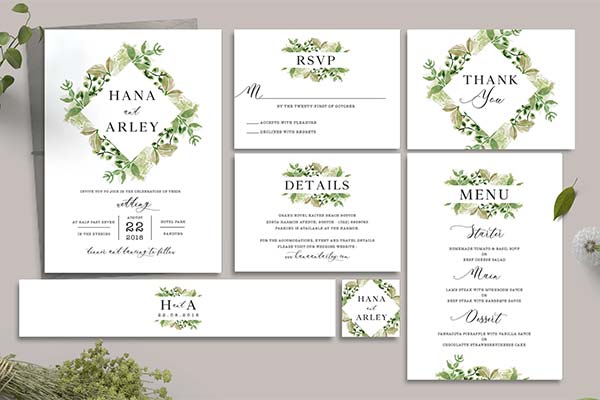
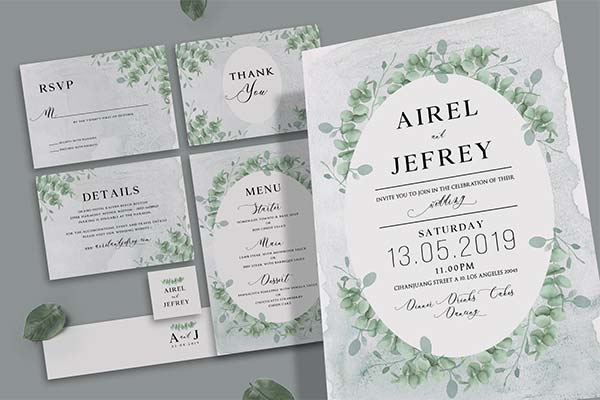
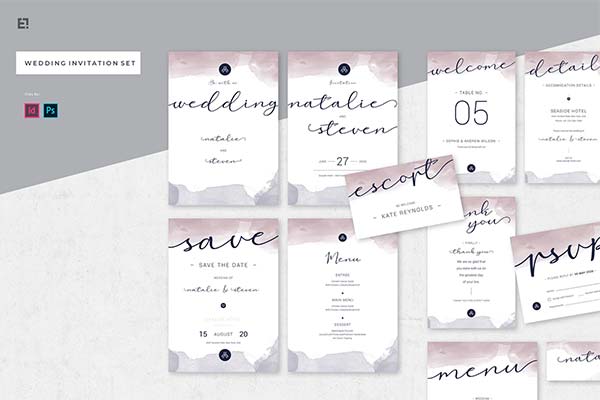
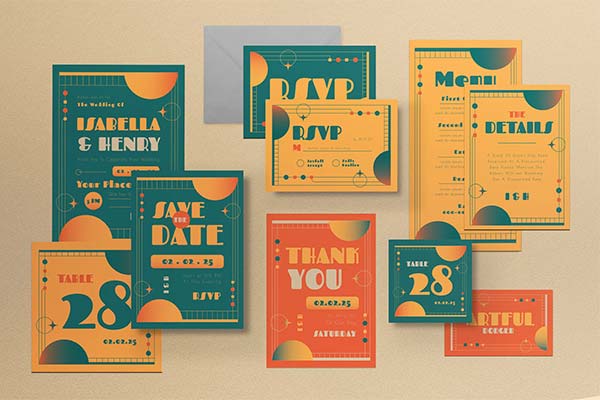
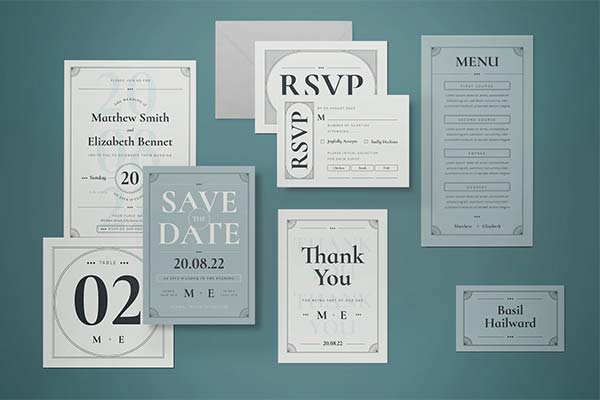
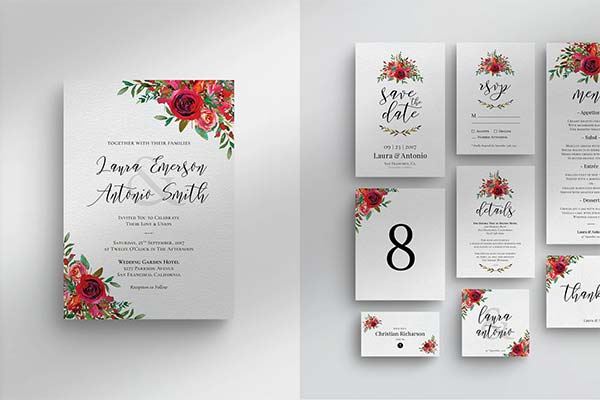
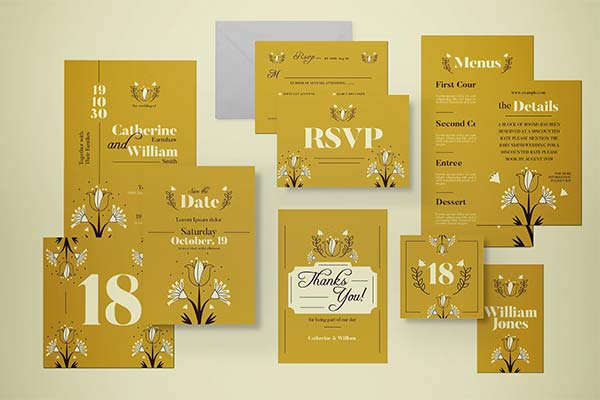
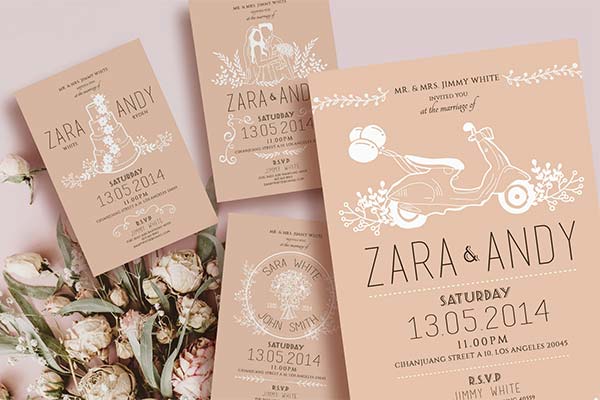
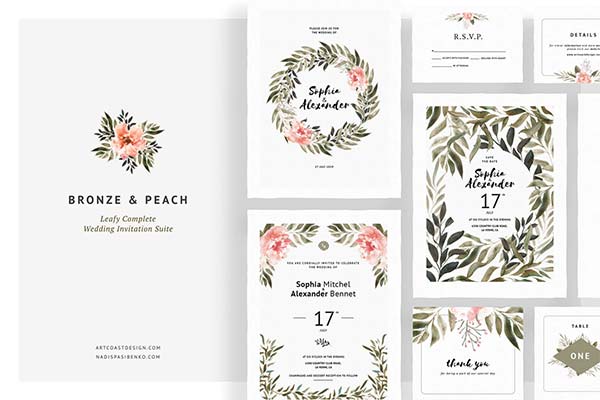
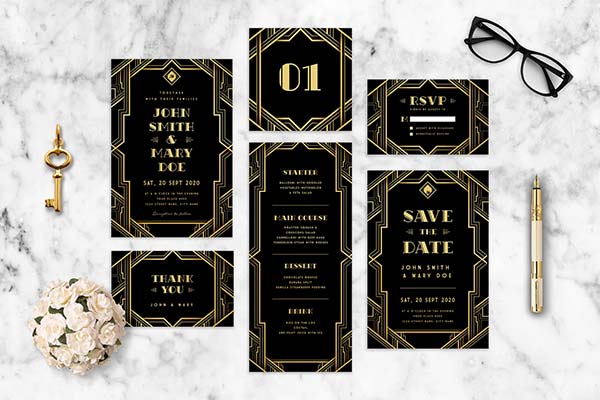
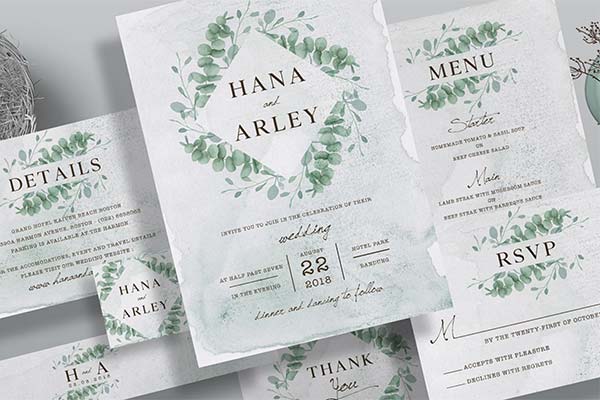
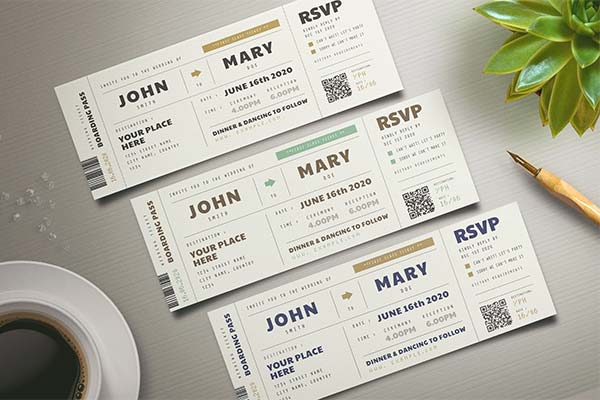
Below is a curated collection of wedding stationery templates for Adobe Photoshop. They cover a variety of styles – you’re sure to find one that matches your needs. Plus, they’re easy to edit and customize to your heart’s content.
Find your favorite template, and you’ll have everything you need to create a precious keepsake in no time!
You might also like our collection of wedding templates for InDesign.
Are you looking for a perfectly coordinated set of wedding stationery templates? The following collections have you covered with templates for save-the-date cards, invitations, RSVPs, menus, thank-you notes, and more. These professionally-designed templates will help you every step of the way.
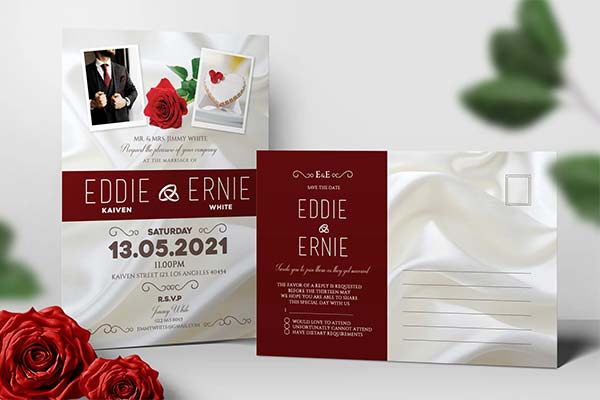
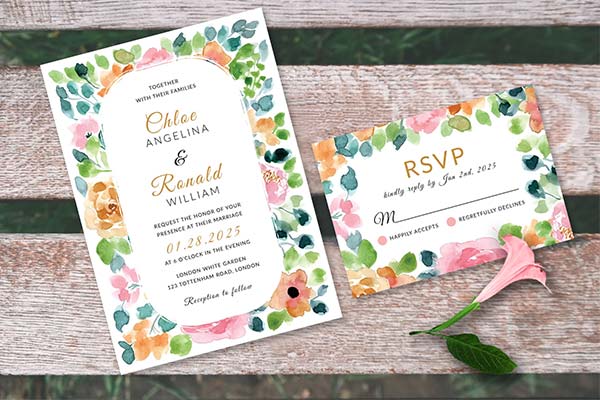
Invite friends and family in style with these beautiful wedding invitation templates. You’ll find everything from classic to modern looks here. Some packages come with extras, such as alternate styles and additional types of stationery.
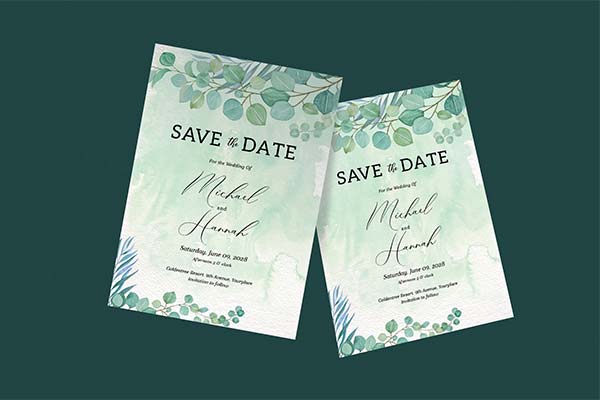
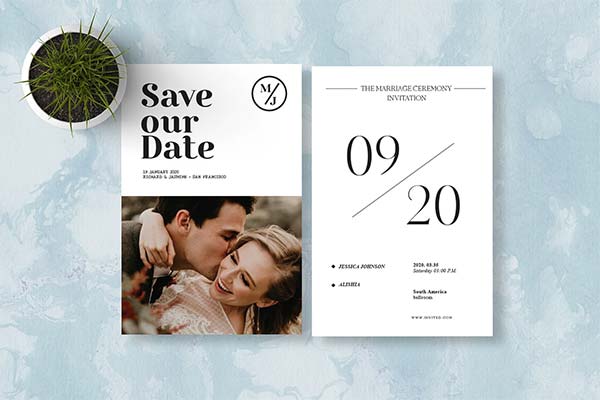
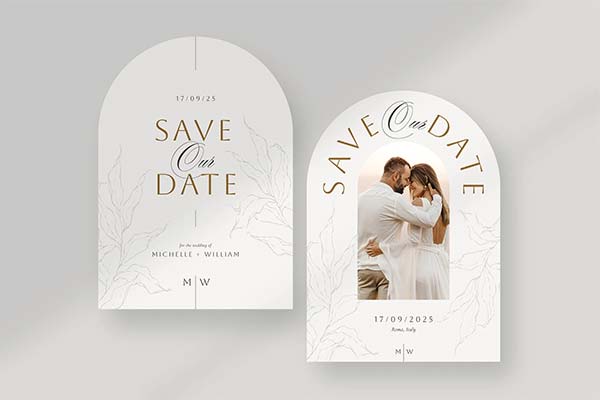
These save-the-date card templates are the perfect way to share happy news! Included are ready-to-mail postcards and standalone options. You’ll even find templates that use custom shapes. There’s something for every taste. Use your favorite to build anticipation for the big day.
Dress up your RSVP cards with these stunning templates. There are great options whether you prefer to send a postcard or a traditional card in an envelope. Customize them to the happy couple’s specifications and start creating memories.
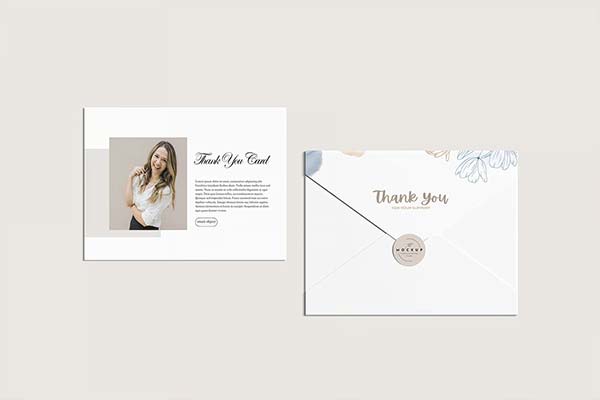
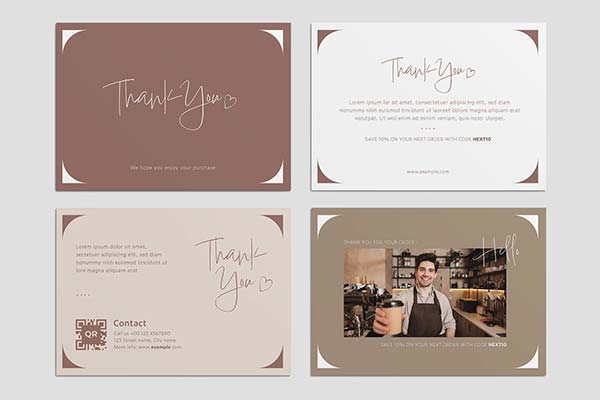
These templates provide an elegant way to say “thanks” to guests. Type a message or, even better, handwrite something personal. It’s something loved ones will cherish for years to come. And it’s another way to mark a special event.
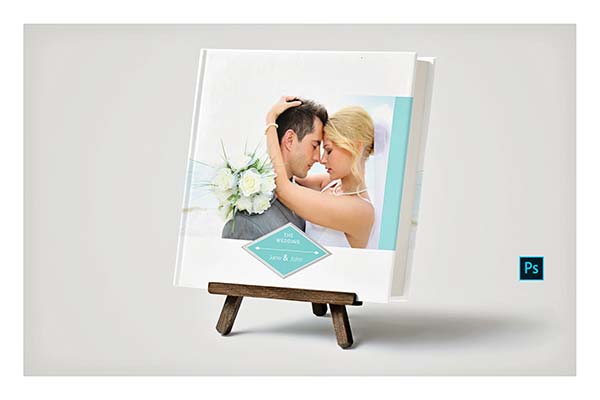
A photo album is the perfect way to look back in time. Each of these Photoshop templates can be customized with your photography and text. Have an album professionally printed, and it can be passed on to each generation.
Establishing the perfect look for your wedding stationery project can be a challenge. There are so many types of documents and endless possibilities. Luckily, the Photoshop templates in this collection make your job much easier.
Find the options that interest you and start experimenting. Here’s hoping you create something that captures the magic of the day!
The post 30+ Best Wedding Stationery Templates for Photoshop appeared first on Speckyboy Design Magazine.