AI images are taking over stock libraries, but the human-made web isn't dead yet. We found 25 places where designers can still find incredible free, real photography, art, and imagery for commercial use.
Presets are pre-configured settings that can be applied to photos in Adobe’s Lightroom. They’re a quick and easy way to improve your photos with various effects without having to adjust each setting manually.
The best thing about Lightroom presets is that they can save you time in your editing workflow. Instead of spending hours modifying settings and experimenting with different effects, you can simply apply a preset and see how it looks. If you’re a photographer, designer, or someone who works with digital photos, Lightroom presets can be a valuable tool in your toolbox.
One of the great things about Lightroom presets is that they’re not just limited to desktop editing. With the rise of mobile photography, presets are also available for mobile versions of Lightroom. This means you can edit your photos on the go and produce professional-looking results without carrying around a heavy laptop.
One thing to note is that presets are different from LUTs. The main difference between LUTs and presets is that LUTs apply a specific color grading or effect to your photos, while presets adjust individual Lightroom settings to achieve a specific style or aesthetic. LUTs are less flexible, while presets offer more customization options.
Finding the best Lightroom presets can be challenging because you need to sift through many lower-quality options. This extensive collection highlights some of the best free Lightroom presets you can download. With the right presets and a little practice, you can create stunning photos.
If you’re new to Lightroom or presets in general, there are plenty of resources available to help you learn. You could start with our very own collection of Lightroom tutorials.
Film Effect Lightroom Presets
With these Lightroom presets, your digital photos can take on a film-like quality. While the effects may be subtle, they can bring out the beauty of your photos and give them a classic look.
With this free set of eight Lightroom presets, you can quickly recreate the intriguing effects found in arthouse movies. From moody and atmospheric to stark and cinematic, these free presets offer a range of dramatic effects that will transform your photos with just a few clicks.
This Lightroom preset will replicate the aesthetic qualities of iconic films from Kodak, Fujifilm, and Agfa. This one-click wonder dips your photography into a variety of retro styles.
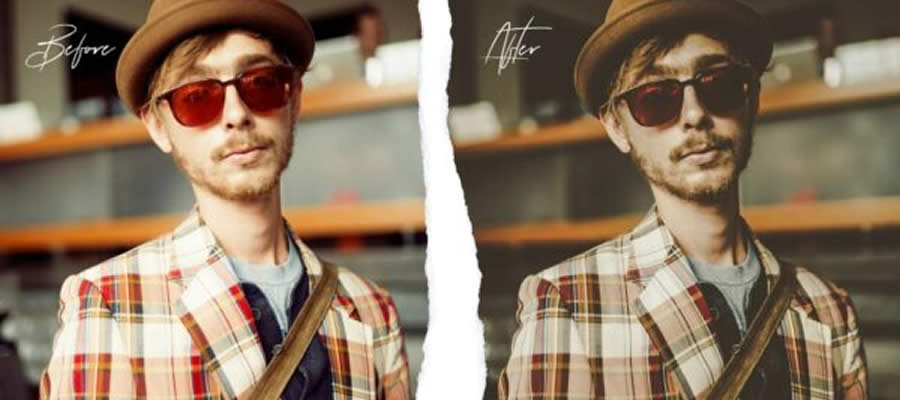
Offering ten vintage-inspired portrait photography styles, these Lightroom presets blend today’s moments with yesterday’s retro style. They are perfect for photographers looking for a light, nostalgic touch.
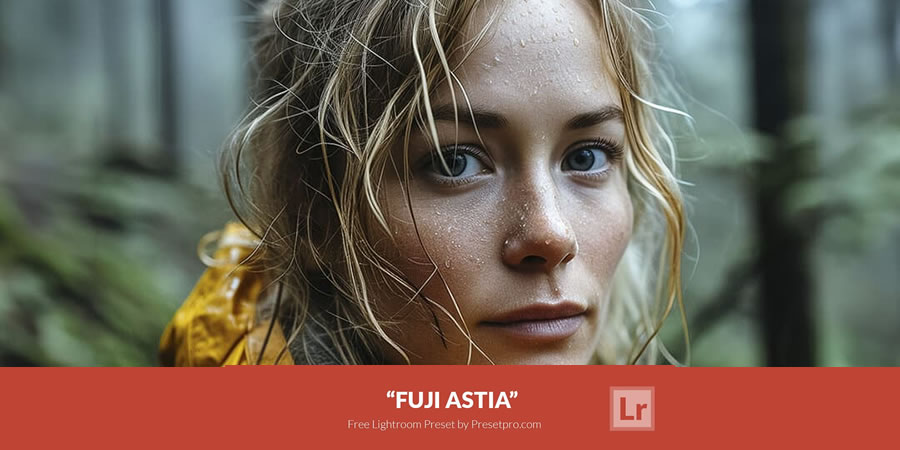
Fuji Astia is an undervalued gem in Fujifilm’s lineup. This free preset will subtly make your photographs beautiful and is incredibly useful when you want flattering, natural tones.
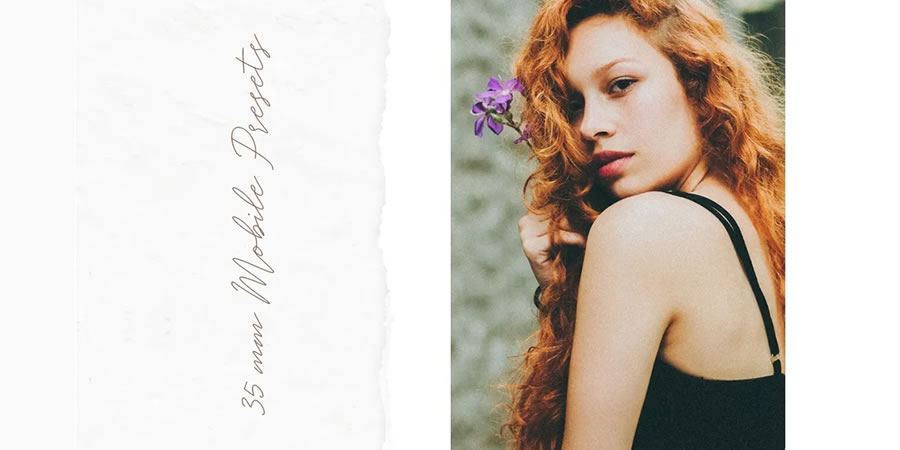
The 35mm collection of free presets adds subtle grain and color edits to your photos, giving them a classic cinema look and feel. They will add a touch of dreaminess to your shots.
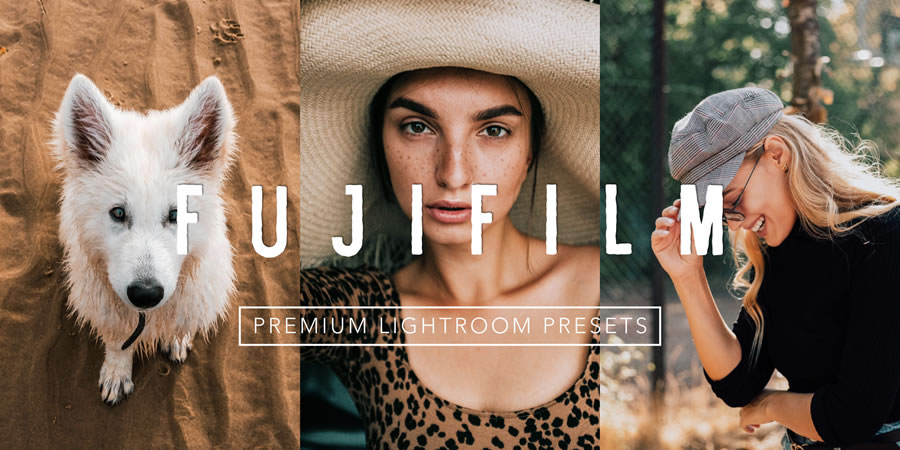
This free Lightroom preset will give your shots that vintage-inspired Fujifilm color effect everybody loves. It adds a little extra brightness and vibrancy, making your photos look amazing.
Portrait Lightroom Presets
Whether you want to improve the styling of your portrait photography or make your selfies a little better, these Lightroom presets are the solution you need. They will all add a professional touch to your photos.
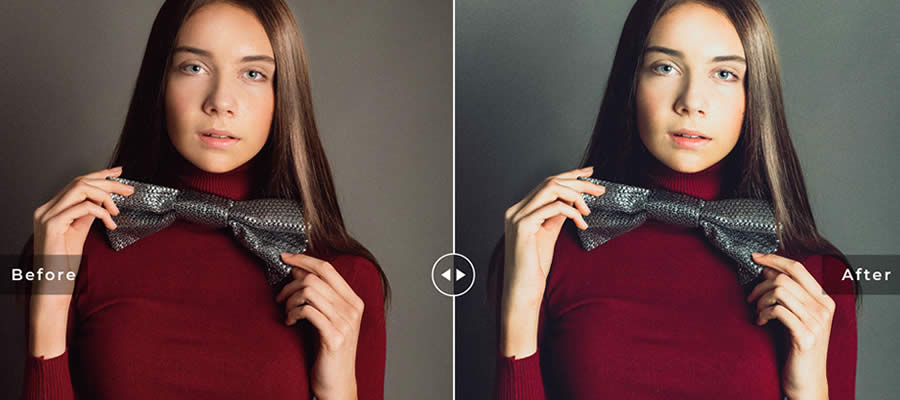
This free Lightroom preset can take your self-portraits to a new level of professionalism. With its natural look, this preset will add a touch of refinement to your photos.
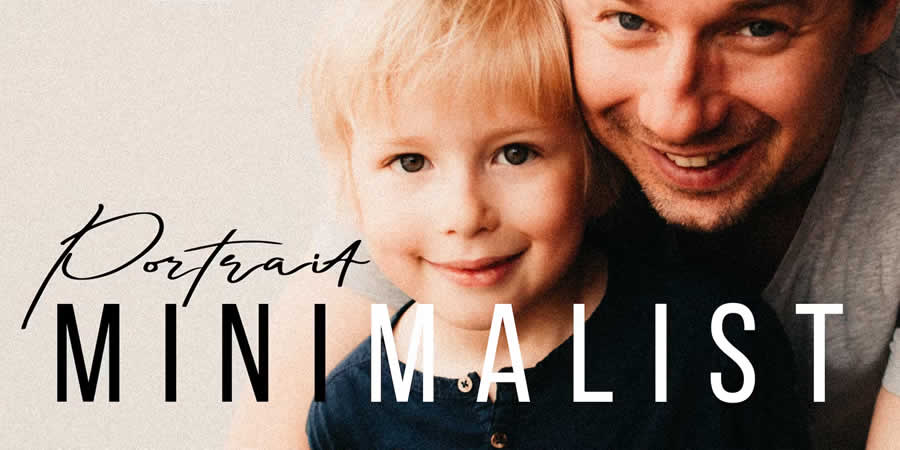
Minimalist Portrait is a collection of Lightroom presets for portrait photographers who want to envelop their subjects in minimalism and warm tones. With a focus on natural light, this preset offers a subtle, clean aesthetic.
Transform your portraits with these free Lightroom presets. Each preset blends and optimizes light, tone, and color for different scenes and conditions, producing a distinct style for headshots, selfies, and studio portraits.
Seasonal Effect Lightroom Presets
No matter the season, these Lightroom presets will give your photographs a refined color effect. With subtle adjustments that don’t overpower your photos, these presets will improve the mood and style of your photos.
This free HDR Lightroom preset will bring your autumn photos to life. Designed to work on the dynamic range and colors of your fall shots, this preset can bring out the best in your photos with just a few clicks.
This free Lightroom preset collection will add a touch of moodiness to your forest and nature photos. Small but mighty, these presets create striking effects that produce an immersive atmosphere.
High Dynamic Range Effect Lightroom Presets
One of Lightroom’s greatest strengths is its ability to expand the dynamic range of your photos, bringing out detail even in the most challenging lighting conditions. While the latest version includes a new HDR merge feature, it requires multiple exposures of the same scene. Fortunately, these presets can create an HDR-like effect with just a single photo, allowing you to quickly achieve amazing results.
The HDR Pro collection includes 10 presets, including black & white, sepia, saturated colors, and shadow effects. Excellent for bringing out the details and contrasts in your photos.
This dramatic HDR Lightroom preset will take your landscape and nature photos to the next level. It will add drama and beauty to your outdoor shots by enhancing tone and contrast.
Designed to work on the deep, beautiful blacks in your photos, this HDR preset makes it easy to apply a range of black and white effects to any photo.
Color Effect Lightroom Presets
Lightroom offers various options for working with color. You can add vibrancy to dull photos, create a vintage aesthetic, and adjust colors in highly creative ways. All of these presets let you quickly add creative color effects to your photos.
Urban Soot is a free collection of 10 Lightroom presets that add an atmospheric, cinematic feel to your street photography. They’re very simple presets, but effective.
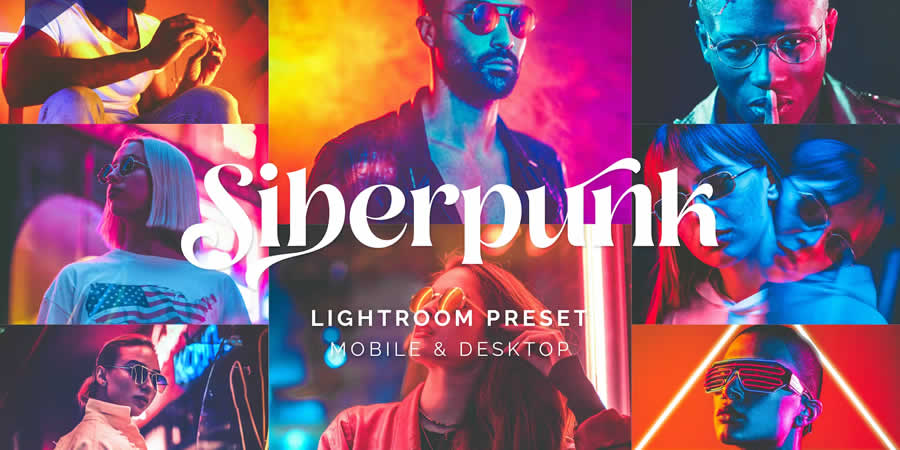
Transform night photos with this free Lightroom preset that will give your shots a cyberpunk twist. Whether you want to add an edgy and futuristic feel or create a striking and dramatic effect, this preset is what you want.
Inspired by the dark, luxurious style of the BLVCK PARIS clothing brand, this preset is for photographers looking to add sophistication to their urban shots.
Take your photography into the future with these Cyberpunk Lightroom presets. Designed to create the iconic cyberpunk style effect, these presets will give your photos a vibrant yet dystopian feel.
This free preset will quickly convert your photos into a soothing, warm aesthetic. It provides the starting point for creating photos that truly capture the essence of your subjects.
Are you struggling to find the perfect style for your photos? Look no further than this versatile Lightroom preset. Designed to give your editing process a head start, it includes the most common adjustments to transform a RAW file from flat to amazing.
Are you looking to add energy and vibrancy to your photos? Look no further than these free Lightroom presets. Designed to brighten your pictures with vivid color accents, these presets are for photographers who want to add excitement to their shots.
Do you want to add an edgy or intense effect to your photos? Check out this collection of fifteen Lightroom presets. They’re designed to help you create photos that capture your subjects with boldness and intensity.
B&W Effect Lightroom Presets
Converting a color photo to black and white in Lightroom is fairly easy, but the results can be lackluster without additional adjustments.
To make your black-and-white photos truly stand out, you need these Lightroom presets. You can transform your photos into striking monochromes with just a few clicks.
Dive into classic monochrome with Black & White Deluxe Edition. These presets are ideal for photographers looking for professional-grade black-and-white effects. They will transform your shots with nuanced contrasts.
Black and white doesn’t have to mean boring. Contrast Noir converts your images to monochrome with added punch. It’s ideal for helping make an impact, even without color.
This preset will not only convert your photos to black and white but also give them a charming vintage effect. It is easy to apply and customize.
Nostalgia Effect Lightroom Presets
These Lightroom presets are the perfect solution if you’re looking for a vintage or retro aesthetic. They can quickly transform your photos into a classic, timeless look.
This collection of free Lightroom presets will add a warm, vintage feel to your photos. They’re ideal for portraits, landscapes, and more.
Adventure Lightroom Presets
These travel and adventure Lightroom presets are for those who love to explore and document the world around them. They offer a range of effects that will add drama to your travel photos.
These Lightroom presets, created for modern travelers, will sprinkle contemporary colors throughout your photos. They’re ideal for travel and lifestyle bloggers.
The Tropics is a collection of 11 free presets for travelers that add green and yellow tones to your photos, giving them an instant tropical look and feel.
Astro & Space Lightroom Presets
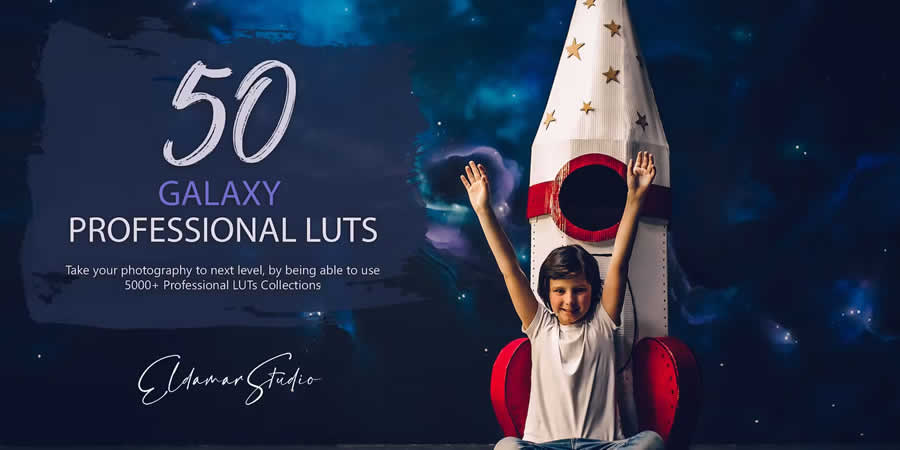
Take your astrophotography to the next level with these Lightroom presets. Designed to bring out the beauty of the galaxy, these presets offer a range of effects that will add depth, contrast, and vibrancy to your photos.
If you’re looking for a preset that will bring out all of the tiny details of our universe, then these ten free Lightroom presets are what you need. They have been specifically created for Astro and long-exposure photography.
Journey to the stars with this space photography preset pack. Explore the cosmos and let your photos capture the beauty of our galaxy.
VSCO Lightroom Presets
These VSCO Lightroom presets replicate the aesthetics of analog film photography. They offer a variety of color schemes and tones, allowing you to quickly apply film-inspired effects.
Improve your travel, lifestyle, or portrait photography with these VSCO Lightroom presets. They are for photographers looking for a professional aesthetic.
Improve your portrait photography with these VSCO portrait presets. With matte textures and subtle grain, you can give your portrait photos a dramatic, warm, and soft aesthetic.
How to Install Lightroom Presets
Importing and applying a Lightroom preset to a photo is a simple process. Here are the steps:
Open Adobe Lightroom: Launch Lightroom on your computer.
Import Your Photo: Import the photo you want to edit into your Lightroom library. You can do this by clicking the Import button and selecting the photo from your computer.
Navigate to the Develop Module: Click on the Develop module in the top-right corner of the Lightroom interface to access the editing tools.
Open the Presets Panel: In the left panel, click on the Presets tab to open the Presets panel.
Locate & Expand Preset Groups: In the Presets panel, you’ll see a list of preset groups (folders) on the left side. Expand the preset group that contains the preset you want to apply.
Preview the Presets: Hover your mouse over different presets within the group to see a preview of how they will affect your photo.
Apply the Preset: Click on the preset you want to apply to your photo, and Lightroom will instantly apply the preset’s adjustments to your photo.
Fine-Tune the Edit (Optional): After applying the preset, you can make additional adjustments to your photo using the editing tools.
Export or Save the Edited Photo: Once you’re satisfied with the edits, you can export the edited photo or save it to your Lightroom library.
How to Create a Lightroom Preset
Creating your own Lightroom presets lets you apply consistent, customized edits to your photos with just a click. Here’s a step-by-step guide on how you can create your own presets:
Edit a Photo: Open a photo in Lightroom that you want to use as the basis for your preset.
Apply Edits: Make the desired adjustments and edits to the photo’s exposure, color, tone, and other settings until you achieve the desired look.
Access Develop Module: Click on the Develop module to access the editing tools.
Open Presets Panel: In the left panel, find the Presets tab and click on it to open the Presets panel.
Create New Preset Group (Optional): Right-click on an existing preset group or click the + button to create a new preset group (folder) to organize your presets.
Create New Preset: Right-click within the Presets panel or click the + button in the group you created to create a new preset.
Name Your Preset: Give your preset a descriptive and memorable name that reflects the adjustments you’ve made.
Choose Settings to Include: In the New Develop Preset dialog box, check the boxes next to the settings you want to include in your preset. This can include adjustments like exposure, contrast, highlights, shadows, color balance, and more.
Save Your Preset: Save the preset by clicking the Create button.
Apply Your Preset: Open another photo in Lightroom then go to the Develop module. In the Presets panel, find the group you created, then click your custom preset to apply the saved adjustments to the new photo.
Fine-Tune & Adjust: If needed, adjust the settings on the new photo to ensure that the preset works well through different images and lighting conditions.
Save & Organize: As you create more presets, you can organize them into different groups to keep your workflow efficient.
Export & Share (Optional): If you want to use your presets on another computer or share them with others, you can export the preset files and import them into different Lightroom installations.
Achieving the perfect shot often involves more than just a camera—it also requires editing. This is why photographers use Lightroom to work on their photos. However, this process can be time-consuming, especially when adjusting the settings of multiple images.
The HDR effect (High Dynamic Range) is a popular photography technique for capturing scenes with high contrast, such as landscapes and architecture. It involves blending multiple photos with different exposures to create a single image with a greater range of brightness and contrast.
For a more efficient approach, use one of these Lightroom presets to add the HDR effect to your photos. These presets help balance highlights and shadows, sharpen details, and bring structure to your images.
With these Lightroom presets, you can transport your viewers, clients, and followers into the heart of the moment, making your photos truly memorable.
Get great HDR shots, no matter the weather. This professional collection of presets adapts to different weather and shooting conditions and gives you smooth and structured results. You’ll get 11 presets you can fine-tune to achieve the desired effects.
These HDR presets bring light and focus to every corner of your photos. You’ll get various presets to transform your photos, regardless of camera settings, to give you fantastic results. This package has everything from natural looks to punchy and surreal styles!
If HDR is your go-to photography style, this collection is perfect! This set has 20 high-quality HDR presets and is suitable for various shoots and conditions.
This Lightroom collection is excellent for adding natural brightness to your photos and highlighting every detail. Edit your way to absolute HDR perfection!
Get professional shots with these HDR Lightroom presets. They’re perfect for professional photographers. You can fine-tune the presets to achieve the desired effects and then apply them to all of the photos in your set.
This collection of professional HDR presets for Lightroom will subtly bring out the beautiful details of your photo. They give you natural results that are perfect for portfolios, magazines, and social media.
Create a unique atmosphere with this faded HDR Lightroom effect. They’re perfect for portrait and fashion photography, as well as lifestyle and landscape shots.
Get stunning and detailed results with these professional HDR presets. The collection consists of five presets you can quickly customize to achieve your desired effect.
These HDR presets are a fantastic choice for product photography. They offer a high dynamic range that uses micro-contrast to provide detailed photos without elements that can harm aesthetics, such as halos and noise.
These 15 HDR Lightroom presets are perfect for professional landscape, lifestyle, travel, and nature photography. They are highly customizable and incredibly easy to use. Get beautiful results with half the work!
These premium presets give you 15 options for highlighting the details of your photos and correcting wrong exposures and imperfect shooting conditions.
This HDR Lightroom preset collection will add vibrancy to your photos. They’re perfect for urban, nature, travel, and other types of photography where you want to create an authentic atmosphere.
HDR Shots at Your Fingertips
With these Lightroom presets, gorgeous HDR shots are at your fingertips. Simply download one of the HDR preset packages above, apply it to your photos, and enjoy the stunning results!
Whether you plan to showcase your photos in an exhibit, magazine, or on social media, these presets will subtly improve and highlight their details. While they might not instantly launch you into stardom, every good photographer knows the value of quality presets.
Lightroom Mobile is widely recognized as the leading photo editing application for photographers on the go. Suitable for both experienced and inexperienced photographers alike, it offers a suite of tools for easy photo editing directly from your mobile device.
Presets in Lightroom Mobile are pre-configured settings you can apply to your photographs with a single tap. They adjust multiple aspects of a photo at once, including exposure, color balance, contrast, and saturation. Presets help maintain a consistent quality and style across your work, allowing for uniform adjustments across various images.
They can save considerable time by eliminating the need to manually tweak the settings of each photo, streamlining the editing process, and allowing you to focus on capturing new photos.
With these free Lightroom Mobile presets, achieving professional-quality photo edits becomes easier than ever, opening up more creative possibilities for photographers of all levels.
This free preset has been designed for adventurers and explorers. Give your travel photos a distinctive vintage look with this free DNG. Bring out a sense of nostalgia and capture the spirit of your adventures.
This is a comprehensive collection of 35 free presets for landscape photographers. It adds depth and color to your outdoor shots, ensuring that the beauty of nature is fully captured.
This free mobile preset has been designed for those who want to create a dramatic, gritty look. With its green-tinged shades and cinematic quality, this preset turns ordinary scenes into emotionally charged images.
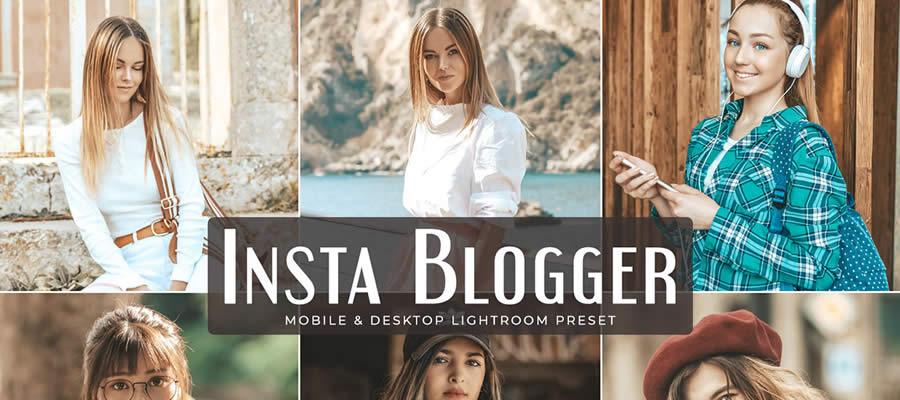
Insta Blogger is a free preset ideal for modern influencers. It replicates popular Instagram effects, giving your photos a distinct blogger style and keeping you at the forefront of social media trends.
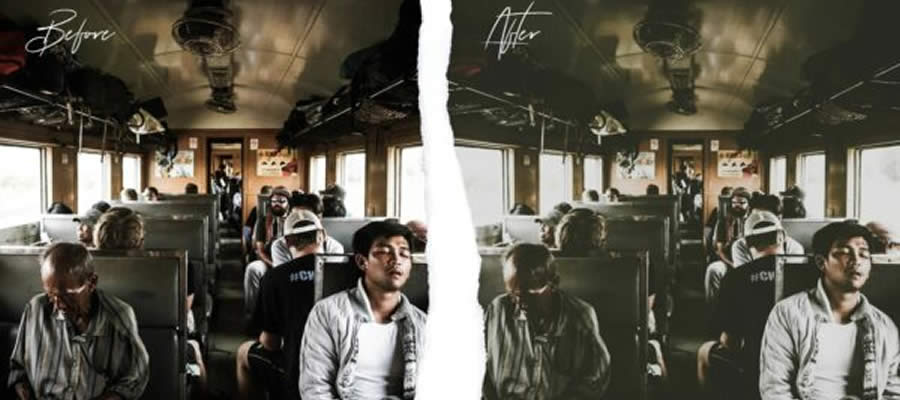
This collection of ten Lightroom Mobile presets has been designed to give your photos a grainy texture, perfect for a retro, urban aesthetic. It adds a nostalgic touch to modern urban scenes.
Film Pop combines bright colors with a grainy, film-like texture. These free presets capture the authentic style of analog while maintaining a contemporary edge.
Introvert Retro is a free Lightroom Mobile preset that gives your photos a somber, film-like aesthetic. The muted green undertones subtly capture the feel of reflection and tranquility, making it perfect for those moments that speak volumes in silence.
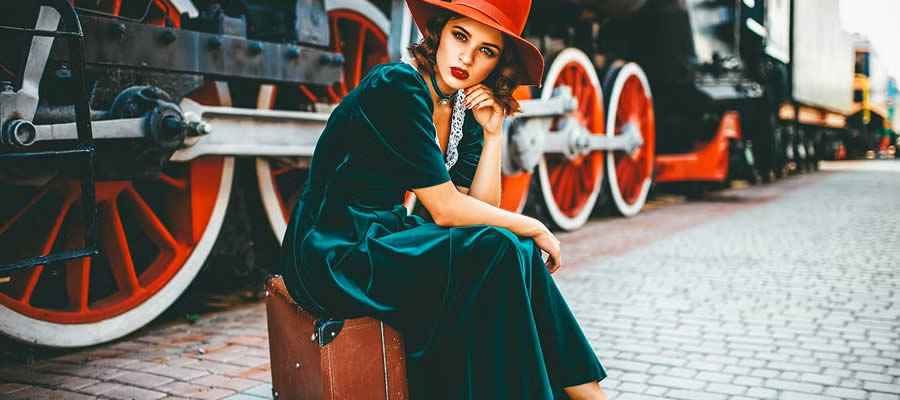
This free Lightroom Mobile preset is designed to amplify orange and teal hues. It is perfect for urban photography, turning cityscapes and streets into stunning scenes where warmth meets cool perfectly.
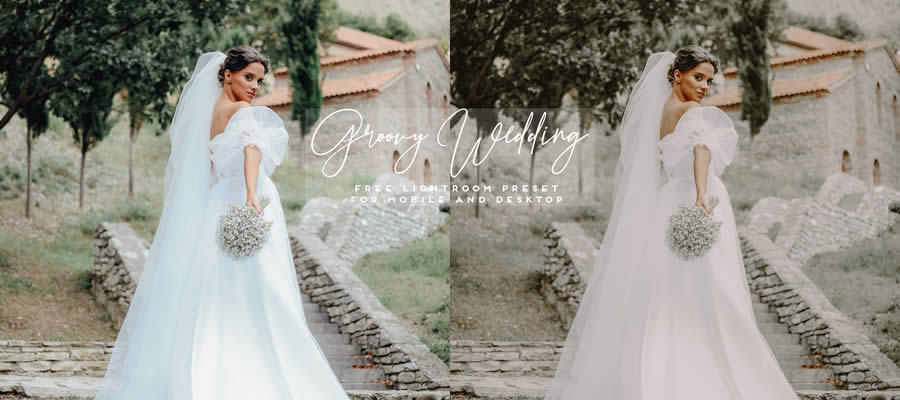
Groovy Wedding is a free Lightroom Mobile preset for wedding photography. It gives every photo a romantic aura, capturing every tender moment and loving glance in its most heartwarming light.
Chocolate Matte is a free Lightroom Mobile preset that blends warm brown tones with a soft matte finish. The subtle haze adds a cinematic touch, turning your photographs into timeless pieces with a tranquil, cozy atmosphere.
This free preset has been tailored for interior design photography. Available in DNG format, it highlights architectural subtleties and décor details, transforming every room into a masterpiece of design and comfort.
Film Grade captures the classic style of cinematic films. With its grainy texture and nostalgic feel, it brings the raw charm and emotion of vintage cinema to each shot, adding an old-world touch.
Miami Beach is a free Lightroom Mobile preset designed to add warmth to your beach photographs. Perfect for capturing sun-kissed sands and vibrant waves, this preset ensures every frame glows with the inviting warmth of summer.
This preset has been created for indoor fashion shoots. Optimized to highlight the elegance of every model, it ensures that your fashion photos are as stunning and stylish as the runway itself.
Moody Light is a free Lightroom Mobile preset designed to intensify the drama in your photos. Characterized by rich colors and deep shadows, this preset adds mood to every frame, turning each shot into a vivid narrative.
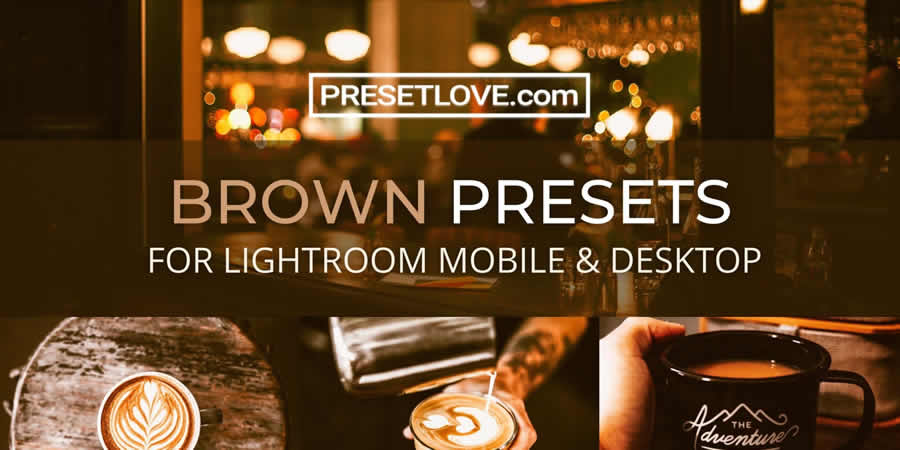
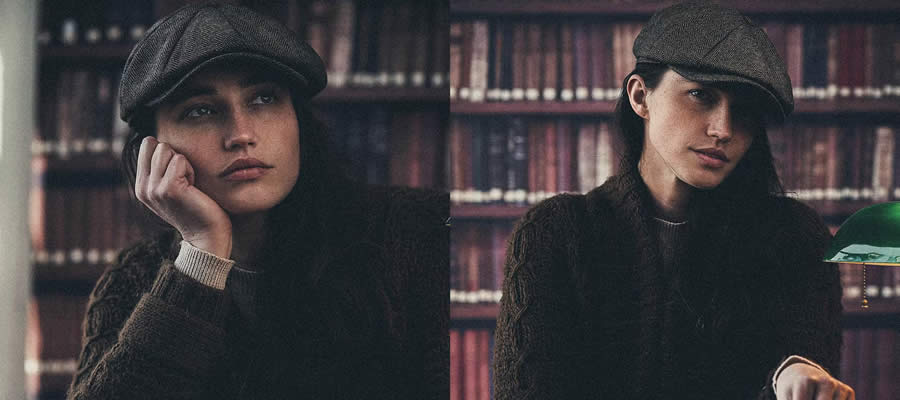
This free Lightroom Mobile preset is designed to add moody brown hues to your photographs. With its matte finish, this preset gives the feel of a cozy café, turning every snapshot into a soulful moment reminiscent of your favorite brew.
How to Install Lightroom Mobile Presets
To install Lightroom Mobile presets, follow these steps:
Download Presets: Download the preset files to your mobile device. They are typically in .dng format.
Open Lightroom Mobile: Launch the Lightroom Mobile app on your device.
Import Preset Files: Tap the + icon to add a new photo. Select Files to browse and import the .dng preset files you downloaded.
Open a Preset File: Tap on one of the imported .dng files to open it.
Create Preset: Click the three dots (…) in the upper right corner. Select Create Preset.
Save the Preset: Name your preset and choose a Preset Group (create a new group if desired). Tap the checkmark to save.
Apply the Preset to Photos: Open the photo you want to edit. Tap Presets from the menu at the bottom. Select your saved preset group and tap the preset you created to apply it to your photo.
A well-crafted website is a great opportunity for photographers. It’s a personal space to showcase your best work and display your talent and style away from the chaos of social media. You can use it to transport visitors into your world.
WordPress is the perfect platform for building photography websites. You’ll find plenty of themes that put your images front and center and include features created for professionals. There’s a great selection of free themes available.
These themes also aim to make things easier for you. Some have custom settings panels, while others use the WordPress Site Editor. Thus, you have options for how you want to build your site.
Let’s take a look at some of the best free WordPress themes available for photographers. You’ll be sure to find one that fits your preferred aesthetic.
Here’s a block theme with a clean and minimal style. It features a full-width layout along with a selection of custom style variations. You’ll also find attractive block patterns to help you build your site faster. There is plenty of design flexibility for every niche.
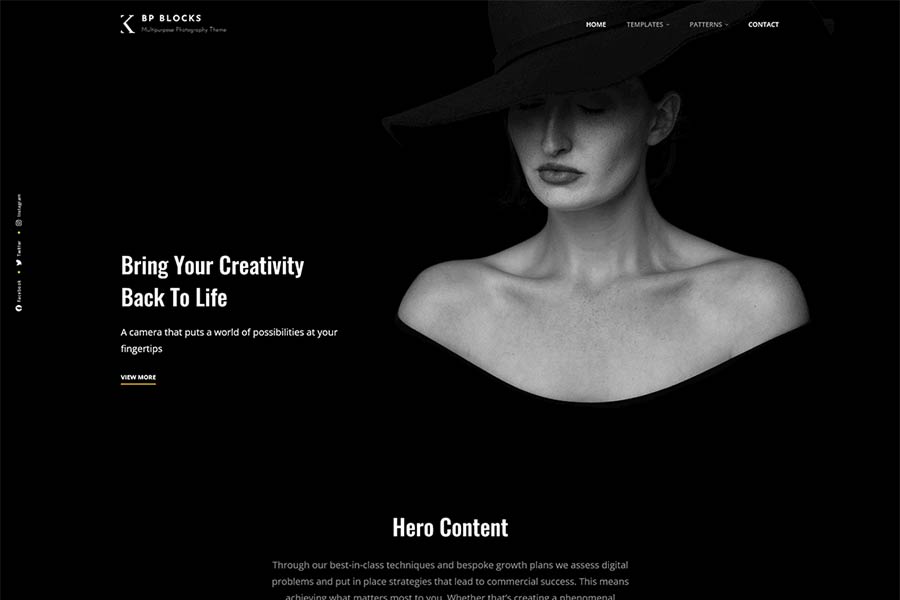
This beautiful dark theme makes your images the star of the show. It offers a wide range of assets, including 25 block patterns, 16 templates, and 11 template parts, to help you release your creativity and personalize every detail.
Showcase your wedding photography services with this classy WordPress theme. The theme offers WooCommerce support and elegant blog templates, making it a great option for photographers looking to attract new clients with an all-in-one website.
Pixel Photography brings a clean, modern layout ideal for photo bloggers. Its customizable gallery and portfolio options let you tailor the site to your needs, making it a good option for a range of photo professionals.
Fashion Photography offers colorful visuals and classic typography to complement your images. It includes a featured slider for showcasing recent work and provides multiple layout options for a versatile site presentation.
Get your photography website off to a quick start with this block theme. There are over a dozen handy block patterns included to simplify page building. You’ll also find stunning animation and hover effects. Gutenify Photography brings a professional finish to your project.
Fukasawa features a masonry layout and sidebar navigation to put your photos in focus. Extra goodies include a gallery slideshow, custom widgets, and support for custom post formats. The result is a simple canvas that lets your images speak for themselves.
Fotogenic lets you build a stunning photography website with minimal effort. This classic theme features the WordPress Customizer, offers multiple archive layouts, and a custom header, making sure there’s plenty of space for your images to shine.
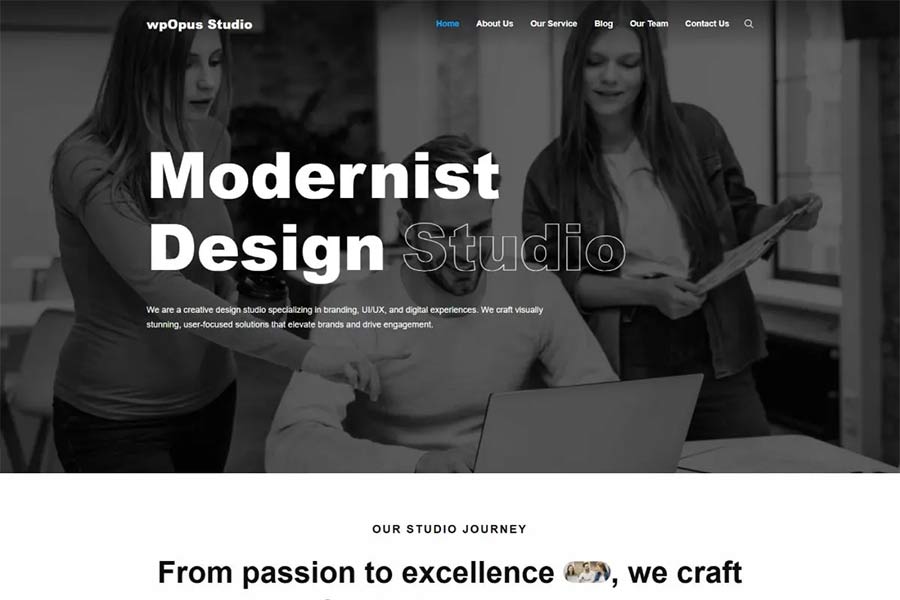
Here’s a block theme designed for creatives. It features three black-and-white style variations and bold typography. The color-changing hover effects are excellent for showcasing your photographs. You’ll find style and substance with this theme.
Nexal provides everything needed to create a high-quality photography website, with style variations across multiple color palettes and thirty-six block patterns. The clean typography and image styling help your work stand out, while full site editing support ensures easy customization within WordPress.
Colorful and unique, Freelance Portfolio provides photographers with a stylish online home. It features customizable portfolio templates to show off your projects. There are also attention-grabbing hover effects and helpful block patterns. This theme proves that it’s good to be outside the ordinary.
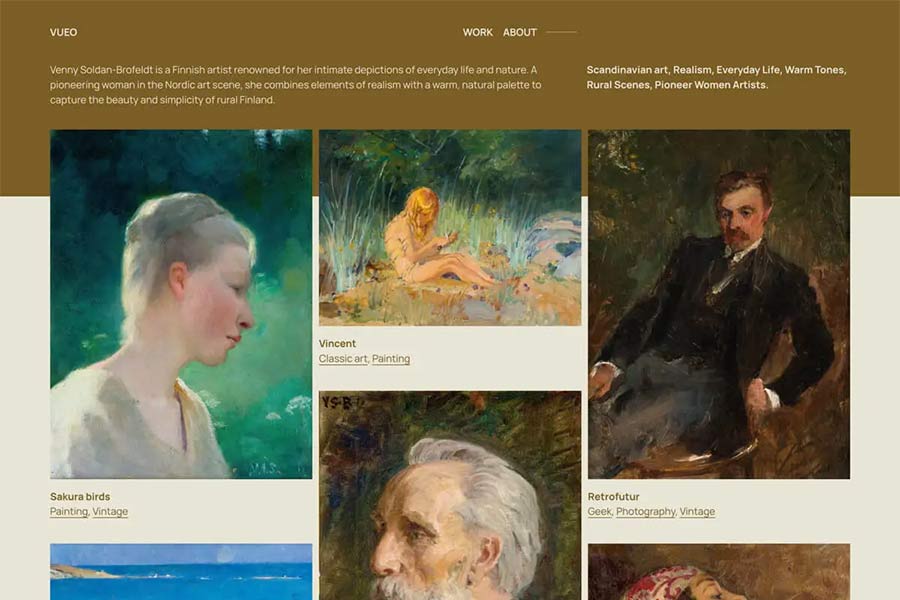
This masonry theme adds an elegant touch to your photo blog. It comes packed with six style variations and is compatible with the WordPress Site Editor. Take it, customize it, and show the world your art.
Best WordPress Photography Themes at a Glance
Theme
Description
Best Use / Style
FSE Photographs
Block theme with clean, minimal full-width layout and multiple style variations.
Modern photography portfolios
Bold Photography Blocks
Dark-themed block theme with 25 block patterns and rich creative assets.
Bold, expressive galleries
Wedding Photography
Elegant theme with blog templates and WooCommerce support for wedding pros.
Wedding photographers & service sites
Pixel Photography
Clean and modern layout with custom galleries and portfolio features.
Photo blogs & portfolios
Fashion Photography
Colorful photography theme with featured slider and layout options.
Fashion & lifestyle photography
Gutenify
Block theme with animation, hover effects, and 12+ block patterns.
Professional photo showcases
Fukasawa Gallery
Masonry layout with sidebar nav, slideshow galleries, and custom widgets.
Masonry-style image galleries
Fotogenic
Classic photography theme with multiple archive layouts and a custom header.
Simple photographer sites
wpOpus Studio
Block theme for creatives with monochrome styles and hover effects.
Creative photo portfolios
Nexal Theme
Highly customisable theme with 36+ block patterns and style options.
Flexible customizable photography sites
Freelance Portfolio
Colorful portfolio theme with editable templates and hover styles.
Unique photo portfolio sites
Vueo Gallery
Masonry gallery theme with six style variations and Site Editor support.
Elegant photo blogs & gallery layouts
Your Photos Deserve a Great Website
Your website is an integral part of your photographic journey. Professionals and hobbyists alike benefit from a site that reflects their personality. It’s all about creating the right mood while guiding users through your portfolio.
The WordPress themes above provide a path to achieve your goals. There’s something here for all manner of specialties – nature, weddings, landscapes, portraits – you name it. You won’t have to bend to the theme’s demands. Rather, you can shape it to match the look and feel you want. The new breed of block themes is especially flexible in this respect.
Great photography requires vision and top-notch tools. The same can be said of your website. Choose the right theme, and it will paint your images in the best possible light.
If you’re getting ready to launch your photography website or redesign it, choosing the right theme is important. These themes are packed with features geared for photographers, and they offer an attractive design to boot. They are also free, so be sure to try them today!
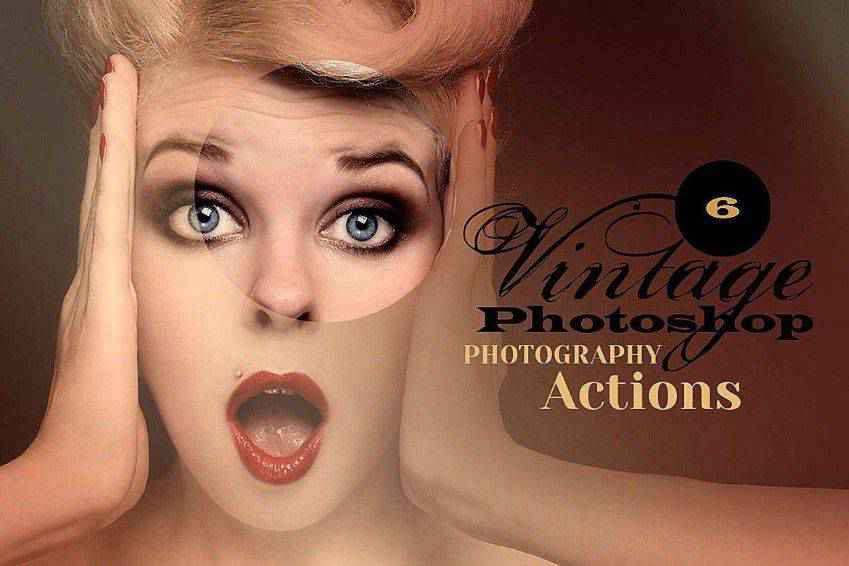
Dive into the nostalgic world of vintage and retro styling with this collection of Photoshop actions. Whether you’re a photographer, designer, or digital artist, these actions will help give your photos and graphics that vintage aesthetic we all love.
Our collection offers a range of filters to give your photos soft palettes, gentle fades, and other quaint effects. From landscapes to portraits, you can create an authentic vintage aesthetic with just a few clicks.
These actions can help recreate the look of a vintage postcard or an old family album or bring the style of a bygone era to your modern images.
This collection has the best Photoshop actions and presets to streamline your workflow and help you achieve the vintage look you want. Find the perfect action for your next project below!
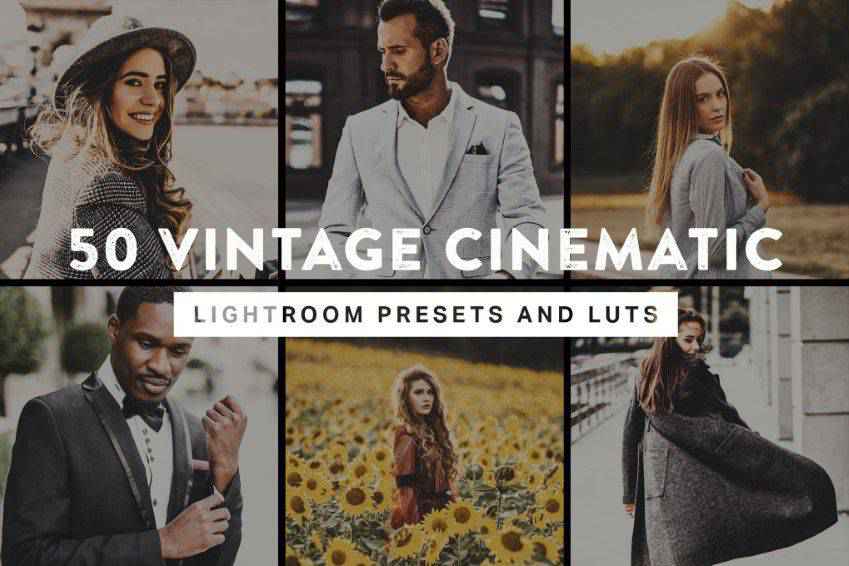
These vintage cinematic Photoshop actions and Lightroom presets will give your photos an authentic, nostalgic look. This bundle has 50 actions, including vintage film colors, dark filters for night photos, vibrant effects, and more. You’ll also get vintage LUTs for video editing.
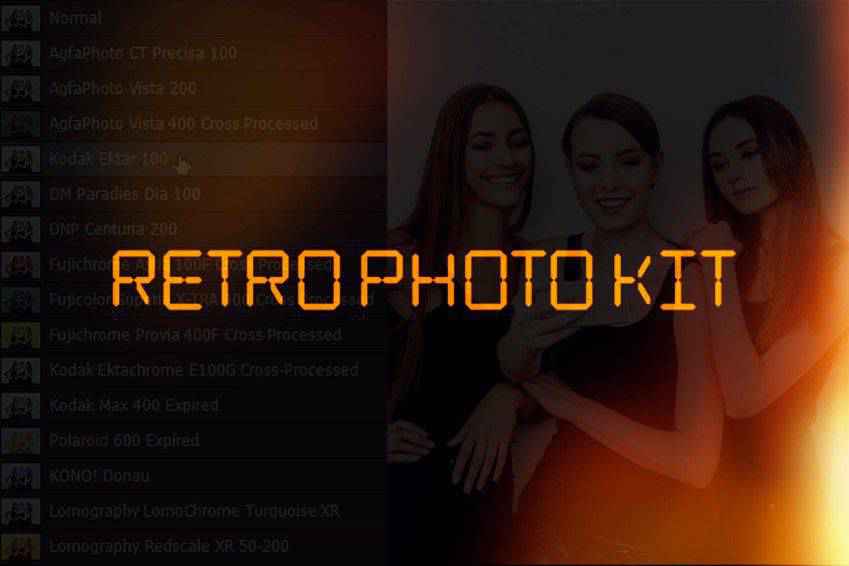
Light leaks, date stamps, and more! This retro Photoshop action collection has everything you need for nostalgic photographs. You’ll get 15 retro film Photoshop actions inspired by vintage camera styles, ten light leak overlays, and more. If you love retro, add this pack to your kit!
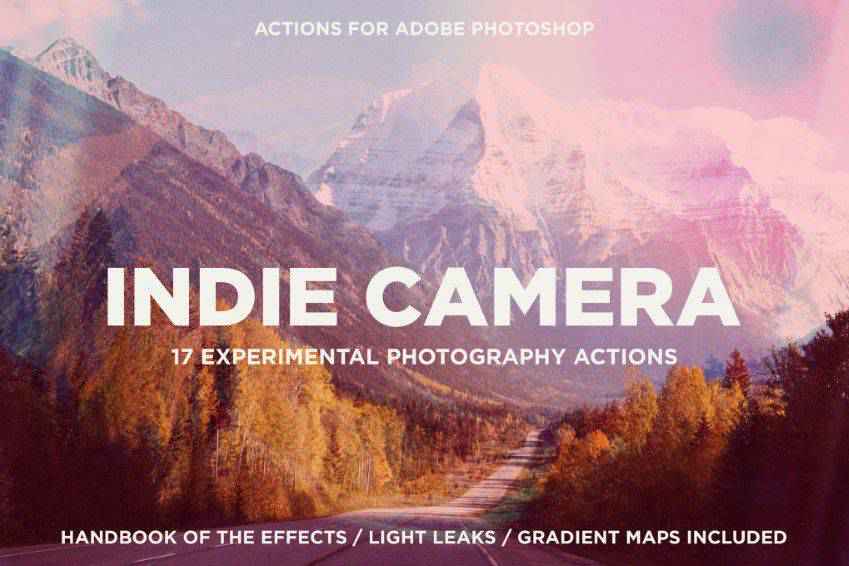
Capture stunning shots and add indie charm to them with these Photoshop actions. This collection includes 17 actions, over 110 gradient maps, and 21 PNG light leak effects. Perfect for creating a nostalgic atmosphere for your portfolios, magazines, and social media images.
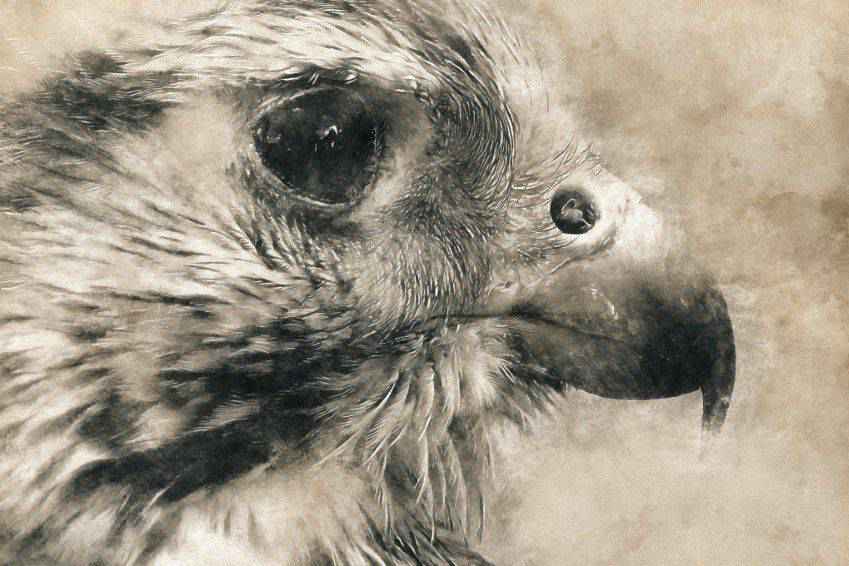
With these Photoshop actions, you can transform your photos into watercolor art or give them a vintage atmosphere. This set includes Photoshop brushes, patterns, 20 actions, and everything you need to create vintage. With one click, you’re ready to go!
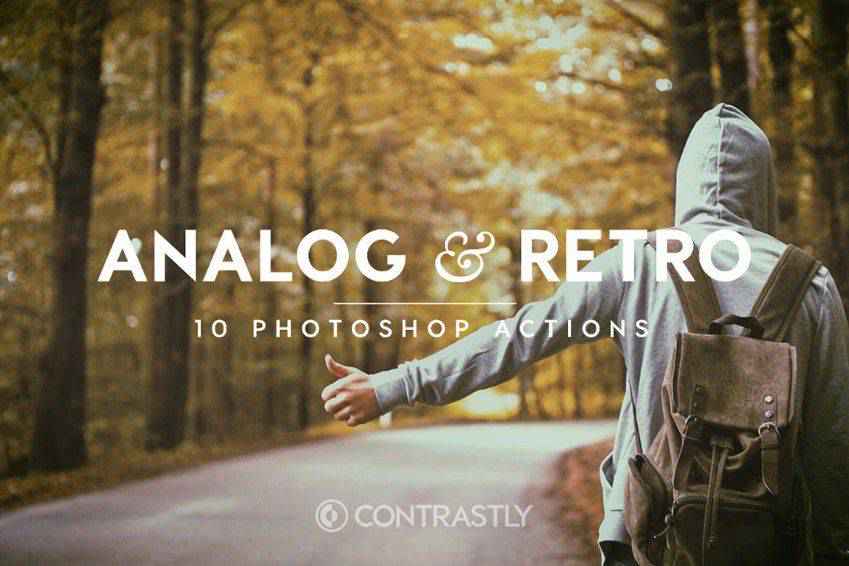
With these Photoshop actions, you will get authentic retro contrasts and vignetting. This set includes ten actions to create an analog film atmosphere in your images, perfect for portfolios, magazines, and social media. You’ll love the subtle retro tones.
All you need to travel back in time is Photoshop and these vintage actions. This collection helps you transform your standard photos into vintage works of art. You can fine-tune the actions’ details to get old camera effects or create a full-on masterpiece.
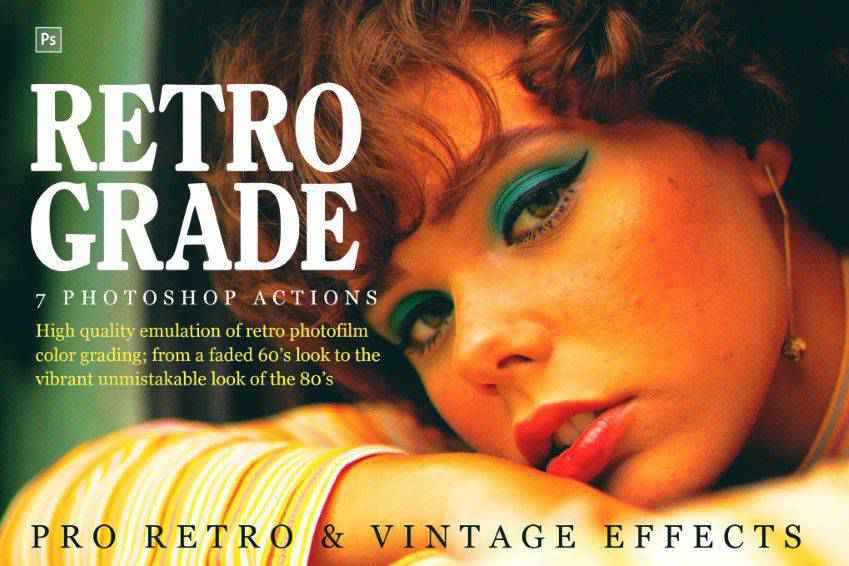
From the faded ’60s to the vibrant ’70s, this set of retro Photoshop actions has every old-school aesthetic you’d ever want! It includes seven editable Photoshop actions, textures, and light leak overlays. Easily create a beautiful lookbook, image, or poster!
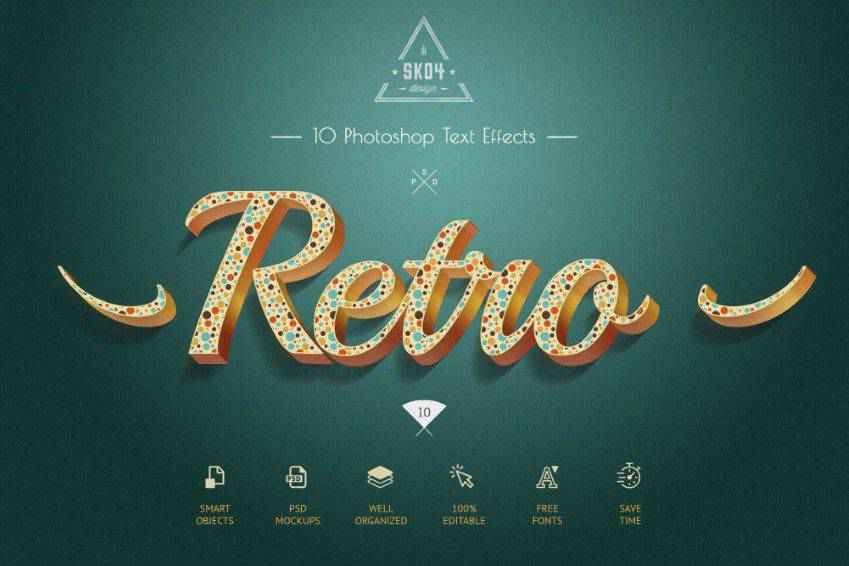
Elegant and authentic, these retro text effects for Photoshop are perfect for your next project. Drawing inspiration from the 50s and 60s aesthetics, in this pack, you’ll get ten unique 3D styles, and they’re 100% editable.
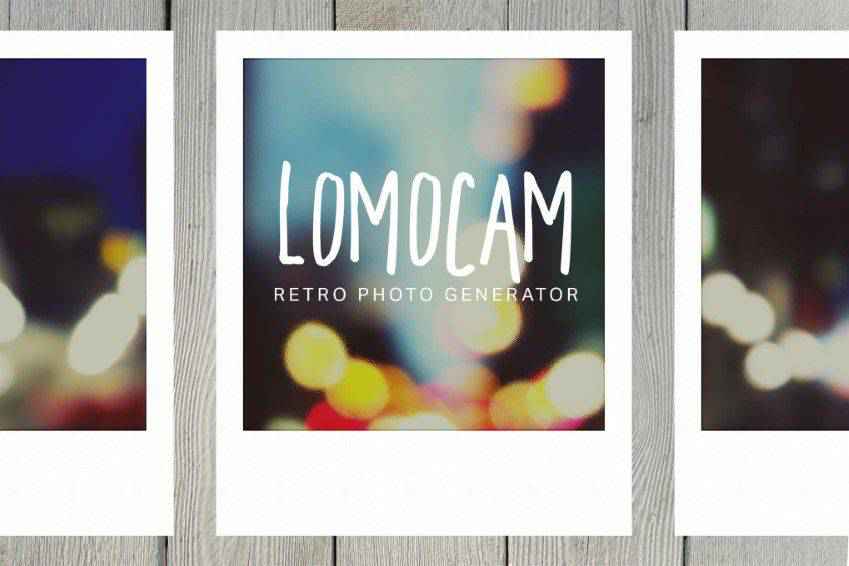
Create Polaroid photos without a Polaroid camera! This Photoshop generator will give you a vibrant Lomography effect that replicates the original styling of Polaroid photos. You can also choose a colorful frame and add special effects like fisheye.
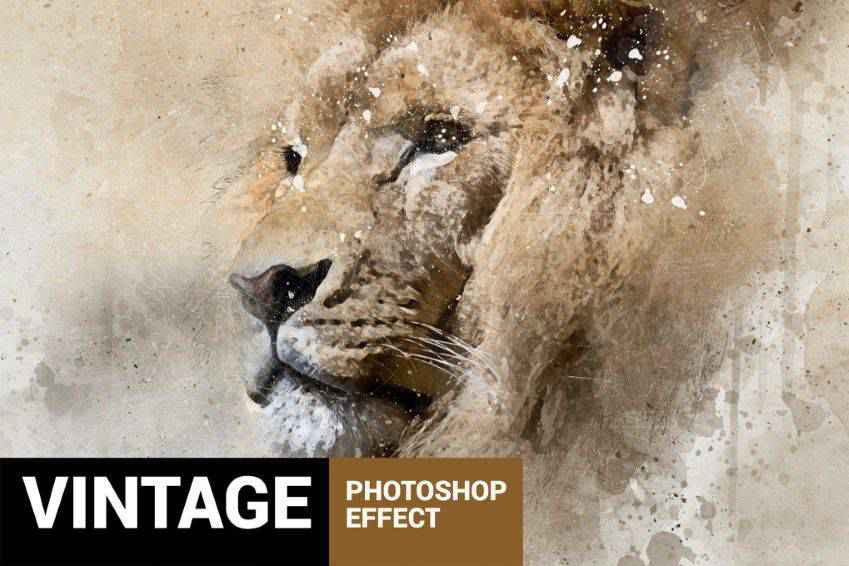
Transform your photo into a work of art with this vintage art Photoshop action set. The action pack also includes brushes, splashes, and color grading, so you can easily give your modern photos a vintage look.
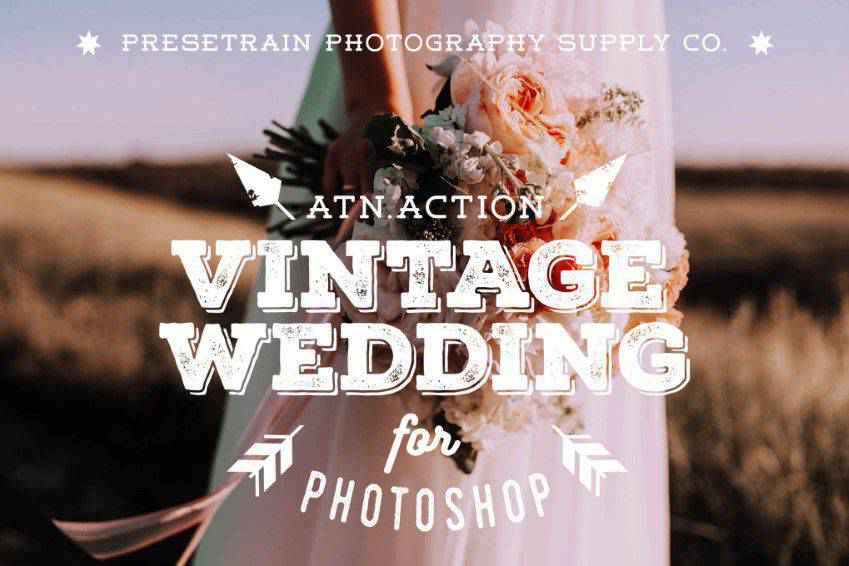
Perfect for wedding photographers, these vintage Photoshop actions will give your clients an unforgettable wedding album. They will give your original shots a soft and gentle look and feel.
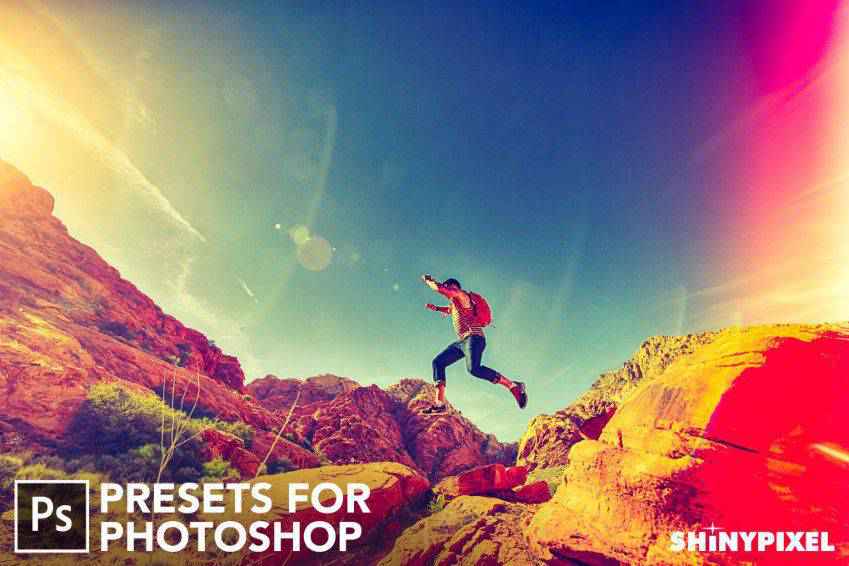
Give your photos a retro touch with these light leak Photoshop presets. They’re ideal for retro-themed photos and add vintage charm to adventure shots. You’ll get 25 light leak effects to work with.
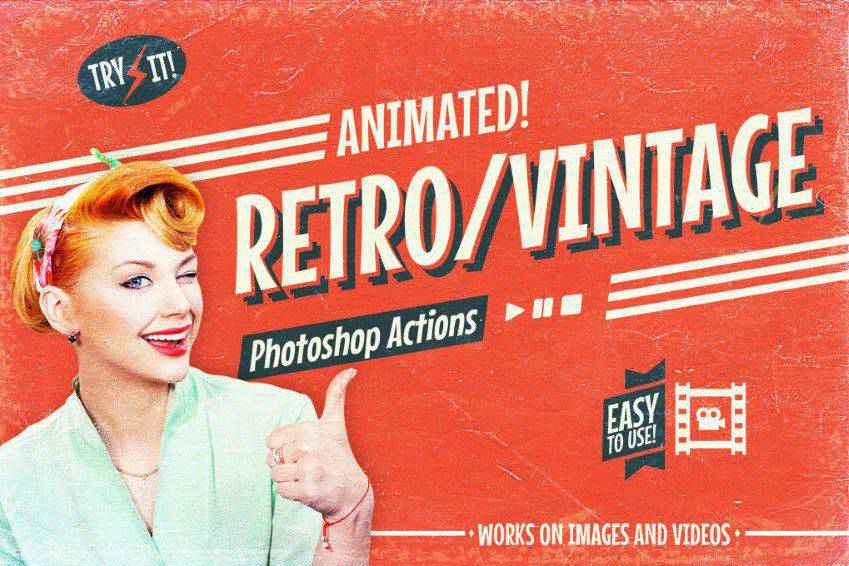
You don’t need to travel back in time with your camera to create stunning retro videos. Use these animated retro vintage film Photoshop actions. You’ll get 24 color options with animated light leaks, camera shakes, and other effects.
These stunning photo effect actions allow you to create vintage photos and graphics quickly. Download them to add vintage charm with just a few clicks. They’re perfect for stylish fashion editorials and engaging social media posts.
Stylish and authentic, these retro and vintage text Photoshop actions are perfect for old-school typography. You’ll get 18 high-quality Photoshop actions that offer creative text effects for a variety of projects, from flyers and posters to cinematic titles and covers. You can easily use them via smart objects.
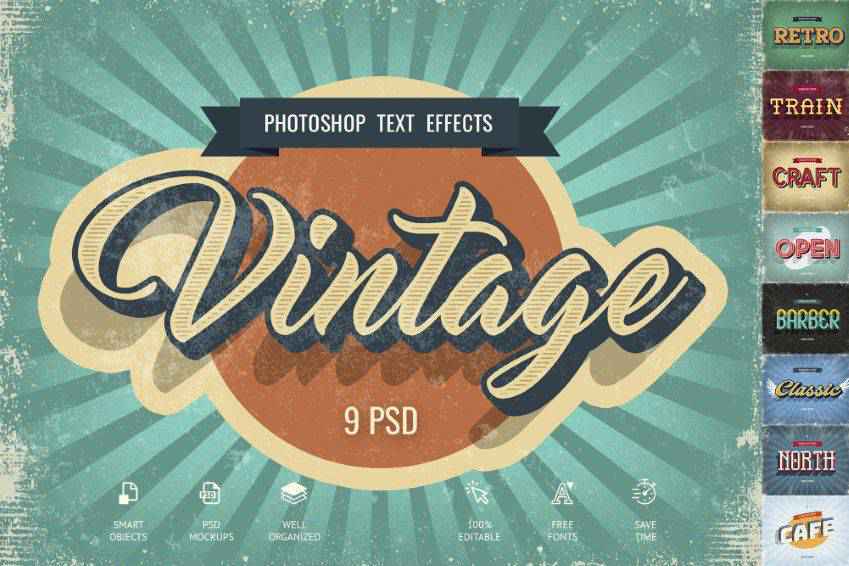
Create gorgeous graphics with these vintage text effects. Nine styles are included, from old-school cafe signs to funky 3D text effects. The smart objects system in Photoshop allows you to easily add your own content with just a few clicks.
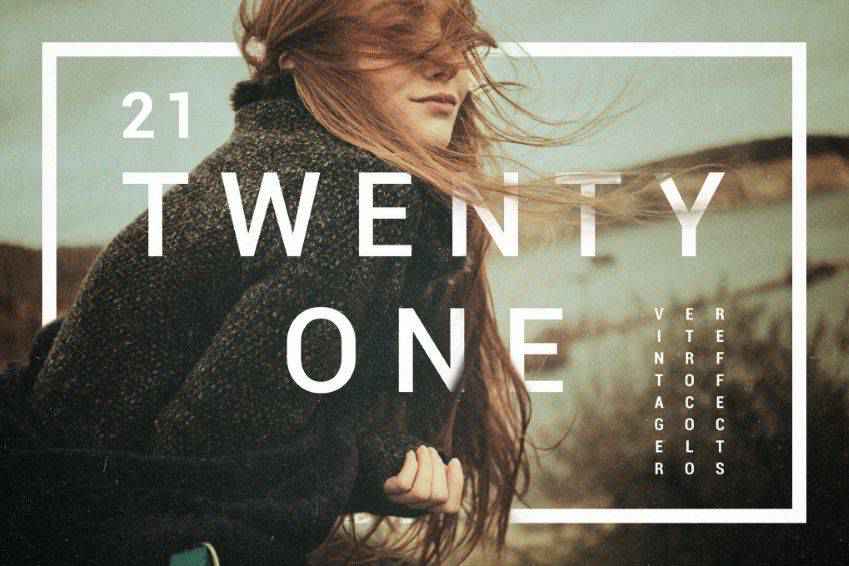
Get perfect toning with these vintage and retro color effects for Photoshop! This pack includes 21 effects, as well as creative effects like vignettes, noise effects, and more.
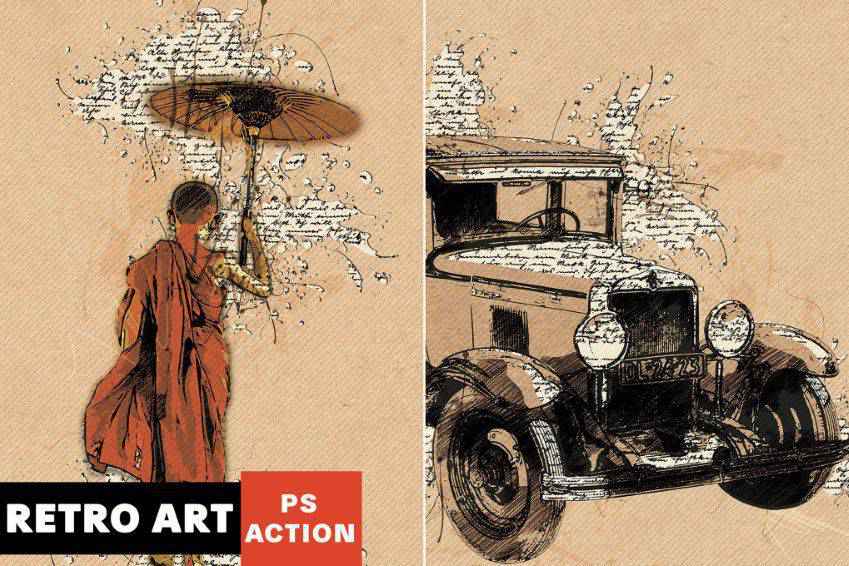
Turn your original photos into vintage art with this retro Photoshop action. In just a few clicks, you can transform your images into masterpieces with vintage splashes, typography, effects, and colors.
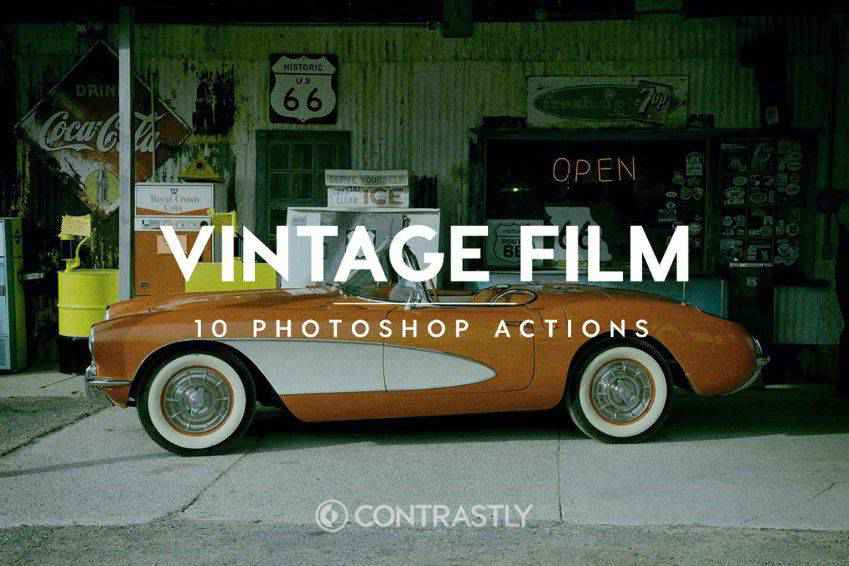
These vintage film Photoshop actions are perfect for professional photoshoots. You’ll get ten actions to create a vintage atmosphere while retaining the beauty of your original shots. They have been inspired by analog films such as Agfa, Fujifilm, and Kodak.
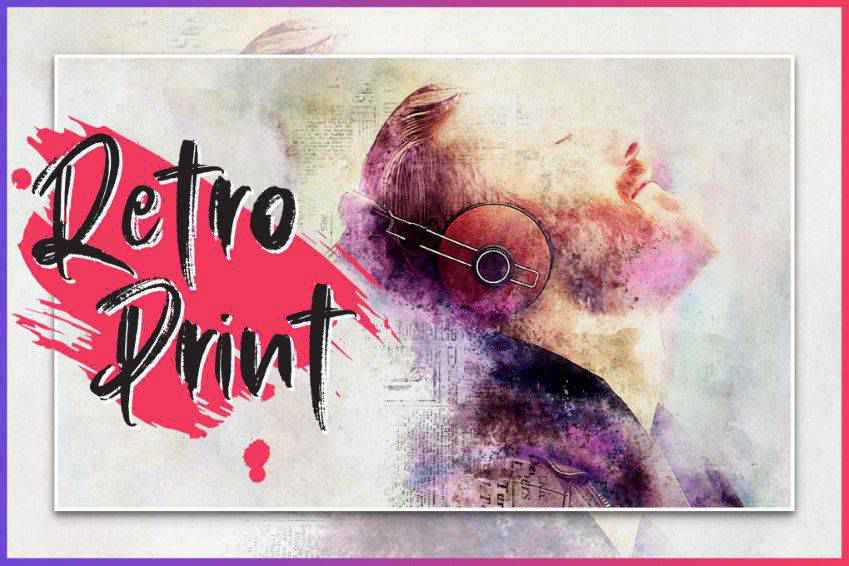
Create retro prints with these Photoshop actions. Inspired by retro art, this collection includes brushes and patterns to create unique effects. All you have to do is brush over the parts of the image you want to transform and play the action.
How to Install Photoshop Actions
Open Photoshop: Launch Photoshop.
Locate Actions Panel: In Photoshop, you’ll find the Actions panel. You can usually find it by going to the Window menu and selecting Actions.
Load Actions: Go to the Actions panel. Click on the little menu icon (usually represented by three horizontal lines or dots) at the top-right corner of the panel. From the dropdown menu, select Load Actions. A file dialog box will appear. Navigate to the location where the .atn file is saved, select it, and click Load.
New Actions Set: Once you’ve loaded the actions, you’ll see them appear in the Actions panel as a new set. The set will have a folder icon and the name of the action set.
Apply Actions: To use the installed actions, open an image you want to edit in Photoshop. Then, select the action you want to apply from the list in the Actions panel.
Run the Action: Click on the action name, and you’ll see the play button at the bottom of the Actions panel. Click this button, and Photoshop will automatically apply the selected action to your image.
Adjust Settings: Some actions may have customizable settings. If so, double-click on the action name to access these settings and make adjustments as needed.
Save Your Work: Once you’re happy with the edits made by the action, make sure to save your image using the File menu in Photoshop.
A Touch of Retro & Vintage Charm
This collection of Photoshop actions has everything you need to give your photos and graphics a retro or vintage touch.
Versatile and user-friendly, these actions will streamline your workflow and help simplify the editing process. With just a couple of clicks, you can transform your work into beautiful, timeless art.
You can use Lightroom Look-Up Tables (LUTs) to improve the look of any photo. They provide an easy way to add all manner of professional effects. They are a must-have addition to every designer’s toolbox.
Today, we’ll introduce you to some fantastic color-grading LUTs for Adobe’s Lightroom. These presets help you tell visual stories by adjusting aspects of your images, such as color, saturation, curves, and white balance. It’s a way to convey emotion, mood, and even time.
Our collection features a variety of color grading options. Use them to depict times of day, seasons, and color temperature, among other unique effects. The possibilities are nearly endless!
You might be surprised at what can be accomplished through these simple add-ons. Not to mention the time you’ll save by not having to edit your images manually.
Ready to get started? Keep reading to find the perfect fit for your visual storytelling project.
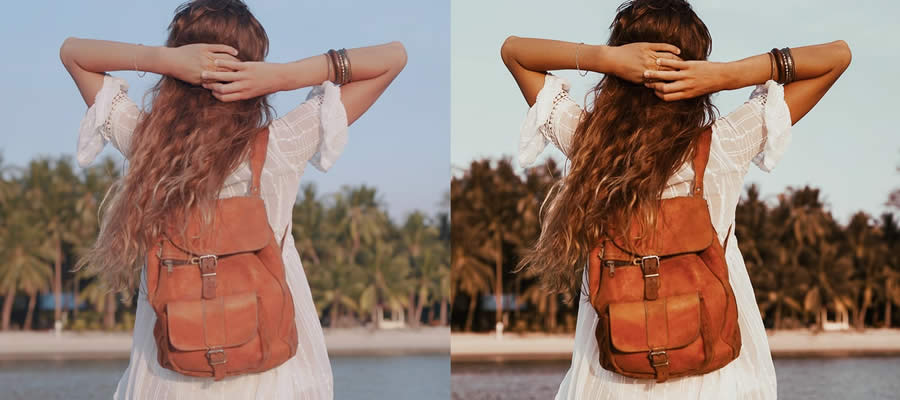
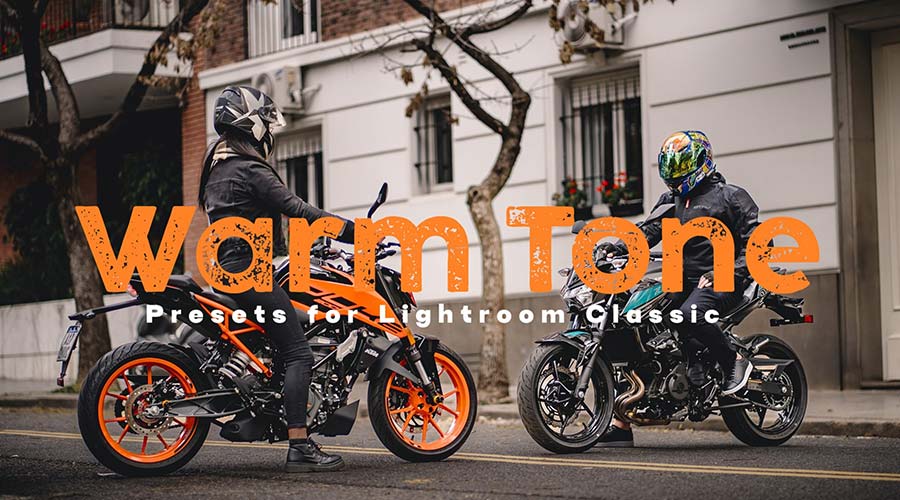
Add warmth to your photos with these Lightroom presets. They’re designed to bring out orange, red, and yellow tones. Use them to improve landscapes and portraits with a sunny glowing effect.
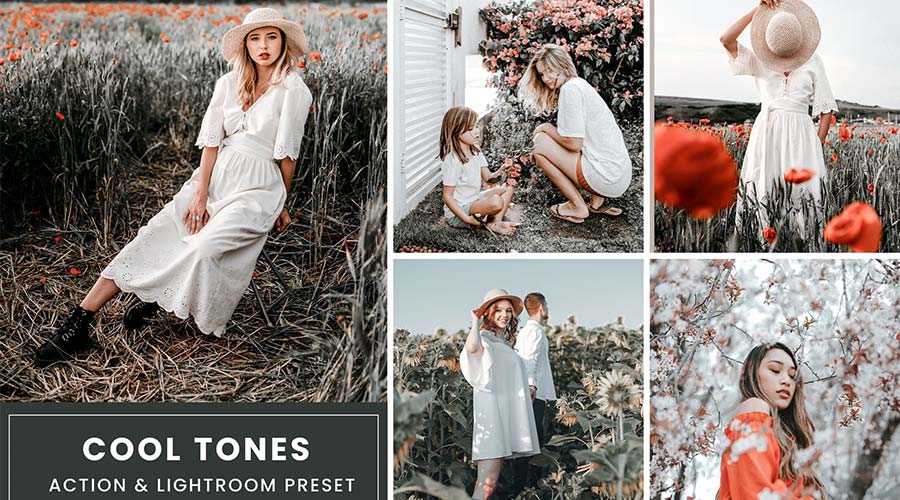
Are you looking to add a cool touch to your shots? These LUTs accentuate cool color tones, making your image stand out to a whole new level. They’re perfect for making your subject pop.
Quickly add beautiful vintage film effects to your images with this collection. You can use these presets to bring out rich film tones and create a sense of magic. You’ll find everything you need to design a classic look.
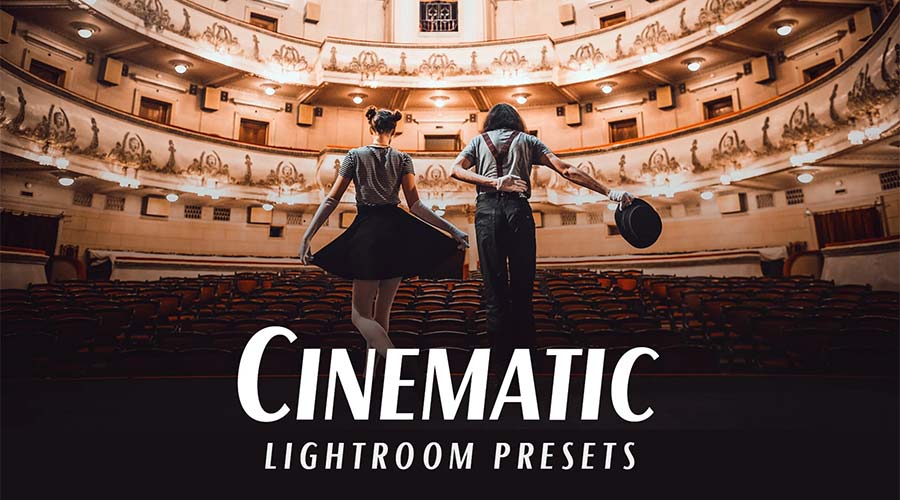
This LUT collection offers a variety of cinematic styles. You’ll find presets for different color temperatures and moods. It’s an easy way to add a bit of Hollywood to your work.
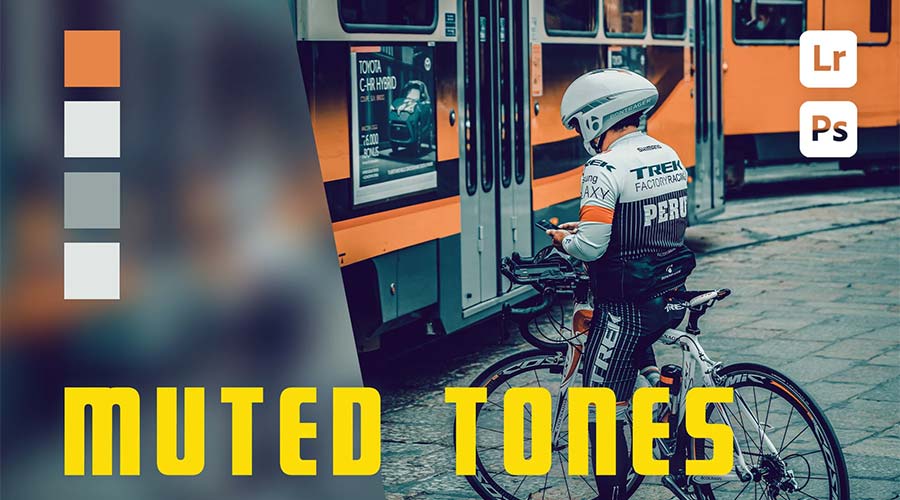
Enhance your lifestyle photography with this set of muted tone presets. They’re great for setting a dark or serious mood. Even better, you can apply these eye-catching looks with a single click.
Create just the right mood with these LUTs. Inspired by a good cup of coffee, they bring rich, warm tones to photos. The large number of presets will help you find the perfect effect for your project.
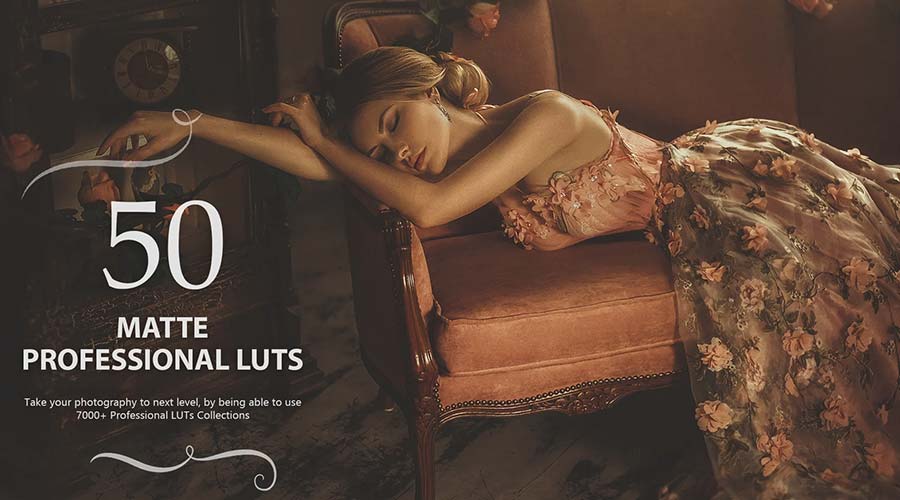
These color-grading LUTs are designed to add cinematic tones to your photographs. Bring out a dramatic matte finish in an instant. You can also adjust these presets to fit your needs.
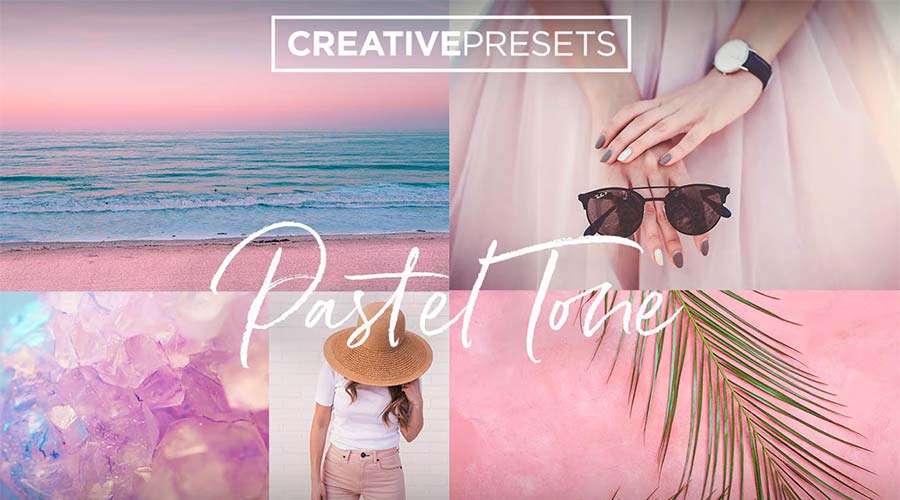
Soft pastel tones are great for portrait and landscape photography. They add a gentle touch and create a light mood. This LUT collection will help you add a look that will produce smiles.
Enhance your urban landscapes with this set of desaturated Lightroom LUTs. Use them to create a moody and contemporary look with just a click. You’ll find a variety of presets here to achieve your desired result.
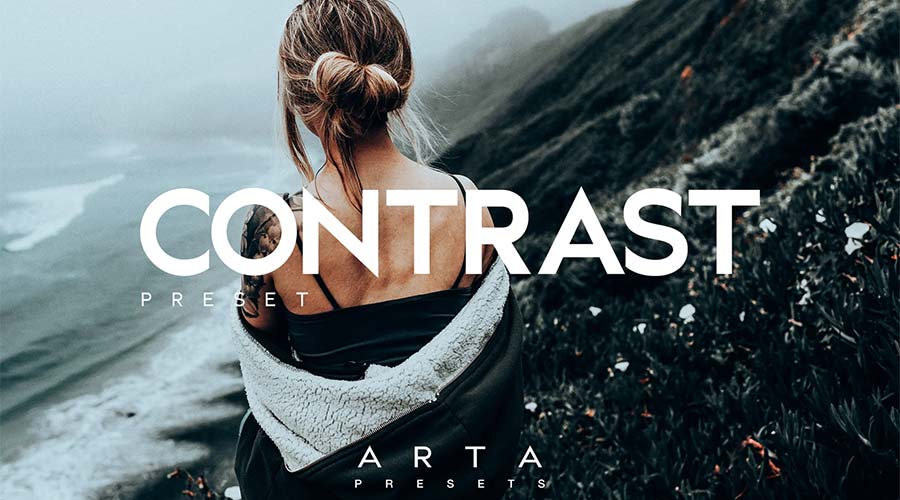
Nothing stands out more than an image with rich color contrast. These presets will help you create high-end contrast effects with minimal effort. Add them to your collection and bring out the best in your photos.
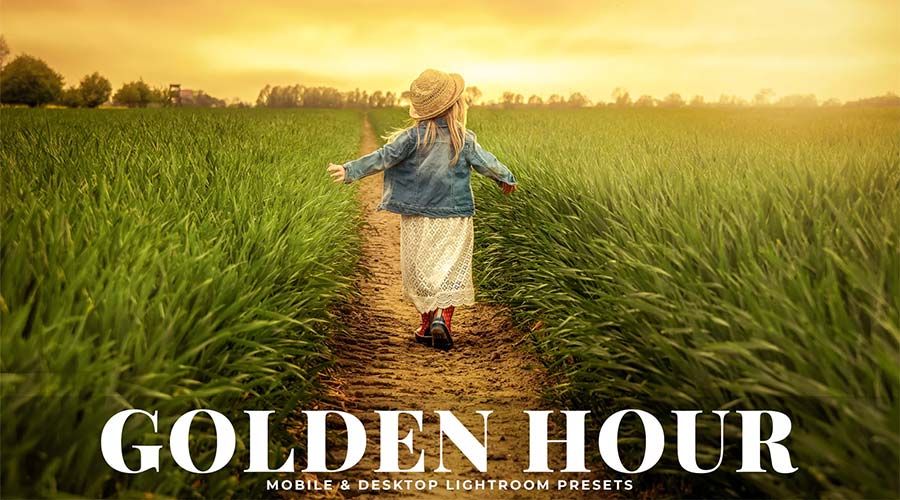
The warm glow of the “golden hour” is a longtime staple of photography. The color-grading LUTs in this pack can help you improve or even simulate the effect. Best of all, they work well with just about any photograph.
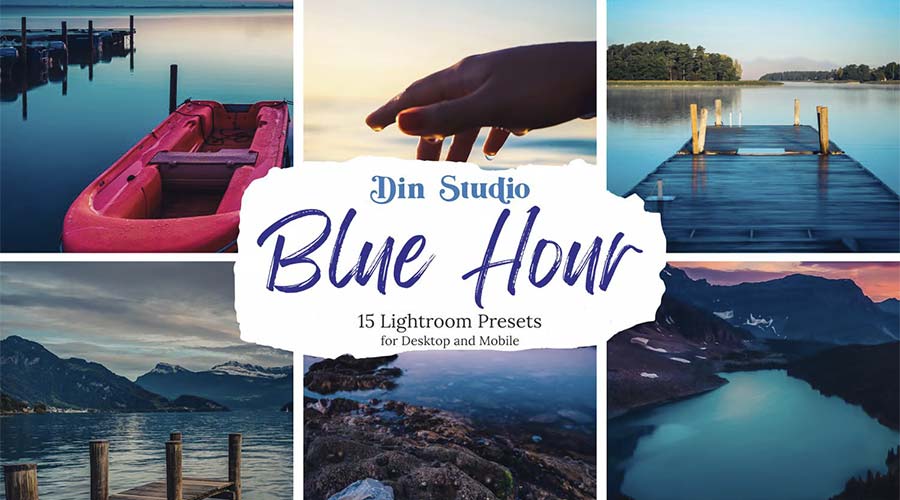
Use this collection of presets to add cool blue tones to your photos. They can bring a moody vibe to your landscapes and portraits. The effect is gentle on the eyes and easy to implement.
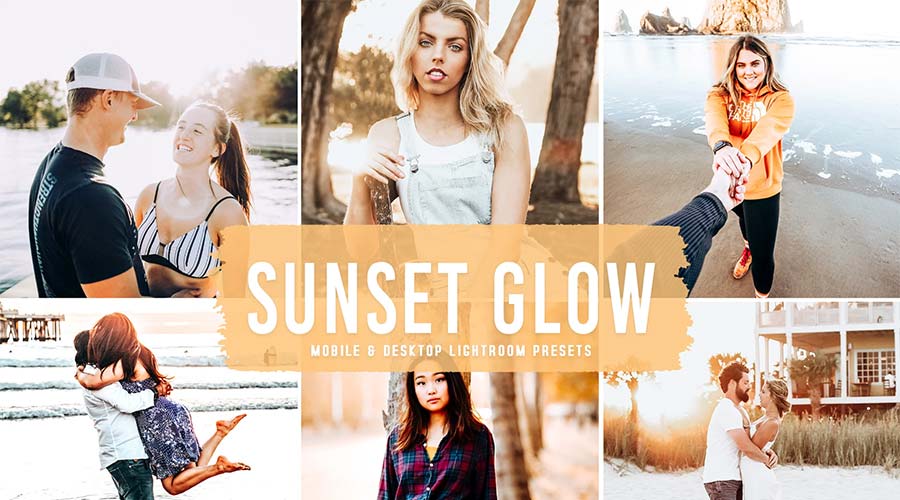
Bring your images to life with a bright, sun-kissed effect. The presets in this collection can improve even the dullest low-light photos. The gorgeous glow of a sunset is within your reach.
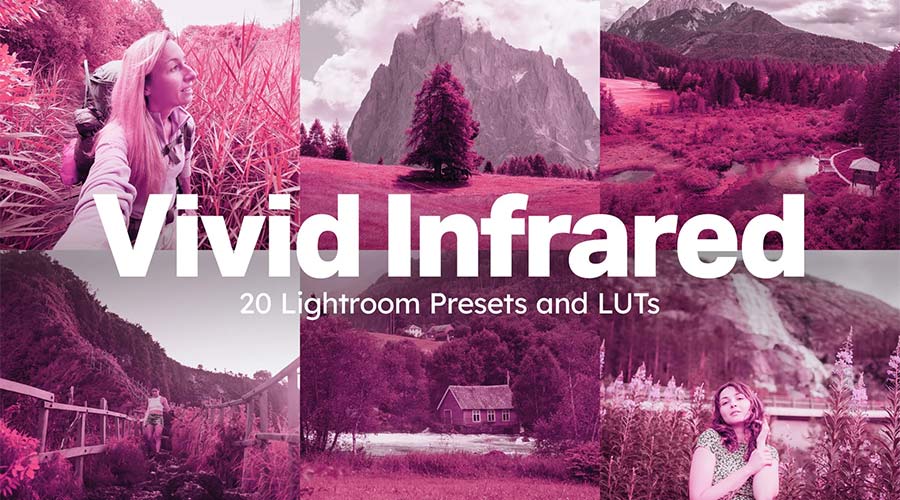
Here’s a fun collection to make your images look otherworldly. Multiple styles are available, each with a unique spin on infrared film effects. Experiment with these presets to discover a whole world of possibilities.
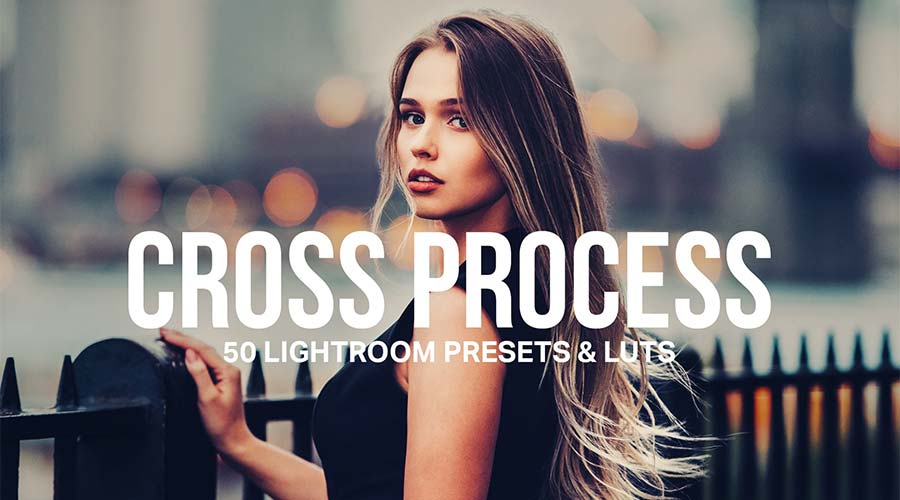
Ensure your color stands out with this set of cross-processed LUTs. Choose your desired color, and the preset will do the rest. It’s a great way to add a dominant hue to your photos.
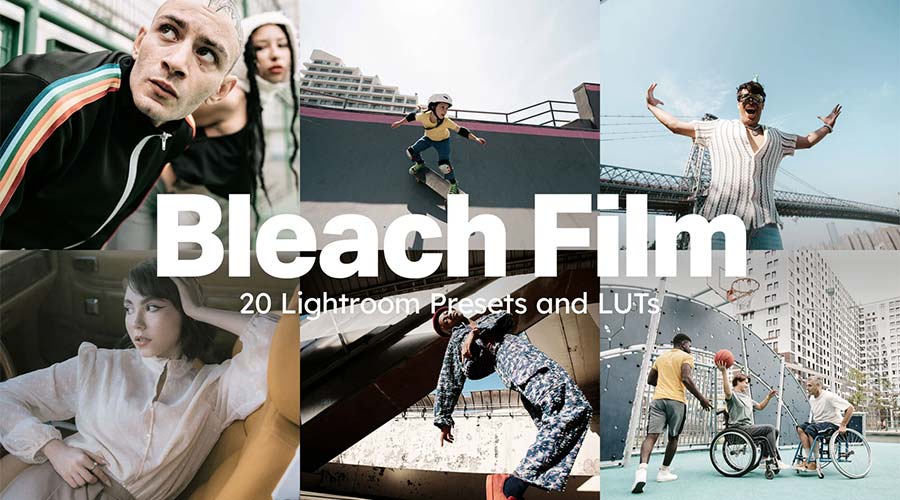
These LUTs will desaturate your image – resulting in an understated tone. They’re an excellent choice for fashion and landscape photos where a touch of nostalgia is needed. You’ll have professional effects in no time.
Add a vibrant touch with these color-popping presets. You can turn your images from dull to vivid with just one click. Use them to create attention-grabbing social media, web, or print photos.
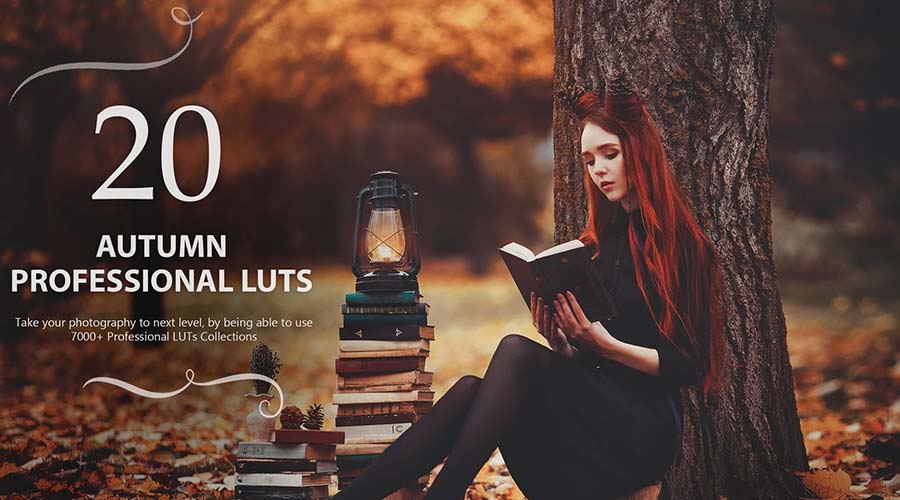
Transform your photos with rich autumn tones that evoke the season’s spirit. Each LUT offers cinematic quality with an array of options to choose from. A simple way to decorate your images for fall!
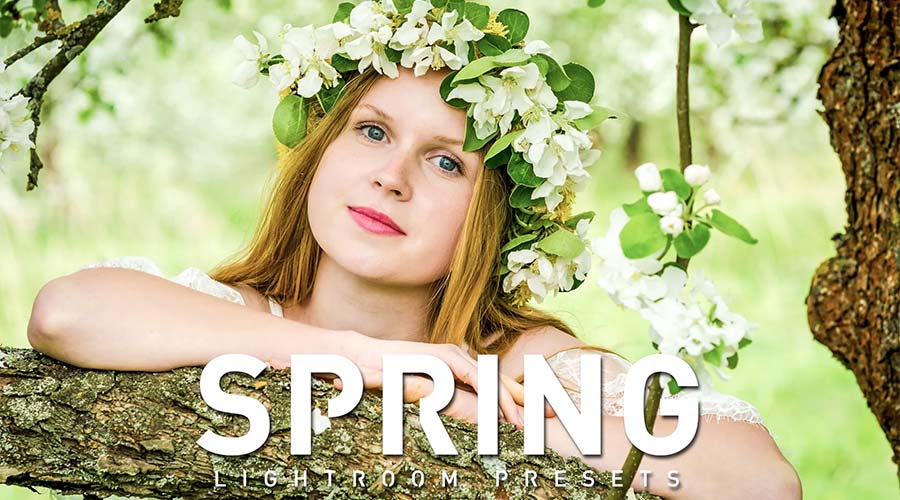
Think of lush greens, pastel yellows, and bright whites. Bring out these springtime colors with a collection that’s blooming with potential. It’s perfect for outdoor nature shots and portraits.
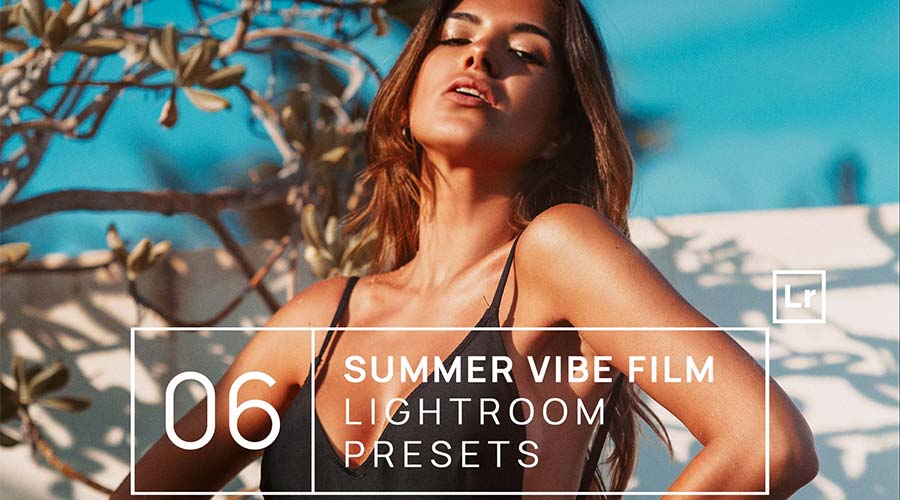
Turn up the intensity with this collection of summer-themed LUTs. They’re designed to accentuate the rich, warm tones of your photos. Use them to beautify your summer shots without breaking a sweat.
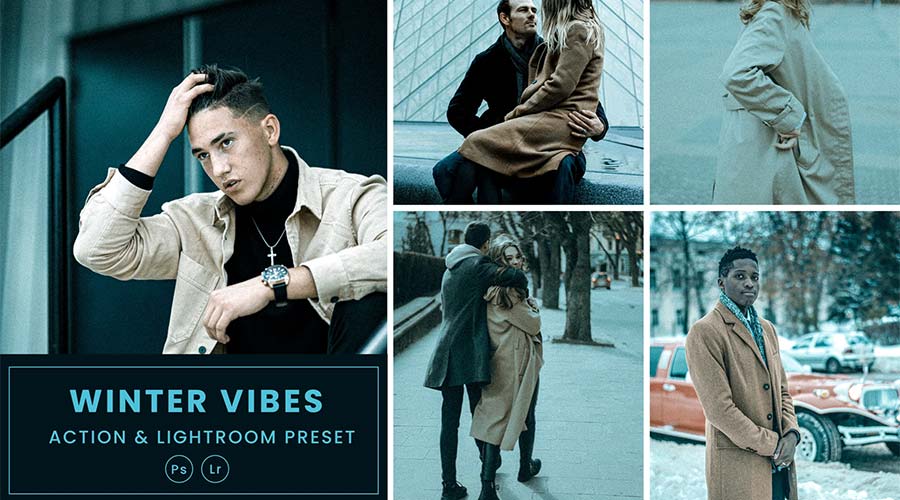
These presets create a sharp and cool style reminiscent of winter. Each option focuses on a different shade, giving you multiple ways to make a statement. Use them on fashion, lifestyle, and outdoor images.

 Login





























 #