❌

Reading view

There are new articles available, click to refresh the page.

25+ Best Free Illustrator Brush Sets for Digital Artists in 2026

Finding high-quality Illustrator brushes can take time, especially when compared to the huge number of options available for Photoshop. But the right brush pack can quickly improve your workflow and help you create more detailed, expressive artwork.

Illustrator brushes make it easier to add textures, patterns, and hand-drawn effects that would be difficult to build from scratch. They are useful for everything from vector illustrations to typography and branding work.

This collection brings together some of the best free Illustrator brush packs available. You will find a wide range of styles, including stipple, grunge, watercolor, doodles, and more, so you can quickly find brushes that fit your project.


Stipple Illustrator Brushes

Free to Download, 8 Illustrator Brushes

With this free stipple brush set, you can add texture, shading, and depth to your digital art. They’re also great for creating dotted shading, halftone textures, and retro-style gradients. Perfect for comic illustrations.
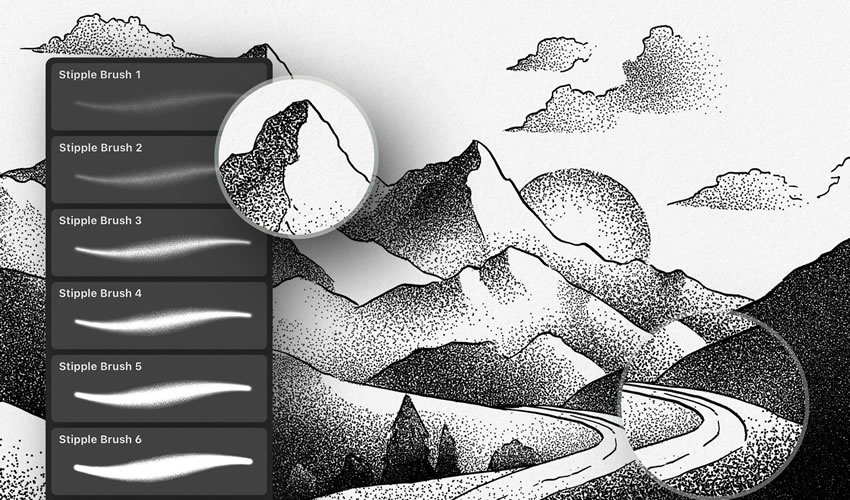
Stipple Brushes adobe illustrator brush brushes abr pack set free

Massive Pack of Brushes & Symbols

330 Illustrator Brushes

This pack is a must-have for any project. This huge collection of Illustrator brushes contains over 330 strokes, speech bubbles, swooshes, splashes, and tons of other high-resolution drawings and paintings.
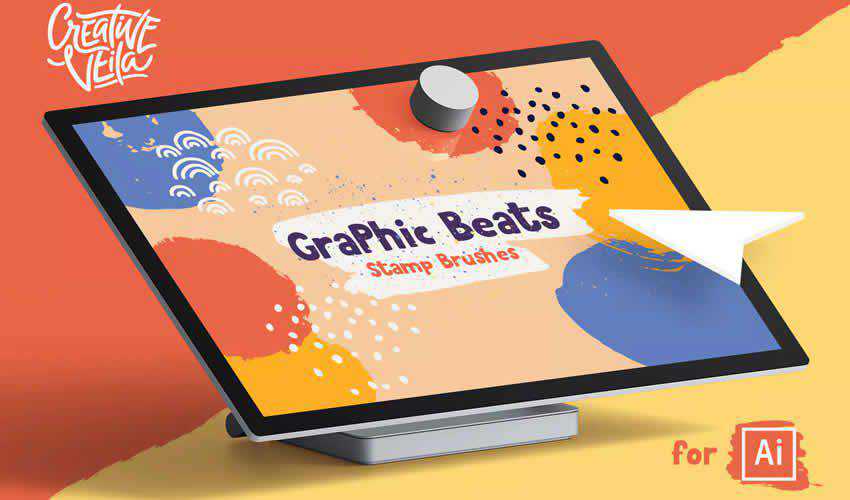
Massive Pack Symbols adobe illustrator brush brushes abr pack set free

Preppy Art Illustrator Brushes

Free to Download, 29 Illustrator Brushes

With the Preppy Art Illustrator Brushes Kit, you can add a hint of elegance to your work. This free set includes 24 high-quality brushes, each with a preppy, sophisticated look and feel. These brushes are perfect for adding delicate details and subtle textures.
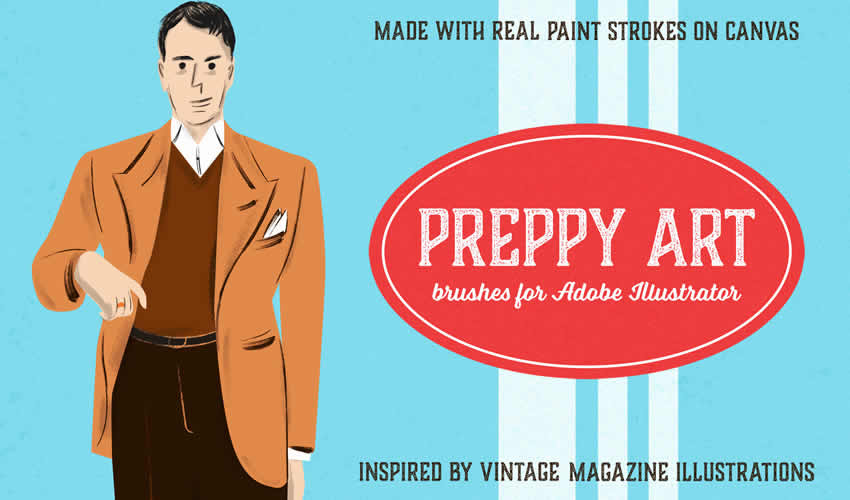
Preppy Art adobe illustrator brush brushes abr pack set free

Watercolor & Black Pattern Brushes

42 Illustrator Brushes

This set of Illustrator brushes includes 42 watercolor brushes and a bonus set of 42 black pattern brushes. You can easily use them to create mandalas, wreaths, or borders.
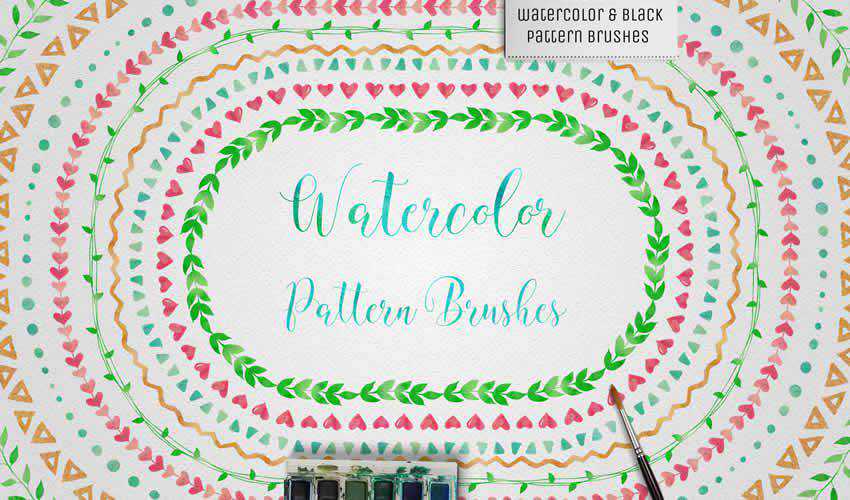
Watercolor Black Pattern adobe illustrator brush brushes abr pack set free

Wax Crayon Brushes

Free to Download, 40 Illustrator Brushes

If you’re looking to add a naive charm to your designs, then look no further than this free chunky texture brush set. There are 40 wax crayon brushes in the free pack. You can also use this brush pack in Affinity Designer.
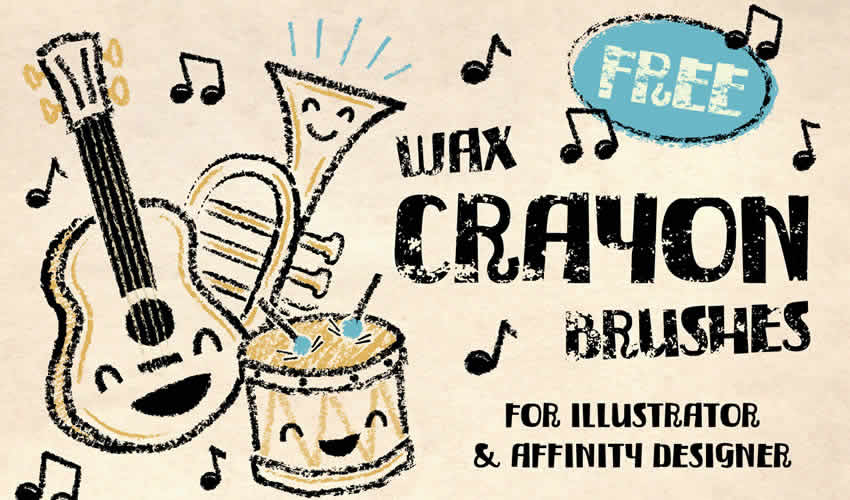
Wax Crayon adobe illustrator brush brushes abr pack set free

Patts Brush Collection

50 Illustrator Brushes

As well as including 50 Illustrator brushes, this pack also comes with seamless patterns. With this Illustrator brush pack, you can make simple illustrations look beautiful.
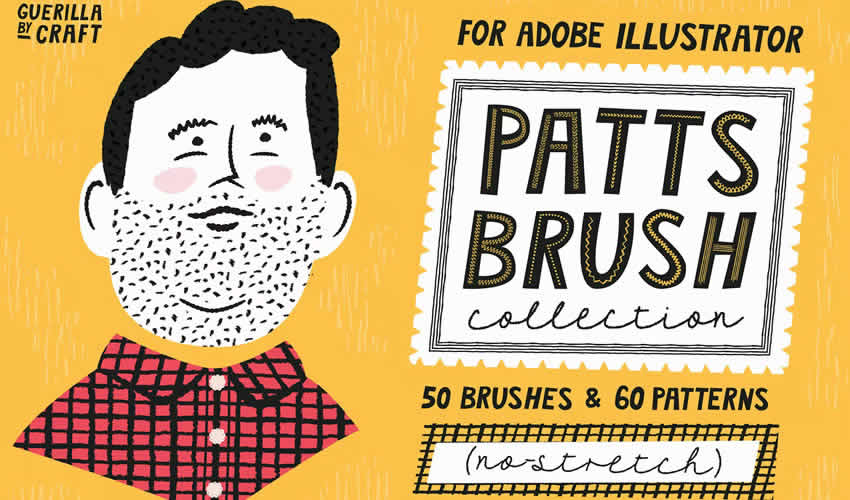
Patts Brush Collection adobe illustrator brush brushes abr pack set free

Spray Paint Stipple Brushes

Free to Download, 12 Illustrator Brushes

This free set includes 12 high-quality Illustrator brushes that add a realistic spray-paint effect to your designs. Perfect for creating edgy artwork such as graffiti-style posters, punk rock album covers, and urban landscapes.
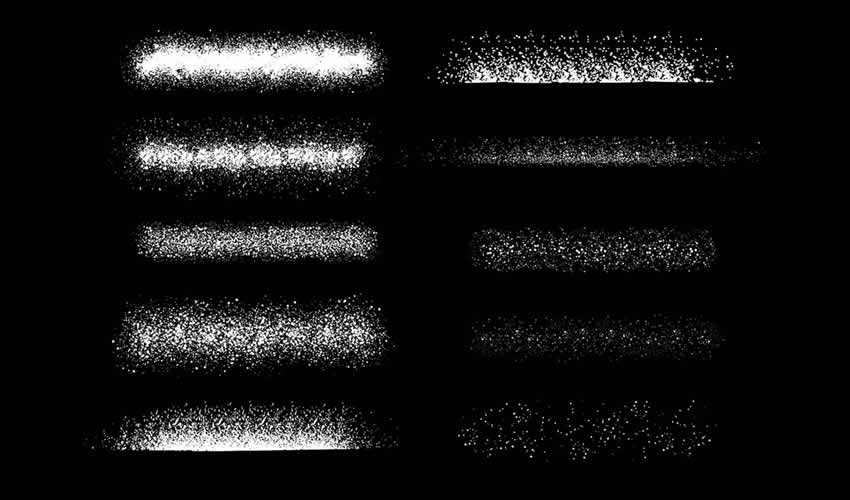
Spray Paint Stipple adobe illustrator brush brushes abr pack set free

Scribble & Scrawl Brushes

44 Illustrator Brushes

This set of 44 Illustrator brushes is perfect for any primitive-looking artwork or childlike drawings. You’ll find various elements that are easy to apply and edit to suit your project’s needs.
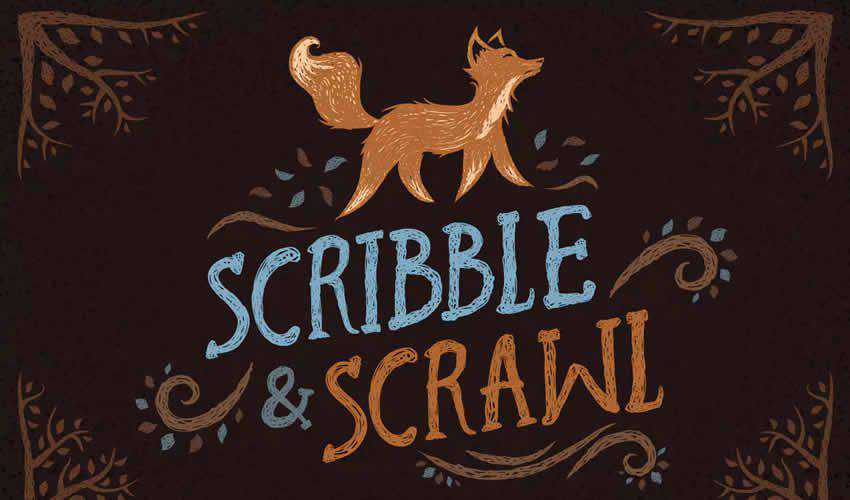
Scribble Scrawl adobe illustrator brush brushes abr pack set free

Sketch Brushes for Illustrator

Free to Download, 10 Illustrator Brushes

This free Illustrator set includes 10 brushes for creating pencil sketches with rough, hand-drawn lines. They’re perfect for concept art or for adding a natural, handmade feel to your art.
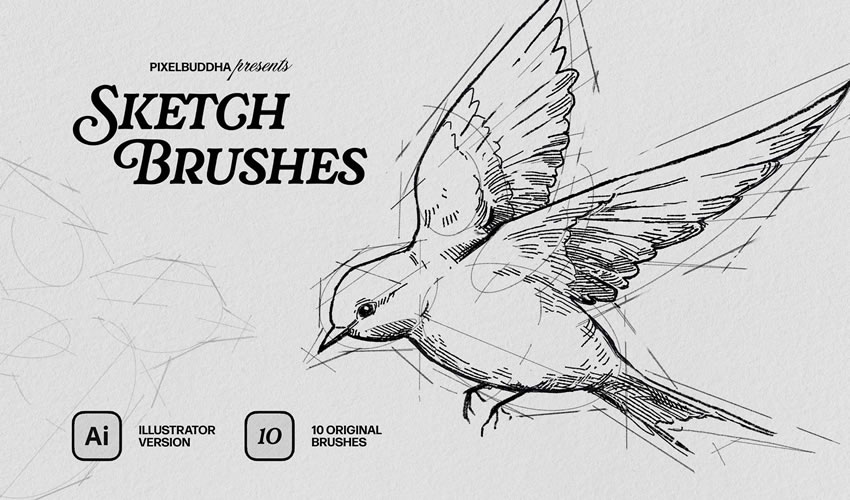
Sketch Brushes adobe illustrator brush brushes abr pack set free

Spray & Hatch Brushes

Free to Download, 20 Illustrator Brushes

This free Illustrator texture package includes ten spray and ten hatch brushes. These brushes allow you to create volume and shadow, highlight details, and emphasize composition elements.
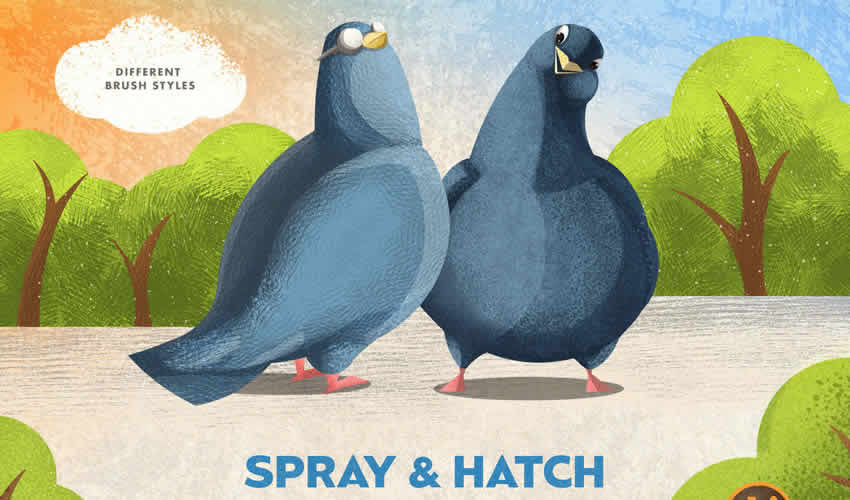
 adobe illustrator brush brushes abr pack set free

Chemist Stipple & Grain Brushes

Free to Download, 35 Illustrator Brushes

Are you working on a design project for a chemistry lab? This set includes scatter shader brushes, textured and clear line brushes, grain and stipple brushes, and, as a bonus, retro texture brushes for Photoshop.
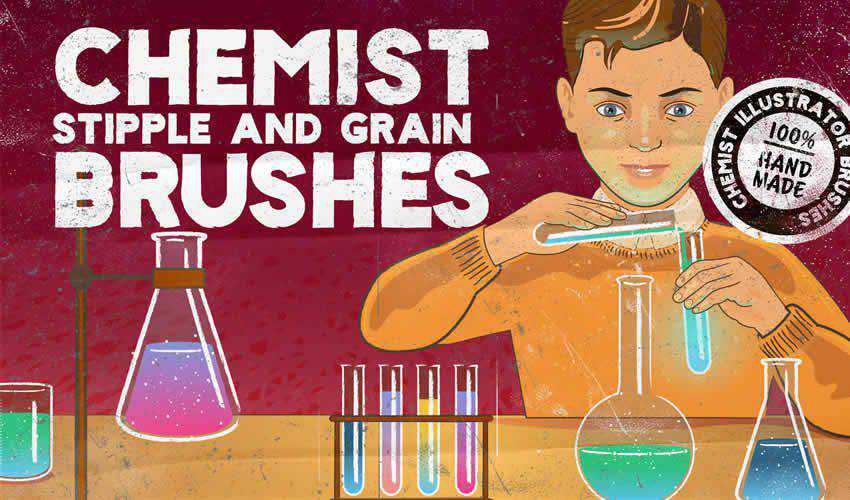
Chemist Stipple Grain adobe illustrator brush brushes abr pack set free

Floral Pattern Brushes For Illustrator

Free to Download, 25 Illustrator Brushes

This brush pack features a lovely collection of floral pattern brushes for Illustrator. You’ll find 25 pattern brushes and 25 individual illustrations for your projects.
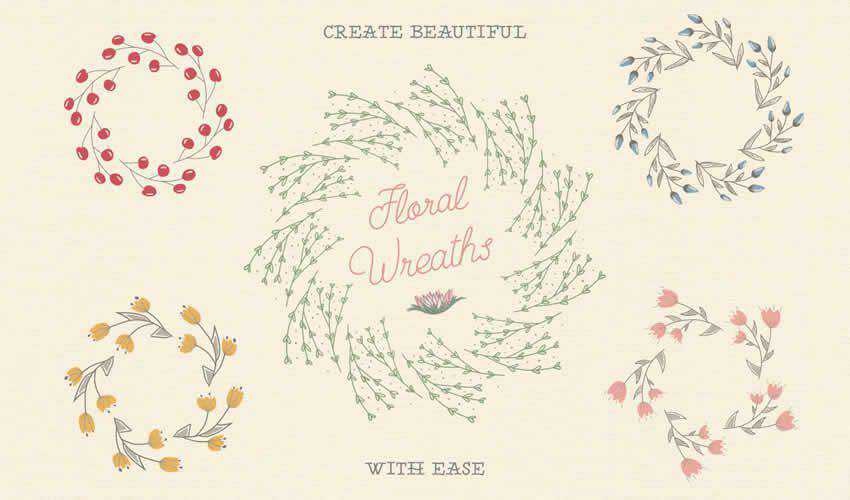
Floral Pattern adobe illustrator brush brushes abr pack set free

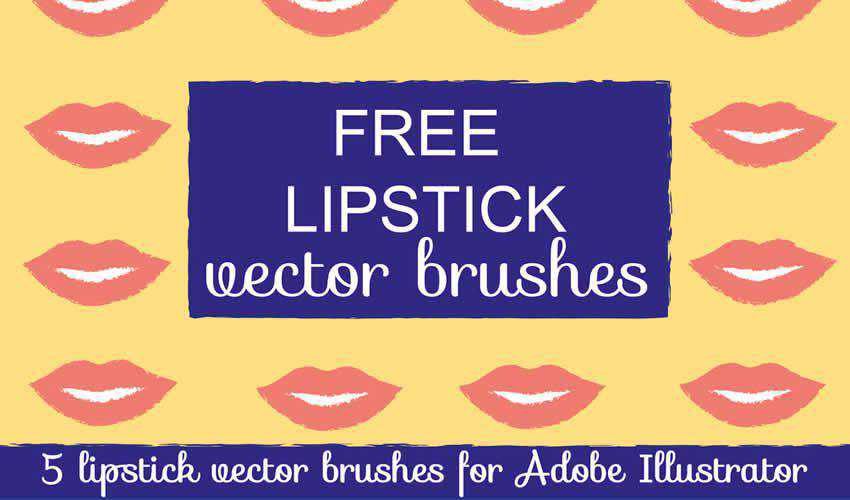
Lipstick Vector Brushes for Illustrator

Free to Download, 5 Illustrator Brushes

Consider this free pack for Illustrator if you need a unique vector brush for a fashion or beauty project. The pack contains five individual brushes and is free for personal and commercial use.
Lipstick Vector adobe illustrator brush brushes abr pack set free

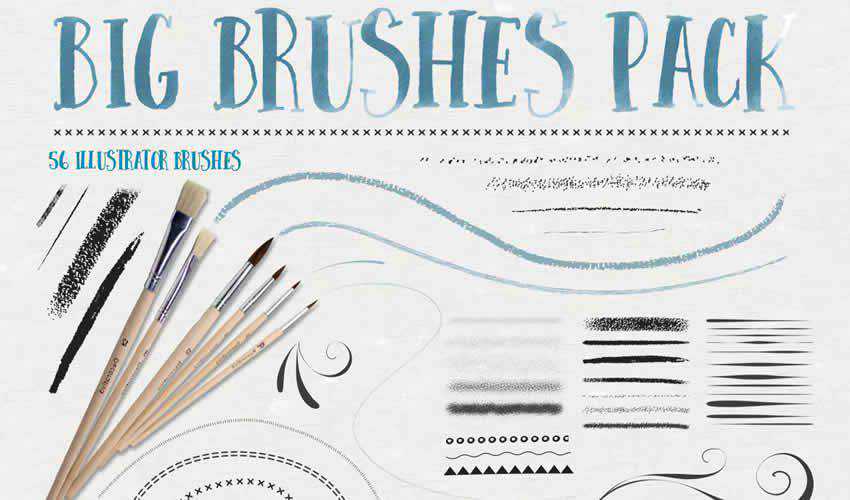
Big Illustrator Brushes Pack

56 Illustrator Brushes

This pack includes a set of 56 Illustrator brushes, including stipple, chalk and pastel, ink, flourish, patterns, and more. The download also contains four distressed stipple seamless vector swatches.
big adobe illustrator brush brushes abr pack set free

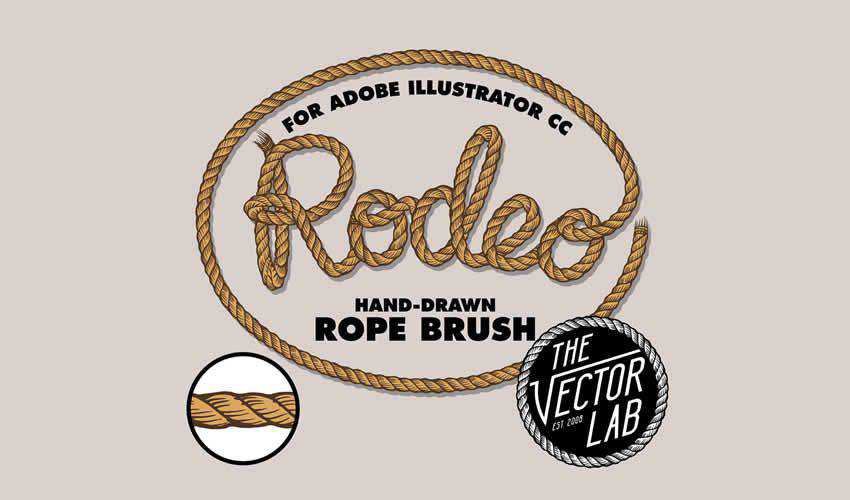
Rodeo Hand Drawn Rope Brush

Free to Download, 5 Illustrator Brushes

This brush pack includes a hand-drawn rope brush that’s perfect for any design. You can easily adjust the rope’s width and change its color. The brush set is free for personal and commercial projects.
Rodeo Hand Drawn Rope adobe illustrator brush brushes abr pack set free

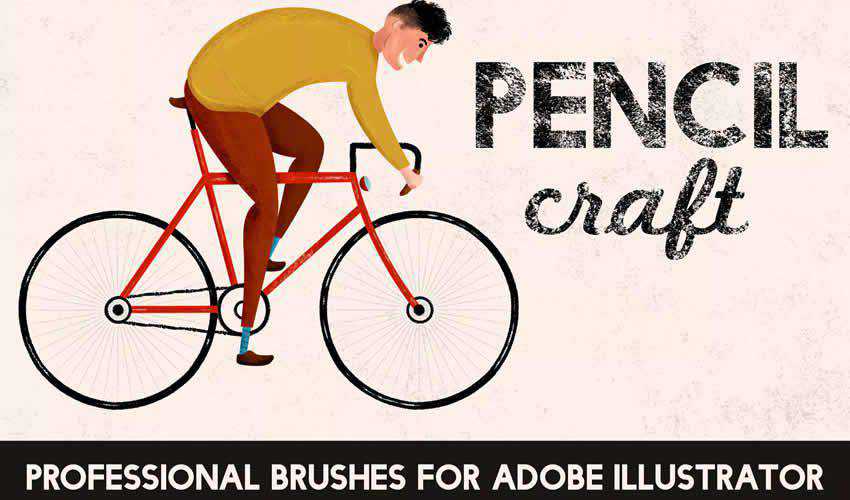
Pencilcraft Illustrator Brushes

30 Illustrator Brushes

This brush pack is a perfect choice if you need to give your illustrations a real-life, hand-drawn feel. The free pack contains 30 brushes with infinite lengths.
Pencilcraft adobe illustrator brush brushes abr pack set free

Texture Illustrator Brushes

Free to Download, 10 Illustrator Brushes

These 10 free texture brushes will add depth to your illustrations. They’re perfect for adding realism to your work.
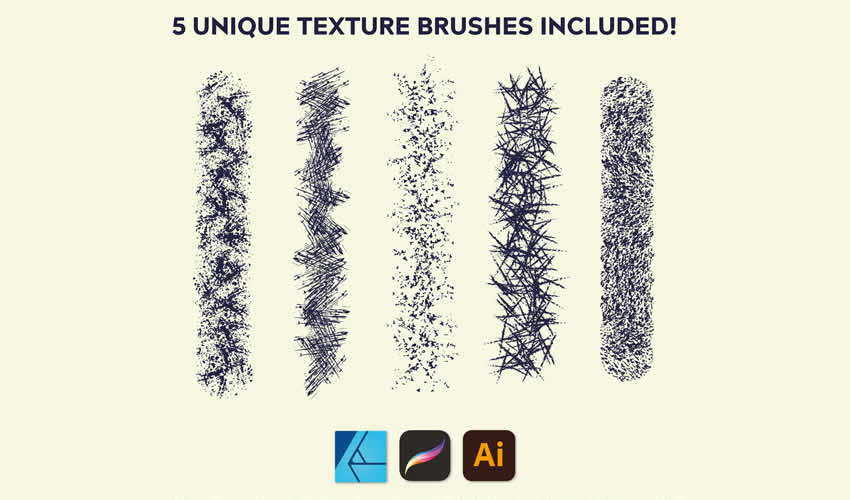
Texture adobe illustrator brush brushes abr pack set free

Vintage Banner Illustrator Brushes

Free to Download, 19 Illustrator Brushes

This free set includes 10 hand-drawn Illustrator brushes that add a vintage touch to your illustrations. Perfect for retro-inspired posters, website banners, and social media graphics.

Vintage Banner adobe illustrator brush brushes abr pack set free

Floral Watercolor Brushes Bundle

Free to Download, 38 Illustrator Brushes

Try this floral watercolor brush pack if you’re working on a wedding project. These brushes can create unique backgrounds or trims for wedding invitations. The free package includes 38 brushes, usable for both personal and commercial projects.
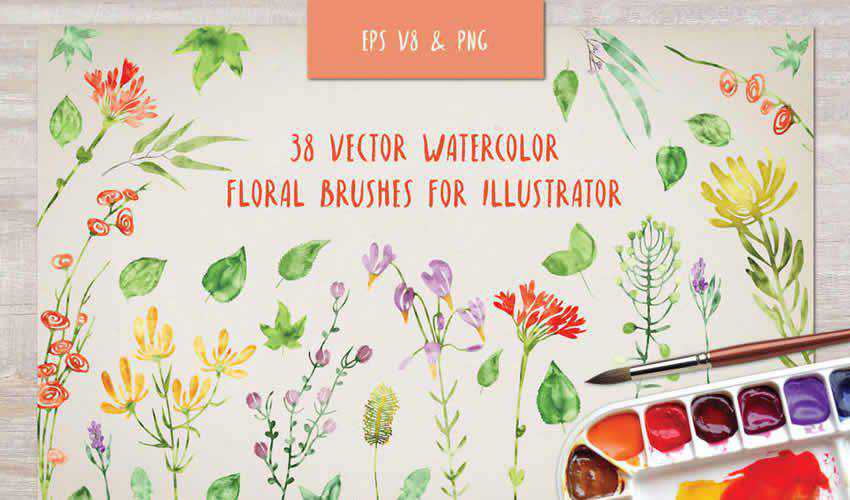
Floral Watercolor adobe illustrator brush brushes abr pack set free

Doodle Brushes for Illustrator

Free to Download, 4 Illustrator Brushes

With the help of this doodle brush pack, you’ll be able to create unique wreaths and borders. The package contains four different brushes, and you can easily change the colors to match the project you’re working on.
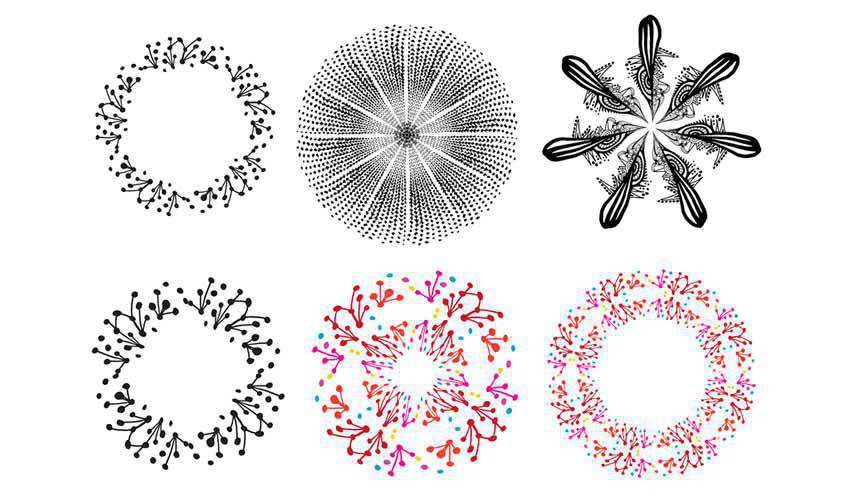
Doodle adobe illustrator brush brushes abr pack set free

Halftone Vector Brushes

Free to Download, 5 Illustrator Brushes

Consider this brush pack of halftone vector brushes to add a grungy feel to your digital art. The package includes five brushes and can be used in both your personal and commercial projects.
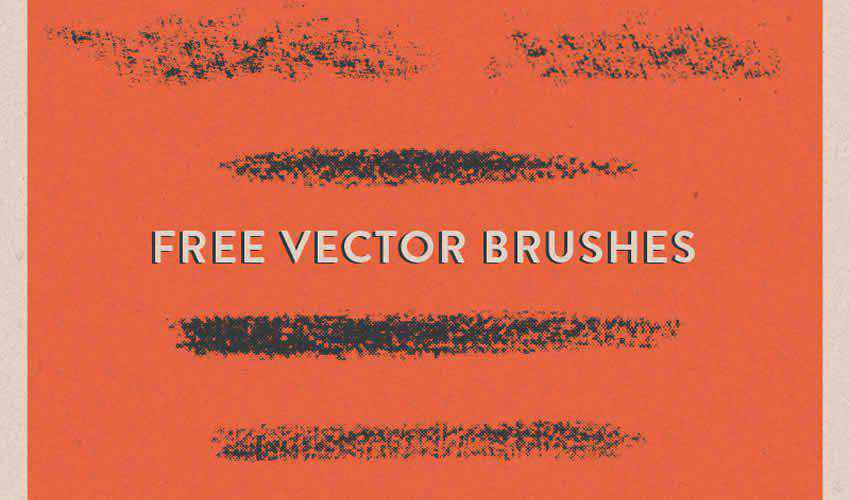
Halftone Vector adobe illustrator brush brushes abr pack set free

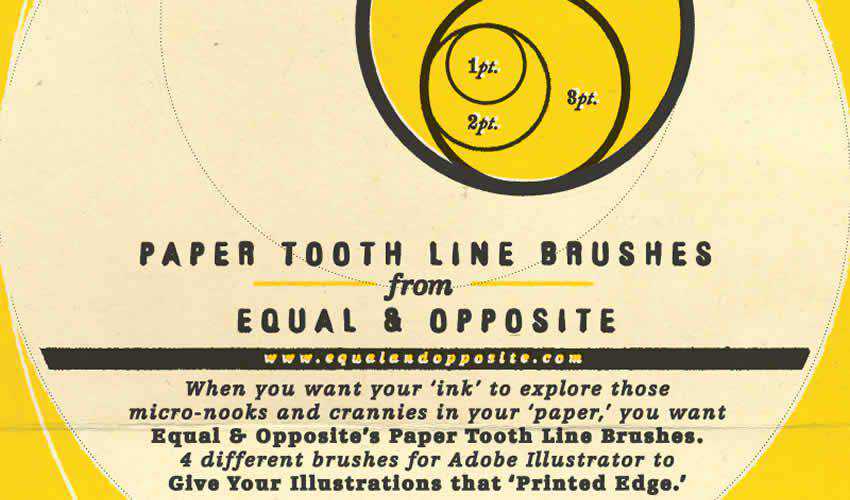
Paper Tooth Line Brushes

Free to Download, 4 Illustrator Brushes

If you’re trying to achieve a printed look for your design project, then this brush pack is the perfect choice. The package contains four brushes that give your artwork a “jagged edge” printed look.
Paper Tooth Line adobe illustrator brush brushes abr pack set free

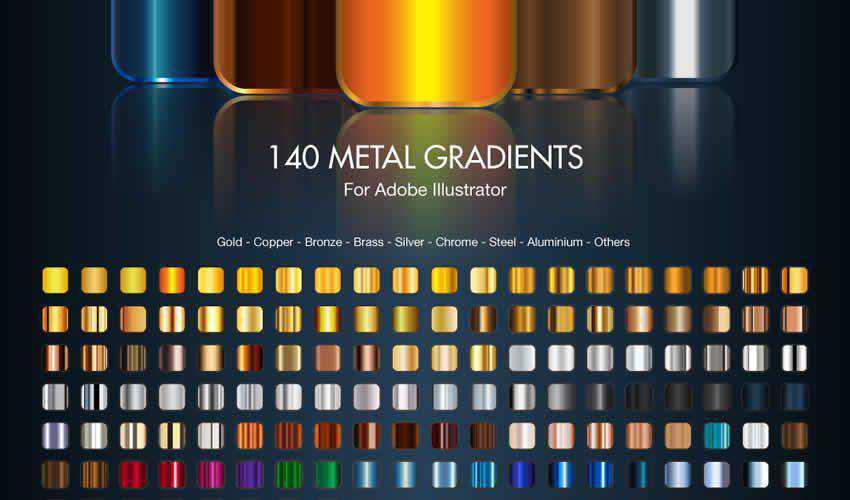
Adobe Illustrator Metal Gradients

Free to Download, 140 Illustrator Brushes

Finding high-quality gradients for Illustrator can be challenging. With this set, you will no longer feel like you are lacking. The pack comes with 140 free brushes.
Metal Gradients adobe illustrator brush brushes abr pack set free

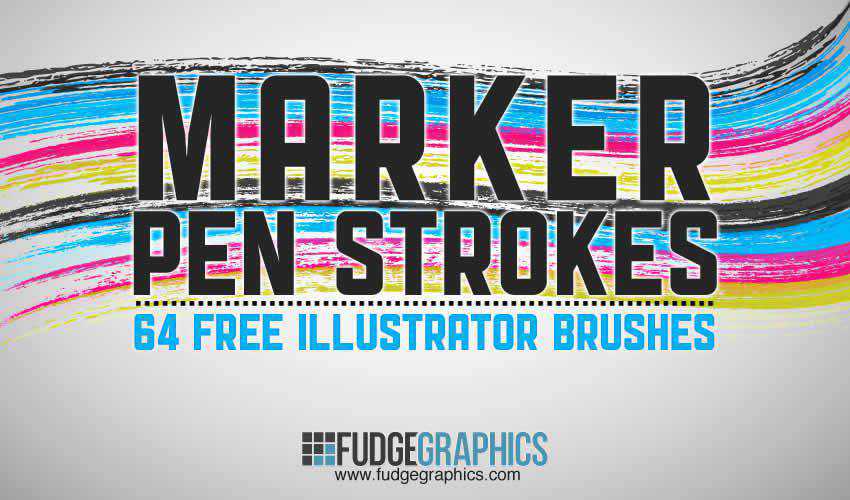
Marker Pen Strokes AI Brushes

Free to Download, 64 Illustrator Brushes

This set contains 64 high-quality brushes of marker pen strokes and scribbles. You can use them in both personal and commercial projects, and attribution is not required.
Marker Pen Strokes adobe illustrator brush brushes abr pack set free

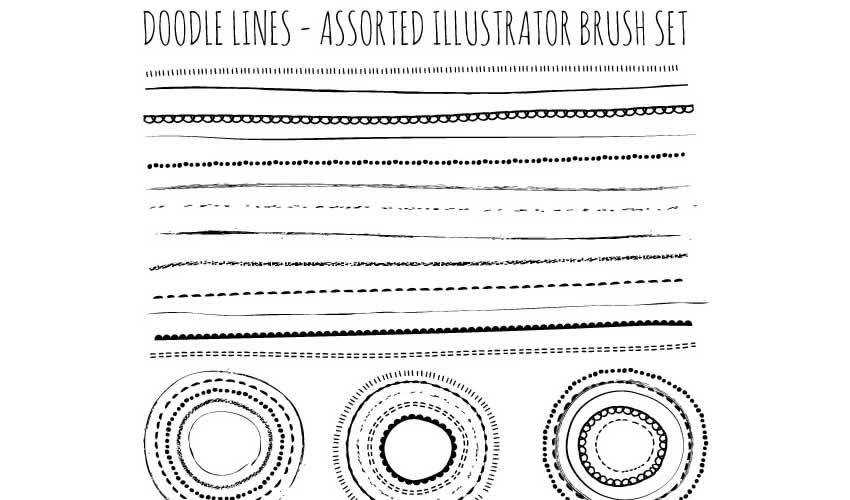
Natural Sketch Doodle Line Brushes

Free to Download, 16 Illustrator Brushes

This is another excellent set for adding a hand-drawn feel to your designs. You’ll find various doodle lines, and you can use them freely in any personal project.
Natural Sketch Doodle Lines adobe illustrator brush brushes abr pack set free

Hairy Fur Illustrator Brushes

Free to Download, 8 Illustrator Brushes

This set of 8 furry brushes is perfect for any design project featuring pets and animals. The brushes are free for personal use and work best when applied gradually in different tones.
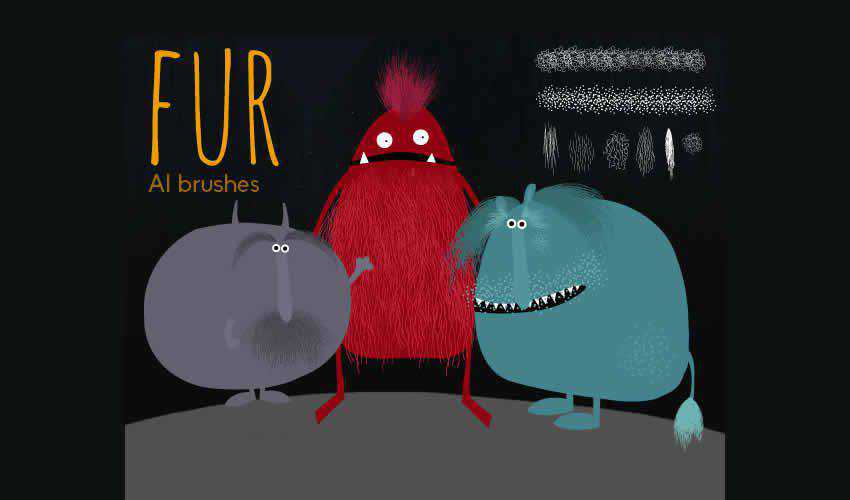
Hairy Fur adobe illustrator brush brushes abr pack set free

Urban Squares Illustrator Brushes

Free to Download, 10 Illustrator Brushes

Add a unique touch to your designs with this free urban square brush pack. These brushes can be used in personal and commercial projects, with attribution appreciated but not required.
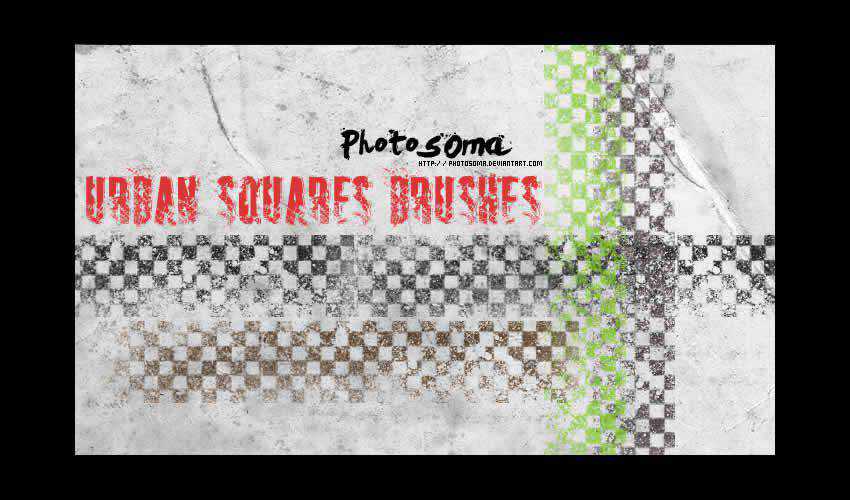
Urban Squares adobe illustrator brush brushes abr pack set free

Illustrator Grunge Brushes

Free to Download, 8 Illustrator Brushes

These grunge brushes are great for adding a grungy aesthetic to your artwork. The pack includes a variety of brushes for personal and commercial projects.
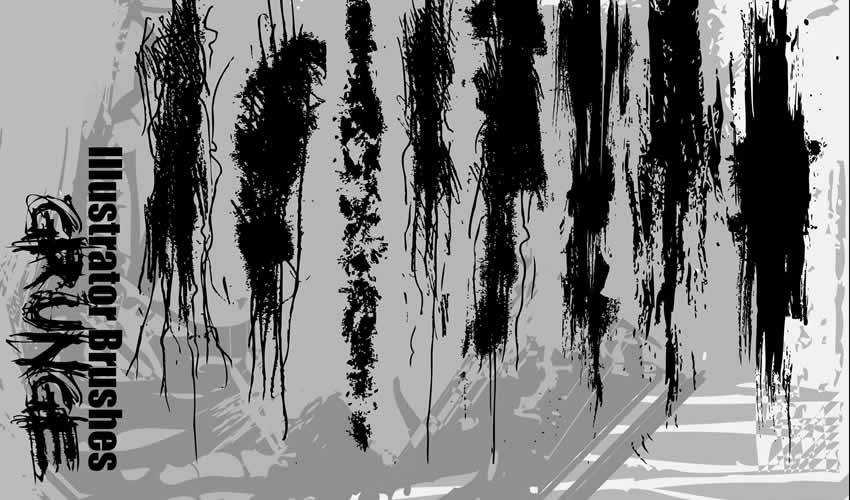
Grunge adobe illustrator brush brushes abr pack set free

How to Install Brushes in Illustrator

Installing Illustrator brushes is simple. Here’s how to do it:

  1. Download Brushes: Download one (or all) of the brush sets from this collection, or you can create your own. Brushes often come in AI, EPS, or ABR file formats.
  2. Locate Brushes Folder: Open Illustrator and go to the Brushes panel (Window > Brushes). Select Open Brush Library in the panel menu and then choose Other Library.
  3. Import Brushes: Navigate to the downloaded file and select the corresponding brush. Click Open to import the brushes.
  4. Organize Brushes: After importing, the brushes will appear in the Brushes panel. You can now create new brush libraries and organize brushes into categories for easier access.

How to Use Brushes in Illustrator

Illustrator brushes offer many creative possibilities and can add depth and texture to your illustrations, designs, and artwork. Here’s how to use them:

  1. Select Brush Tool: Choose the Brush Tool from the Tools panel on the left.
  2. Select Brush: In the Brushes panel, select the brush you want to use. You can preview the brush strokes by hovering over the brushes.
  3. Adjust Brush Settings: Customize the brush settings using the Brush Options panel (Window > Brush Settings) to control the size, opacity, color, and more.
  4. Start Drawing: Click and drag on the artboard to create brush strokes. Experiment with pressure, speed, and direction for different effects.
  5. Change Stroke Color: You can change the stroke color of the brush by selecting the stroke and using the Color panel.
  6. Modify Strokes: After creating a brush stroke, you can modify its appearance using the Stroke panel (Window > Stroke) to adjust stroke weight, style, and more.
  7. Expand Appearance (Optional): If you want to convert the brush strokes into editable paths, you can select the strokes and go to Object > Expand Appearance.

How to Create Your Own Illustrator Brushes

Creating your own Illustrator brushes allows you to add unique textures, patterns, and strokes to your designs. Here’s how to create custom brushes in Adobe Illustrator:

  1. Design Your Element: Create the design, shape, or pattern that you want to turn into a brush. This could be a line, texture, scatter of objects, or even calligraphy.
  2. Select and Define: Select the artwork you want to turn into a brush and open the Brushes panel (Window > Brushes).
  3. New Brush: In the Brushes panel menu, choose New Brush. A dialog box will appear with different brush types: Scatter, Art, Pattern, or Calligraphic.
  4. Choose Brush Type: Select the brush type that fits your artwork. Each type has unique properties for applying the brush stroke.
  5. Brush Options: Customize the brush settings based on the brush type you selected. Change settings like size, spacing, angle, and scattering.
  6. Preview and Name: Click OK to create the brush. You’ll see a preview of the brush stroke. Give your brush a descriptive or memorable name.
  7. Save and Use: Click OK again to save the brush, and it will appear in the Brushes panel and be ready to use.

The post 25+ Best Free Illustrator Brush Sets for Digital Artists in 2026 appeared first on Speckyboy Design Magazine.
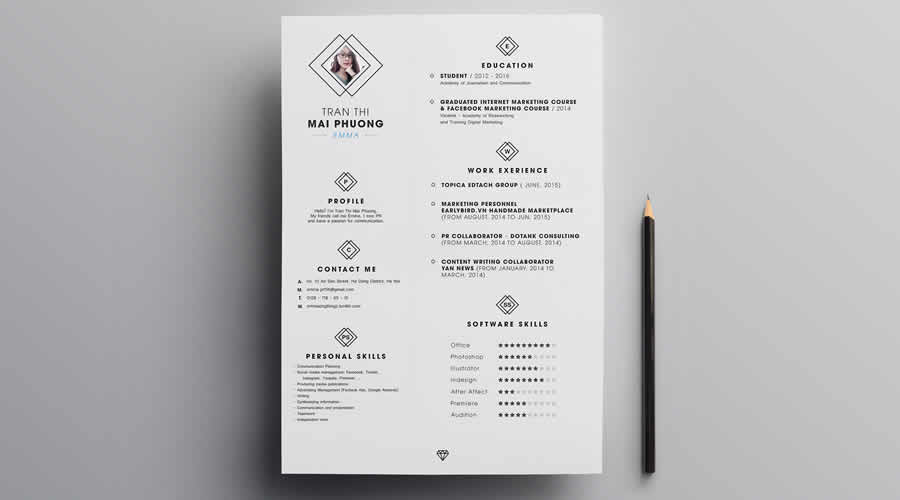
20+ Best Free Resume Templates for Creatives in 2026

Employers are busy people. They have the time-consuming task of sifting through and reading many applications and resumes before finally selecting the perfect person.

When you have the task of looking through so many resumes, you’re not only looking for candidates with the most experience or best skills, but you’re also looking for something that makes them stand out. That is especially true when applying for jobs in the creative industry.

And that is why resume design has such an important role in the application process.

There are plenty of web-based services for creating a resume, and yes, the internet is chock full of basic resume templates. However, not many of those have been designed with creativity in mind. They certainly don’t consider modern design trends or the competitiveness of applying for a creative role.

The free resume templates for designers we have for you are the perfect starting points for creating a CV that will help you stand out and land your dream job. They have all been created by designers for designers.


Which Resume Template Format Should You Choose?

The right format depends on the application you prefer to work in and how the finished resume will be submitted. Some formats give you greater control over the layout, while others make ongoing edits easier.

  • Figma: A good choice for designers who want browser-based editing, familiar layout controls, and easy PDF export.
  • InDesign: Best suited to detailed page layouts, precise typography, and resumes with matching cover letters or portfolio pages.
  • Illustrator: Useful for highly visual designs and custom vector graphics, although editing longer sections of text can be less convenient.
  • Photoshop: Suitable for image-led layouts, but it is not always the best option for a text-heavy resume.
  • Microsoft Word: Practical for frequent updates and applications that request a DOCX file. Word templates may also be easier for recruiters to open and review.

Check the required application version, included fonts, and available file types before downloading. If a template includes several formats, choose the one you already know well.


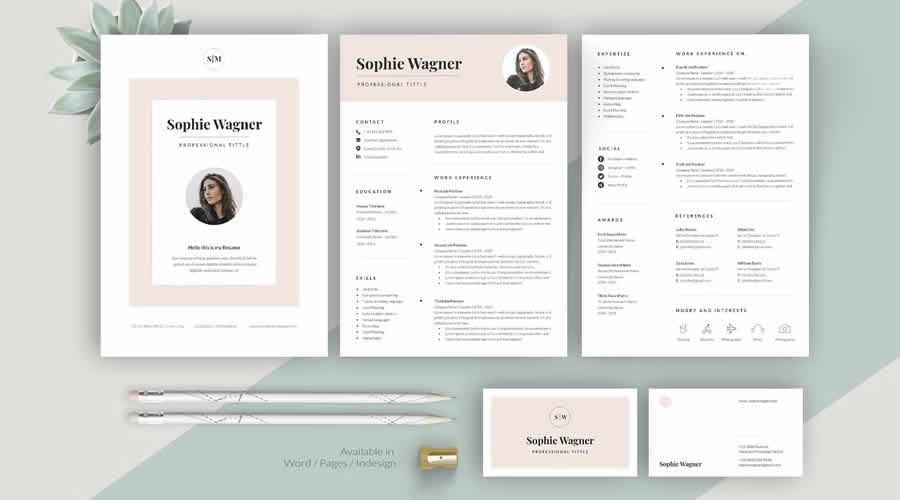
Resume, Cover Letter & Portfolio Templates

In Word & InDesign Formats

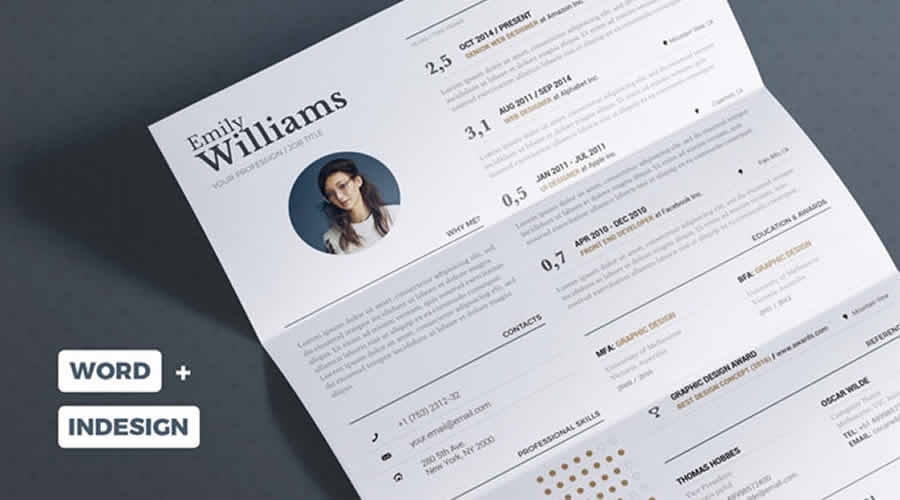
Perfect for all creative types, this package includes a resume template, a cover letter template, and bonus business cards. Minimal, customizable, and professional, it is the complete job application package.

 Resume Cover Letter Portfolio Templates Word InDesign Formats

Neat Resume Template for Designers

Free to Download and in Photoshop PSD Format

The Neat Resume is a contemporary, highly customizable free template with an eye-catching header, well-organized content sections, and a clean, minimalist design that focuses on beautiful typography.

 Neat Resume Template for Designers PSD Photoshop Format

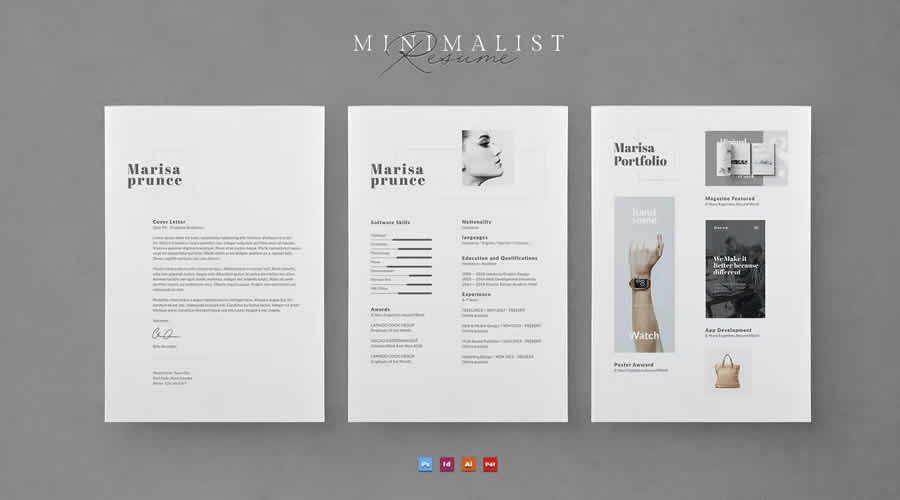
Minimalist Resume Template for Creatives

In Photoshop PSD, AI & InDesign Formats

This resume template prioritizes readability, making it a polished option for creating a professional resume. In addition to a resume template, you will also get a cover letter and a printable portfolio template.

 Minimalist Resume Template for Creatives PSD AI InDesign Formats

Minimal Resume Template

Free to Download and in Figma Format

This free resume template is simple and minimalist, with well-organized and spacious content sections. It is fully customizable in Figma, with editable colors, fonts, and layout.

Minimal Resume Template Figma Format

Clean & Modern Resume Templates

In Word, Photoshop PSD, AI & InDesign Formats

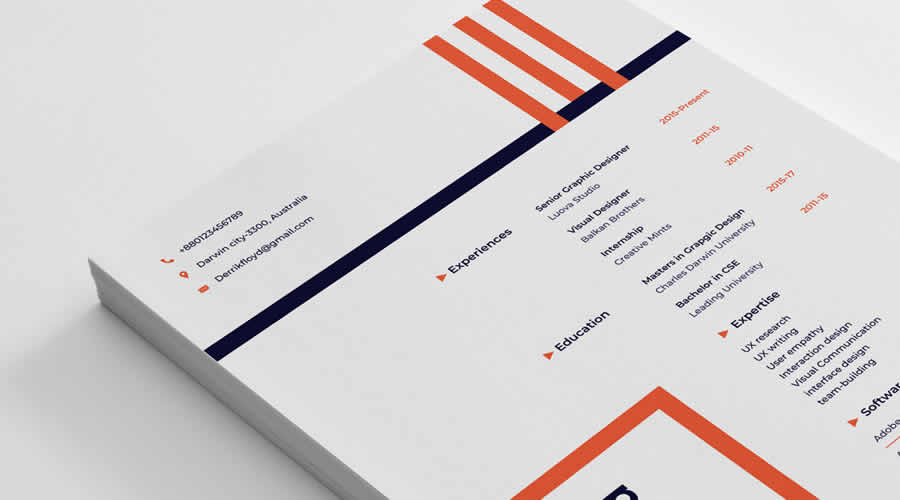
This highly creative resume template features a clean, minimalist design and clearly labeled, organized layers, making it easy to customize in your favorite application.

Clean & Modern Resume Templates Word PSD AI InDesign Formats

Clean & Professional Resume Template

Free to Download and in Figma Format

This professional resume template focuses on beautiful typography and perfectly laid-out content sections. In addition to the resume template, you will also get a printable portfolio template designed in the same clean style.

Clean & Professional Resume Template Figma Format

Creative & Modern Resume & Cover Letter Templates

In Photoshop PSD, AI & Word Formats

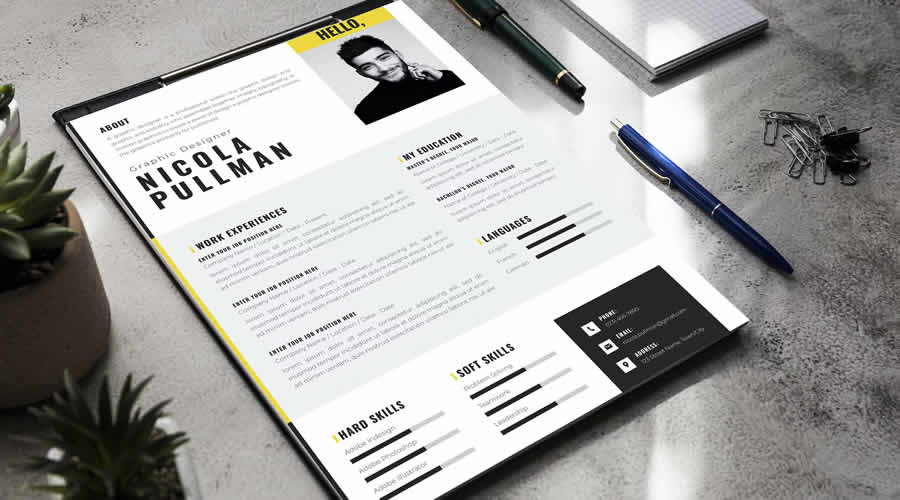
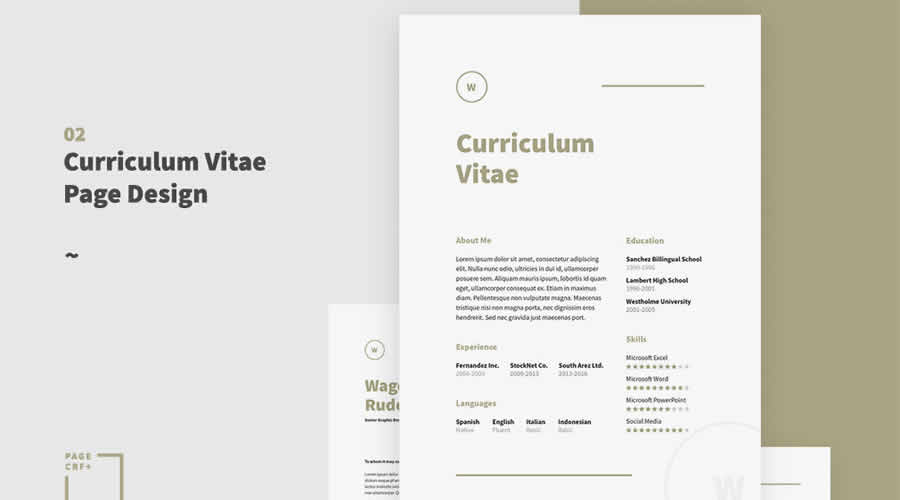
This modern resume template has a minimalist layout with a focus on big and bold typography. It’s fully customizable to match your personal branding and includes sections for education, work experience, and skills. It also comes with a matching cover letter template.

Creative & Modern Resume & Cover Letter Templates PSD AI Word Formats

Clean Cover Letter & Resume Template

Free to Download and in InDesign Format

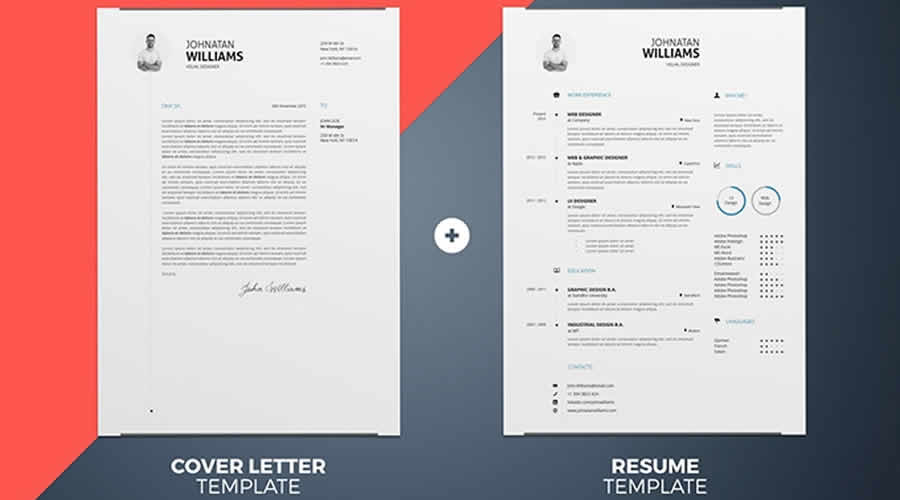
This free resource is a highly customizable resume and cover letter template with a minimalist, professional design and well-organized sections to highlight your skills, education, and experience.

Clean Cover Letter & Resume Template InDesign Format

Creative Resume & CV Template

In Word, AI & InDesign Formats

With its focus on creativity, this resume template is perfect for designers and creatives who want to create a polished and highly professional resume.

reative Resume & CV Template Word AI InDesign Formats

Resume Template for Designers

Free to Download and in Sketch & Photoshop PSD Formats

This free resume template has a simple and stylish design, well-organized sections, and customizable Sketch and Photoshop files. Its attention to detail and readability make it an excellent option for creating a professional-looking resume.

Resume Template for Designers Sketch PSD Formats

Resume Template for UX & UI Designers

Free to Download and in Figma Format

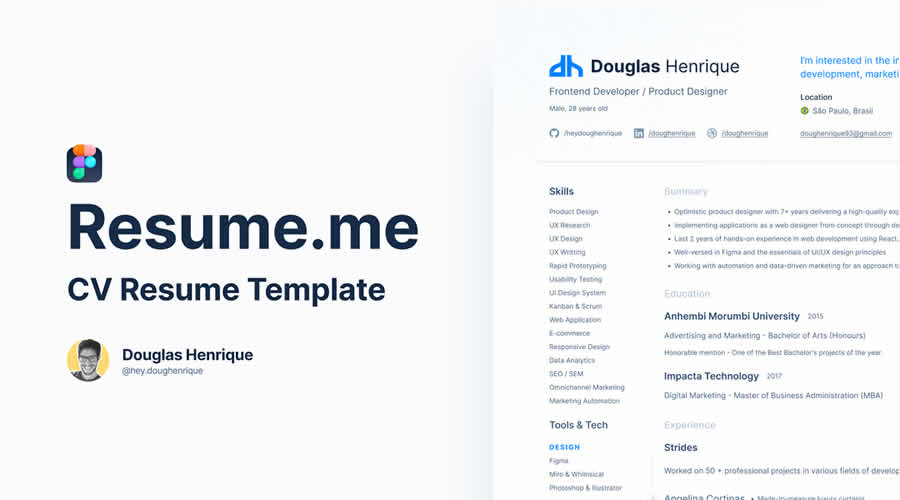
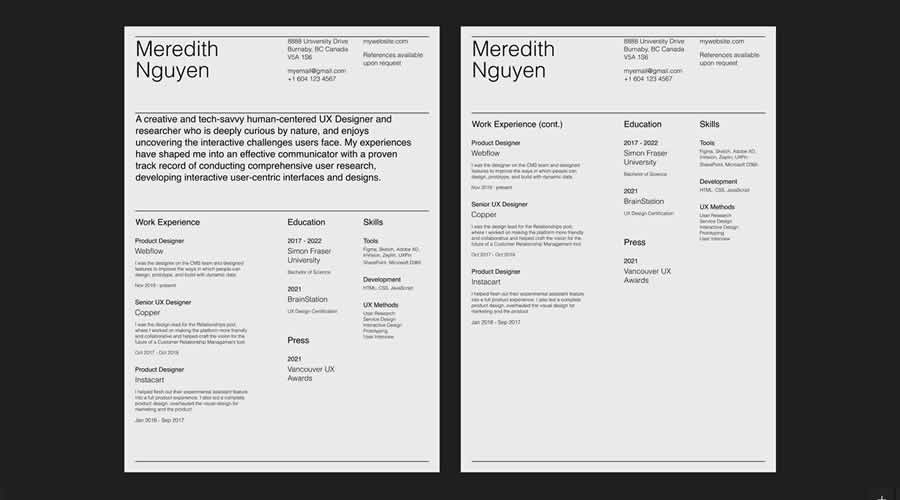
This free resume template has been designed for UX and UI roles with plenty of space for projects and skills. Built in Figma for easy editing. It is perfect for portfolios and product design roles.

 Resume Template for UX UI Designers Figma Format

Minimal Resume Template for Creatives

Free to Download and in Illustrator AI Format

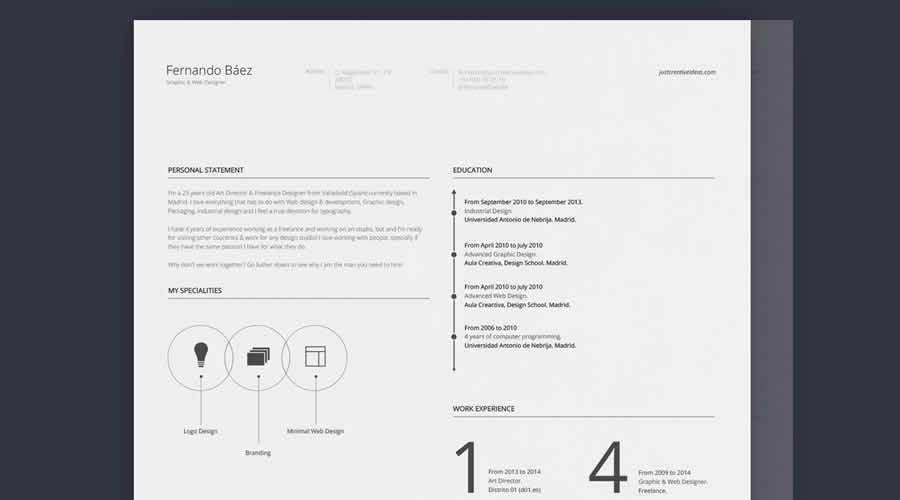
Whether you’re looking for your first creative job or a professional looking to update your resume, this free and highly customizable minimalistic resume is all you need to make a memorable first impression.

 Minimal Resume Template for Creatives AI Illustrator Format

Multi-Color Modern Resume Template

Free to Download and in Photoshop PSD, Sketch & Word Formats

Clean, colorful, and highly customizable, this free template is an excellent choice for creative job seekers and professionals who need to create or update their resumes quickly.

 Multi-Color Modern Resume Template PSD Sketch Word Formats

20 Resume & CV Templates for Designers

Free to Download and in Figma Format

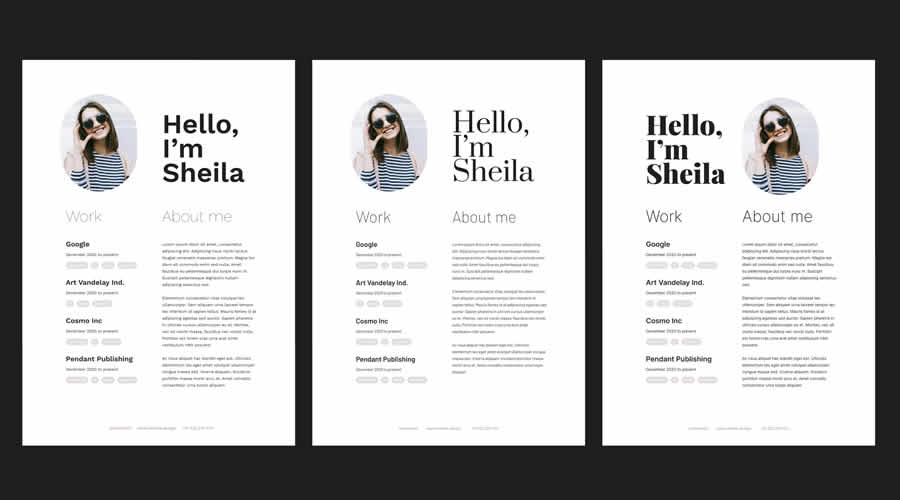
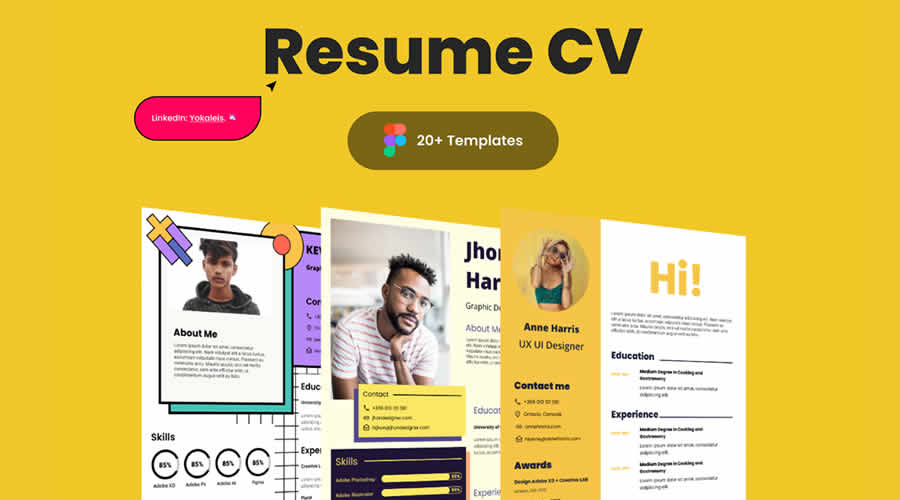
This is a collection of 20 modern, minimally designed resume templates. All templates focus on clarity and readability, making them an excellent option for creating a professional resume in Figma.

Resume CV Templates for Designers Figma Format

5 Bold Resume/CV Templates

Free to Download and in Figma Format

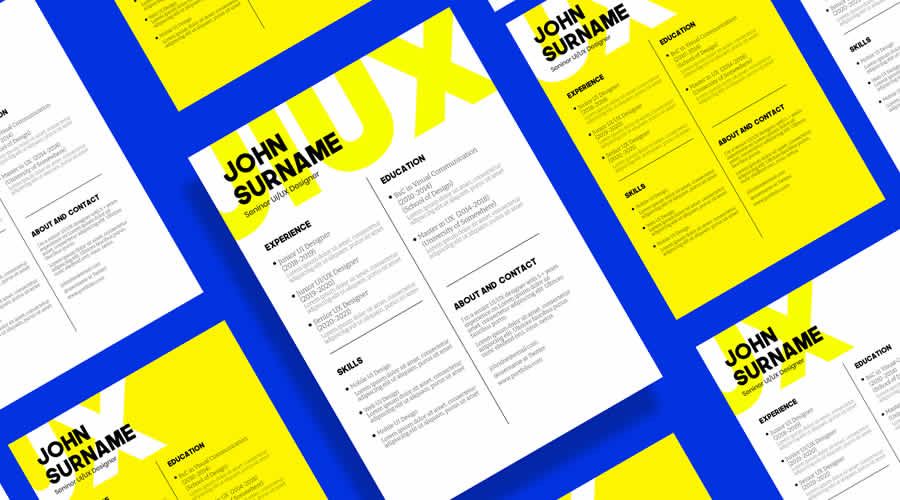
This collection of five free Figma resume templates features bold typography, eye-catching graphics, and minimalist layouts. It is perfect for designers, developers, and marketers looking to create a professional resume.

Bold Resume CV Templates Figma Format

Minimal Resume or CV Template

Free to Download and in Figma Format

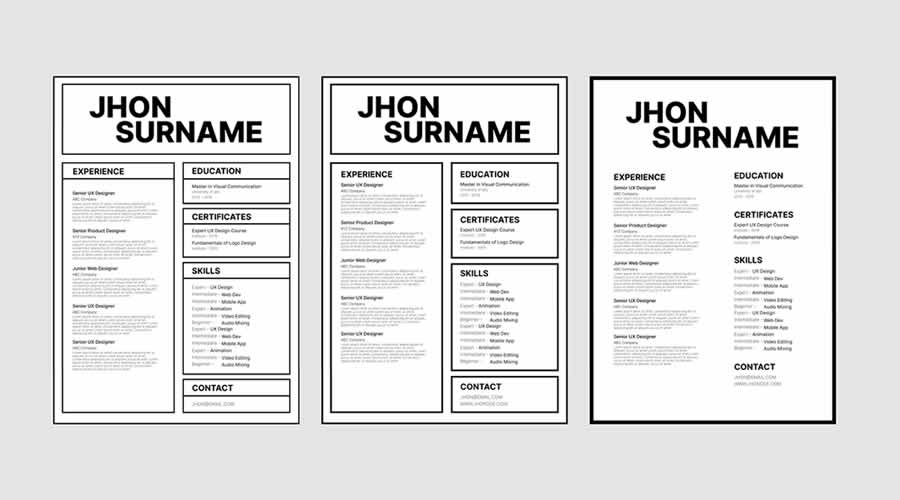
This spacious resume template features a black-and-white color scheme and is perfect for highlighting your work experience, portfolio, education, and contact information.

Minimal Resume or CV Template Figma Format

Typographic Resume Template

Free to Download and in Word & InDesign Formats

Make a great first impression with this resume template, which features bold and beautiful typography. It can be edited in InDesign or Microsoft Word.

Typographic Resume Template InDesign Word

Simple Resume & Cover Letter Template

Free to Download and in Word & InDesign Formats

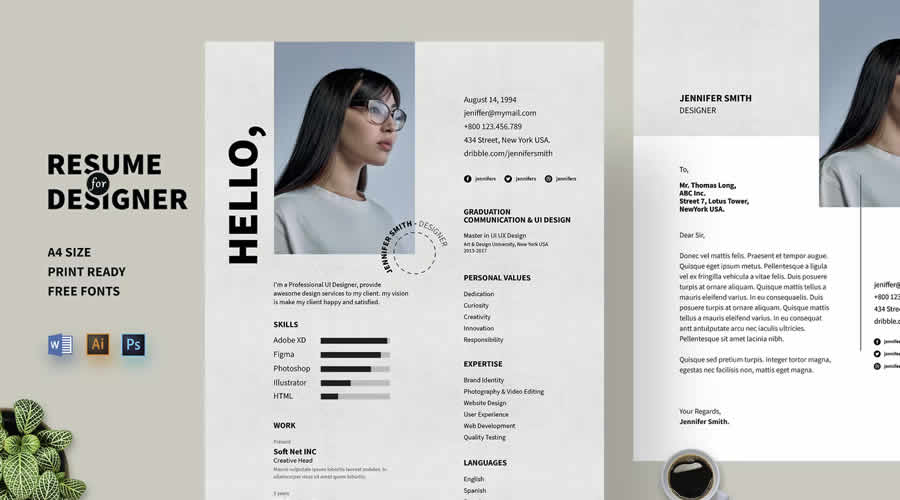
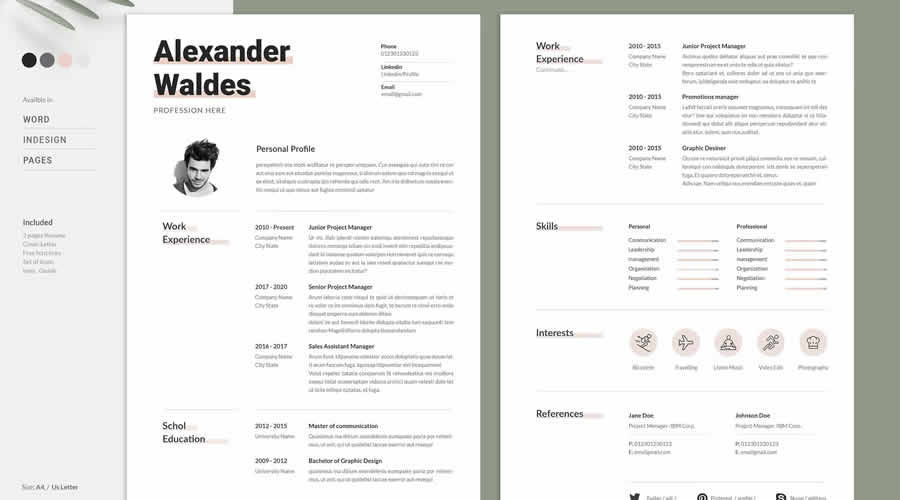
This minimalistic resume template has a clean design and a two-column layout. It also has plenty of room for your profile photos. This free template can be edited in InDesign and Word.

Simple Resume Cover Letter Template InDesign Word

Self Promotion CV Template

Free to Download and in Illustrator AI Format

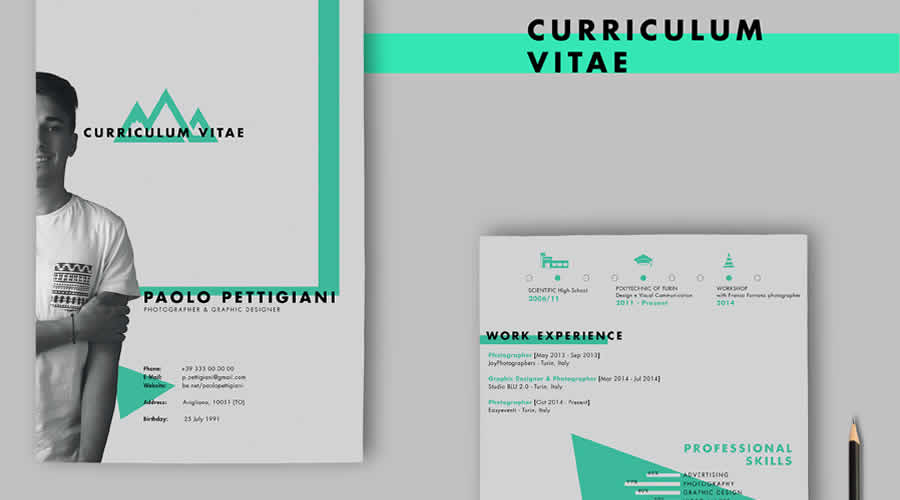
This two-page resume template features a bold design that’s perfect for promoting your skills and projects. It can be edited in Illustrator.

Self Promotion Free CV AI

Resume Booklet Template for Designers

Free to Download and in Photoshop PSD Format

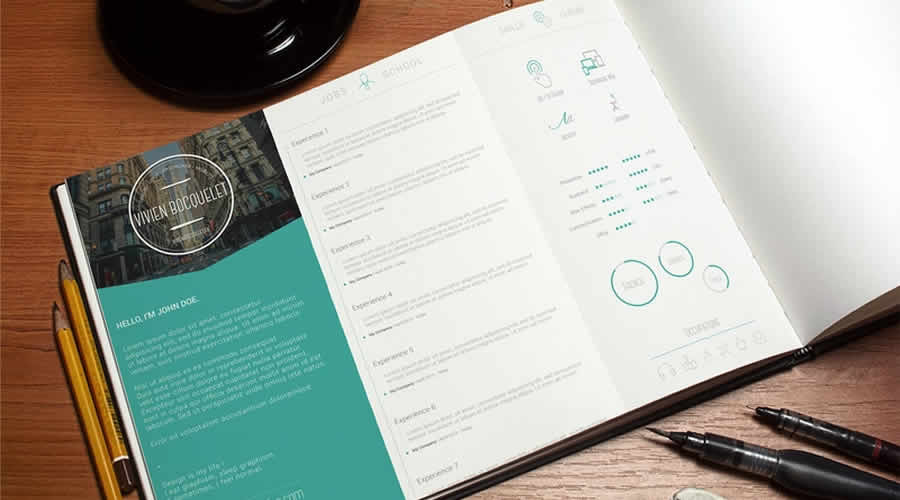
If you want a creative resume design, take a look at this resume template. You can edit it in Photoshop and use it to apply for a job in any creative field.

 Free Resume Template Vol.1 Photoshop Photoshop PSD

A Simple Resume Template

Free to Download and in Photoshop PSD Format

This resume template has a clean, two-column layout that’s easy to edit. The template has been designed in Photoshop and comes with well-organized layers.

 Free Resume Template Vol.2 Photoshop Photoshop PSD

Resume Template Vol.3

Free to Download and in Photoshop PSD Format

Check out this resume template featuring an elegant and minimalist design. This Photoshop PSD template includes a one-page resume layout and well-organized layers for easy editing.

 Free Resume Template Vol 3 Photoshop Photoshop PSD

Clean & Minimal Resume & Cover Letter Template

Free to Download and in Illustrator AI Format

This resume was designed in Illustrator and contains a two-page resume and a matching cover letter template. Thanks to its minimal design, it can be used for any type of job application.

Clean Minimal Resume Template AI

Minimalistic Resume Template

Free to Download and in Photoshop PSD & Illustrator AI Formats

This stunning resume template will capture the attention of any employer. It has a beautiful header section and uses modern, clean typography that makes an impact.

Minimalistic Free Resume Template Illustrator AI

Clean Resume Template

Free to Download and in Illustrator AI Format

This clean resume template has a standard two-column layout. In the larger column, you can showcase your education and work history. In the sidebar, you can share your contact information and skills. This template can be edited in Illustrator.

Clean Free Resume Template AI

What to Include in a Designer Resume

A designer resume should communicate your experience quickly while giving recruiters a clear route to your work. There is no need to fill every available section if the information does not support the role.

  • Name and role: State your name and the type of design position you are applying for.
  • Contact details: Add a professional email address, phone number, and general location. A full postal address is rarely needed.
  • Portfolio link: Place a direct link near the top of the page so it is easy to locate.
  • Professional profile: Write a brief overview of your experience, specialisms, and the type of work you do.
  • Work experience: List relevant roles in reverse chronological order. Include results and responsibilities rather than a list of routine tasks.
  • Selected projects: Mention relevant client, freelance, or personal projects when they add useful context.
  • Design skills: Include methods, disciplines, and applications that relate directly to the position.
  • Education and training: Add relevant qualifications, courses, and certifications without giving them more space than your professional work.

References can be supplied when requested, so they do not need to take up room on the resume.

Final Recommendations

Choose a template that suits both your experience and the position. A recent graduate may need more room for education and selected projects, while an experienced designer will probably want greater space for employment history and results.

Treat the template as a starting point. Replace every piece of sample content, remove sections you do not need, and adjust the type sizes and spacing around your own information. Check that links work, dates follow a consistent format, and the smallest text remains comfortable to read.

Before sending the resume, review it at its actual size and ask someone else to proofread it. Export a PDF for direct applications, but keep an editable copy for future updates. If a recruitment portal requests a particular file type, follow that instruction rather than submitting the most decorative version.

A restrained design with clear information will usually serve you better than a complicated layout. The resume should give employers a useful overview of your experience, while your portfolio provides the fuller picture of your design work.

The post 20+ Best Free Resume Templates for Creatives in 2026 appeared first on Speckyboy Design Magazine.
❌