|
Check out the latest features of SEOPress!
|
SEOPress 10.0 is now available. We encourage you to update your site as soon as possible to take advantage of the latest features, improvements and security fixes. |
🎉 New – Connect SEOPress to AI agents with the new Abilities API & MCP support |
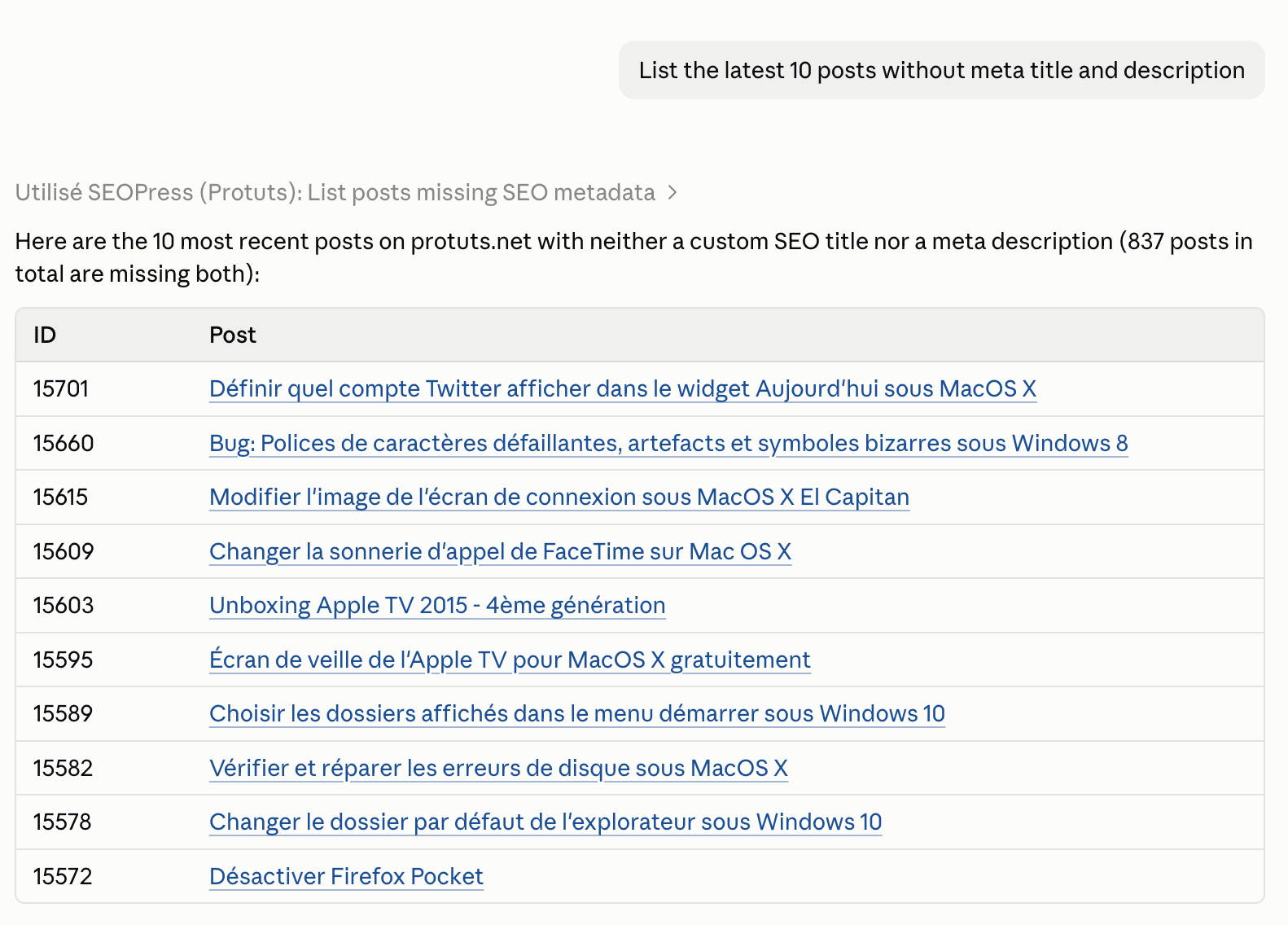
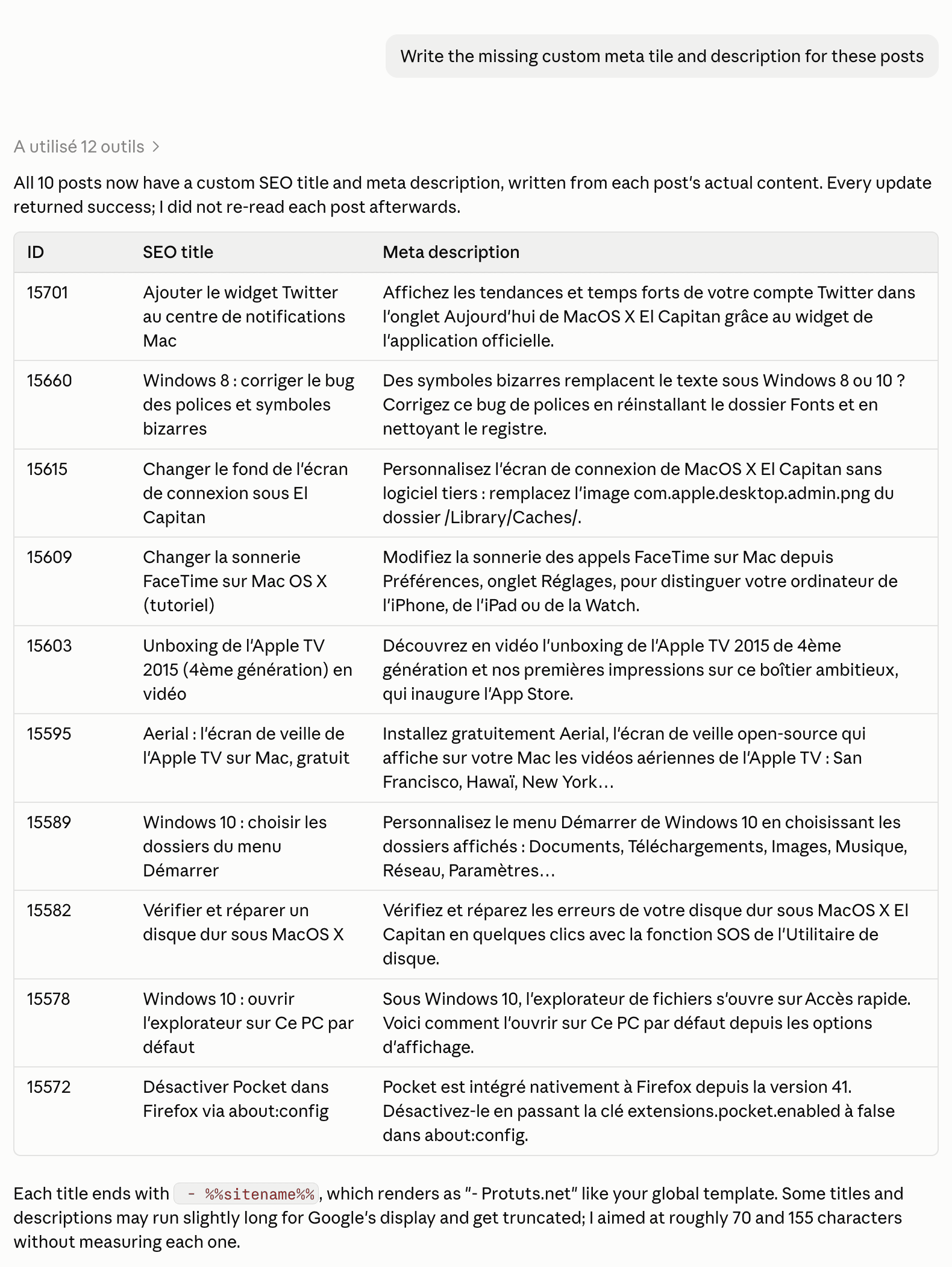
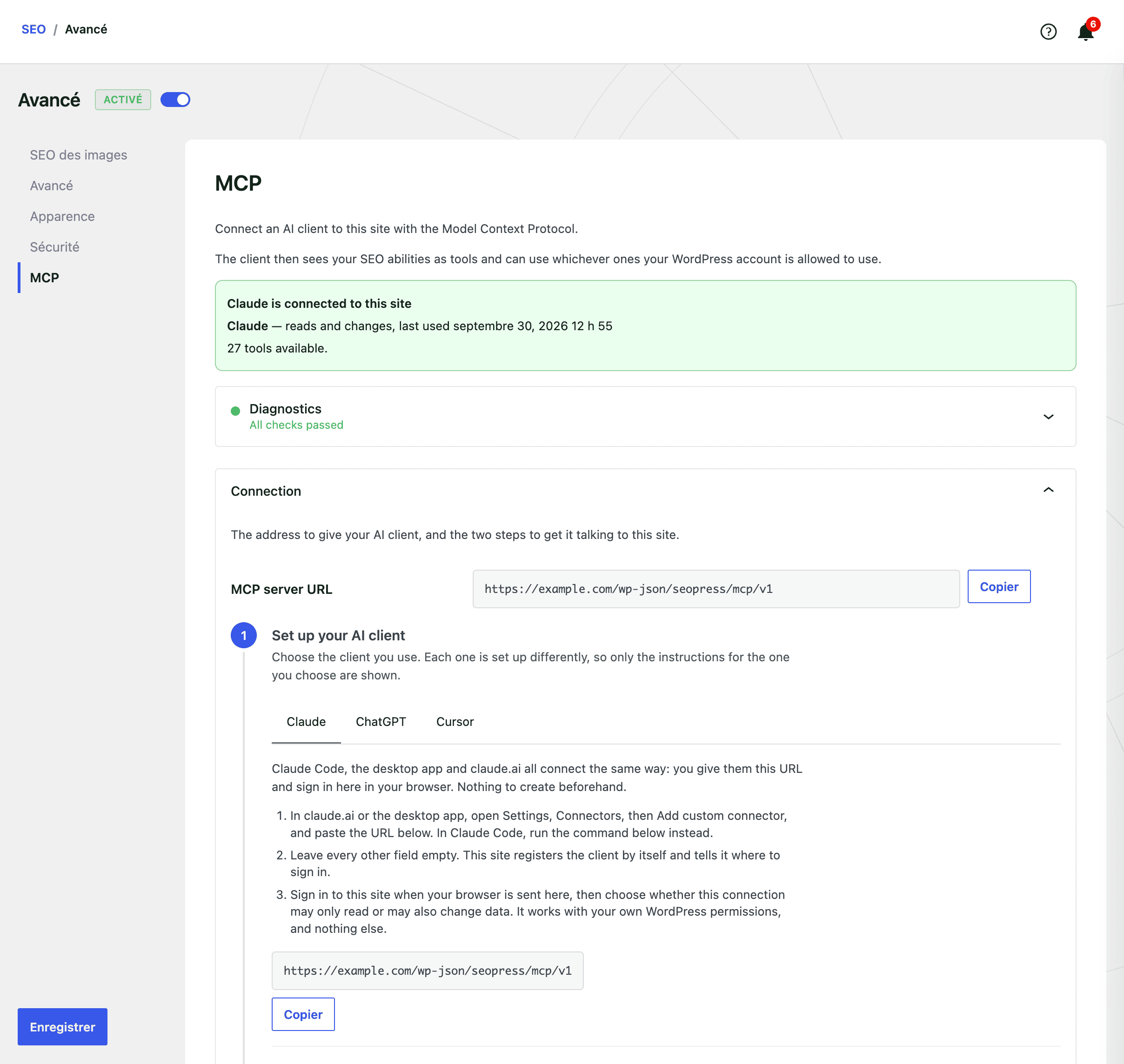
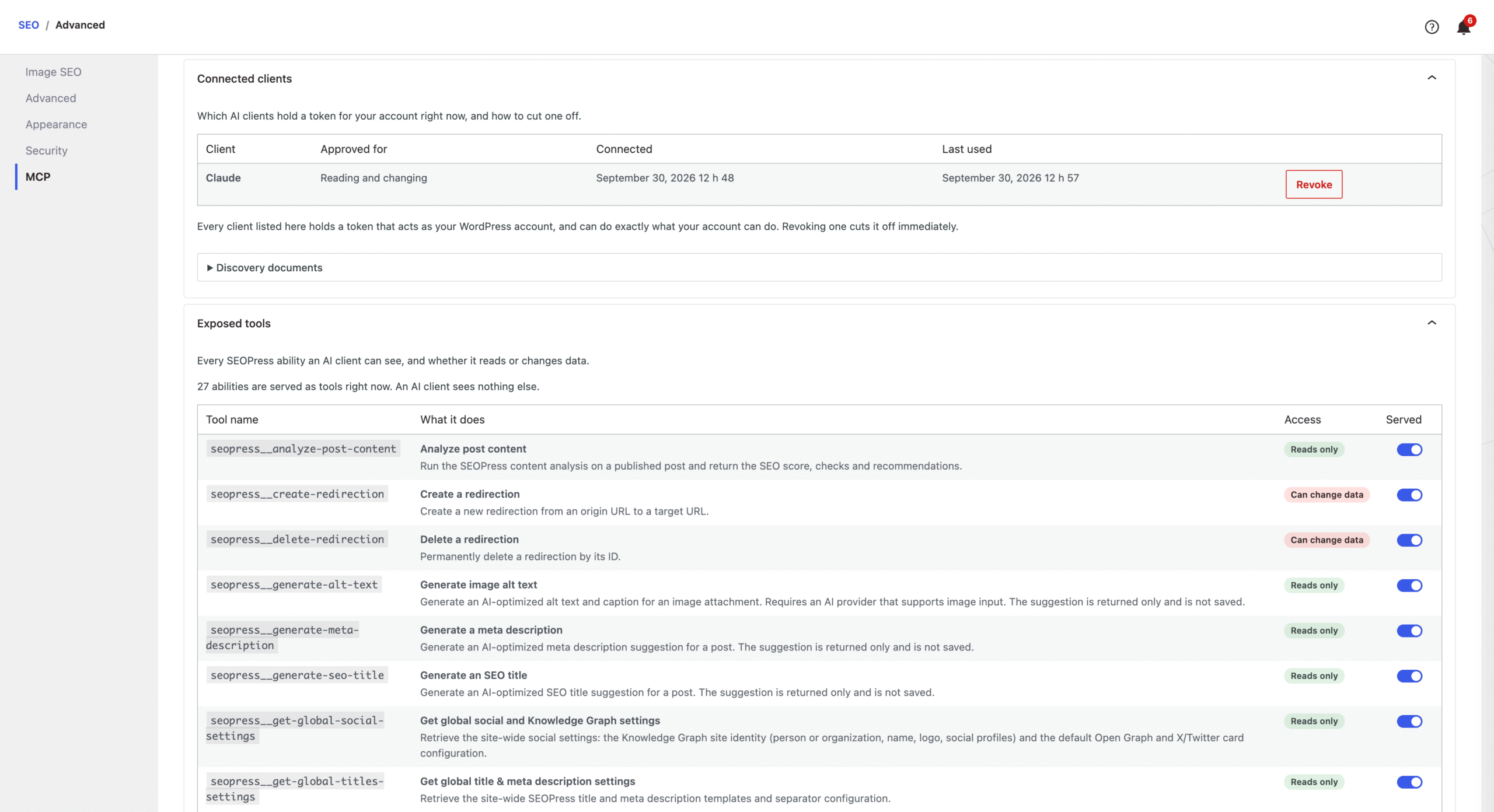
SEOPress 10 adds support for the new WordPress Abilities API, the standard that lets AI assistants and automation tools work with your site safely.
In plain terms, you can now connect an AI agent (like Claude or any MCP-compatible tool) straight to SEOPress and let it take care of SEO tasks for you.
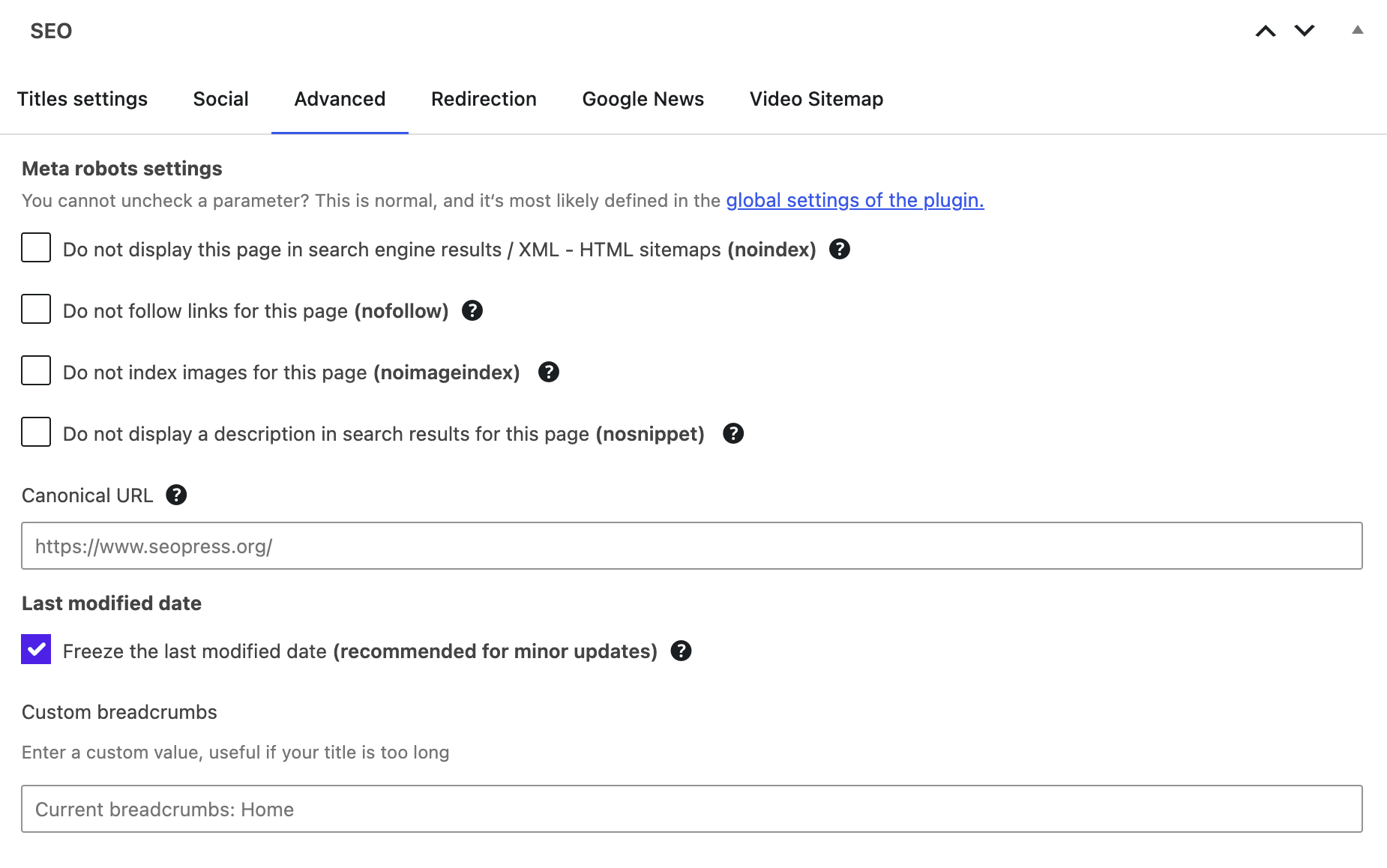
Out of the box, the free version lets an agent read and update the essentials of any page: the SEO title and meta description, the indexing rules (noindex, nofollow, canonical), the social media previews for Facebook and X, and it can even run a content analysis to point out what to improve.
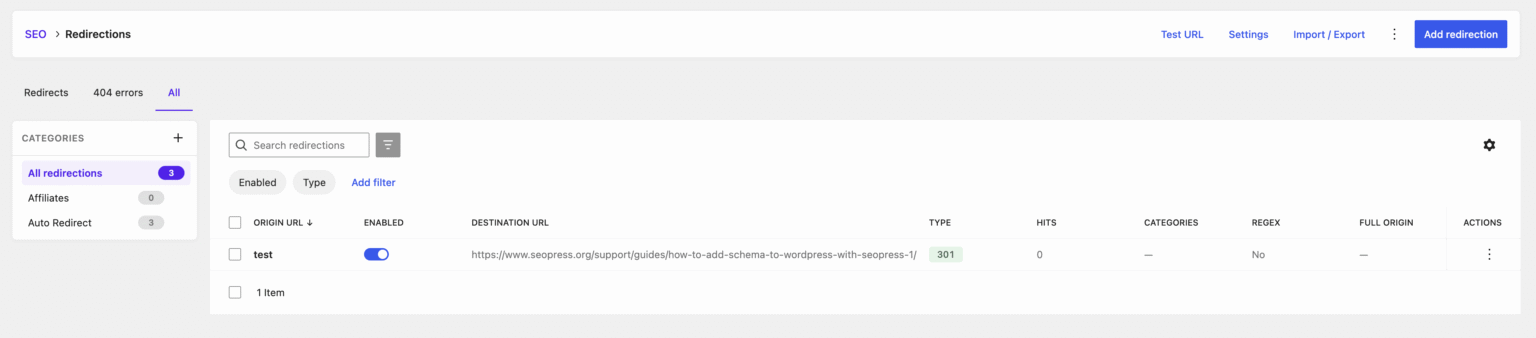
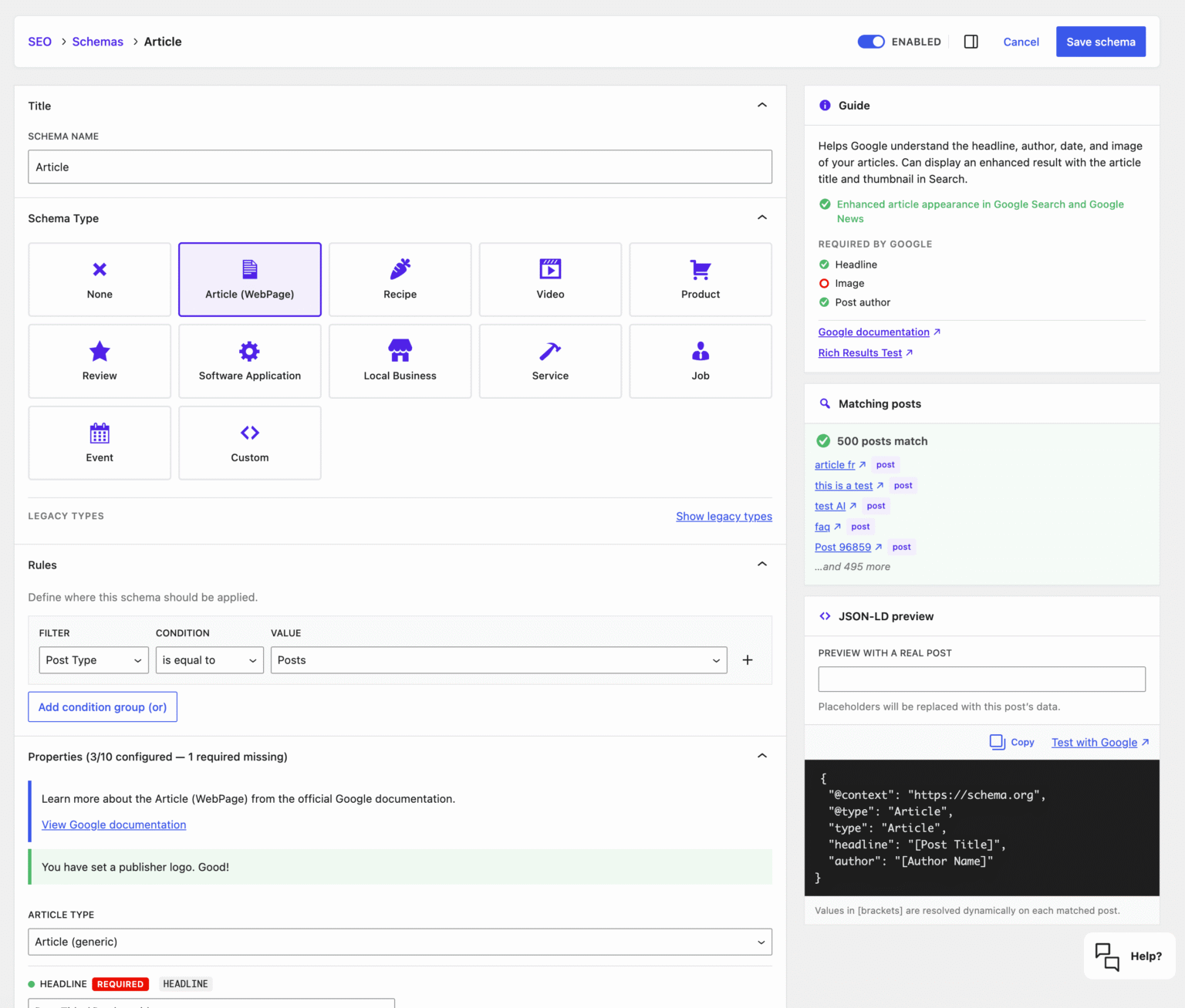
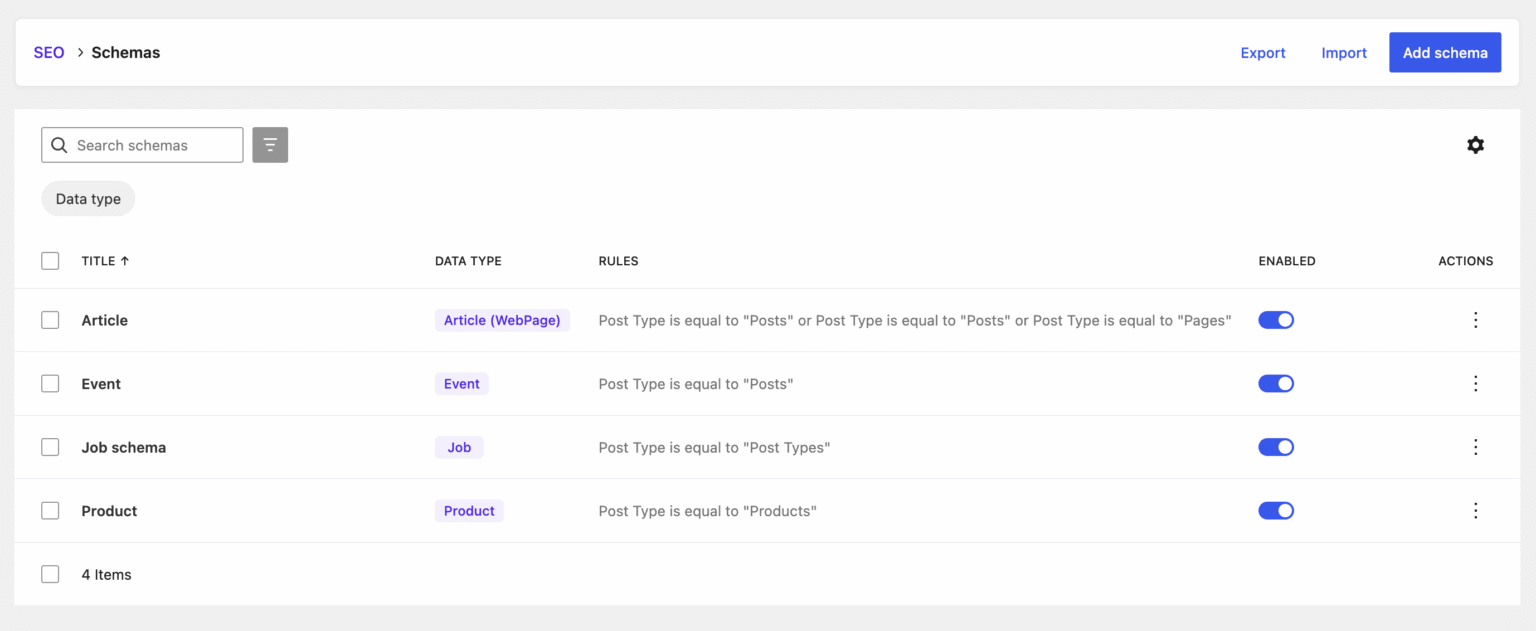
With SEOPress PRO, agents can go much further: create and manage redirects, edit structured data (schema), set target keywords, and even generate AI-optimized titles, meta descriptions, and image alt text for you.
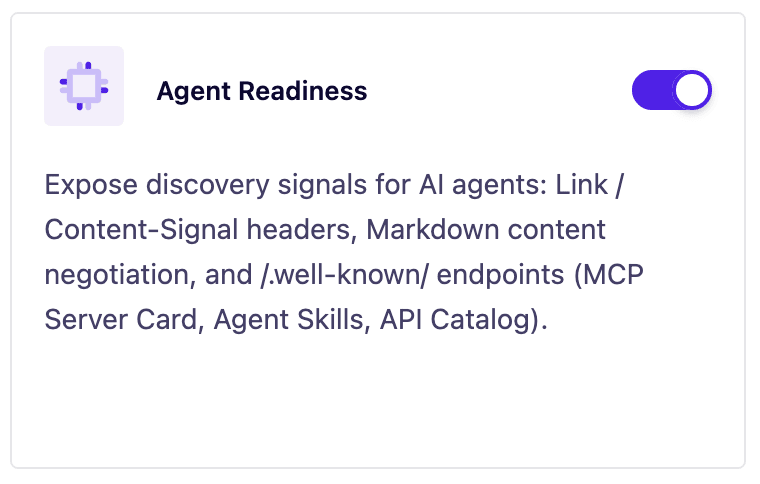
PRO also makes your whole site “agent ready” by exposing discovery signals (an MCP server card, an llms.txt file, and other /.well-known/ endpoints) so AI tools can find and understand your content on their own. The benefit is simple: far less manual, repetitive SEO work, and more time for what actually matters.
And you stay fully in control. The feature is off by default, you turn it on with a single toggle from SEO, Advanced settings page, Advanced tab, Expose abilities via REST API option, and your existing WordPress permissions are always respected, so an agent can only ever do what the connected user is already allowed to do. |

|
🎉 New – Get an SEO expert by your side, with the new AI Assistant |
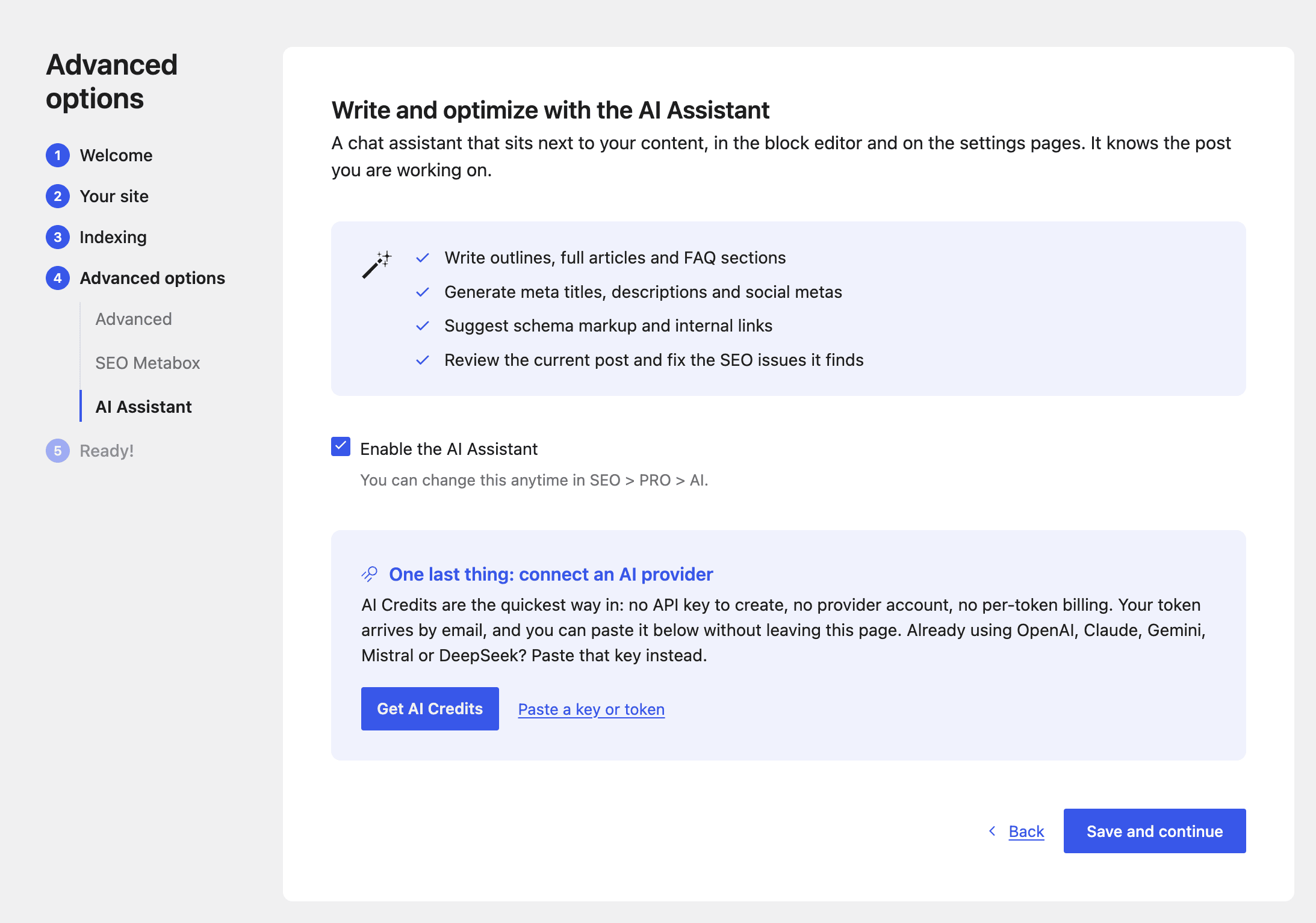
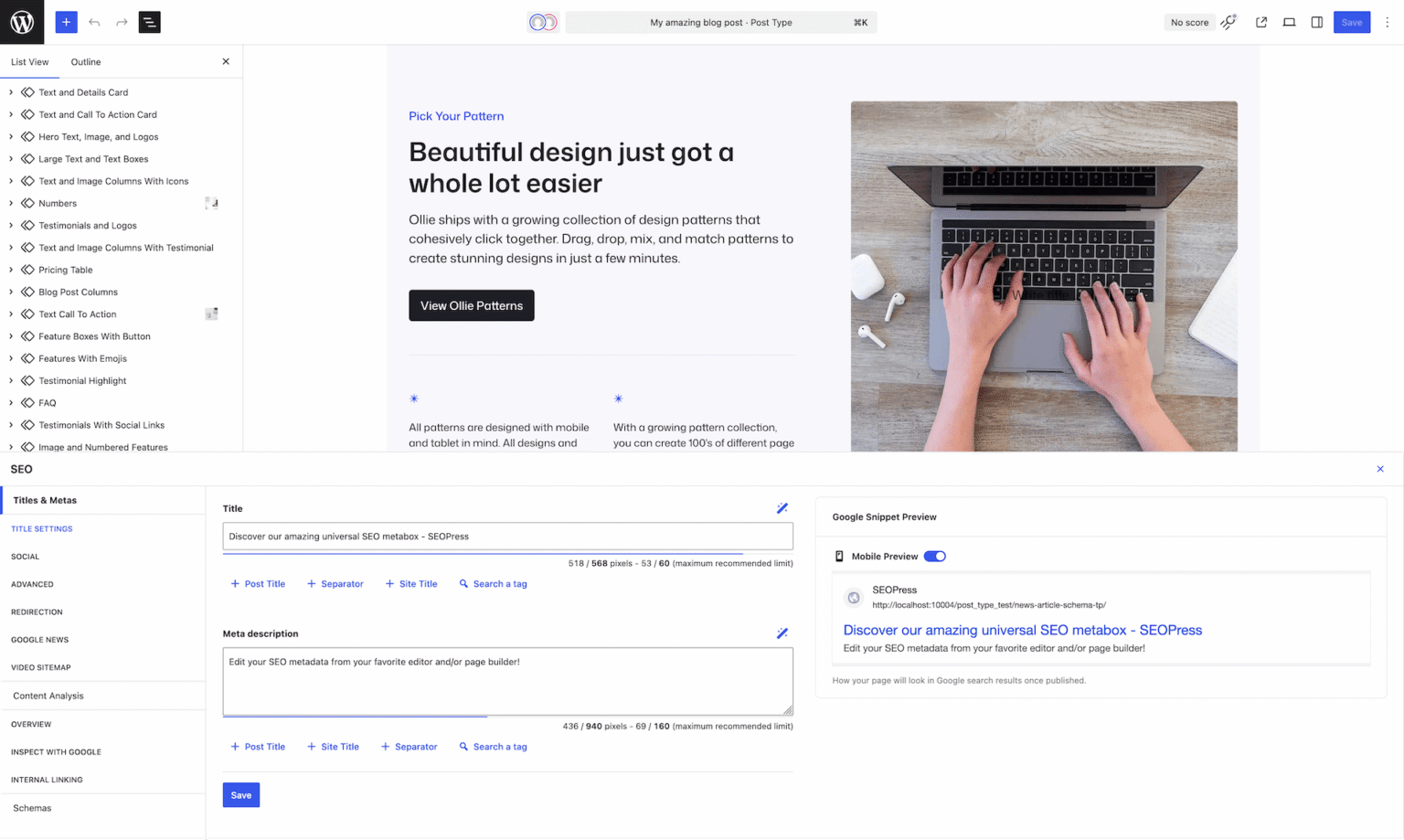
Writing good SEO takes time, and knowing exactly what to fix is not always obvious. SEOPress 10 introduces the AI Assistant, a chat panel that works alongside you in the WordPress block editor.
You just ask in plain language, like talking to a colleague: “Suggest 5 titles for this article”, “Write an outline about…”, “Fix my SEO issues”, or “Translate my meta description into Spanish”. Because the assistant reads your current post (its content, keywords, and SEO settings), the answers are tailored to what you are actually working on, not generic advice.
It can help you with things like: |
- Generating SEO titles, meta descriptions, and social media tags
- Writing full articles, outlines, FAQs, and product descriptions
- Improving existing content: proofreading, changing the tone, summarizing, translating
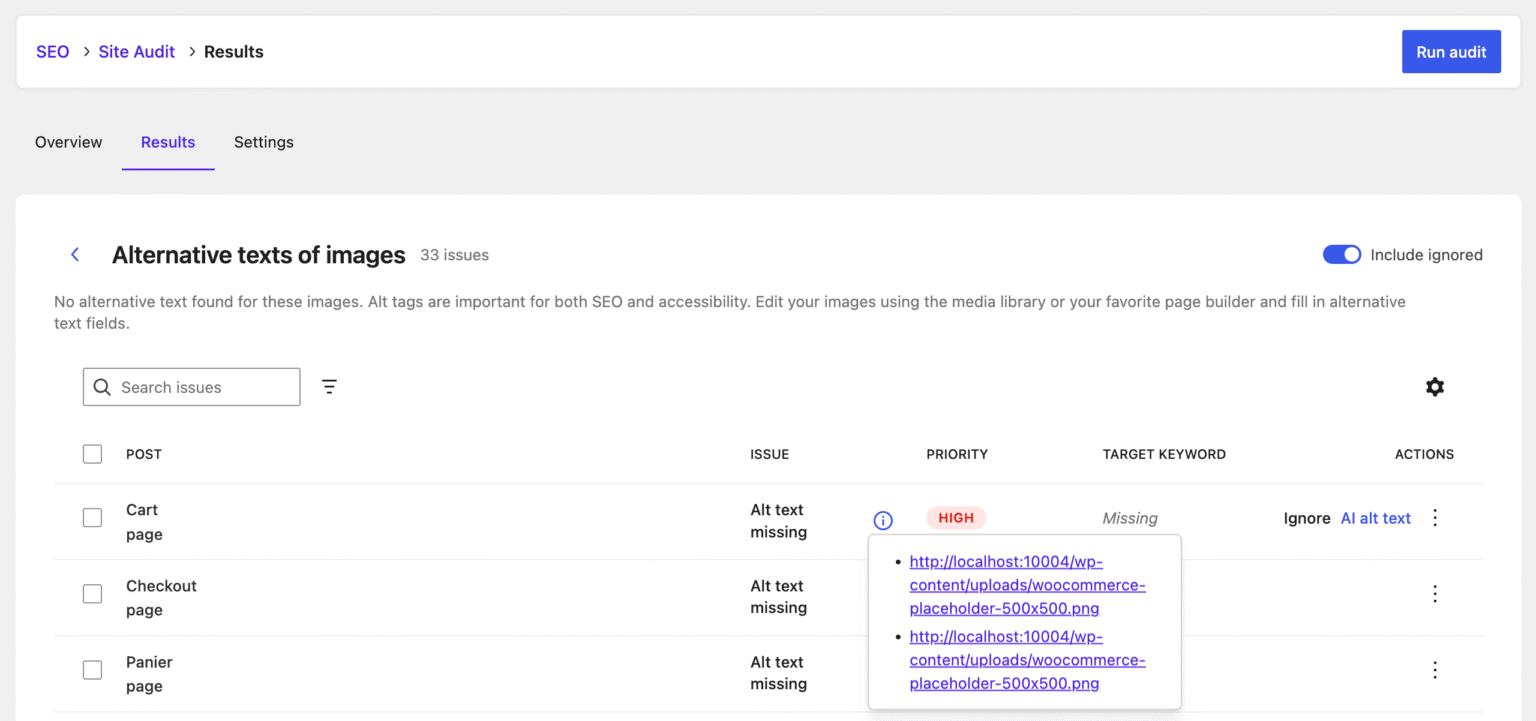
- Taking action for you: creating redirects, adding structured data, generating image alt text, and more
|
And you always stay in charge: when the assistant suggests content, the changes are proposed for your review before anything is applied, so you can accept, tweak, or discard them. |
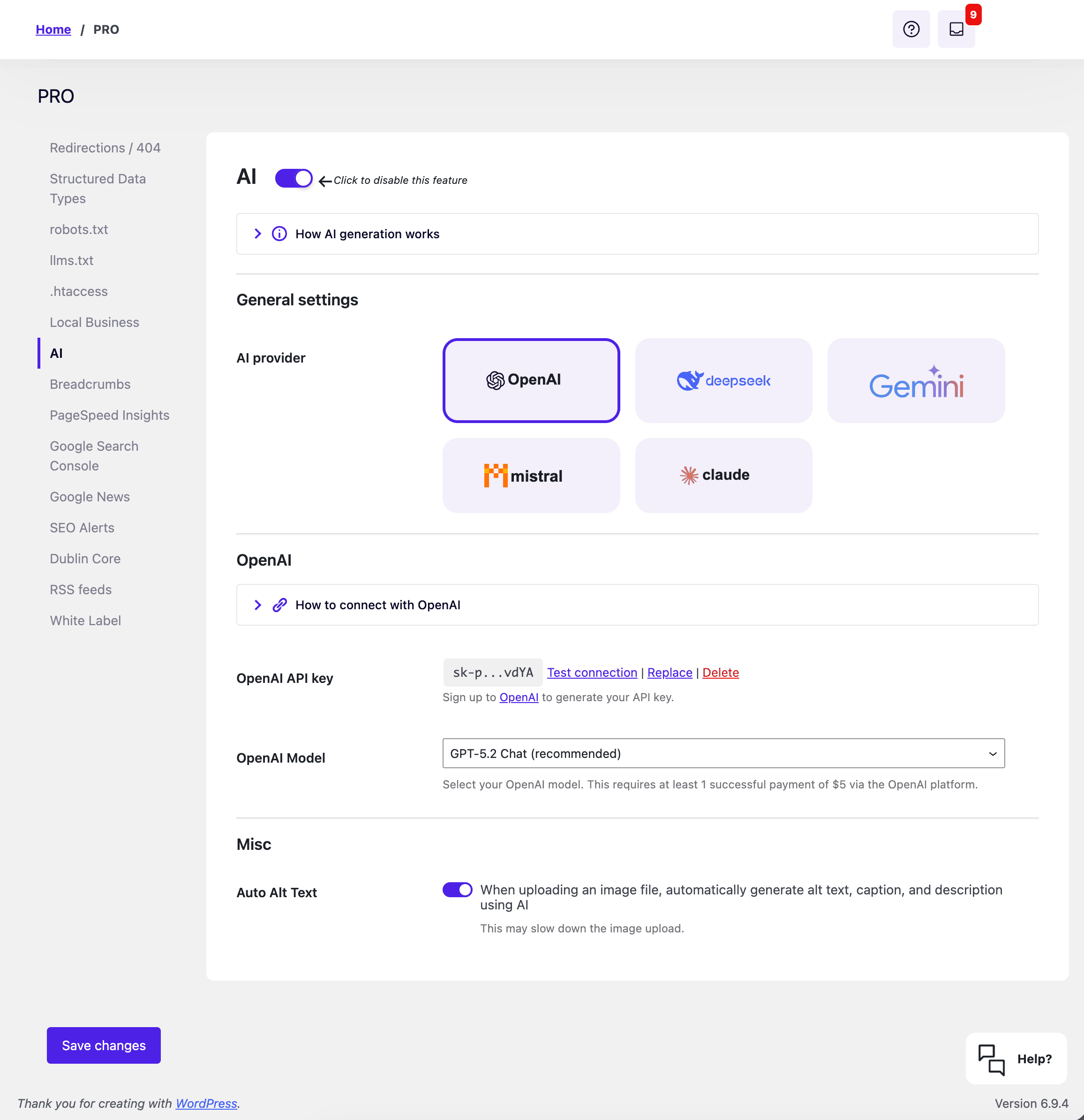
The AI Assistant is a SEOPress PRO feature, and it runs on your own AI provider. It works with OpenAI, Claude, Google Gemini, Mistral, and DeepSeek, or with SEOPress credits if you prefer a ready-to-go option. Add your API key once, and your assistant is ready to help. |
Check out our Pricing page to get started with SEOPress AI credits! |
BONUS: perform quick actions right into the block editor. Select a block, click on the AI icon to run quick actions: |
🎉 New – The easiest way to use AI in SEOPress, with SEOPress AI Credits |
SEOPress works with all the major AI providers (OpenAI, Claude, Gemini, Mistral, DeepSeek), but setting one up means creating an account, generating an API key, adding a payment method, and tracking your usage on yet another platform. That is a lot of steps before you can even write your first title.
SEOPress AI Credits removes all of that. It is a ready-to-go option built right into SEOPress: no separate account, no third-party API keys to manage, no third-party billing.
Here is how simple it is: |
- Subscribe to SEOPress AI Credits on seopress.org
- Copy the license key from your confirmation email
- Paste it into your AI settings and save
|
That is it. Your credits instantly power every AI feature in SEOPress: generating SEO titles, meta descriptions, social tags (Open Graph and X), and image alt text, in bulk or one at a time, plus the AI Assistant chat.
You always know where you stand, too. Your settings show a clear credit balance, how much you have used this cycle, and a color-coded bar that warns you before you run low. And because the best AI model is selected for you behind the scenes, you never have to wonder which one to pick.
SEOPress AI Credits is a SEOPress PRO feature. And if you would rather use your own provider and API key, you still can. The choice is yours. |
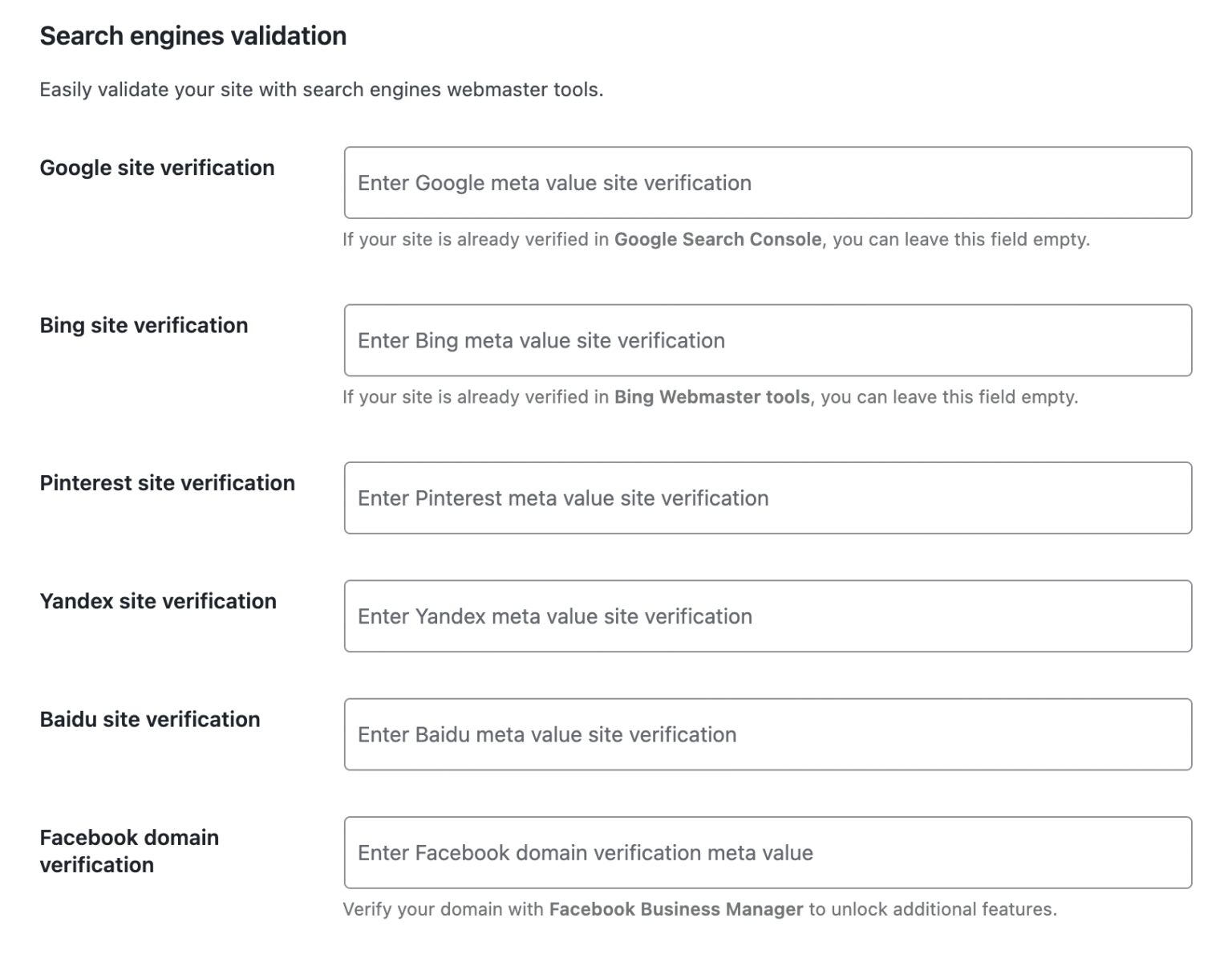
🎉 New – Make sure search engines can actually read your sitemap, with the new XML Sitemap health check |
Your XML sitemap is the map search engines use to find every page on your site. So when something breaks, your content can quietly stop being indexed.
The tricky part is that sitemap problems are easy to miss: a caching plugin serving the wrong file, a 404 error, a stray blank line that corrupts the XML, or a robots.txt rule that blocks access.
SEOPress 10 introduces a free Sitemap health check that catches these issues for you in one click. Open your sitemap settings, press “Test my sitemap”, and SEOPress runs a full diagnostic, then tells you in plain language whether your sitemap is healthy or what needs attention.
It checks that your sitemap is: |
- Reachable (no 404 or server error)
- Served as real XML, not HTML
- Valid and well formed
- Referenced in your robots.txt
- Not disturbed by a caching plugin or a second SEO plugin running at the same time
|
Every result comes with a clear pass, warning, or error label and a simple explanation, and common problems like a 404 can be solved with a single fix button. |
No technical knowledge required: you get the confidence that search engines can read your sitemap, before they ever hit a problem.
And SEOPress PRO takes it further by running this check automatically twice a day and alerting you by email or Slack the moment an error shows up, so a broken sitemap never goes unnoticed. |
🎉 New – Choose exactly which image metadata AI fills in, automatically |
Good image SEO is more than just an alt text. Search engines and accessibility tools also read the caption and description of your media. But filling those in by hand, for every image you upload, is tedious, so they usually stay empty.
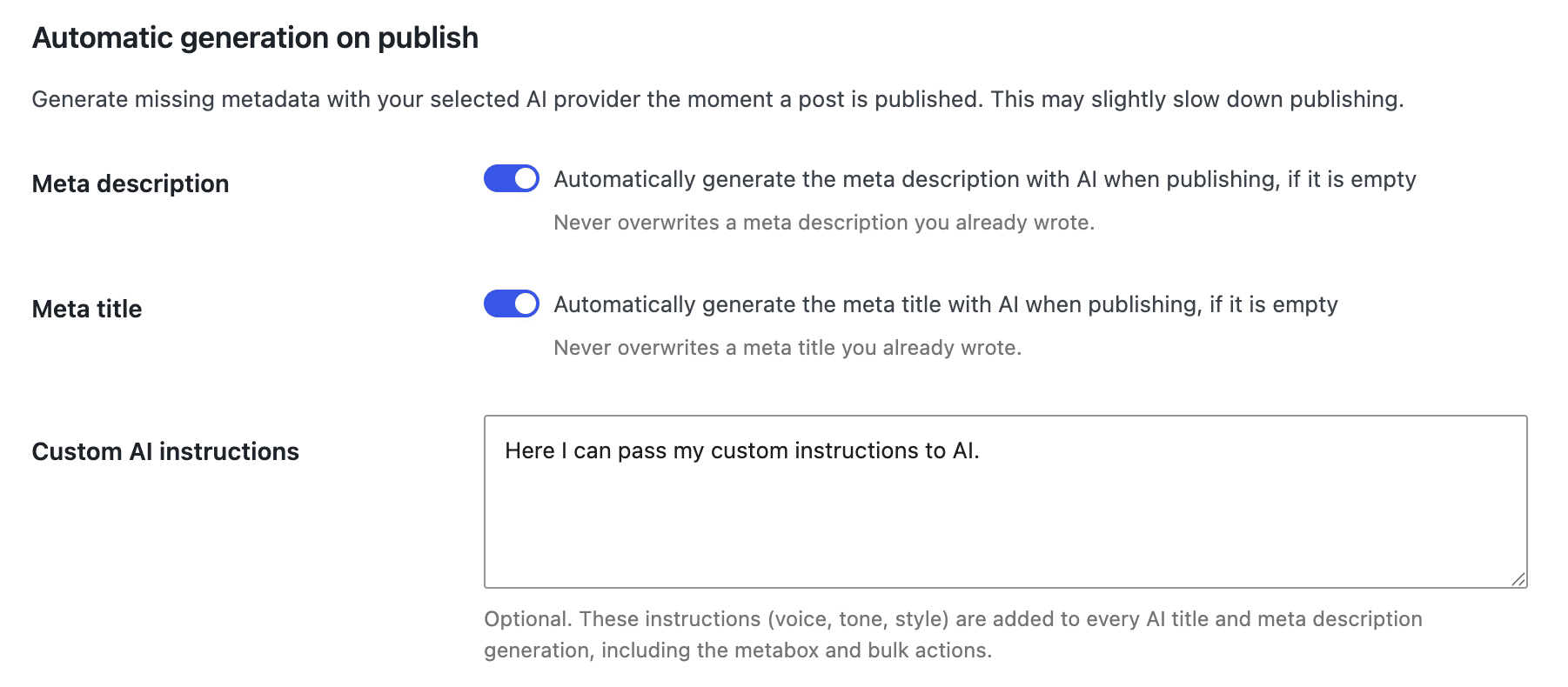
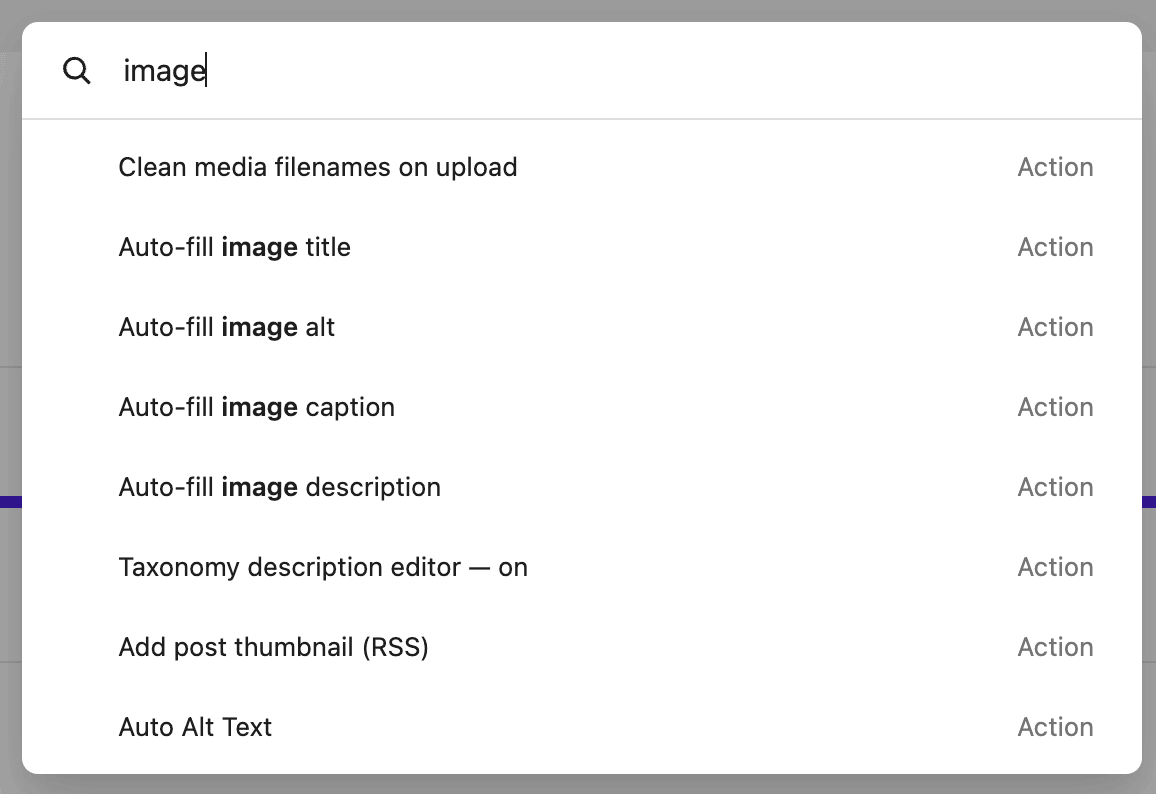
SEOPress PRO can already generate image metadata with AI the moment you upload an image. SEOPress 10 makes it smarter with per-field toggles: you decide exactly which fields get written for you.
Turn on only what you need: |
- Alt text: the description used for SEO and accessibility
- Caption: the short text shown under the image
- Description: the longer text stored with the media
|
For example, you can let AI write the alt text on every upload while leaving captions and descriptions untouched, or generate all three at once. It only fills in empty fields, so your existing work is never overwritten.
Prefer to handle some images yourself? You still get bulk actions in the media library to generate any combination of these fields, for all your images or only the ones that are missing them.
This runs on your configured AI provider or on SEOPress AI Credits, and it is a SEOPress PRO feature. |
🎉 New – Turn readers into loyal followers, with the new Google Preferred Sources button |
Google now lets people choose their “Preferred Sources”: the sites they want to see more often in the Top Stories section of Google Search. The catch is that readers have to know they can do it, and that they can do it for your site.
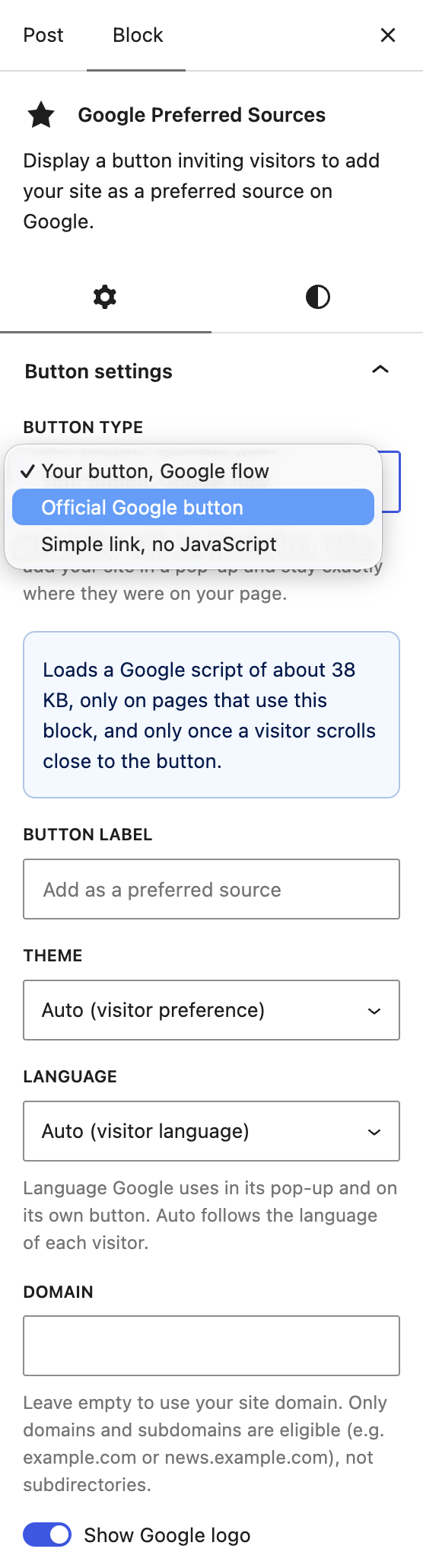
SEOPress 10 makes that effortless. A new Google Preferred Sources block (and a matching shortcode) lets you add a clean “Add as a preferred source” button anywhere on your site, with no code at all.
When a visitor clicks it, they are taken straight to Google’s page to mark your site as a preferred source. The more readers do this, the more your articles can show up in their Top Stories. It is a simple way to build a loyal, returning audience.
You can add it with either method: |
- The block: search for “Google Preferred Sources” in the editor and drop it into any post, page, or template
- The shortcode: [seopress_preferred_source] for widgets, classic content, or page builders
|
And it fits your design. You can: |
- Change the button label
- Show or hide the Google logo
- Target a specific domain or subdomain (handy if your news lives on news.yoursite.com)
|
Best of all, it is free and lightweight. It is just a nicely styled link to Google, with no heavy external scripts to slow your pages down. |
We squashed many bugs along the way, including: |
- a compatibility issue with DIVI 5,
- better responsive for our user interface,
- our table of contents block now works with template parts,
- the 404 hit counter now starts at 1,
- automatically download language packs without manually clicking update translations button,
- prevent conflicts with other plugins using Google SDK,
- and so much more!
|
For developers, new hooks land in this release: |
- seopress_abilities_api_rest_enabled
- seopress_sitemap_diagnostic_request_args
- seopress_preferred_source_html
- seopress_preferred_source_inline_css
- seopress_ai_assistant_request_args
- seopress_pro_video_sitemap_builder_content
|
Best,
Benjamin Denis
CEO SEOPress |
|
|
|
|
|
|
 Login