❌

Reading view

There are new articles available, click to refresh the page.

The Best WordPress Hosting Black Friday Deals in 2026

Black Friday is the best time of the year to grab WordPress hosting at a lower cost. Hosting providers drop their prices sharply and often include extra perks like free site migrations, premium themes, or more storage space.

For anyone running a WordPress site, these deals can make a big difference, especially if you’ve been waiting to switch to a faster or more reliable host without paying full price.

Competition between hosting companies is fierce during this period, which means you’ll find discounts that rarely appear at any other time of year. Many offers also include long-term savings on renewals or bonus features that usually cost extra.

We have highlighted five trusted WordPress hosts with the best Black Friday deals in 2025. Each one has been reviewed for performance, value, and support, giving you a clear look at what’s worth buying before the offers expire.

How to Choose the Best Deal

Black Friday deals can look fantastic at first, but not every deal is as great as it seems. Before purchase, take a few minutes to compare what each plan includes, how it performs, and how much you will pay once the discount ends.

  • Performance: Check load times, uptime guarantees, and whether it has a built-in CDN. Good hosting should keep your site running smoothly even under traffic spikes.
  • Renewal pricing: Many deals apply only to the first term. Always read the renewal price before checkout so you know what you will pay later.
  • Support quality: Reliable customer support makes a big difference when problems come up. Look for 24/7 chat or ticket systems staffed by WordPress experts.
  • Plan limits: Review how much storage, bandwidth, and the number of sites included in each plan. Some cheaper plans limit plugins, backups, or staging tools.

Reading the renewal terms carefully will help avoid surprises after the discount ends. A great Black Friday deal is not just about the lowest price, it is about finding dependable hosting that stays affordable and performs well over time.

Cloudways WordPress Hosting

Deal Summary: Cloudways is offering 80% off the first two months with code BFCM802. The discount covers hosting, AI products, and add-ons, with savings capped at $200 per month. The offer ends December 4, 2026.

Who it Suits: Developers, agencies, and owners of growing WordPress sites who want managed cloud hosting with room to adjust server resources. It is also worth considering when moving several sites from another provider.

Caveats: The offer is for new customers only. The maximum saving is $400 across both months, so larger hosting bills will not receive the full 80% reduction. Budget for standard pricing once the introductory period ends.

Cloudways WordPress Hosting Black Friday Deal

Kinsta WordPress Hosting

Deal Summary: Kinsta is offering 50% off monthly plans for three months, or three months off annual plans. Selected plans also include a free first month before the Black Friday discount begins. The offer ends December 1, 2026.

Who it Suits: Businesses, developers, and agencies that want managed WordPress hosting and expect to stay within their chosen plan’s resource limits. Monthly billing provides a shorter commitment while trying the service.

Caveats: The offer is for new customers only. The free first month applies to selected plans, so check eligibility before signing up. Monthly plans return to their regular price after the discount period. Annual plans require payment upfront.

Kinsta WordPress Hosting Black Friday Deal

HostPapa WordPress Hosting

Deal Summary: HostPapa’s Black Friday sale offers savings of up to 90%, with WordPress hosting starting at $1.25 per month on a three year term. The promotion runs until December 7, 2026.

Who it Suits: New bloggers, freelancers, and small businesses looking to keep their initial hosting costs low. It makes more sense for a site you expect to keep running for several years.

Caveats: The lowest advertised price requires three years paid upfront. Promotional pricing is for new customers and applies to the first term only. Renewals and upgrades use standard rates, while prices and savings can vary by region.

HostPapa WordPress Hosting Black Friday Deal

Bluehost WordPress Hosting

Deal Summary: Bluehost’s published 2026 holiday offer gives 15% off one eligible product, 20% off two, or 25% off three on qualifying 12 month purchases. Shared hosting counts toward the offer, and no coupon code is needed. The sale ends November 30, 2026.

Who it Suits: New WordPress site owners who want a one year hosting term. The higher discount tiers may be useful if you already need other eligible services alongside hosting.

Caveats: Hosting alone qualifies for the 15% tier. Adding products increases the bill, so only include services you need. The announcement appears on Bluehost’s India blog, so confirm availability and pricing for your region. Renewals use regular rates.

Bluehost WordPress Hosting Black Friday Deal

Pressable WordPress Hosting

Deal Summary: Pressable’s holiday promotion offers eligible new customers up to six months of free hosting on annual plans, or three months on monthly plans. The offer ends November 30 and must be arranged through its sales team.

Who it Suits: Agencies, WooCommerce businesses, and owners of busy WordPress sites planning a move to Premium hosting. It is particularly relevant when the migration needs planning and support from the host.

Caveats: This is a sales assisted offer with eligibility requirements. Annual savings are applied as a discount at purchase. Monthly savings arrive as credits spread over 12 months, rather than three consecutive months without a bill. Existing Pressable customers do not qualify.

Pressable WordPress Hosting Black Friday Deal

Hostinger WordPress Hosting

Deal Summary: Hostinger’s Black Friday sale offers up to 85% off, with Premium starting at $1.99 per month, Unlimited at $2.79, and Cloud Startup at $7.99. No coupon is needed for the main promotion, which runs until December 14, 2026.

Who it Suits: Bloggers, freelance designers, and small businesses comfortable paying for several years of hosting upfront. The choice of plans also gives owners of larger sites more room to grow.

Caveats: These prices require a 48 month purchase. Premium costs $95.52 upfront and renews at $10.99 per month for the same term. Check the renewal cost and the duration of included domain and email offers before buying.

Hostinger WordPress Hosting Black Friday Deal

DreamHost WordPress Hosting

Deal Summary: DreamHost’s November promotion offers up to 83% off, with Launch starting at $1.99 per month, Growth at $3.49, and Scale at $7.99. Launch costs $95.52 for the first four years, before taxes.

Who it Suits: Bloggers, portfolio owners, and small businesses that want a low initial cost and plan to keep their sites running for several years. These shared hosting plans support WordPress.

Caveats: The advertised prices require 48 months paid upfront. Launch renews at $7.99 per month, Growth at $8.99, and Scale at $19.99. These are shared hosting offers rather than DreamPress plans. A specific Black Friday promotion and closing date have not been confirmed.

DreamHost WordPress Hosting Black Friday Deal

SiteGround WordPress Hosting

Deal Summary: SiteGround’s early Black Friday sale offers up to 88% off WordPress hosting. StartUp costs $1.99 per month, GrowBig $3.99, and GoGeek $5.99, with each price based on a 12 month purchase.

Who it Suits: Freelancers, small businesses, and WordPress site owners who prefer an annual commitment. StartUp covers one website, while GrowBig and GoGeek provide more space for multiple sites.

Caveats: The renewal increase is substantial. StartUp renews at $17.99 per month, GrowBig at $29.99, and GoGeek at $44.99. The first year must be paid upfront. A closing date was not confirmed on the checked offer page.

SiteGround WordPress Hosting Black Friday Deal

Hosting.com WordPress Hosting

Deal Summary: Hosting.com’s Black Friday promotion advertises up to 89% off eligible hosting plans, with prices starting at $1.49 per month. The promotional rate applies to the first 12 months, and no coupon code is required.

Who it Suits: Freelancers, small businesses, and WordPress site owners who want a lower first year bill without paying for three or four years upfront. It may also appeal to those planning a move from another host.

Caveats: The full year is paid upfront, and hosting renews at the regular rate. Check the renewal figure before purchasing. The published closing dates conflict, with November 30 in the legal terms and December 14 on the sale page. Confirm the deadline before relying on the later date.

Hosting.com WordPress Hosting Black Friday Deal

Final Thoughts

The best WordPress hosting deal is one that fits your site and stays within your budget after the sale ends. Compare the full upfront payment, renewal rate, and plan limits before choosing.

Hosting.com and SiteGround offer low starting prices with a one year commitment. HostPapa, DreamHost, and Hostinger spread their introductory savings over longer terms, but require more time paid upfront.

For agencies and businesses considering managed WordPress hosting, Pressable and Kinsta deserve a closer look. Cloudways offer a lower initial cost for trying their services, though their discounts are brief. Bluehost is worth comparing if you already need other eligible products.

Check the latest terms before buying. Rocket.net’s offer is its regular introductory promotion, while DreamHost currently labels its sale as a November offer. Choose based on what your website needs throughout the year, rather than the size of the advertised discount.

Note: All offers checked November 15, 2026. Prices are in USD. Calculated totals exclude taxes and optional extras. Monthly prices may require payment for the full term upfront. Prices, eligibility, and availability can vary by region.

More WordPress Hosting Options


The post The Best WordPress Hosting Black Friday Deals in 2026 appeared first on Speckyboy Design Magazine.

The Most Profitable Service Your Agency Isn’t Selling

There’s a moment every freelancer and small agency knows. The site launches, the invoice clears, everyone’s happy. Then, three weeks later, the first email arrives. Something looks off on mobile. A plugin wants updating. Can you take a quick look?

You take a quick look, because you’re decent and because it takes ten minutes. Then another email comes next month, and another. A year later you’re providing an ongoing service to a dozen past clients, and your rate for it is zero.

This is the strangest pricing decision in our industry, and almost everyone makes it. We charge carefully for the part of the work clients struggle to evaluate (design, build, strategy) and give away the part they value most viscerally: the site staying up, fast, and safe.

Ask a client what they fear about their website. It’s rarely about typography. It’s waking up to a white screen.


Email notification mobile phone mail

Why We Avoid

Designers and developers tend to resist selling hosting and maintenance for three honest reasons.

The first is the 2 a.m. fear. Recurring responsibility sounds like being on call forever, and nobody opened a studio to babysit servers at night.

The second is liability math. If I host it and it breaks, it’s my fault now. Referring clients to some big hosting brand feels safer, even when that brand then makes the client’s site slow, and the client blames, inevitably, you.

The third is identity. Maintenance doesn’t feel like work. It’s not going in the portfolio. So it gets treated as an afterthought, priced at zero, and resented quietly.

All three reasons made sense in 2010. They’ve aged badly.

What Has Changed

Managed infrastructure quietly rewrote the liability math. Monitoring now notices problems before clients do, and tools like Cloudways Managed AI Agents can even start diagnosing issues on their own. Updates, security patching, and scaling are handled by platforms whose entire business is being awake at 2a.m. so you don’t have to be.

The risky, sleepless version of “we’ll take care of your site” has become a coordination job: you own the client relationship and the standards, the platform owns the pager.

That flips the economics. The scary recurring liability becomes the most stable revenue an agency can hold.

Project income is feast and famine. Care revenue arrives monthly, smooths the gaps between builds, makes hiring less terrifying, and compounds as your client list grows.

It’s also the single biggest driver of client retention, because the client whose site you keep healthy doesn’t shop around for their next project. And if you ever sell the studio, recurring revenue is what buyers actually pay for.

How to Productize

Keep it boring and specific. Three tiers cover almost every client:

  • Tier #1: Essential: Hosting, updates, backups, uptime monitoring, and a monthly report. The report matters more than it seems and it’s the visible proof of invisible work.
  • Tier #2: Standard: Everything above, plus a small monthly block of content changes and fixes, priority response times, and performance checks.
  • Tier #3: Growth: Everything above, plus quarterly improvements: speed work, conversion tweaks, a small roadmap you propose. This tier turns maintenance into an ongoing design relationship, which is where the identity objection dissolves. The care plan becomes the reason you’re still doing creative work for that client in year three.

Two rules make it stick.

  1. Price on value, not your cost. The client is buying sleep, and sleep is not priced per hour.
  2. Write the boundaries down. What’s included, what’s a project, and what response times mean. Unwritten expectations are how free favors creep back in.

Then stop offering the zero-dollar alternative. New proposals include a care plan by default. Past clients get a friendly note: you’re formalizing how you look after sites, here are the options, the quick-look era ends next month.

Some will decline. Most won’t, because they were never asking for free labor. They were asking for someone to be responsible, and nobody had ever offered to sell them that.

You already do this work. The only question is whether it keeps being a favor or finally becomes a product.


The post The Most Profitable Service Your Agency Isn’t Selling appeared first on Speckyboy Design Magazine.

25+ Best Free Illustrator Brush Sets for Digital Artists in 2026

Finding high-quality Illustrator brushes can take time, especially when compared to the huge number of options available for Photoshop. But the right brush pack can quickly improve your workflow and help you create more detailed, expressive artwork.

Illustrator brushes make it easier to add textures, patterns, and hand-drawn effects that would be difficult to build from scratch. They are useful for everything from vector illustrations to typography and branding work.

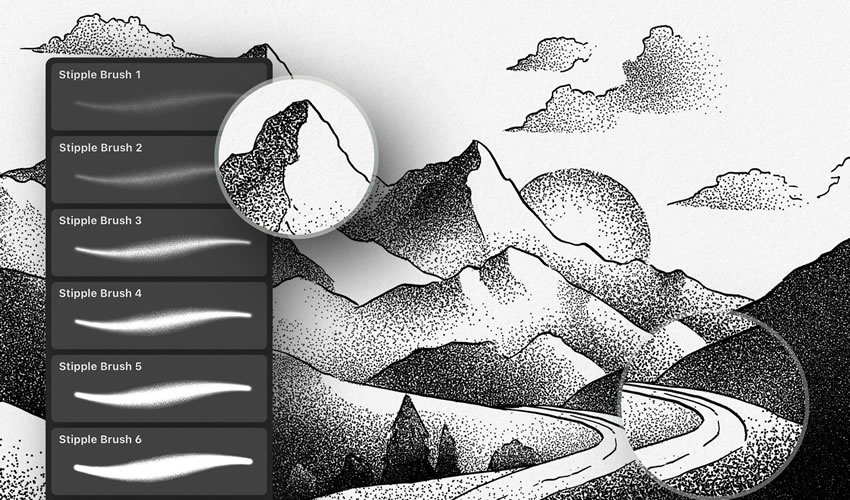
This collection brings together some of the best free Illustrator brush packs available. You will find a wide range of styles, including stipple, grunge, watercolor, doodles, and more, so you can quickly find brushes that fit your project.


Stipple Illustrator Brushes

Free to Download, 8 Illustrator Brushes

With this free stipple brush set, you can add texture, shading, and depth to your digital art. They’re also great for creating dotted shading, halftone textures, and retro-style gradients. Perfect for comic illustrations.

Stipple Brushes adobe illustrator brush brushes abr pack set free

Massive Pack of Brushes & Symbols

330 Illustrator Brushes

This pack is a must-have for any project. This huge collection of Illustrator brushes contains over 330 strokes, speech bubbles, swooshes, splashes, and tons of other high-resolution drawings and paintings.

Massive Pack Symbols adobe illustrator brush brushes abr pack set free

Preppy Art Illustrator Brushes

Free to Download, 29 Illustrator Brushes

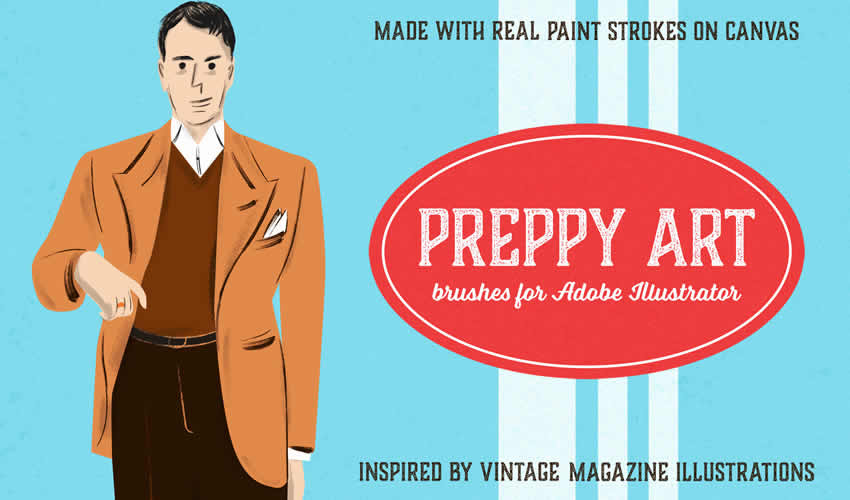
With the Preppy Art Illustrator Brushes Kit, you can add a hint of elegance to your work. This free set includes 24 high-quality brushes, each with a preppy, sophisticated look and feel. These brushes are perfect for adding delicate details and subtle textures.

Preppy Art adobe illustrator brush brushes abr pack set free

Watercolor & Black Pattern Brushes

42 Illustrator Brushes

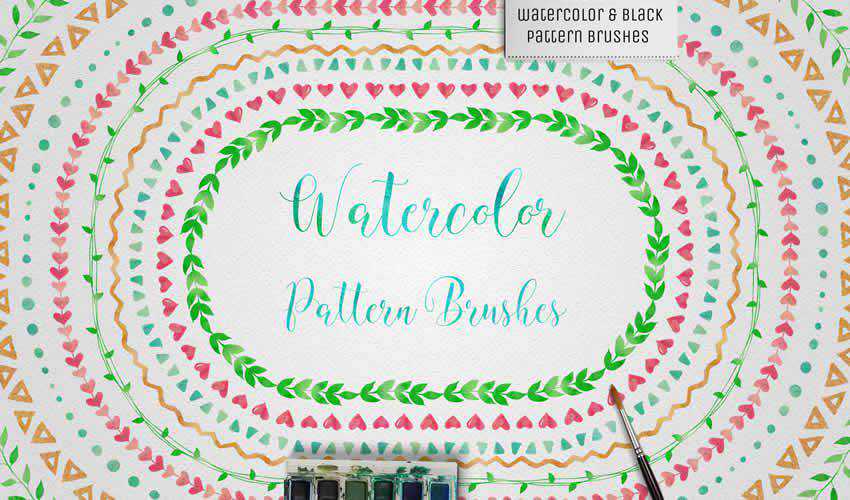
This set of Illustrator brushes includes 42 watercolor brushes and a bonus set of 42 black pattern brushes. You can easily use them to create mandalas, wreaths, or borders.

Watercolor Black Pattern adobe illustrator brush brushes abr pack set free

Wax Crayon Brushes

Free to Download, 40 Illustrator Brushes

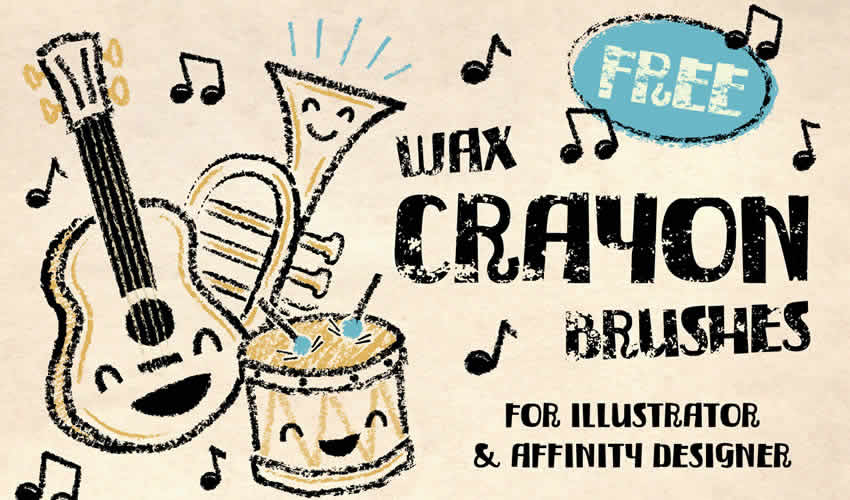
If you’re looking to add a naive charm to your designs, then look no further than this free chunky texture brush set. There are 40 wax crayon brushes in the free pack. You can also use this brush pack in Affinity Designer.

Wax Crayon adobe illustrator brush brushes abr pack set free

Patts Brush Collection

50 Illustrator Brushes

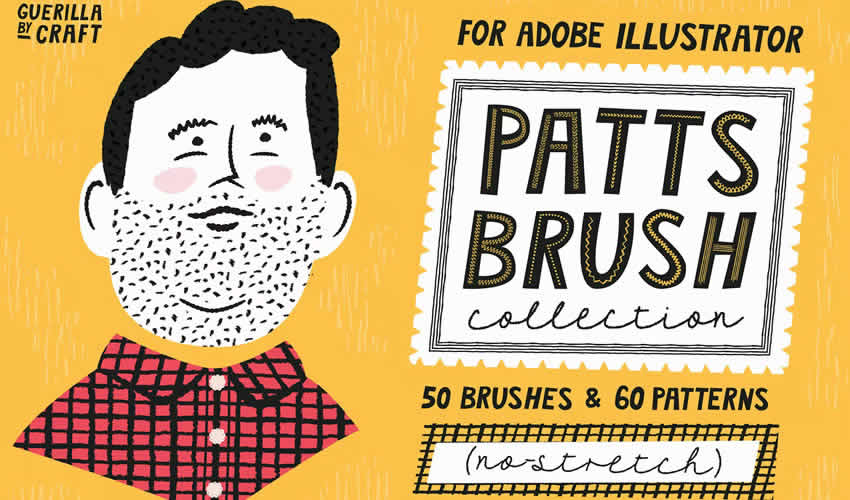
As well as including 50 Illustrator brushes, this pack also comes with seamless patterns. With this Illustrator brush pack, you can make simple illustrations look beautiful.

Patts Brush Collection adobe illustrator brush brushes abr pack set free

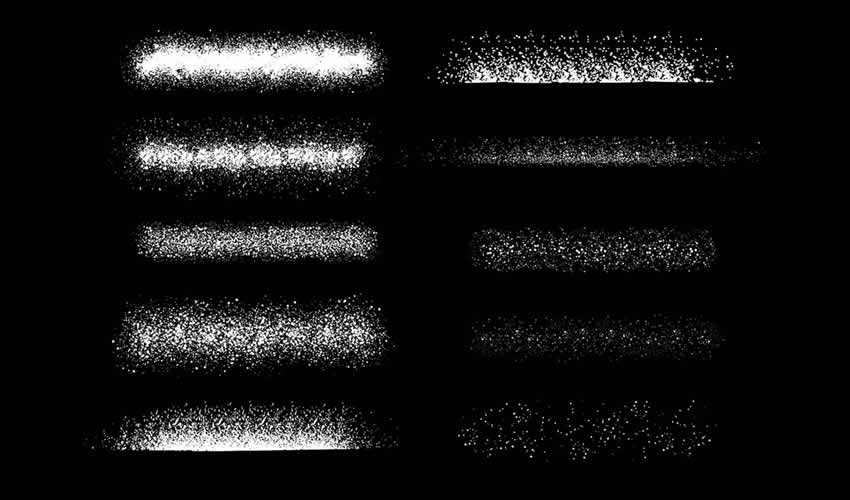
Spray Paint Stipple Brushes

Free to Download, 12 Illustrator Brushes

This free set includes 12 high-quality Illustrator brushes that add a realistic spray-paint effect to your designs. Perfect for creating edgy artwork such as graffiti-style posters, punk rock album covers, and urban landscapes.

Spray Paint Stipple adobe illustrator brush brushes abr pack set free

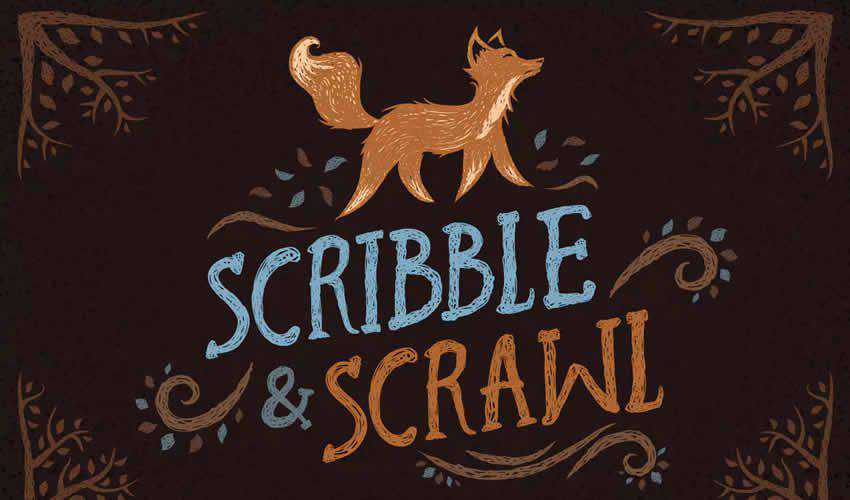
Scribble & Scrawl Brushes

44 Illustrator Brushes

This set of 44 Illustrator brushes is perfect for any primitive-looking artwork or childlike drawings. You’ll find various elements that are easy to apply and edit to suit your project’s needs.

Scribble Scrawl adobe illustrator brush brushes abr pack set free

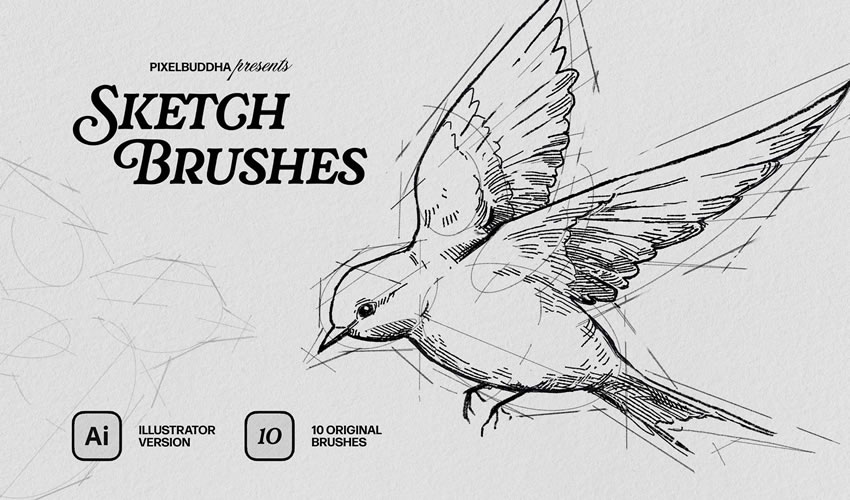
Sketch Brushes for Illustrator

Free to Download, 10 Illustrator Brushes

This free Illustrator set includes 10 brushes for creating pencil sketches with rough, hand-drawn lines. They’re perfect for concept art or for adding a natural, handmade feel to your art.

Sketch Brushes adobe illustrator brush brushes abr pack set free

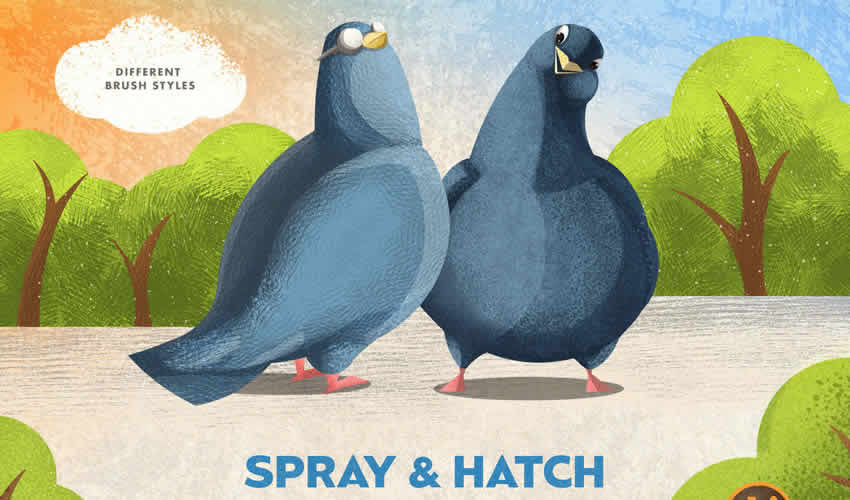
Spray & Hatch Brushes

Free to Download, 20 Illustrator Brushes

This free Illustrator texture package includes ten spray and ten hatch brushes. These brushes allow you to create volume and shadow, highlight details, and emphasize composition elements.

 adobe illustrator brush brushes abr pack set free

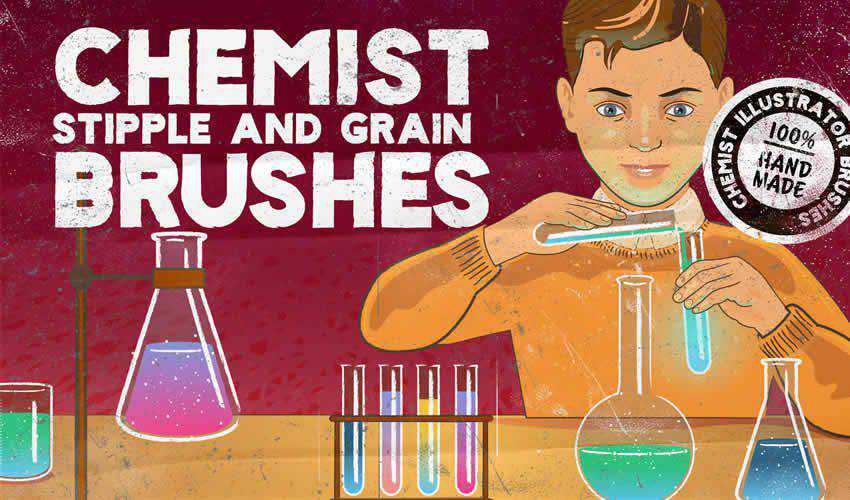
Chemist Stipple & Grain Brushes

Free to Download, 35 Illustrator Brushes

Are you working on a design project for a chemistry lab? This set includes scatter shader brushes, textured and clear line brushes, grain and stipple brushes, and, as a bonus, retro texture brushes for Photoshop.

Chemist Stipple Grain adobe illustrator brush brushes abr pack set free

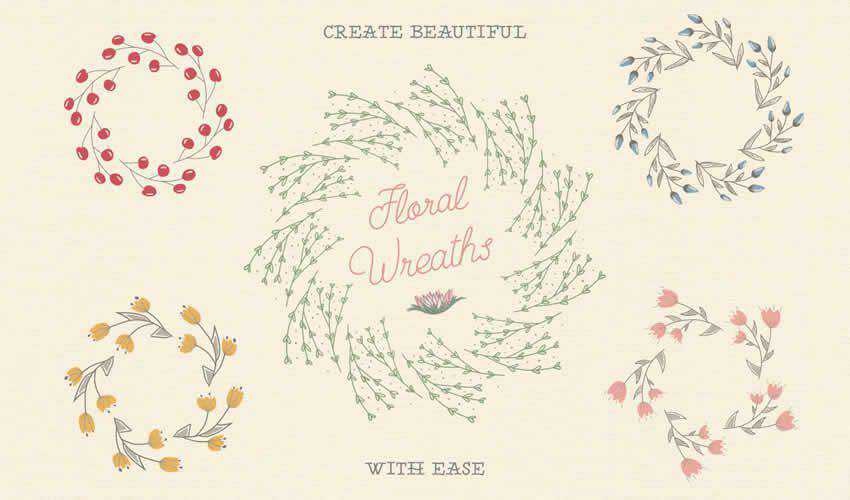
Floral Pattern Brushes For Illustrator

Free to Download, 25 Illustrator Brushes

This brush pack features a lovely collection of floral pattern brushes for Illustrator. You’ll find 25 pattern brushes and 25 individual illustrations for your projects.

Floral Pattern adobe illustrator brush brushes abr pack set free

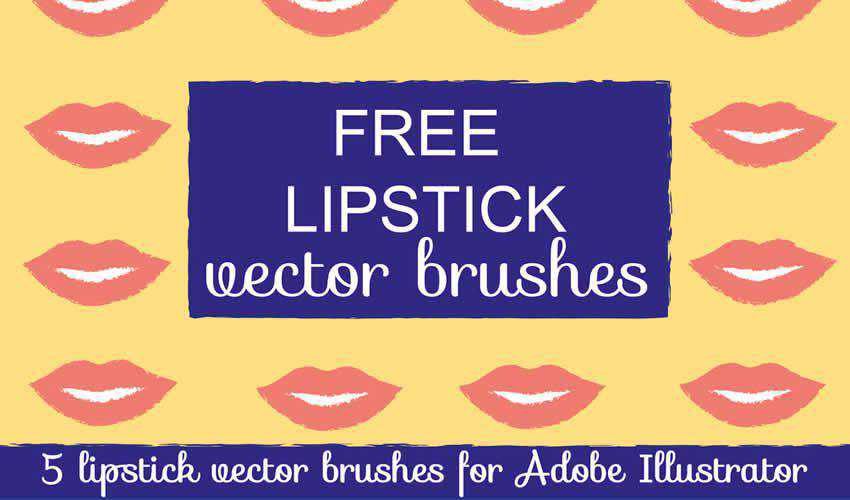
Lipstick Vector Brushes for Illustrator

Free to Download, 5 Illustrator Brushes

Consider this free pack for Illustrator if you need a unique vector brush for a fashion or beauty project. The pack contains five individual brushes and is free for personal and commercial use.

Lipstick Vector adobe illustrator brush brushes abr pack set free

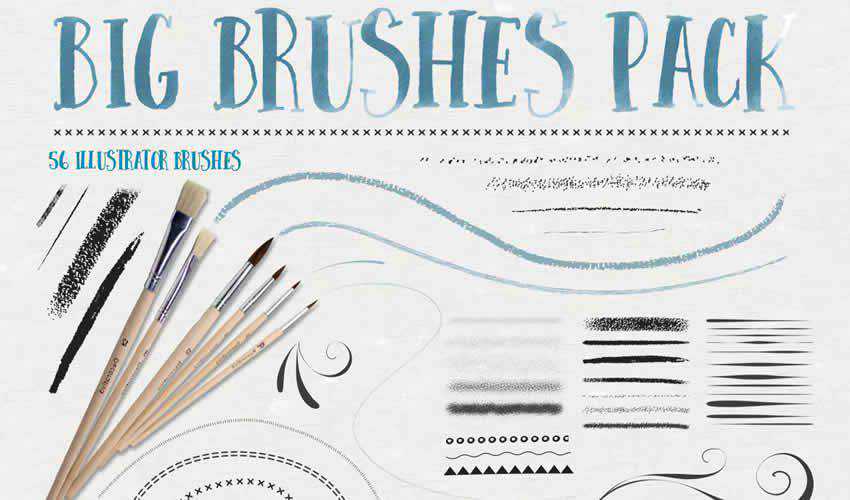
Big Illustrator Brushes Pack

56 Illustrator Brushes

This pack includes a set of 56 Illustrator brushes, including stipple, chalk and pastel, ink, flourish, patterns, and more. The download also contains four distressed stipple seamless vector swatches.

big adobe illustrator brush brushes abr pack set free

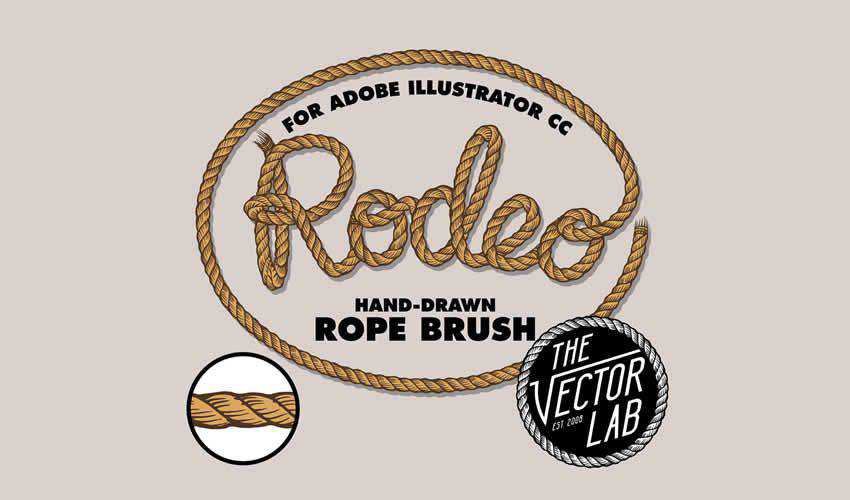
Rodeo Hand Drawn Rope Brush

Free to Download, 5 Illustrator Brushes

This brush pack includes a hand-drawn rope brush that’s perfect for any design. You can easily adjust the rope’s width and change its color. The brush set is free for personal and commercial projects.

Rodeo Hand Drawn Rope adobe illustrator brush brushes abr pack set free

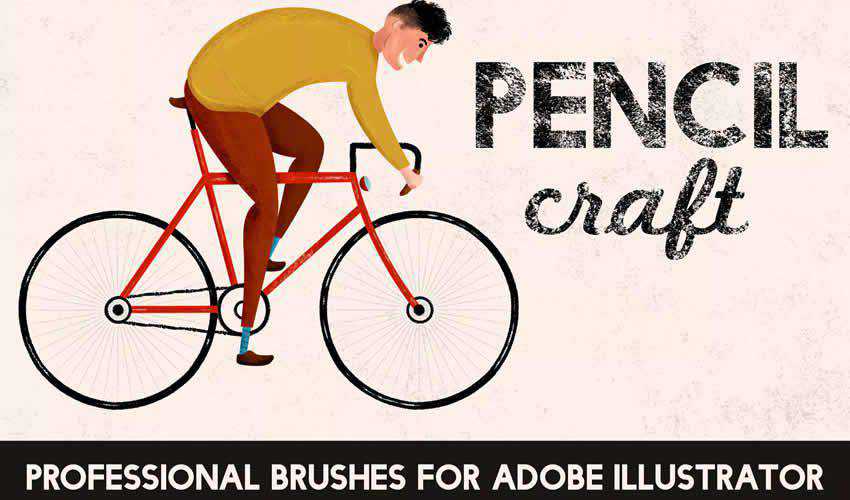
Pencilcraft Illustrator Brushes

30 Illustrator Brushes

This brush pack is a perfect choice if you need to give your illustrations a real-life, hand-drawn feel. The free pack contains 30 brushes with infinite lengths.

Pencilcraft adobe illustrator brush brushes abr pack set free

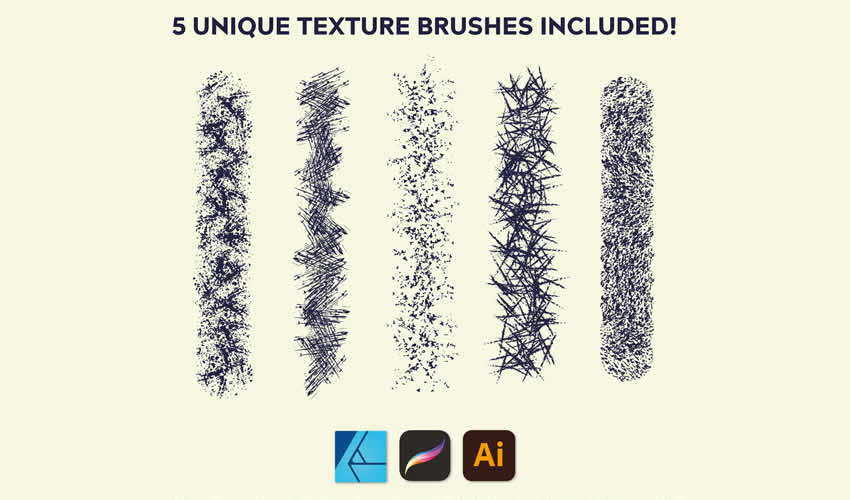
Texture Illustrator Brushes

Free to Download, 10 Illustrator Brushes

These 10 free texture brushes will add depth to your illustrations. They’re perfect for adding realism to your work.

Texture adobe illustrator brush brushes abr pack set free

Vintage Banner Illustrator Brushes

Free to Download, 19 Illustrator Brushes

This free set includes 10 hand-drawn Illustrator brushes that add a vintage touch to your illustrations. Perfect for retro-inspired posters, website banners, and social media graphics.

Vintage Banner adobe illustrator brush brushes abr pack set free

Floral Watercolor Brushes Bundle

Free to Download, 38 Illustrator Brushes

Try this floral watercolor brush pack if you’re working on a wedding project. These brushes can create unique backgrounds or trims for wedding invitations. The free package includes 38 brushes, usable for both personal and commercial projects.

Floral Watercolor adobe illustrator brush brushes abr pack set free

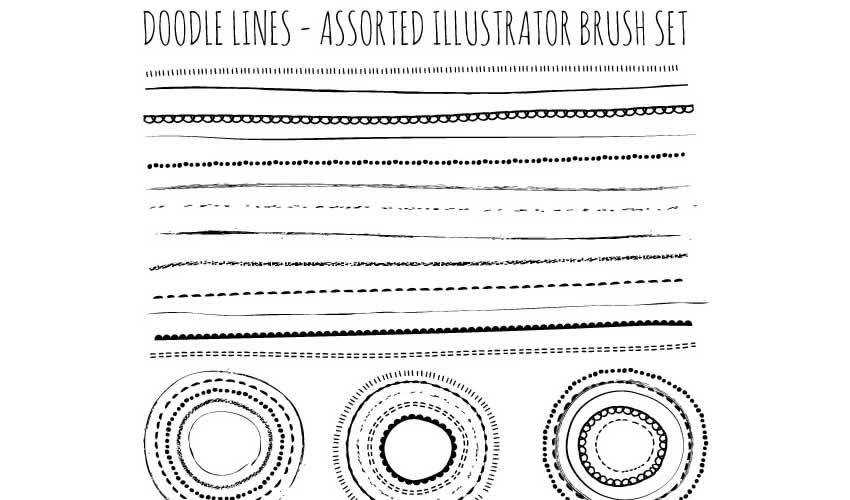
Doodle Brushes for Illustrator

Free to Download, 4 Illustrator Brushes

With the help of this doodle brush pack, you’ll be able to create unique wreaths and borders. The package contains four different brushes, and you can easily change the colors to match the project you’re working on.

Doodle adobe illustrator brush brushes abr pack set free

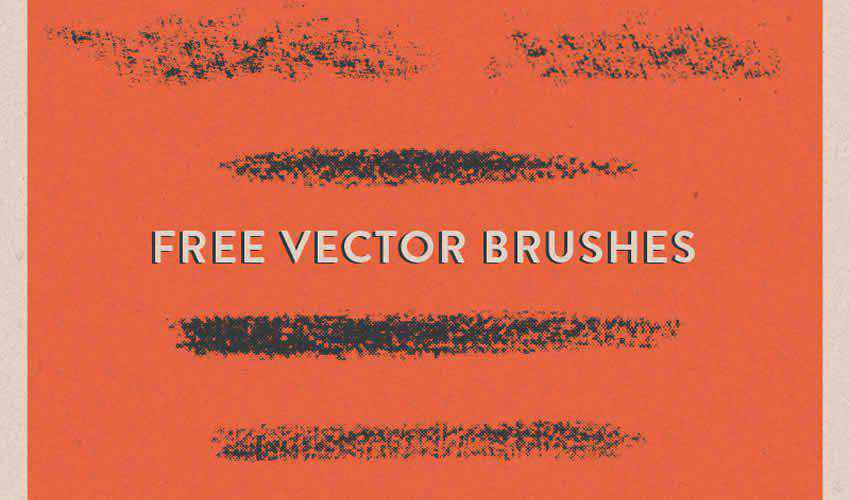
Halftone Vector Brushes

Free to Download, 5 Illustrator Brushes

Consider this brush pack of halftone vector brushes to add a grungy feel to your digital art. The package includes five brushes and can be used in both your personal and commercial projects.

Halftone Vector adobe illustrator brush brushes abr pack set free

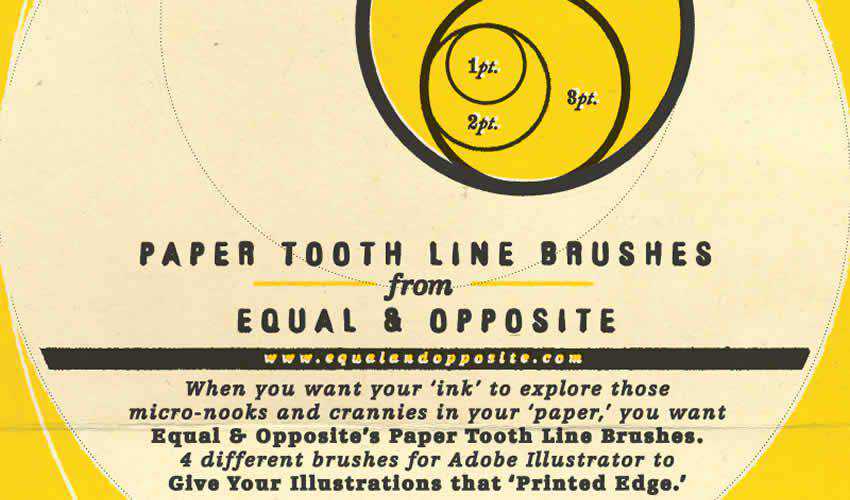
Paper Tooth Line Brushes

Free to Download, 4 Illustrator Brushes

If you’re trying to achieve a printed look for your design project, then this brush pack is the perfect choice. The package contains four brushes that give your artwork a “jagged edge” printed look.

Paper Tooth Line adobe illustrator brush brushes abr pack set free

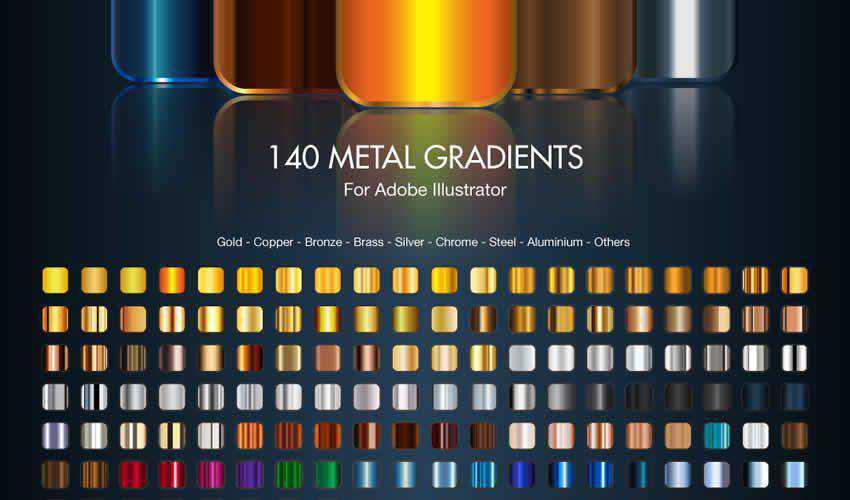
Adobe Illustrator Metal Gradients

Free to Download, 140 Illustrator Brushes

Finding high-quality gradients for Illustrator can be challenging. With this set, you will no longer feel like you are lacking. The pack comes with 140 free brushes.

Metal Gradients adobe illustrator brush brushes abr pack set free

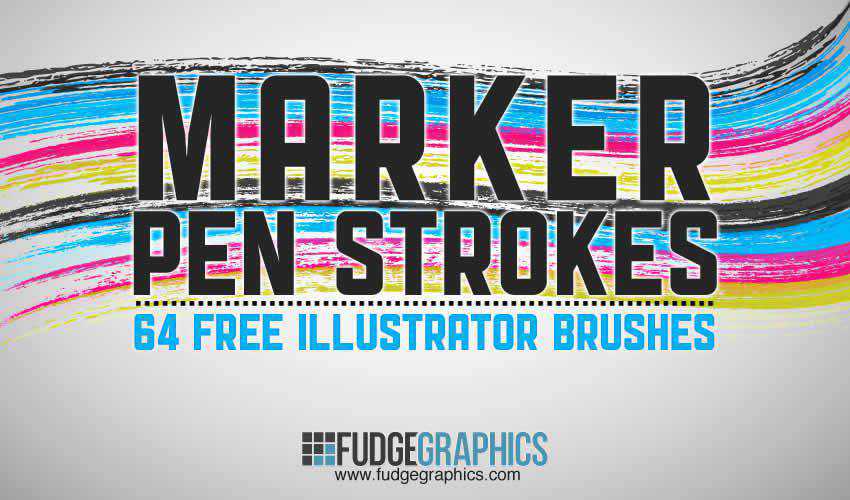
Marker Pen Strokes AI Brushes

Free to Download, 64 Illustrator Brushes

This set contains 64 high-quality brushes of marker pen strokes and scribbles. You can use them in both personal and commercial projects, and attribution is not required.

Marker Pen Strokes adobe illustrator brush brushes abr pack set free

Natural Sketch Doodle Line Brushes

Free to Download, 16 Illustrator Brushes

This is another excellent set for adding a hand-drawn feel to your designs. You’ll find various doodle lines, and you can use them freely in any personal project.

Natural Sketch Doodle Lines adobe illustrator brush brushes abr pack set free

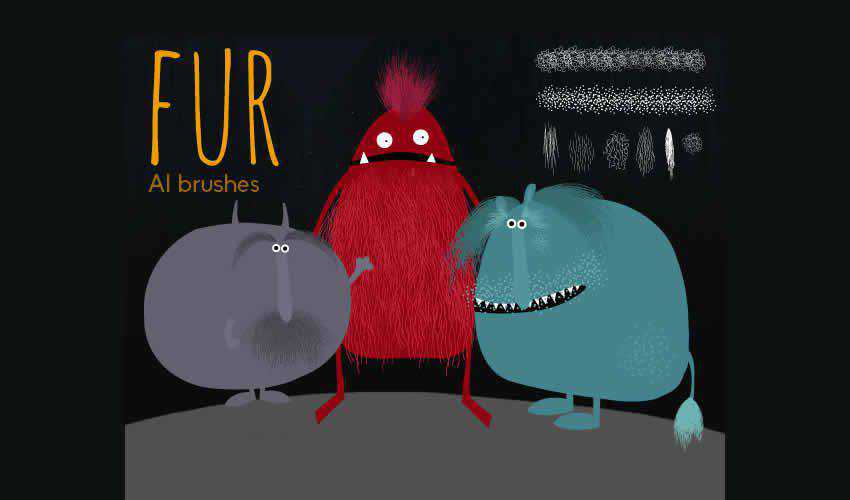
Hairy Fur Illustrator Brushes

Free to Download, 8 Illustrator Brushes

This set of 8 furry brushes is perfect for any design project featuring pets and animals. The brushes are free for personal use and work best when applied gradually in different tones.

Hairy Fur adobe illustrator brush brushes abr pack set free

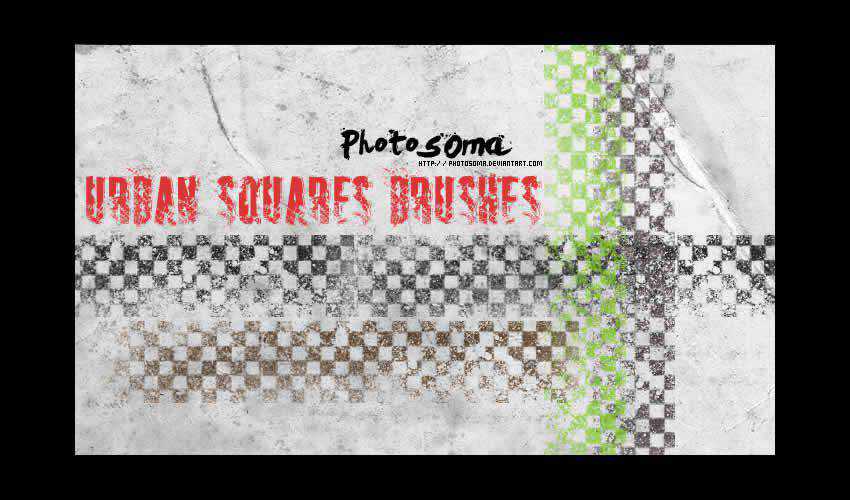
Urban Squares Illustrator Brushes

Free to Download, 10 Illustrator Brushes

Add a unique touch to your designs with this free urban square brush pack. These brushes can be used in personal and commercial projects, with attribution appreciated but not required.

Urban Squares adobe illustrator brush brushes abr pack set free

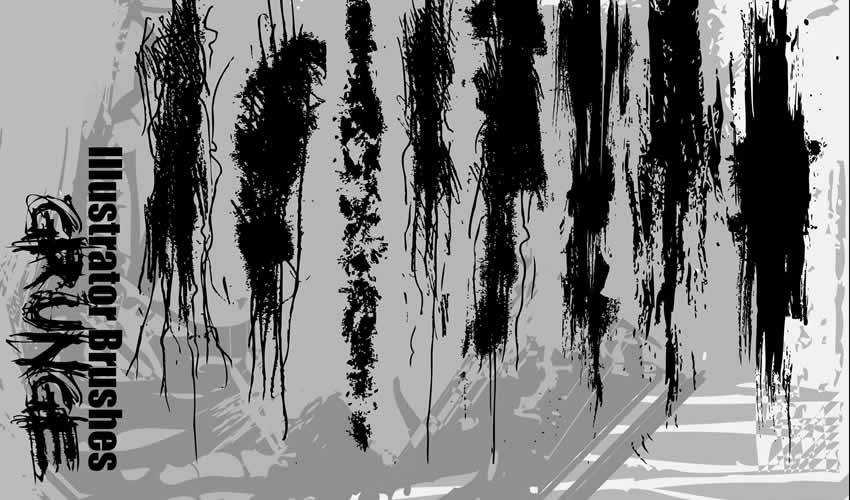
Illustrator Grunge Brushes

Free to Download, 8 Illustrator Brushes

These grunge brushes are great for adding a grungy aesthetic to your artwork. The pack includes a variety of brushes for personal and commercial projects.

Grunge adobe illustrator brush brushes abr pack set free

How to Install Brushes in Illustrator

Installing Illustrator brushes is simple. Here’s how to do it:

  1. Download Brushes: Download one (or all) of the brush sets from this collection, or you can create your own. Brushes often come in AI, EPS, or ABR file formats.
  2. Locate Brushes Folder: Open Illustrator and go to the Brushes panel (Window > Brushes). Select Open Brush Library in the panel menu and then choose Other Library.
  3. Import Brushes: Navigate to the downloaded file and select the corresponding brush. Click Open to import the brushes.
  4. Organize Brushes: After importing, the brushes will appear in the Brushes panel. You can now create new brush libraries and organize brushes into categories for easier access.

How to Use Brushes in Illustrator

Illustrator brushes offer many creative possibilities and can add depth and texture to your illustrations, designs, and artwork. Here’s how to use them:

  1. Select Brush Tool: Choose the Brush Tool from the Tools panel on the left.
  2. Select Brush: In the Brushes panel, select the brush you want to use. You can preview the brush strokes by hovering over the brushes.
  3. Adjust Brush Settings: Customize the brush settings using the Brush Options panel (Window > Brush Settings) to control the size, opacity, color, and more.
  4. Start Drawing: Click and drag on the artboard to create brush strokes. Experiment with pressure, speed, and direction for different effects.
  5. Change Stroke Color: You can change the stroke color of the brush by selecting the stroke and using the Color panel.
  6. Modify Strokes: After creating a brush stroke, you can modify its appearance using the Stroke panel (Window > Stroke) to adjust stroke weight, style, and more.
  7. Expand Appearance (Optional): If you want to convert the brush strokes into editable paths, you can select the strokes and go to Object > Expand Appearance.

How to Create Your Own Illustrator Brushes

Creating your own Illustrator brushes allows you to add unique textures, patterns, and strokes to your designs. Here’s how to create custom brushes in Adobe Illustrator:

  1. Design Your Element: Create the design, shape, or pattern that you want to turn into a brush. This could be a line, texture, scatter of objects, or even calligraphy.
  2. Select and Define: Select the artwork you want to turn into a brush and open the Brushes panel (Window > Brushes).
  3. New Brush: In the Brushes panel menu, choose New Brush. A dialog box will appear with different brush types: Scatter, Art, Pattern, or Calligraphic.
  4. Choose Brush Type: Select the brush type that fits your artwork. Each type has unique properties for applying the brush stroke.
  5. Brush Options: Customize the brush settings based on the brush type you selected. Change settings like size, spacing, angle, and scattering.
  6. Preview and Name: Click OK to create the brush. You’ll see a preview of the brush stroke. Give your brush a descriptive or memorable name.
  7. Save and Use: Click OK again to save the brush, and it will appear in the Brushes panel and be ready to use.

The post 25+ Best Free Illustrator Brush Sets for Digital Artists in 2026 appeared first on Speckyboy Design Magazine.

40+ Best Logo Templates for Gamers in 2026

Logos are just as important for gamers as they are for professional athletes. The world of eSports demands a specific aesthetic that uses bold and bright colors to stand out on mobile and desktop screens. The challenge for designers is to create logos that capture the essence of the gamer or team while engaging with eSports fans.

This collection of professionally designed logo templates for gamers offers a range of options for individual athletes, streamers, eSports teams, clans, and fans. These logos showcase archetypal figures and bold design elements that effectively communicate the gamer’s brand and values.

Whether you’re working with an individual athlete or an eSports team, there’s a logo template to suit your needs. You can help your clients show their colors and spread the word with an engaging and fun logo that resonates with eSports fans.

For designers who frequently work with gamers and eSports teams, this collection includes gaming logo template collections that can be easily added to your design kit. With these templates, you can get to work quickly and efficiently, ensuring that your clients are winners in the world of eSports.

If you’re ready to press play and get started on designing stunning logos for gamers and eSports teams, this collection of logo templates is the perfect place to begin.

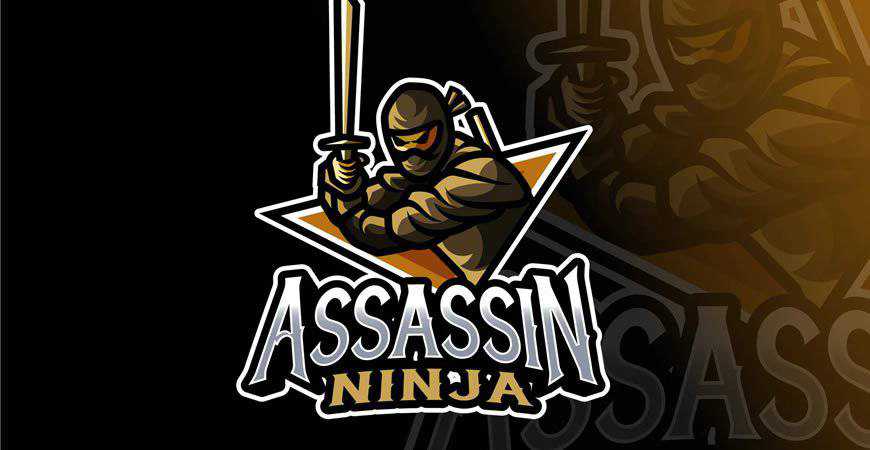
Ninja Assassin Logo Template

In PNG, AI & EPS Formats

Sleek and dynamic, this ninja assassin logo template for gamers is perfect for gamers who love their first-person shooters and always demonstrate incredible dexterity. This logo gives every gamer’s brand a suave look that shows they know their way around a stealth quest. It’s fully customizable!

Ninja Assassin Logo Template gamer video game

Gamer Boy Sports & eSports Mascot Logo Template

In AI & EPS Formats

If you’ve got a great eSports team on your hands or a distinguished streamer, you’re going to need an amazing logo. Enter: this retro-futuristic gamer boy mascot logo template. This logo is perfect for building a powerful personal brand and looks great on merch, too!

Gamer Boy Sports eSports Mascot Logo Template gamer video game

Shinobi Gaming Logo Template

In PNG, AI & EPS Formats

Powerful and futuristic, this logo template for gamers features a ninja in armor. It’s perfect for stealthy streamers and even eSports teams that want to rally audiences around their brands. You can completely customize this exciting logo template in Adobe Illustrator and make sure everyone remembers the name.

Shinobi Gaming Logo Template gamer video game

Gamer Mascot Logo Template

In AI & EPS Formats

Help your client’s viewers relate to them with this exciting and modern gamer logo template. It’s perfect for streamers who want to build a personal brand, although it works great for pro players, as well. The color palette and typography choices give this logo incredible movement!

Gamer Mascot Logo Template video game

Werewolf Esport Logo Template

In PNG, AI & EPS Formats

Help the fans show some team spirit with this exciting werewolf eSport logo template! This logo, with a blue and orange color palette, is perfect for teams that are ready to make bank at their next competition. You can easily customize the text and the colors in the Adobe suite.

Werewolf Esport Logo Template gamer video game

Roboto Gaming Mascot & Esport Logo Template

In PNG, AI & EPS Formats

Modern and unique, the Roboto gaming mascot logo template is definitely one of a kind! It plays with a variety of bold stylistic choices, from the interesting pose of the robot mascot to the dynamic gradient typography. It’s perfect for eSports squads that want to get more hype.

Roboto Gaming Mascot Esport Logo Template gamer video game

Dragon Sport Logo Template

In AI & EPS Formats

Dark and powerful, this dragon eSports logo template is perfect for the teams who know they’re the rulers of every game they choose to play. This logo exudes confidence and power, so it’s going to be a great fit for logos, merch, and other branding materials.

Dragon Sport Logo Template gamer video game

Hunter Gaming Sport & eSports Logo Template

In AI & EPS Formats

If your client is always the gamer who comes out on top, show it with this hunter eSports logo template for gamers. It displays a hunter gearing for a fight in the standard Call of Duty colors – black, grey, and white. This logo also works great for Twitch streamers!

Hunter Gaming Sport eSports Logo Template gamer video game

Gaming Suppport Sport & eSports Logo Template

In AI & EPS Formats

Are you working on a logo for an eSports team? Check out this template! It’s the perfect option for teams that provide strong support and powerful offense. With an illustrated hand grabbing for the controller, it’s perfect for teams that compete in console multiplayer games like Call of Duty.

Gaming Suppport Sport eSports Logo Template gamer video game

Excited Gamer eSport Team Logo Template

In AI & EPS Formats

If you’re working with an animated and dynamic streamer, they’re going to love this logo! This fun logo showcases a gamer experiencing the thrill of the fight and instantly gives off an engaging vibe. This gaming logo template works best for lone wolf players and streamers.

Excited Gamer eSport Team Logo Template gamer video game

Samurai Gaming Sport Logo Template

In AI & EPS Formats

Gaming fans who see this logo are bound to start cheering for the eSports squad sporting it! A combination of eerie and exciting, this samurai logo template is perfect for teams who take pride in the quality of their achievements and their stealth. You can customize it in Adobe Illustrator!

Samurai Gaming Sport Logo Template gamer video game

Worlds Games Sports Logo Template

In AI & EPS Formats

Are you looking for a great sports logo template for gamers? You’ve just found it! This sports logo is perfect for gamers who love feeling like they’re on the field even when in their living rooms, and it’s sure to rally loads of support around them.

Worlds Games Sports Logo Template gamer video game

Skull Gamer with Headphones Logo or Mascot Template

In AI & EPS Formats

Perfect for streamers, this logo template for gamers features a skull with headphones on. The illustration’s style is very fun and engaging, so it’s perfect for gamers who are ready to launch their first merch line. You can easily customize the logo to fit your client.

Skull Gamer with Headphones Logo or Mascot Template gamer video game

Human Gaming Logo Template

In AI & EPS Formats

This logo template tells a story, and it’s perfect for both streamers and teams! It’s versatile, so it works for all kinds of purposes, and you can easily customize this logo for gamers in Illustrator.

Human Gaming Logo Template gamer video game

Trooper Sports & eSports Logo Template

In AI & EPS Formats

Show everyone how great troopers can be in a battle (contrary to the Star Wars stereotypes) with this cool eSports logo template. This logo for gamers features a trooper helmet with a white, dark blue, and electric blue color palette. It’s definitely a powerful, on-brand choice for gamers.

Trooper Sports & eSports Logo Template gamer video game

Gamer Logo Template

In AI & EPS Formats

Wild and engaging, this gamer logo template is perfect for streamers who don’t mind hosting let’s play sessions with folks all over the world. This is a great logo template for gamers, and your clients can easily grow with branded merch and other products later on.

Gamer Logo Template video game

Ninja Game Mascot & Logo Template

In PNG, AI & EPS Formats

If your clients love ninjas but they don’t want to be too on the nose about it, this logo is perfect! It offers a new take on the popular ninja symbol in gaming and an engaging typography and presentation style. The logo is fully editable in Adobe Illustrator.

Ninja Game Mascot & Logo Template gamer video game

Game Girl Gaming Logo Template

In AI & EPS Formats

If you’re working with a client that wants to both emphasize her skills and her femininity, consider this logo. This wonderful logo offers both the enthusiasm of standard gaming logos while also presenting the audience with a cute (and amazing) gamer girl illustration. It’s a win-win!

Game Girl Gaming Logo Template gamer video game

Gamer Boy Logo Template

In AI & EPS Formats

Keep it simple and fun with this gamer boy logo template for gamers, streamers, and squads. If your client is ranking high on the leader boards of their chosen game, they might want a logo that emphasizes their passion. This loud and bright logo is a great and memorable choice.

Gamer Boy Logo Template gamer video game

Cowboy Game Logo Template

In PNG, AI & EPS Formats

Give your client the awesome Red Dead Redemption vibe with this cowboy gamer logo template. It’s great for streamers, as well as an eSports squad that isn’t afraid to give their audience the yee to their haw’s. You can easily customize it in Adobe Illustrator!

Cowboy Game Logo Template gamer video

VR Games Logo Template

In AI & EPS Formats

VR is pretty innovative, so if that’s the road you’re following, you’re going to need an innovative logo, too. This logo template for gamers showcases an illustration with gradient VR glasses and typography that follows the same style. It’s an amazing choice!

VR Games Logo Template gamer video game

Handheld Gaming Logo Template

In PNG, AI & EPS Formats

If your clients love retro consoles and handheld gaming, they’re going to love this logo with retro arcade typography. Inspired by some of the most popular retro gaming design projects, this logo is fun, engaging, and perfect for creating a whole community of video game fans around it.

Handheld Gaming Logo Template gamer video game

Game Chat Logo Template

In AI & EPS Formats

The best gaming logos show the gamers’ personalities, and this one is perfect for squads and teams that love communicating with their loyal fans. Modern and minimalist, this gaming logo works like a charm for a variety of purposes. It can represent an eSports squad or a gaming-related project.

Game Chat Logo Template gamer video game

Vintage Monochrome Gaming Logo Templates

In AI & EPS Formats

If you often work with gamers who love old-school cool kind of style, then you need this gaming logo collection in your kit! You’ll get 16 logo templates for gamers inspired by vintage typography and visuals, with contemporary dynamism perfect for projects, squads, streamers, pro players, and more!

Vintage Monochrome Gaming Logo Templates gamer video game

Unlimited Gamer Logo Template

In PSD & EPS Formats

If you need a professional logo for gaming studios, developers, or other professionals in the gaming industry, this template is a great fit. It combines the image of a console with the infinity sign, and expresses movement through dynamic palettes. You can easily customize it in Adobe Photoshop or Illustrator.

Unlimited Gamer Logo Template gamer video game

Colorful Game Logo Template

In PNG, AI & EPS Formats

This colorful and vibrant gaming logo template is perfect for video game developers and studios that want to attract new fans to their projects! Featuring a cute console controller with minimalist sans-serif typography, this gaming logo template will definitely amaze your customers and make everyone want to play their games!

Colorful Game Logo Template gamer video game

Neon Video Game Logo Template

In AI & EPS Formats

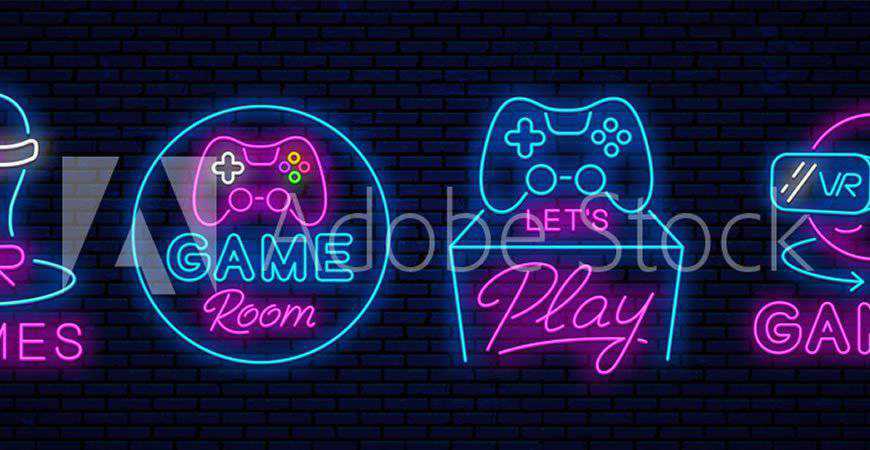
Nothing beats the charm of neon! And if you’re working with vibrant clients who want to entertain their audiences, make sure you add this collection of 8 neon logo templates for gamers to your kit. These unique logos feature motifs such as handheld controllers, arcade machines, and more.

Neon Video Game Logo Template gamer video game

Infinite Game Logo Template

In AI & EPS Formats

Create an engaging and versatile logo for game developers and studios with this gaming logo template. With an interesting rendition of symbols seen on console controllers and gradient typography options, this logo definitely showcases professionalism. You can easily customize it to fit your clients’ brands in Photoshop and Illustrator.

Infinite Game Logo Template gamer video game

Game Over Logo Template

In AI & EPS Formats

This is the only ‘game over’ we ever want to see! This fun logo template features a skull with console controller buttons for eyes and a bold sans-serif heading. It works like a charm for individual players and streamers, as well as game developers and studios.

Game Over Logo Template gamer video

Video Gaming Logo Template Set

In AI & EPS Formats

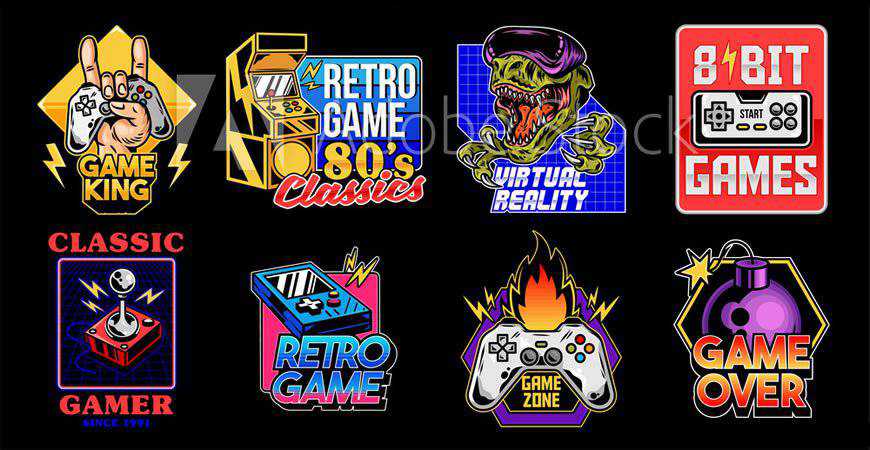
Give your clients more options with these vintage-inspired gaming logo templates. This gaming logo collection features nine gaming logos perfect for gaming projects, tournaments, communities, and similar initiatives. From skulls to console controllers catching fire, these logos radiate charm. You can easily customize them to fit your clients’ brands!

Video Gaming Logo Template Set gamer video game

Gaming Academy Logo Template

In PSD, AI & EPS Formats

If you’re not looking to school your customers in PVP, and you actually want to educate them, you’re going to love these gaming academy logo templates! This gaming logo pack includes six professional logo templates that you can easily customize and use for your gaming courses.

Gaming Academy Logo Template gamer video game

Quest & Escape Room Logo Template

In AI & EPS Formats

If your gamers are known for playing mystery games or escape room games, they’re going to love these logos. Inspired by traditional mystery motifs, these logo templates for gamers are vibrant and engaging. Help your clients leave the right first impression and draw more fans into their mysteries!

Quest & Escape Room Logo Template gamer video game

Digital Gamer Logo Template

In AI & EPS Formats

Create a professional foundation for your gaming brand or project with this digital gamer logo template. It features a pixelated-style illustration and a modern, sans-serif headline. You can easily customize this logo to your liking in Adobe Illustrator. It’s sure to help you leave a great first impression!

Digital Gamer Logo Template gamer video game

Retro Gaming Club Logo Templates

In AI & EPS Formats

Make your retro gaming project more recognizable with these retro gaming club logo templates. Inspired by the 80’s game arcade style in both typography and illustrations, these logos have a particular charm to them, and they’re a bold choice for gamers who love old-school cool.

Retro Gaming Club Logo Templates gamer video game

Gameroom Logo Template

In PSD, AI & EPS Formats

If your clients prefer creating video games to playing them, they’ll love this gaming logo template. This two-tone logo template features console controller symbols and room for your brand name and a slogan. It’s perfect for gaming studios, developers, and other projects in this vibrant industry!

Gameroom Logo Template gamer video game

Gamer Mascot & Logo Templates

In AI & EPS Formats

Make the most of the ’80s video game aesthetics and modern ways to kick some serious tooshie with these logo templates for gamers! They’re perfect for individual players, as well as squads and other projects like communities. Retro’s going to make a major comeback!

Gamer Mascot & Logo Templates gamer video game

Game Play Logo Template

In AI & EPS Formats

Fully editable and professional, this logo template showcasing a console controller is a perfect fit for video game developers or development studios. Your branding will be improved with this beautiful rendition that both connects you to your gaming roots and signalizes innovation to everyone who sees it, gamer or investor.

Game Play Logo Template gamer video game

Collection of Video Game Logo Templates

In AI & EPS Formats

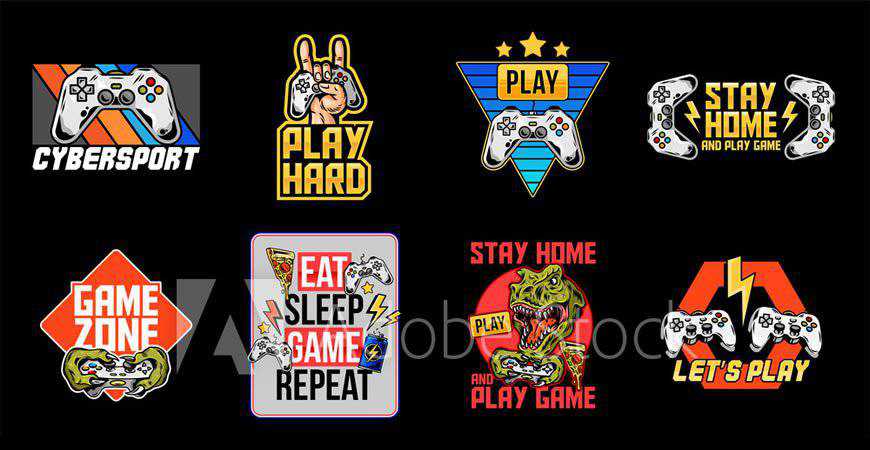
Perfect for gaming logos, merchandise, and a lot more, these gaming templates are stunners! The illustrations will throw you back to the ’80s (in the best possible way) with vibrant colors and motifs such as dinosaurs and consoles with bold typography. These designs are great for communities and apparel!

Collection of Video Game Logo Templates gamer video game

Gamer Joystick Logo Template

In AI & EPS Formats

Minimalist and abstract, this gamer logo template is really unique. It’s also incredibly professional, so it’s a great fit for gaming projects, developers, studios, and more. It features an abstract illustration of hands and a console controller, and you can easily customize it in Adobe Illustrator.

Gamer Joystick Logo Template video game

Neon VR Game Logo Templates

In AI & EPS Formats

Hello, retrofuturism! This stunning gaming logo template collection features four neon logos with both classic gaming and virtual reality gaming motifs. These logo templates for gamers are a great choice for bold gamers who aren’t afraid of exploring new frontiers, and they look amazing with darker color palettes.

Neon VR Game Logo Templates gamer video

Where to Display Your Gamer Logo

With your logo forged, it’s time to let it shimmer in all its glory. Here are the strategic locations in the gaming kingdom:

  1. Streaming Platforms: If Twitch, YouTube Gaming, or Facebook Gaming are your arenas, ensure your logo is prominently visible, be it on overlays, banners, or profile pictures.
  2. Social Media: Gamers are ever-present on platforms like Twitter, Instagram, and Discord. Your logo should mark its territory on profile images, pinned posts, and even watermarked on shared content.
  3. Website or Blog: If you maintain a gaming blog or official site, the header is prime real estate for your logo. And don’t forget the favicon!
  4. Merchandise: Many gamers and streamers diversify with branded merchandise like T-shirts, caps, and mouse pads. Your logo, emblazoned on these, becomes a symbol of loyalty for your fans.
  5. In-game Displays: If you’re into eSports, your logo can find its way onto virtual jerseys, banners, or even in-game billboards in some simulations.
  6. Business Cards & Stationery: Meeting fellow gamers at conventions or industry events? Hand them a card with your logo, leaving a tangible mark of your virtual persona.
  7. Gaming Equipment: Stickers or skins of your logo on consoles, PCs, or even controllers amplify your brand’s presence in the tangible realm.

Eat, Sleep, Game, and Repeat!

Help your clients show their style in the best possible way with these dynamic and fun logo templates for gamers.

All of these templates have been made with gaming aesthetics in mind, so you don’t have to start from scratch or conduct dozens of hours of competitor research to make sure you’re on the right path. Instead, all you have to do is find the right gaming logo(s) on this page and add them to your design kit.

Your clients will love it, and so will their fans. Who knows? Maybe one of these days, you’ll see the logo you designed on your client’s Twitch merch! So bookmark this page, download the templates that suit your client’s style, and get to work. All it takes is a few clicks, and you’ll be set!


The post 40+ Best Logo Templates for Gamers in 2026 appeared first on Speckyboy Design Magazine.

How AI Fuels the Web Security Goldrush

AI has quickly become a key tool for the modern web. Developers, web hosts, and site owners are adopting it to reduce costs, increase efficiency, and serve customers (we can debate the merits of the last one).

AI is also taking a lead role in security research, with people and organizations analyzing code for vulnerabilities. That makes sense, as an AI model can find potential issues faster than a human. It’s also a tool developers can use while building – making the web safer for everyone.

We’re already seeing the fruits of this virtual labor. Recent WordPress security releases have found and patched issues with AI’s help. The WordPress plugin directory’s “Protect the Shire” initiative looks to catch plugin security holes before they are released to the public.

That’s all impressive. However, it feels like we’re only in the beginning stages of AI-assisted security. So, what does it mean for web professionals? And will this brave new world make our jobs easier? Or could it all backfire on us?

Let’s attempt to answer these and a few other important questions.

AI Makes the Connections Humans Can’t

It stands to reason that AI can identify common patterns of vulnerable code. Training a model on PHP or JavaScript documentation should mean it “knows” which functions are potentially dangerous.

The more surprising feature is AI’s ability to make seemingly unrelated connections. By itself, a particular code snippet may not be problematic. But combine it with another (or two or three more), and you might get a different result.

Think of it as one of those futuristic scenes in your favorite crime drama. You know the drill: a character uses a computer to track down a criminal at light speed and zero obstacles. AI isn’t quite that fast, but a few hours of scanning does the job.

We’ve seen cases where such detective work found vulnerabilities that existed for years. Humans reviewing the same code the old-fashioned way didn’t see the connection. A large language model (LLM) puts the puzzle together with relatively little effort.

AI is demonstrating its value for this type of work. That’s good, because malicious actors are using the same tools to do the reverse. We’ll need tools to identify problems as soon as possible.

AI excels at identifying security flaws that humans miss.

Battling Information Overload

Researchers are using AI to uncover a record number of security vulnerabilities. Bug bounty programs that used to receive a few dozen reports a month are now seeing hundreds or more. That’s both a good and bad sign.

On the bright side, every patched security flaw is a positive thing. No one wants their app to be less secure, after all. More security means more peace of mind. Or does it?

The side effect is a deluge of security warnings. Companies and individuals are holding up every single issue they find, as if to say, “Look at this! We’re all doomed unless you buy x, y, and z!”

The reality is that no two vulnerabilities are the same. Some will be more severe and more likely to be exploited. Indeed, the random connections AI makes can mean an attacker needs to follow a very specific (and unlikely) set of steps to do real damage.

Regardless, all bets are off when an issue becomes public. Hackers will know (or can easily find out) how to exploit the vulnerability. From there, product makers rush to develop and deploy a patch.

This leaves the rest of us to wonder what’s an emergency and what can wait. It also makes freelancers and agencies afraid to ignore their email. What if our security plugin finds a critical issue?

The number of security flaws discovered by AI is on the rise.

We Need Smarter Ways To Manage Web Security

Even the most attentive web developers will struggle to keep up with the pace of security disclosures. Rarely does a day go by without another big doomsday flaw dropping.

The traditional workflows for everyday agencies and freelancers aren’t enough. Automated updates offer speed, but don’t guarantee safety or stability. Besides, how do we protect our sites from the inevitable undiscovered AI-built threats?

Here’s hoping we find smarter ways to manage security threats. We need help to make sense of all the information out there. A mechanism to quickly apply patches and minimize exposure would also be welcome. Some of these things already exist – but they must be applied at scale.

These issues could be resolved at the hosting level. After all, hosts are the closest point of contact for a website. Content delivery networks (CDNs) like Cloudflare could also help with a seamless mitigation strategy.

The bottom line is that AI has fueled an explosion of security discoveries and potential attacks. Freelancers and agencies can’t handle them alone. Help!

The post How AI Fuels the Web Security Goldrush appeared first on Speckyboy Design Magazine.

The Best Free InDesign Resume Templates in 2026

Adobe InDesign is well suited to resume design because it provides precise control over typography, spacing, alignment, and page dimensions. These details can make a career history easier to scan while giving designers greater creative freedom over how their work is presented.

A template provides the underlying grid and type system, leaving you to concentrate on your experience, skills, and achievements. The InDesign resume templates in this collection cover simple one-page layouts, multi-page CVs, portfolio-based designs, and coordinated sets with matching cover letters or business cards.

Before downloading, check whether the package includes INDD or IDML files, which page sizes are supported, and whether additional fonts or graphics are required. The visual style should also suit the way you plan to submit the resume. A detailed creative layout may work well when contacting a studio directly, while an online recruitment portal may call for a simpler document with a clear reading order.


The Top InDesign Resume Templates

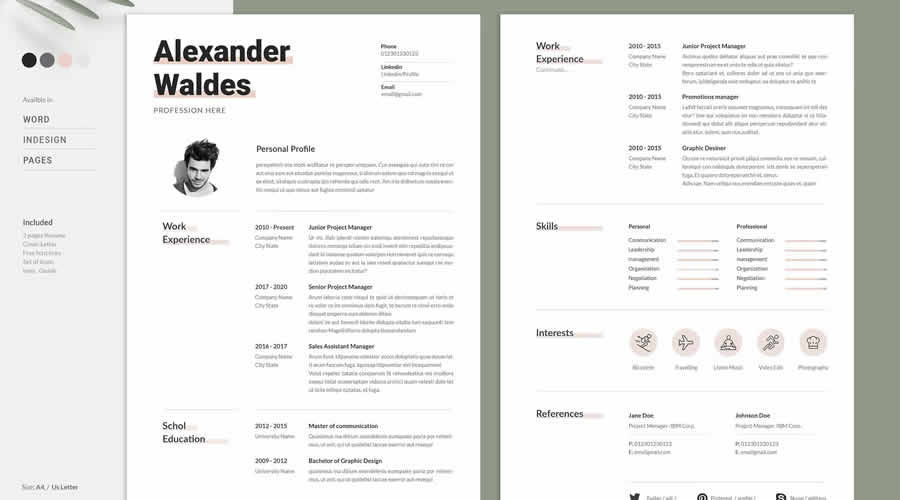
Simple Resume & CV Template Vol.6

INDD Format

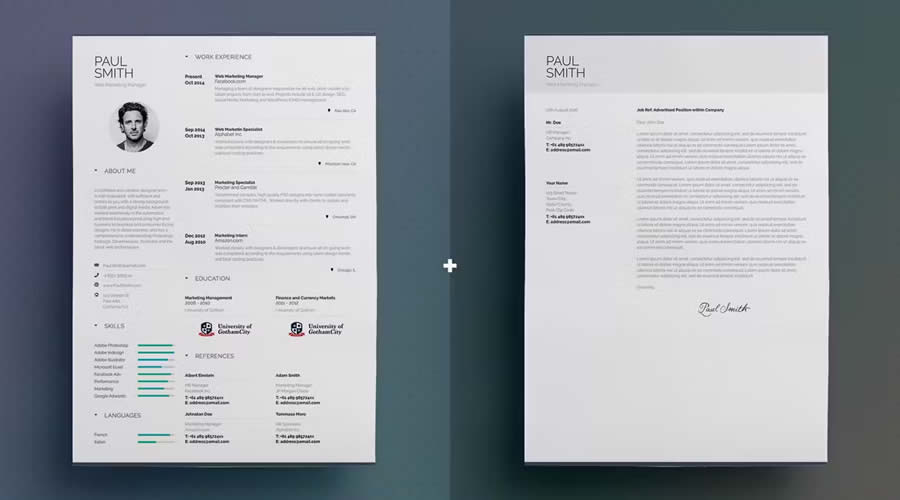
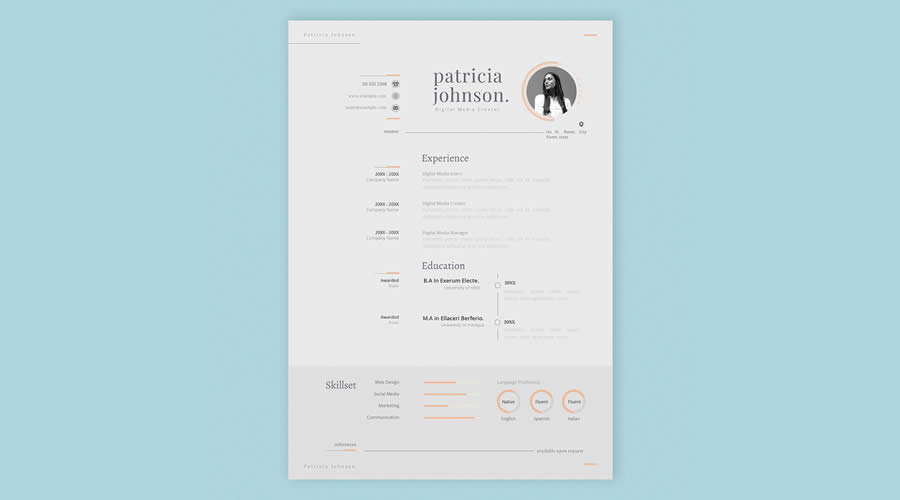
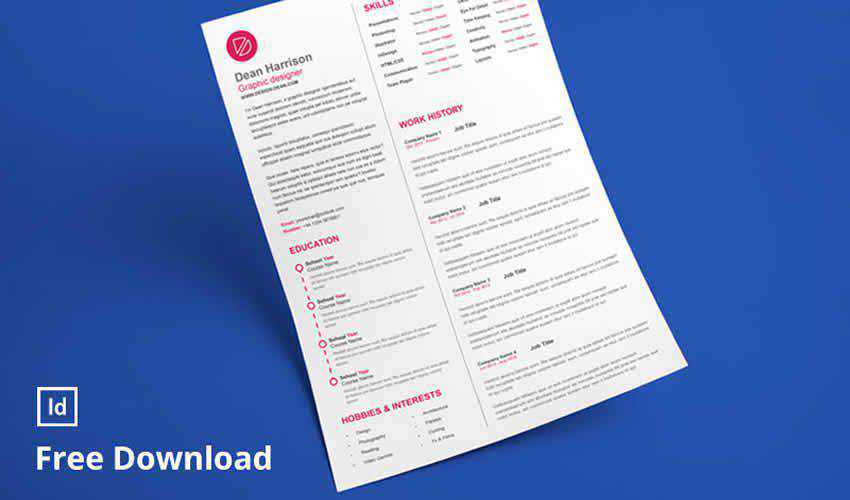
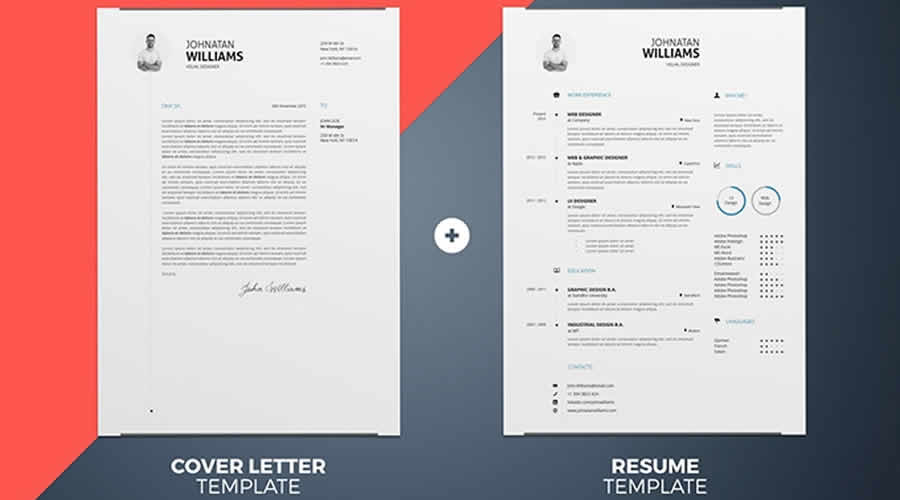
As the name suggests, this Simple Resume/CV template features a clean, simple design. The template includes a one-page resume design and a matching cover letter.

Clean resume cv adobe indesign template simple volume 6

Free Linear Resume Layout Template for InDesign

Free to Download | INDD Format

Featuring a linear, modern design with bold typography, this free InDesign resume layout spans three well-organized pages. Use this template to highlight your qualifications with clarity and style.

Free Linear Resume Layout Template for InDesign

Minimalist InDesign Resume Layout Template

INDD Format

Featuring a minimalist design and layout, this resume and cover letter template comes sized for both A4 and US letter formats and includes INDD and IDML files for simple customization and compatibility. You will also find it available in Illustrator AI format.

Minimalist InDesign Resume Layout Template

Clean & Elegant Free Resume InDesign Layout

Free to Download | INDD Format

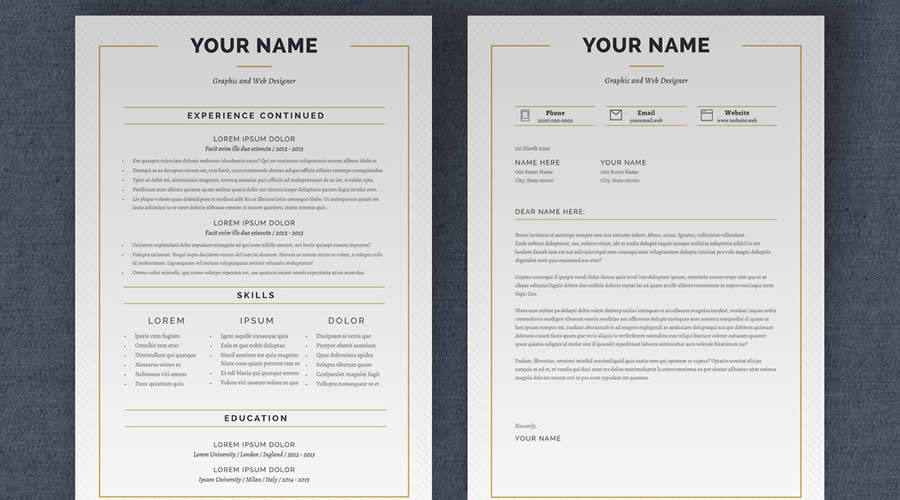
This free InDesign resume template features a clean, elegant design in a concise one-page layout. It features classic serif typography, giving your resume a professional and timeless look. This template is perfect for making a strong, polished impression on potential employers.

Clean Elegant Free Resume InDesign Layout

Modern & Professional InDesign Resume Template

INDD Format

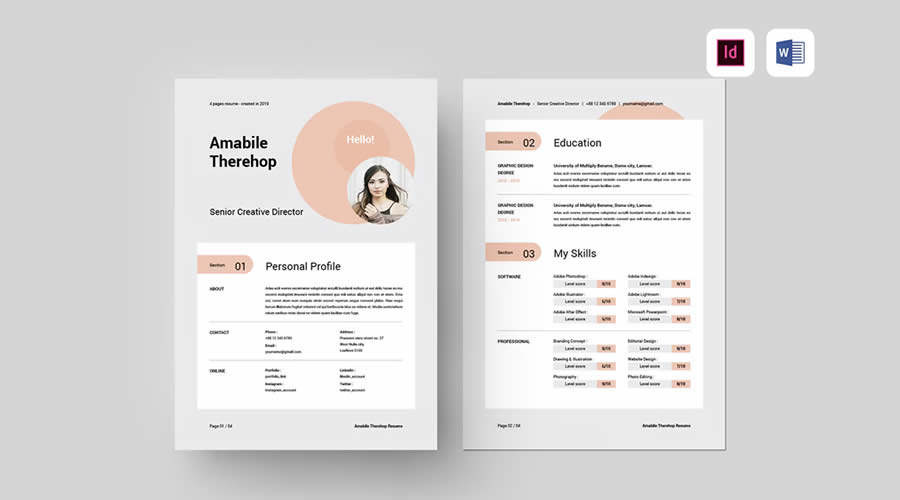
This professional InDesign resume template has clean typography, a spacious layout, and a modern design across four A4 pages. It has been designed to make a strong impression while organizing your details and achievements neatly. It is also available in Word format.

Modern Professional InDesign Resume Template

Vintage Resume Template

INDD Format

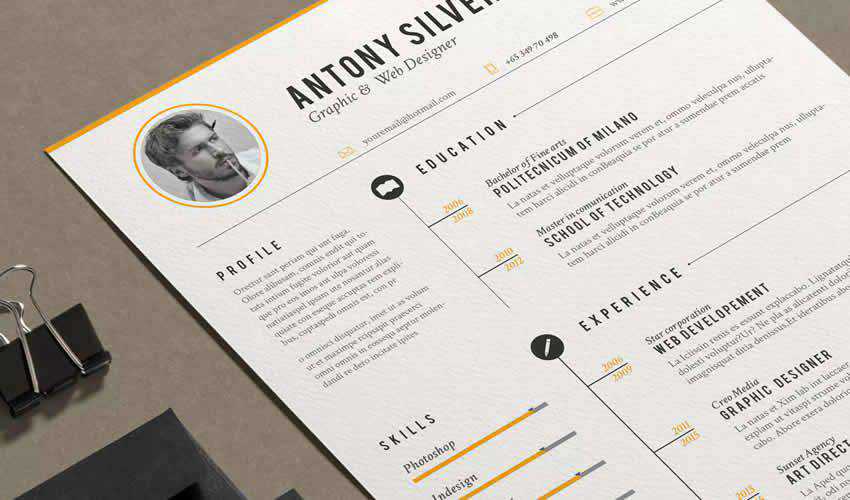
Consider this vintage-styled template if you are looking for a stylish resume that will help make your resume memorable. The template includes matching cover letters and icons that you can add to highlight your skills.

Vintage resume cv adobe indesign template vintage

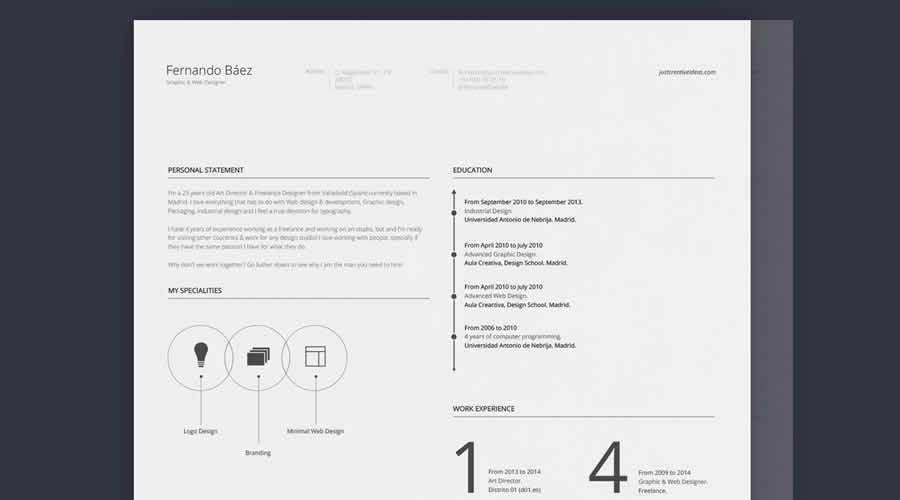
Free CV/Resume Set Template

Free to Download | INDD Format

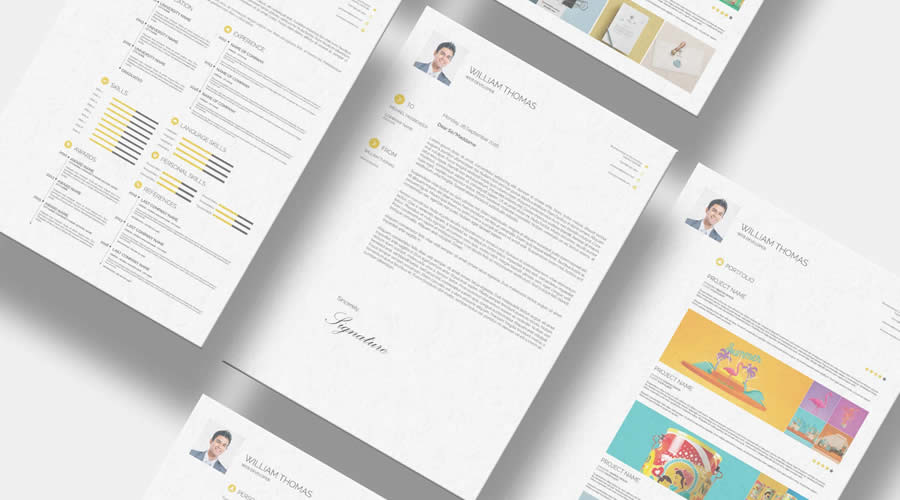
This free resume template has a simple, minimal design. It is easy to edit and comes with a matching cover letter.

resume cv adobe indesign template free designer

Free Resume & Business Card Template Set

Free to Download | INDD Format

If you want to kill two birds with one stone and get a set of business cards to accompany your resume, check out this InDesign resume template. It has an elegant, customizable color scheme of navy and white.

Free set resume cv adobe indesign template business card set

Minimalist-Style Resume Template

INDD Format

Minimalistic design lovers will find this resume template a perfect choice. With beautiful typography and ample white space, it stands out from the crowd.

minimal resume cv adobe indesign template minimalist

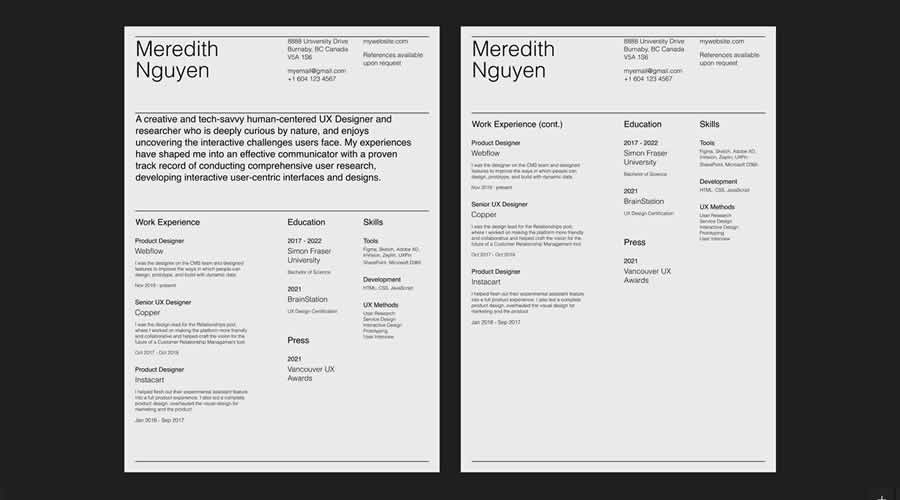
Free Resume Template for UX Designers

Free to Download | INDD Format

Ideal for UX designers, this clean resume template excels in visual hierarchy and organizational clarity. Easily personalize the color scheme to reflect your own style.

 resume cv adobe indesign template free ux user experience designer

Simple & Free Resume/CV Template

Free to Download | INDD Format

Within this free CV template set, you’ll find three unique designs and a two-column layout for easy organization. Editing is simple, thanks to the three included color schemes.

resume cv adobe indesign template free simple

Free Simple Dynamic Resume Template & Cover Letter

Free to Download | INDD Format

This template is another great choice for minimalists looking for a new job. This template includes a resume and a cover letter, all with elegant typography. You can edit the files, colors, fonts, and other elements.

resume cv adobe indesign template free simple dynamic cover letter

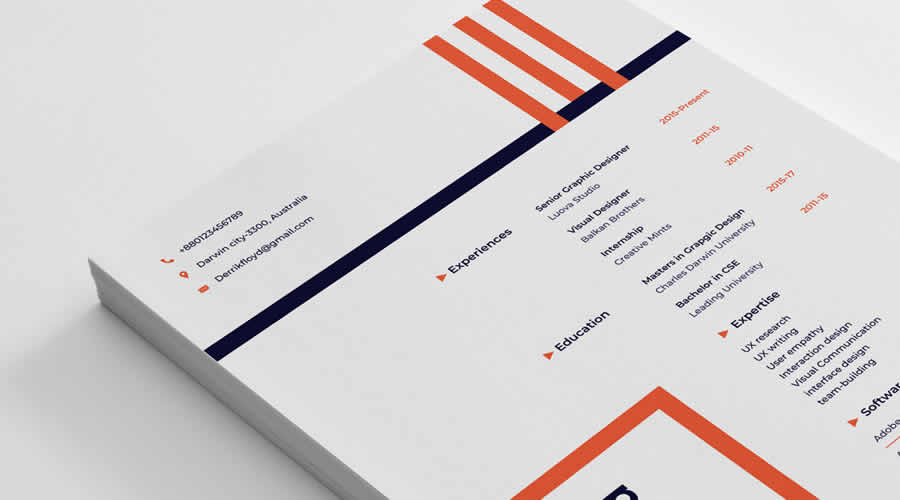
Free Clean Designer Resume & Cover Letter Template

Free to Download | INDD Format

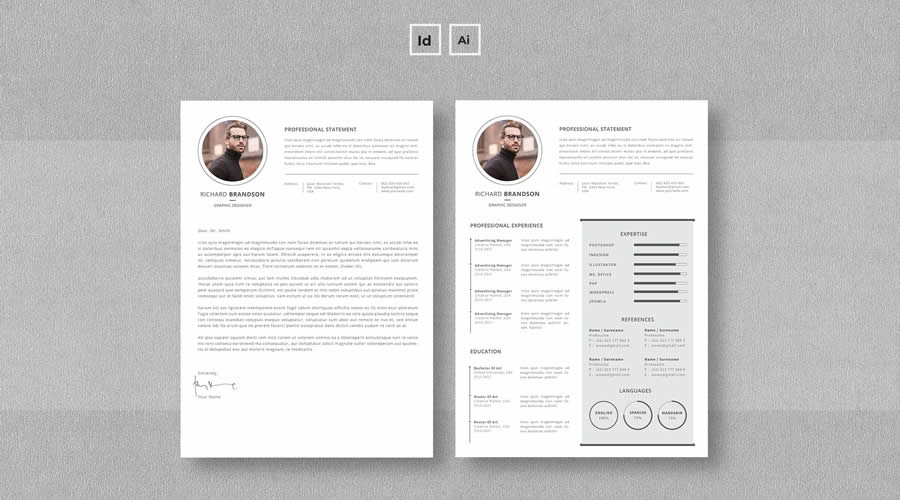
Consider this free resume template if you’re looking for a uniquely designed template. It includes a matching cover letter with ample space for your portfolio, a grid-based layout, and modern typography.

resume cv adobe indesign template free clean cover letter

How to Edit and Export an InDesign Resume Template

Keep the downloaded folder intact when extracting the template. InDesign files may depend on linked graphics, fonts, and other assets stored alongside the main document.

  1. Open the correct file: Use the INDD file when it is compatible with your version of InDesign. Open the IDML file when working with an older version.
  2. Save a working copy: Keep the original file untouched so you can restore any layout elements removed during editing.
  3. Resolve missing assets: Check the Links panel for missing graphics and replace unavailable fonts with suitable alternatives.
  4. Update the styles: Edit the existing paragraph and character styles to change typography consistently throughout the document.
  5. Add your content: Replace the sample text with your contact details, experience, education, skills, and relevant links.
  6. Check for overset text: Longer descriptions may exceed their text frames. Look for warning symbols and adjust the frame, type size, or wording.
  7. Review the page format: Confirm whether the document uses A4 or US Letter dimensions and remove any pages you do not need.
  8. Add hyperlinks: Link your email address, portfolio, and relevant profiles so they remain useful in the digital PDF.
  9. Run Preflight: Open Window > Output > Preflight and correct missing fonts, broken links, and overset text.
  10. Export the PDF: Use File > Export and select Adobe PDF (Print). Include hyperlinks and choose settings that keep the file clear without making it unnecessarily large.
  11. Test the result: Open the PDF, check every page and link, then copy its text into a plain document to review the reading order.

Final Recommendations

InDesign is a good choice when typography, alignment, and printed presentation matter. Choose a template that suits the amount of information you have rather than selecting one based only on its preview. Extra pages, decorative charts, and large profile sections can quickly leave too little room for career details.

Before editing, check the license, page dimensions, included file formats, required fonts, and linked graphics. An IDML file provides broader version compatibility, while paragraph styles and Parent Pages can make repeated formatting easier to manage.

Keep an untouched copy of the template and create a separate document for each application. Tailor the content to the role, check the exported PDF carefully, and use a clear filename that includes your name. The strongest design is one that presents your experience in a readable order and gives the employer immediate access to the information they need.


The post The Best Free InDesign Resume Templates in 2026 appeared first on Speckyboy Design Magazine.

40+ Best Branding Identity Mockup Templates

Branding isn’t just what you do. It’s also how you present yourself. So when you’re creating your next branding strategy for your own products or clients, it’s important to take visuals into account.

Yes, you could create a few versions of the branding materials and call it a day, letting your client pick the ones they like the most. But let’s be real: it’s one thing to see your design on a computer screen, and it’s another to see it in real life.

What would your design look like on stationery? Would the logo fit on the pen your clients are planning on giving away to their customers? Does the business card carry the weight of expertise, backed by professional design and structured information?

If you’re a designer, you know how much a single branding identity material can say. It’s a game-changer. So the next time you prepare branding identity materials, look into mockups.

Realistic representations of what your designs would look like in 3D and when placed in various settings, branding identity mockups help you assess your own designs and convince your clients.

From business cards and coffee cups to stationery and contextual mockups, there’s something for every project you’re passionate about in this beautiful collection of branding identity mockup templates for Photoshop.

You might also like our collection for free InDesign branding templates.

What are Branding Identity Mockup Templates?

Branding identity templates are pre-designed files that allow you to showcase your branding elements in a real-world context. Whether it’s your logo playing the solo on a business card, your color palette painting the background of a website, or your typography setting the rhythm on a letterhead – mockup templates let you visualize the symphony in action!

  1. Logos & Colors: See how your visual elements interact and harmonize on various platforms and materials.
  2. Typography & Imagery: Visualize the rhythm and flow of your text and images across different mediums.
  3. Business Collateral: Business cards, letterheads, envelopes – see your brand melody resonate in every piece.
  4. Digital Presence: Witness the harmony of your brand’s digital footprint – websites, social media, and more.

It’s not just about seeing; it’s about experiencing your brand from the audience’s seats, feeling the vibes, the beats, the highs, and the lows of your brand’s symphony.


Craft Branding Mockup Templates

In Photoshop PSD Format

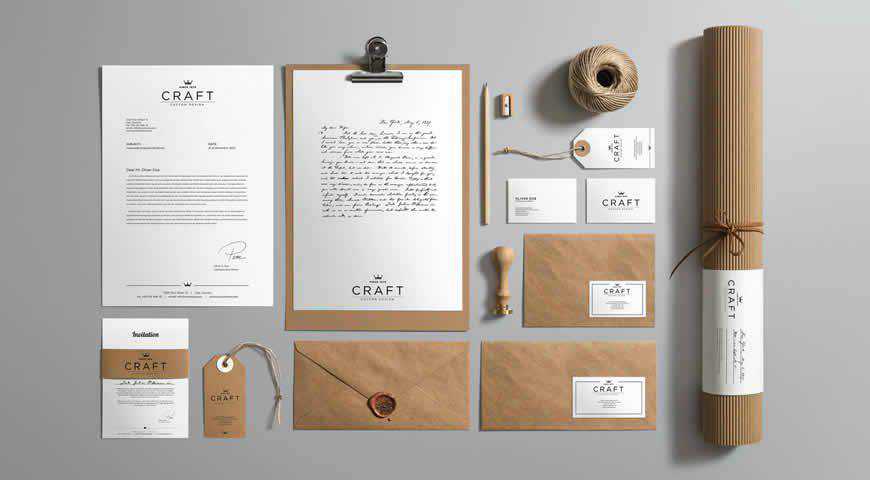
Natural and versatile, this craft branding mockup template set lends itself perfectly to your artistic vision. You’ll get ten different mockups to create a professional stationery branding kit in Photoshop, from envelopes to business cards. You can completely adjust colors, backgrounds, and shadows to get beautiful, photorealistic results.

Craft Branding Photoshop PSD Mockup Template

Corporate Identity & Branding Mockup Templates

In Photoshop PSD Format

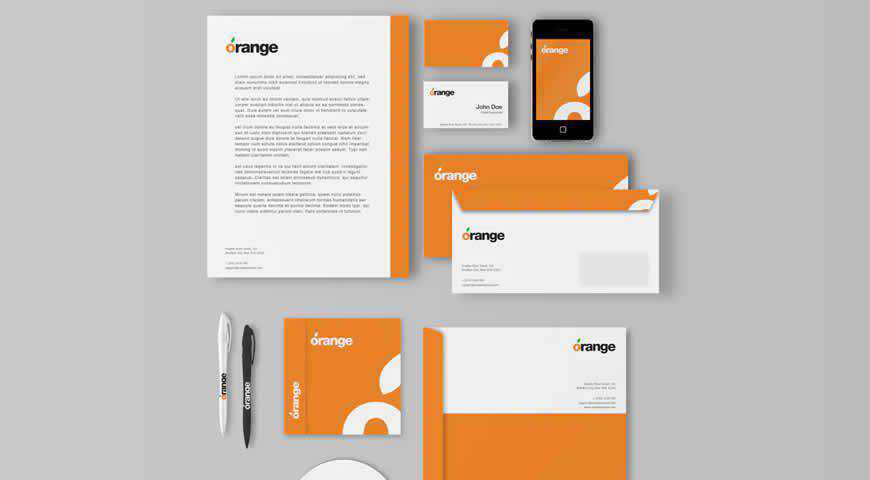
Simple and professional, these branding identity mockup templates are perfect for companies and corporations. You can pick from 3 different styles for phone, envelope, business card, and other mockups. You can hide the ones you don’t want and easily win over your audience with a photorealistic presentation!

Corporate Identity Branding Photoshop PSD Mockup Template

Stationery Cards Mockup Scene Templates

Free to Download, in Photoshop PSD Format

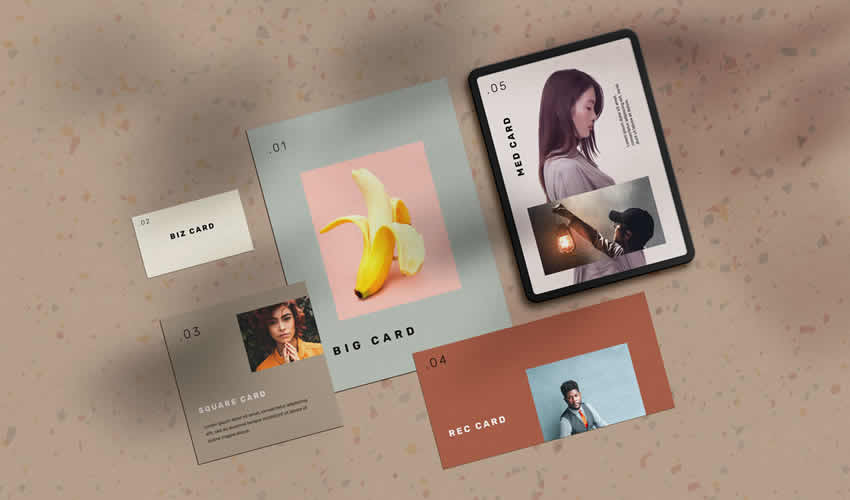
The Stationery Cards Mockup Scene is a template that allows you to showcase your branding elements in a natural and minimalist setting. With customizable objects and high-resolution images, you can create a stunning presentation that beautifully showcases your brand identity.

Stationery Cards Mockup Scene Branding PSD Photoshop Free

Spark Brand Identity Template

Free to Download, in Figma Format

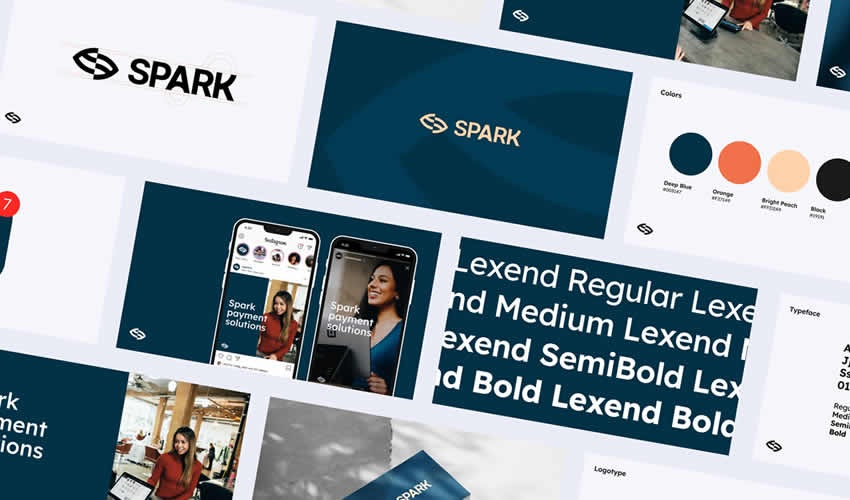
Spark is a free collection of branding and corporate identity mockup templates for Figma that can help you showcase your design in a professional and polished way. With various templates for different branding elements, you can create a diverse range of presentations.

Spark Brand Identity Template Branding Mockup PSD Photoshop Free

Minimal Stationery Branding & Identity Mockup

Free to Download, in Photoshop PSD Format

The Stationery Branding Identity Mockup is a customizable, realistic, and professional presentation template for your brand identity. You can showcase your branding elements in different contexts and ensure your brand identity is consistent and impactful.

Minimal Stationery Branding & Identity Mockup PSD Photoshop Free

Stationery & Branding Mockup Templates

Free to Download, in Photoshop PSD Format

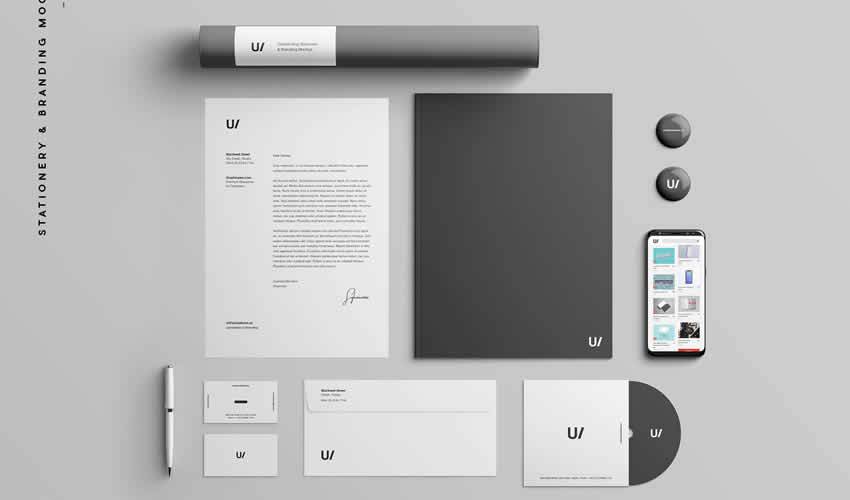
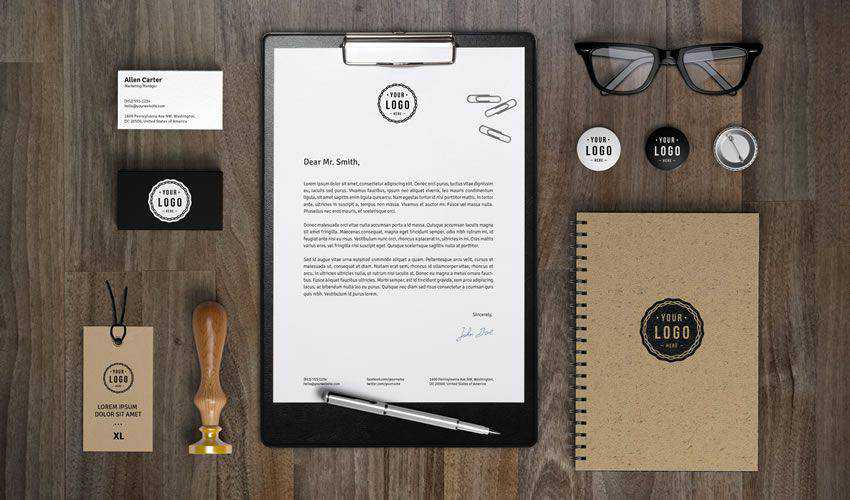
This Stationery Branding Mockup will help showcase your branding elements professionally and realistically. And with its various objects, including documents, business cards, pencils, stamps, notebooks, and more, you can create a stunning presentation.

Stationery & Branding Mockup Templates PSD Photoshop Free

Corporate Identity Branding Mockup Templates

In Photoshop PSD Format

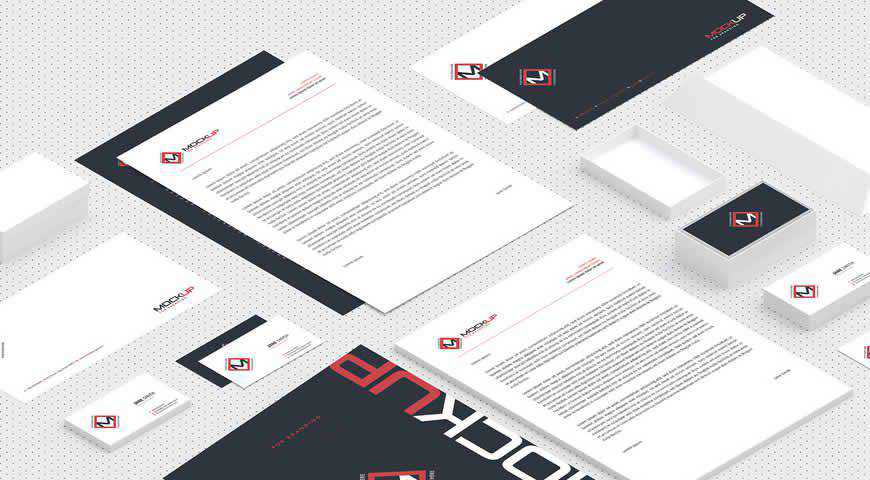
Minimalist and incredibly professional, these isometric corporate branding identity mockups for Photoshop are perfect for B2B audiences! Composed of crucial mockups such as stationery, business cards, small boxes, and envelopes, this set offers a simple way to showcase your design. Add it to your branding toolkit, and wow your clients!

Corporate Identity Branding Photoshop PSD Mockup Template

Colorful Stationery Branding Mockup Templates

In Photoshop PSD Format

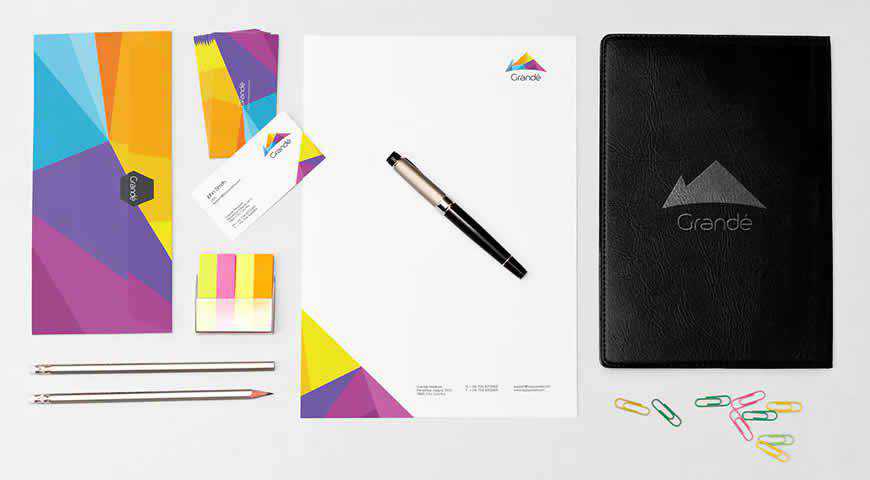
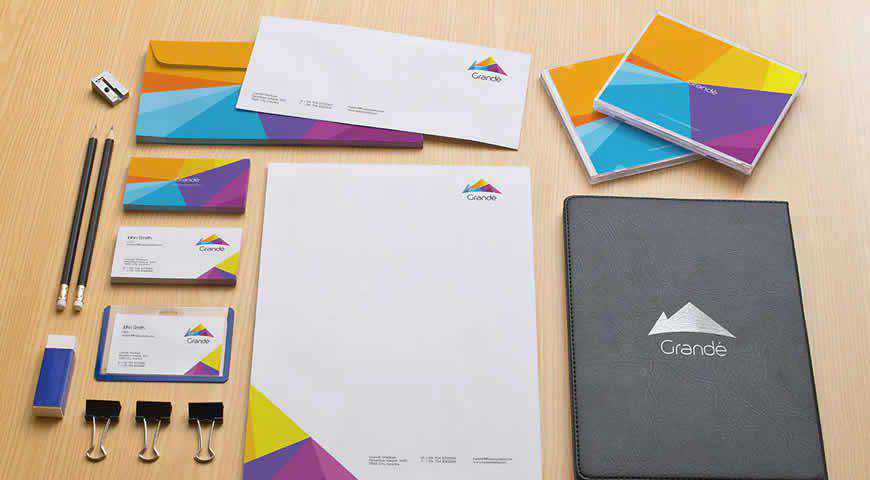
Elegant and sophisticated, this stationary branding mockup template set is perfect for your next presentation. Pick from various elements, from standard branding mockups such as business cards and letterheads to leather files and CDs. You’ll also get five different PSD scenes – there really is something for everyone!

Colorful Stationery Branding Photoshop PSD Mockup Template

Green Corporate Branding Identity Mockup Template

Free to Download, in Figma Format

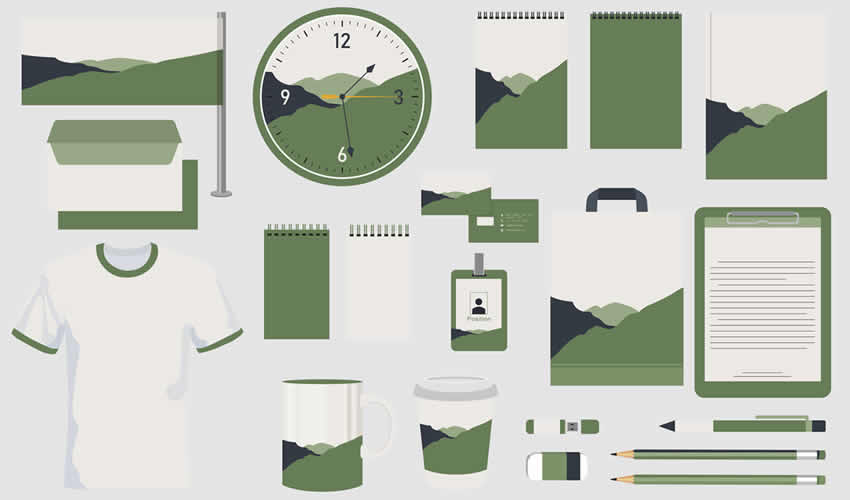
This free Figma file is a branding mockup template with an extensive collection of items, including a mug, clock, pen, pencils, notepads, tote bag, flag, and more. This mockup template will allow you to create diverse branding presentations for clients.

Green Corporate Branding Identity Mockup Template Figma Free

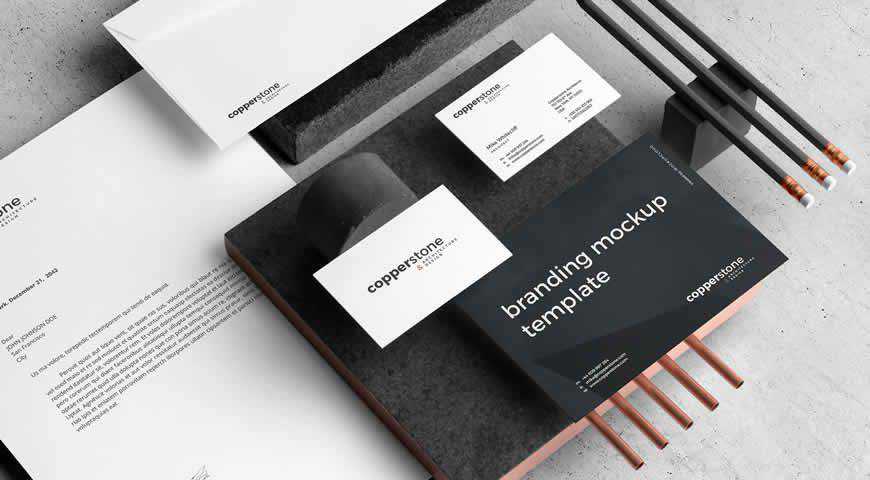
Dark Branding Mockup Template

Free to Download, in Photoshop PSD Format

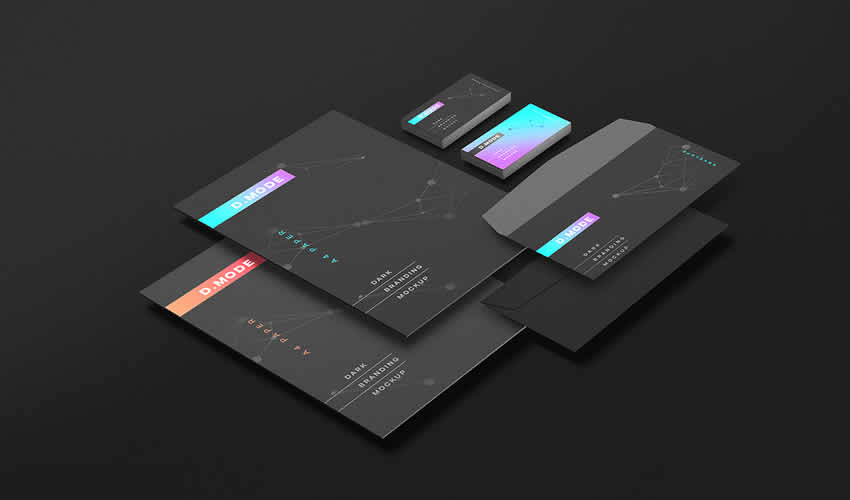
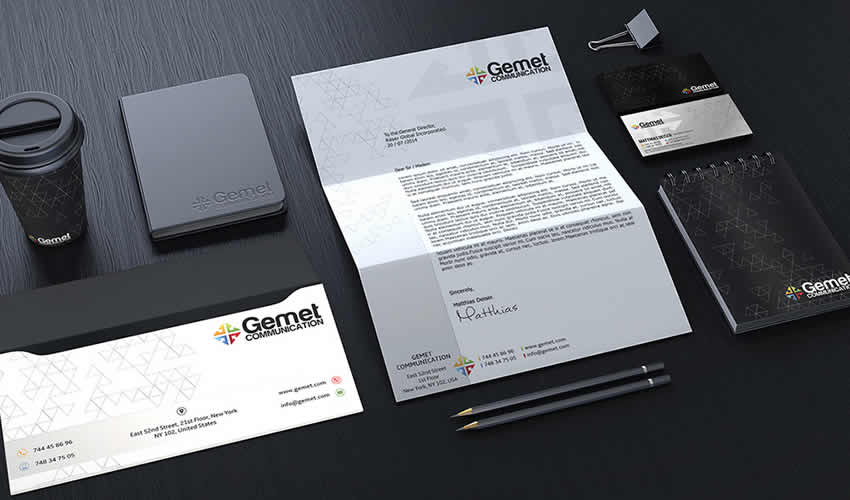
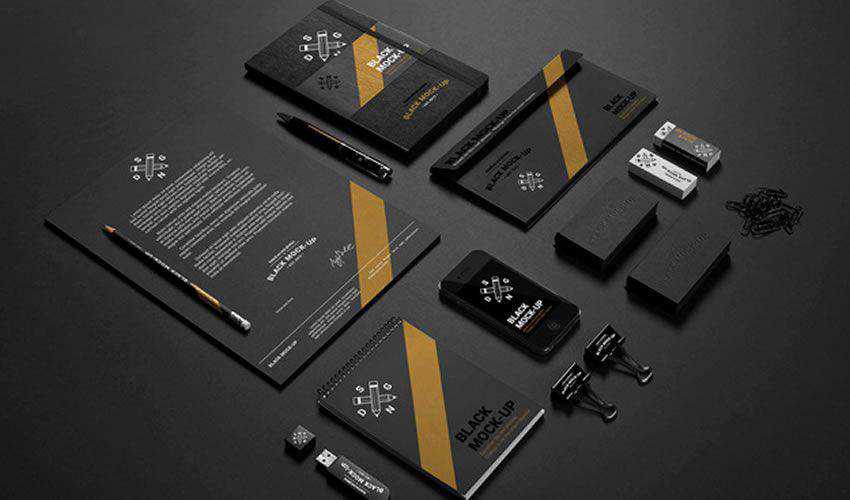
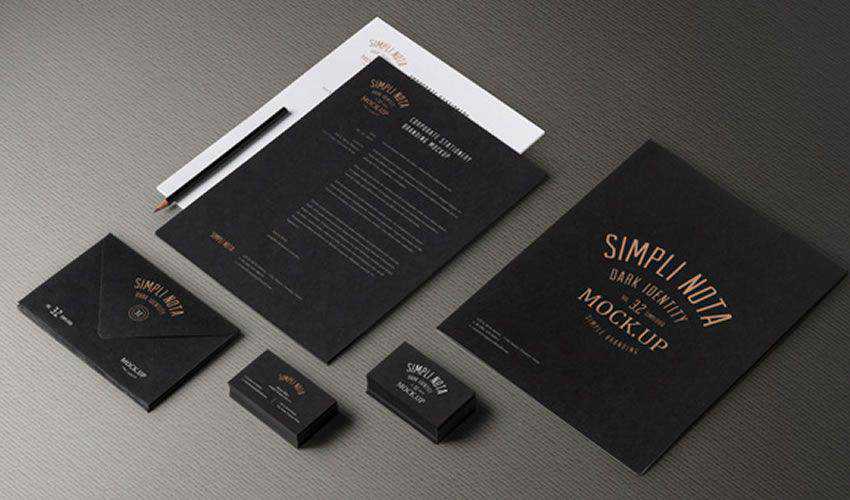
This free dark branding mockup is a photorealistic template that allows you to showcase your branding elements in a professional and modern way. With easy-to-use smart object layers, you can customize the template to fit your brand identity and create an impressive presentation.

Dark Branding Mockup PSD Photoshop Free

Blank Corporate Identity Set Mockup Templates

In Photoshop PSD Format

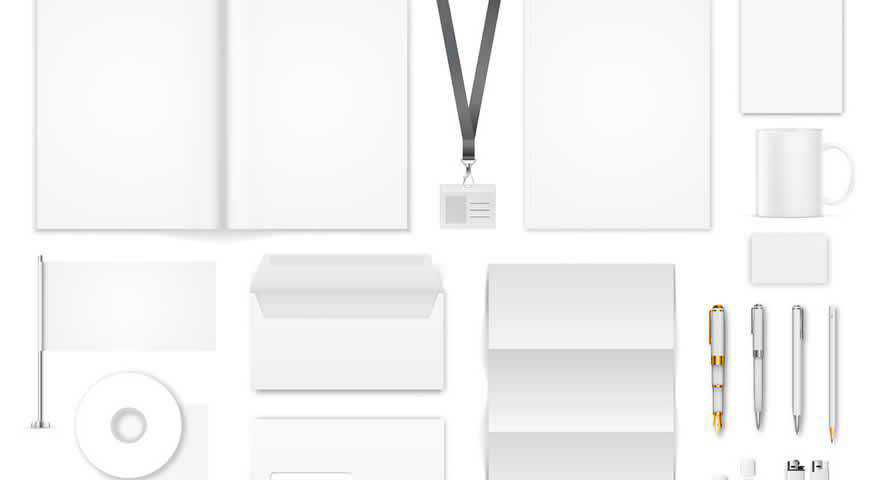
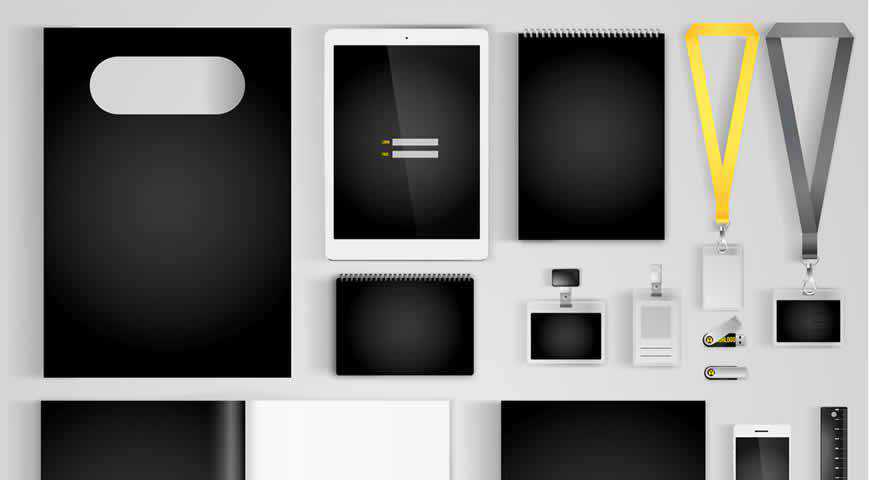
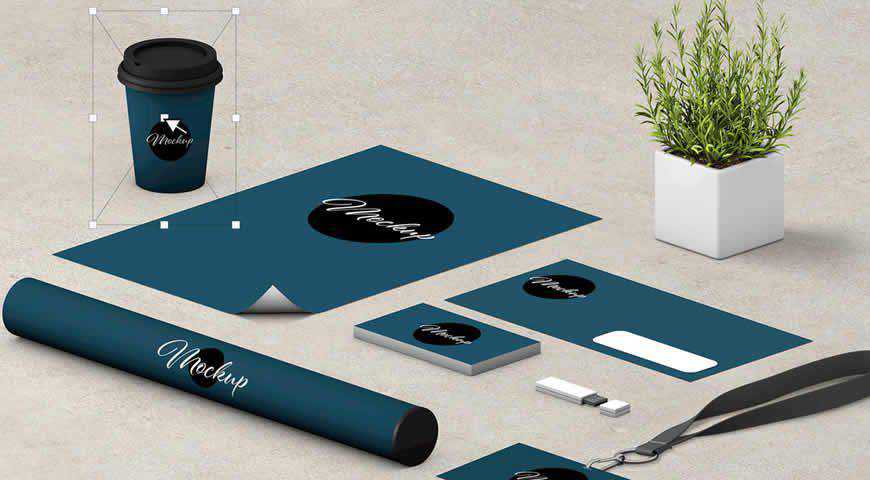
If you want your branding identity to shine, choose this corporate identity mockup set. With plenty of elements (which also include lanyard straps, flash drives, lighters, and more), you can make sure that your design fits your clients’ needs. Easily add your work in Photoshop, and delight your audience!

Blank Corporate Identity Set Photoshop PSD Mockup Template

Photorealistic Stationery Branding Mockups

Free to Download, in Photoshop PSD Format

This free photorealistic stationery branding mockup set is a collection of eight Photoshop PSD templates that can help you showcase your branding elements realistically and professionally.

Photorealistic Stationery Branding Mockups PSD Photoshop Free

Clean Corporate Branding Identity Templates

Free to Download, in Photoshop PSD Format

This free corporate branding identity mockup is a customizable template that can help create stunning presentations for your corporate brand identity and showcase your branding elements professionally.

Clean Corporate Branding Identity Templates Mockup PSD Photoshop Free

Minimal Stationery Branding Mock-Up

In Photoshop PSD Format

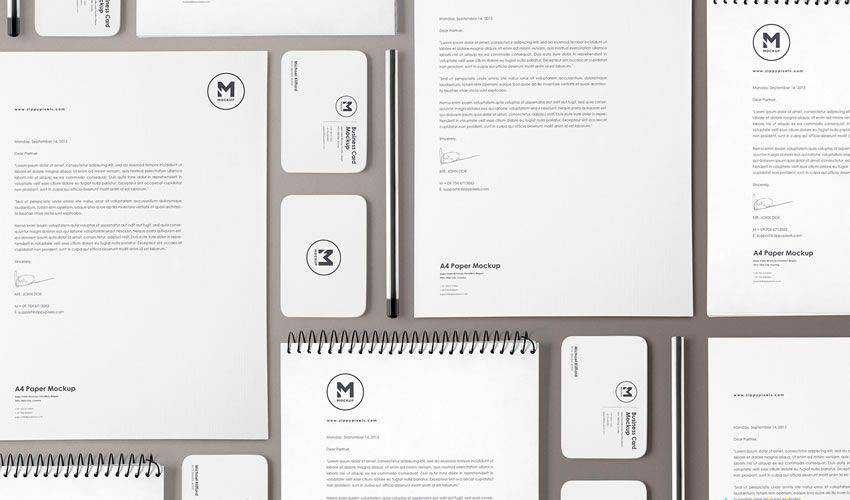
Photorealistic and elegant, this minimal stationery branding mockup template comes with everything you need to share your vision with the world. From flash drives and business cards to letterheads, and pens, you’ll get plenty of options to showcase your design. You can even edit background textures and colors!

Minimal Stationery Branding Photoshop PSD Mockup Template

Business Stationery Mockup PSD

Free to Download, in Photoshop PSD Format

For an elegant corporate identity, check out this business stationery mockup set. The template is free for commercial and personal use and can be edited via smart objects in Photoshop.

Business Stationery Mockup PSD PSD Photoshop Free

Isometric Stationery PSD Scene Creator

Free to Download, in Photoshop PSD Format

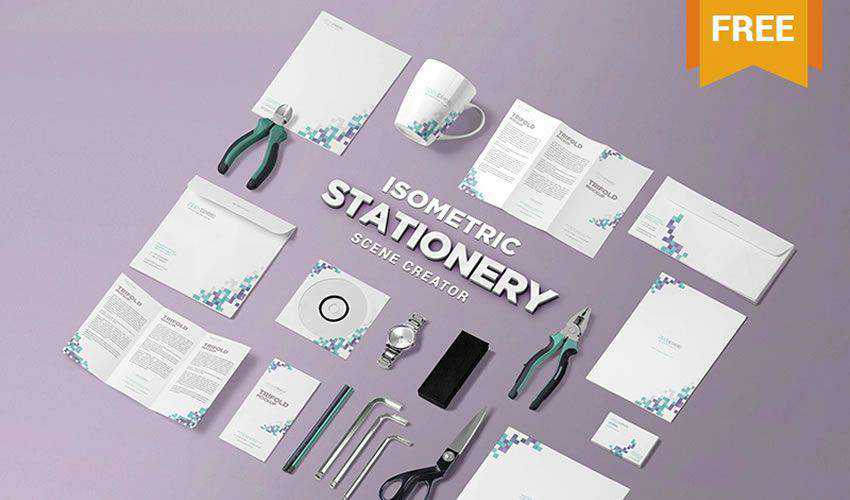
This free PSD stationery scene creator comes with 18 different items that you can place on the canvas as you please to create a unique presentation for a corporate identity.

Isometric Stationery PSD Scene Creator PSD Photoshop Free

Corporate Branding Identity Mock-ups

In Photoshop PSD Format

Perfect for tech brands, this corporate branding identity mockup set for Photoshop has everything you need: 8 photorealistic PSD scenes, elements such as business cards and letterheads, as well as shopping bags and diaries with decorative elements. Mix and match to get beautiful results that seamlessly combine professional and practical!

Corporate Branding Identity Photoshop PSD Mockup Template

Branding & Identity MockUp Vol.14

Free to Download, in Photoshop PSD Format

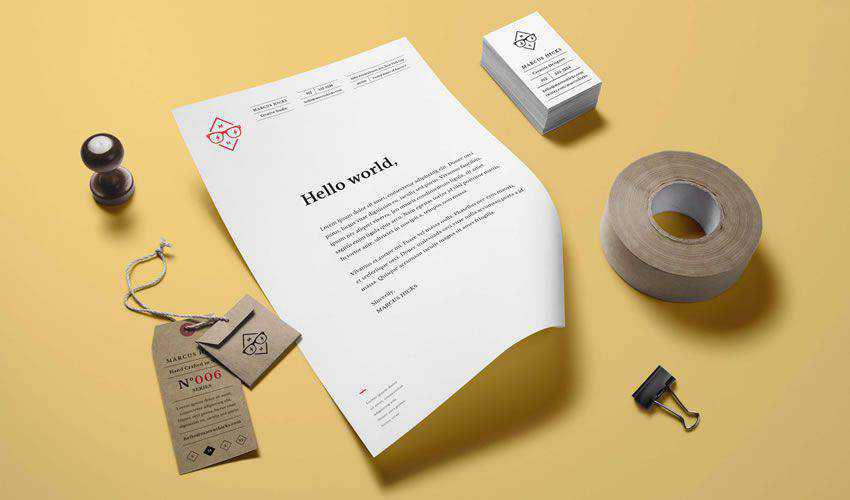
This classic branding identity mockup includes a set of stationery items as well as product tags that you can use to present a complete brand identity. The mockup includes smart layers and individual items that you can arrange to your liking.

Branding Identity MockUp Vol.14 PSD Photoshop Free

Stationery & Branding Mockup Template

Free to Download, in Photoshop PSD Format

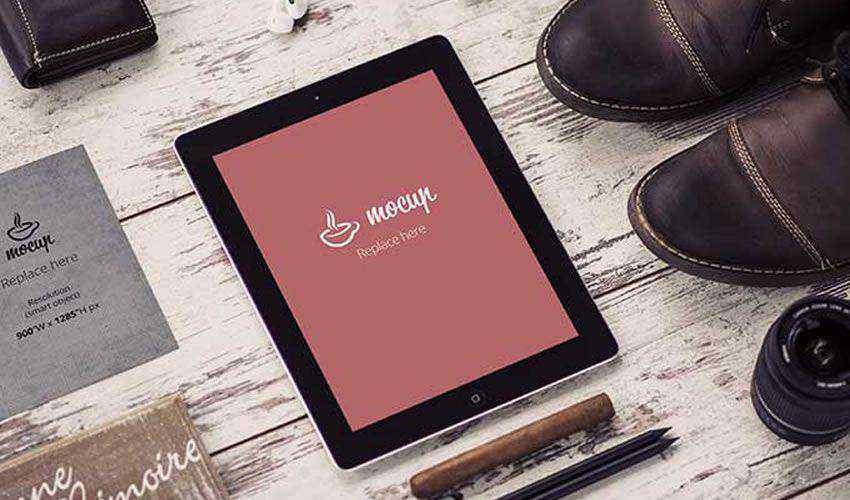
Try this free mockup if you’re looking for a unique way to present a brand identity. With it, you will be able to show your client how his brand will look on laptops, smartphones, and tablets.

Stationery Branding Mockup Template PSD Photoshop Free

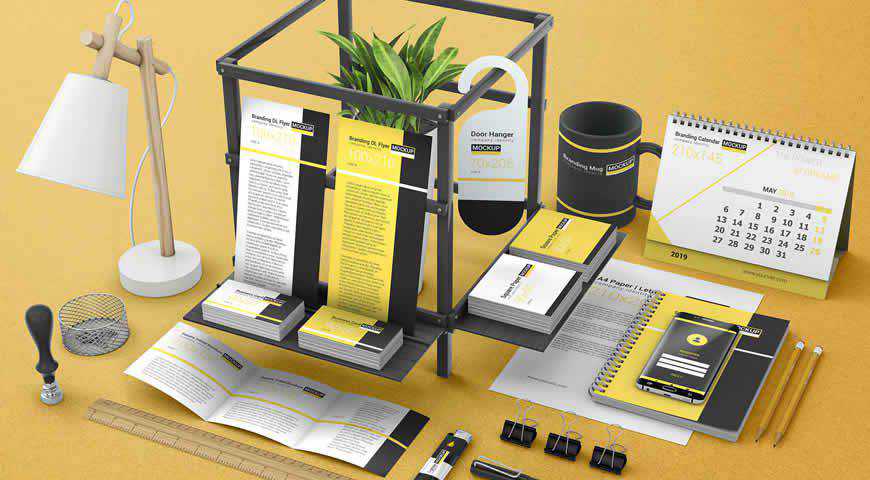
Black & Yellow Corporate Identity Set Mockup Templates

In Photoshop PSD Format

Make your branding stand out with this corporate branding identity set! It’s a perfect fit if you’re working on a corporate project and want to showcase bold logos in colors complementary to black and yellow. Add your branding to mugs, lanyards, envelopes, flash drives, and more!

Black Yellow Corporate Identity Set Photoshop PSD Mockup Template

Branding & Identity Mockup Vol.7

Free to Download, in Photoshop PSD Format

Thanks to this branding and corporate identity mockup, you will be able to easily present any brand that needs a classic presentation. A number of different items are included that you can arrange as you like.

Branding & Identity Mockup Vol.7 PSD Photoshop Free

Stationery Branding Mockup Vol 3-2

Free to Download, in Photoshop PSD Format

Check out this stationery branding mockup if you’re looking for a dark and elegant mockup file. The template includes a variety of stationery items and smart objects for easy editing.

Stationery Branding Mockup Vol 3-2 PSD Photoshop Free

Multiple Blank Branding & Stationery Mockup Templates

In Photoshop PSD Format

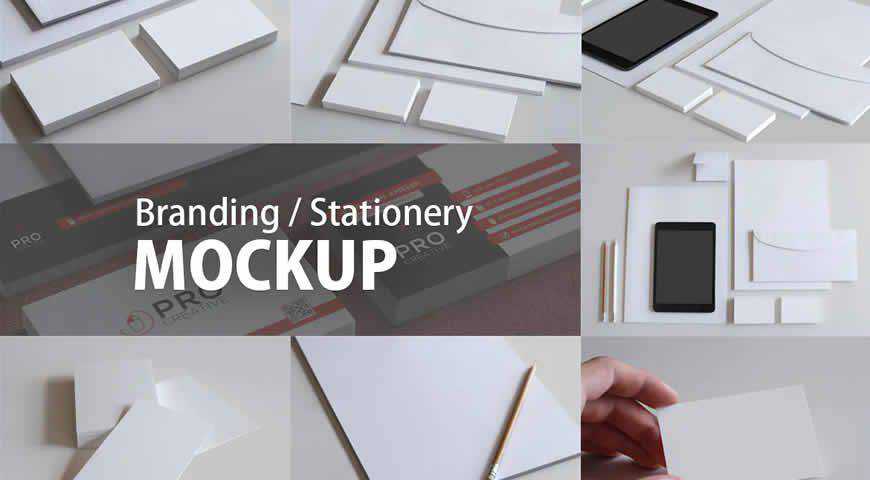
Photorealistic and effective, these branding and stationery mockup templates for Photoshop are perfect for putting your designs in the spotlight. Featuring elements such as business cards, pencils, and tablets, this branding identity set offers incredibly photorealistic results. You’ll get seven distinct mockups and replaceable backgrounds for beautiful presentations!

Multiple Blank Branding Stationery Photoshop PSD Mockup Template

Identity & Branding Mockup Vol.3

Free to Download, in Photoshop PSD Format

This colorful branding mockup is an excellent choice for a vibrant and bold brand with a retro feel. Thanks to smart objects, the template is easy to edit, and you can even customize the shadows for a more realistic look.

Identity Branding Mockup Vol.3 PSD Photoshop Free

Corporate Identity PSD Mockup

Free to Download, in Photoshop PSD Format

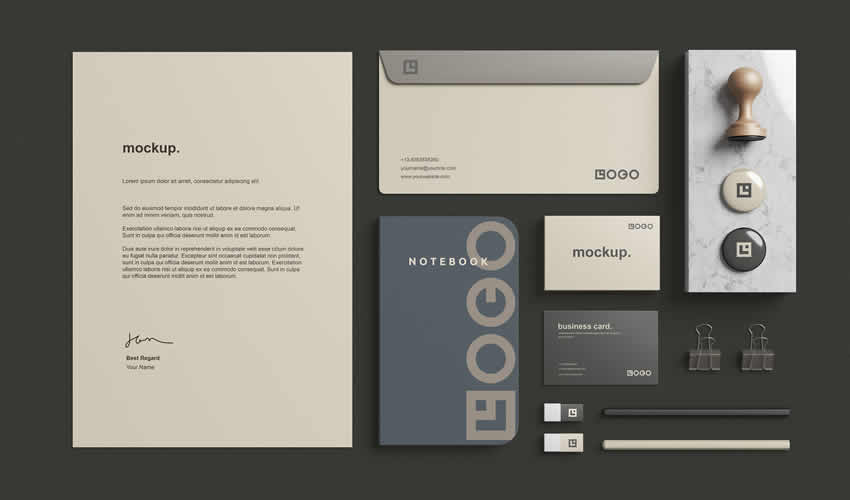
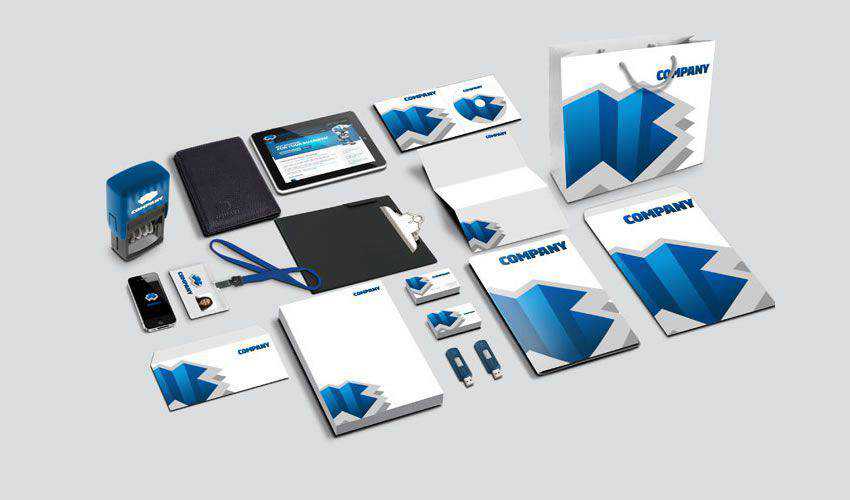
Use this corporate identity mockup to give a holistic overview of your brand design. The template is easily editable with smart objects and includes a complete stationery set as well as a stamp, shopping bags, USB keys, and more.

Corporate Identity PSD Mockup PSD Photoshop Free

Branding & Stationery Mock-Up

In Photoshop PSD Format

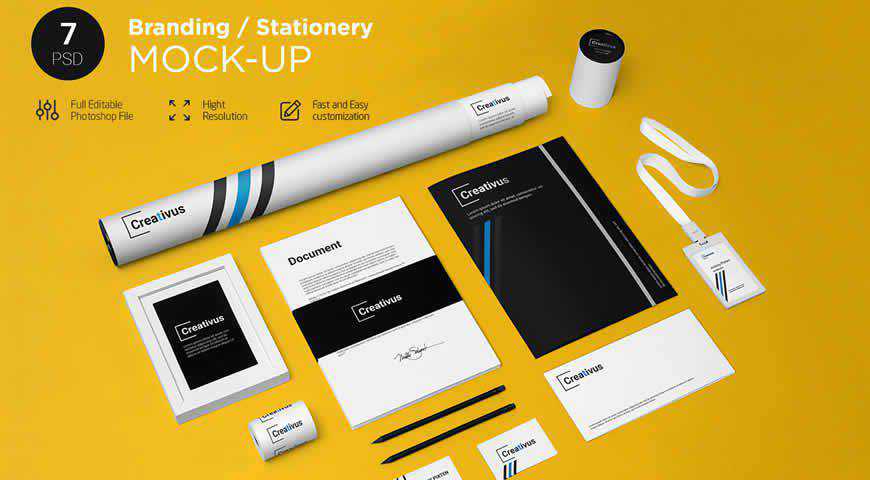
Fun yet professional, these branding stationery mockup templates offer everything you need to amaze your clients! With 7 PSD files, and plenty of elements such as papers, folders, envelopes, badges, tubes, and pencils, you’ll love showcasing your designs. You can easily change the color of backgrounds and elements!

Branding Stationery Photoshop PSD Mockup Template

Stationery Set Scene Creator Mockup Templates

In Photoshop PSD Format

With an already set scene and endless combinations, these branding identity mockup templates are easy to customize in Photoshop. Pick from a plethora of elements such as coffee cups, letterheads, tubes, and flash drives. Then, combine them as you see fit, replace the background texture, and have fun while presenting!

Stationery Set Scene Creator Photoshop PSD Mockup Template

Stationery Mockup Set PSD

Free to Download, in Photoshop PSD Format

This stationery mockup set includes a complete stationery set designed with a minimalistic approach. The template includes smart objects for easy editing, and you can even edit the shadows and the backgrounds.

Stationery Mockup Set PSD PSD Photoshop Free

Corporate Identity Photoshop Mockup PSD

Free to Download, in Photoshop PSD Format

Take a look at this modern corporate identity mockup. It features a complete stationery set with a modern design and includes smart objects that make it easy to customize.

Corporate Identity Photoshop Mockup PSD PSD Photoshop Free

Stationery Branding Mockup Creator

In Photoshop PSD Format

With photorealistic scenes and over 60 elements, this versatile stationery branding identity mockup creator is an absolute dreamboat. Add your designs, change the background textures and colors, add layer styles (unlimited foil stamp colors), and more! Add this set to your kit – you can use it for every project!

Stationery Branding Photoshop PSD Mockup Template

Office Stationery Branding Mockup Templates

In Photoshop PSD Format

Realistic and personable, these office stationery branding mockup templates are perfect for friendly, down-to-Earth brands that want to emphasize their personality. With elements like letterheads and CDs and five different scenes, you can easily bring your designs closer to your audience. All it takes is a few clicks in Photoshop!

Office Stationery Branding Photoshop PSD Mockup Template

Business Stationery Set Mockup 1

In Photoshop PSD Format

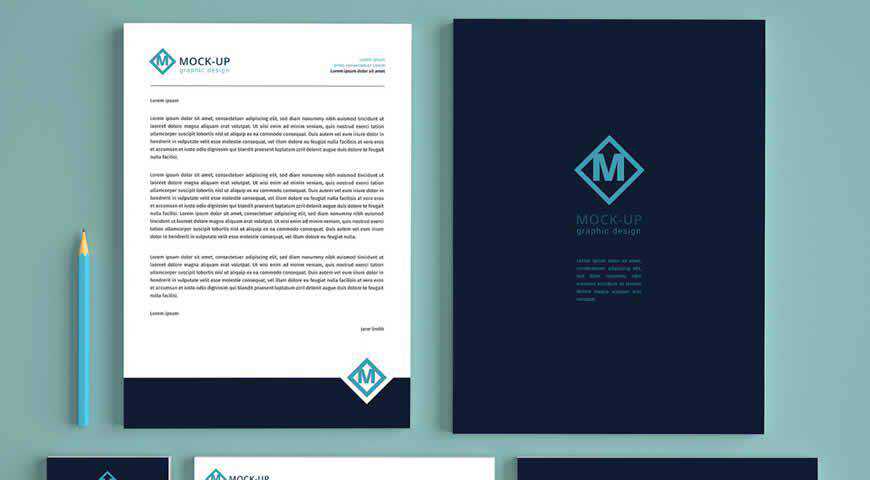
A professional flat-lay business stationery mockup set, this asset is perfect for presenting your branding identity designs in a simple and straightforward manner. You’ll get a few key elements set against a blue backdrop, such as letterheads, business cards, and envelopes, all easily customizable with Photoshop smart objects.

Business Stationery Set Photoshop PSD Mockup Template

CV Mockup Template

Free to Download, in Photoshop PSD Format

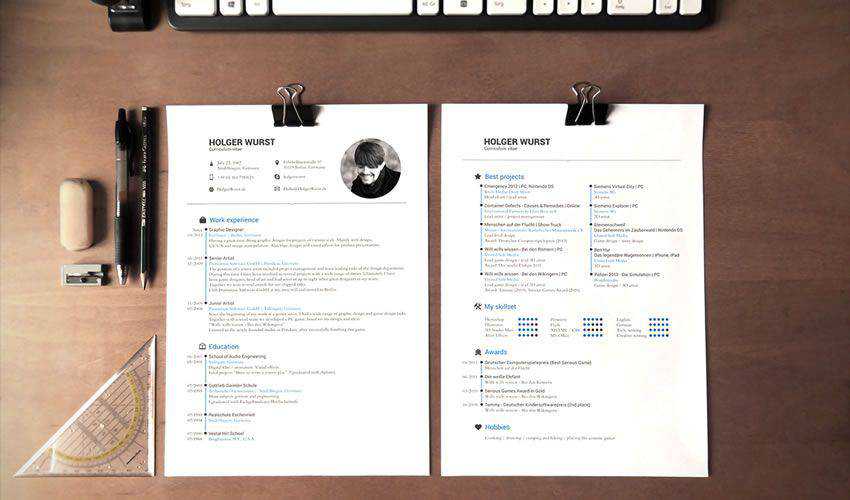
This template is an excellent choice if you need a simple CV mockup. You can easily place your design via smart objects and then customize fonts, colors, and other aspects of the CV.

CV Mockup Template PSD Photoshop Free

Ebony & Ivory Identity Mockup Templates

Free to Download, in Photoshop PSD Format

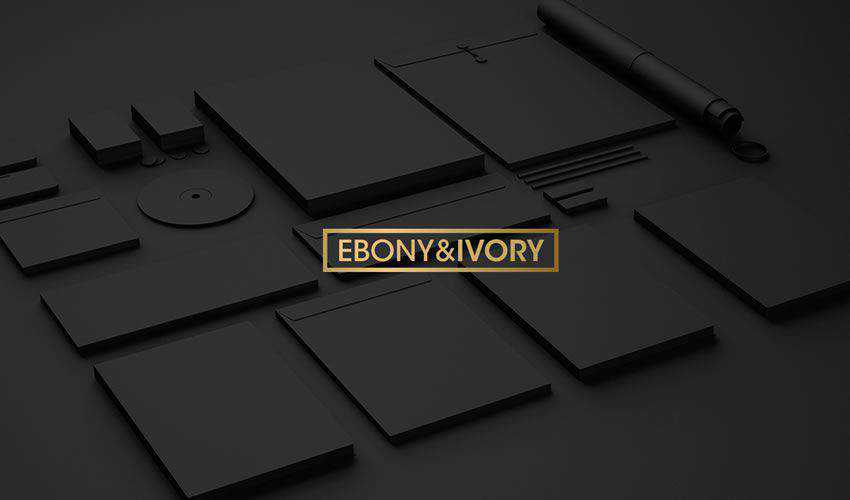
Try this corporate mockup template if you need an elegant way to present your brand. The template includes a light and a dark version with a complete stationery set.

 Ebony Ivory Identity Mockup Templates PSD Photoshop Free

Retro Business Card & Branding Mockup Scene

Free to Download, in Photoshop PSD Format

With this retro business card mockup, you will be able to showcase your retro business card designs with ease. The template can be edited via smart objects, and it includes two different business card sizes.

Retro Business Card & Branding Mockup Scene PSD Photoshop Free

Coffee Branding Mockup Templates

In Photoshop PSD Format

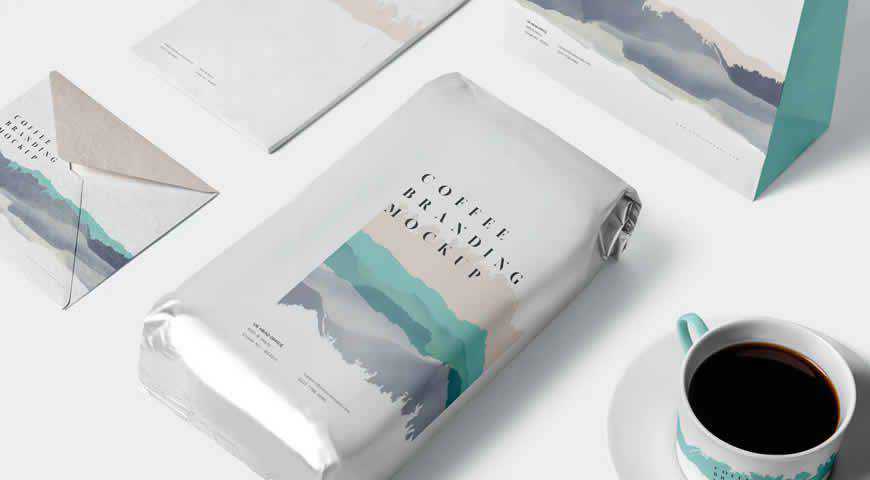
Coffee branding and merchandising have never looked this good! This gorgeous set of photorealistic coffee branding mockups comes with all the elements you need: coffee and sugar bags, cups, shopping bags, brochures, and more! And with five beautiful PSD scenes, your audience will really wake up and smell the coffee!

Coffee Branding Photoshop PSD Mockup Template

Branding Mockup Essentials Vol. 1

In Photoshop PSD Format

You’ve never seen a set of branding identity essentials as comprehensive as this one! With five different PSD mockups, and every element under the sun (from lanyards and tubes to professional business cards and journals), you’ll get everything you need for a perfect corporate branding presentation!

Branding Mockup Essentials Photoshop PSD Mockup Template

Mugs at a Table with Beer Bottles Mockup Templates

In Photoshop PSD Format

If you’re working with a beer brand, it’s time to display your designs in an informal setting. And nothing works better than this mockup template featuring two people clinking beer mugs. You can customize the tablet illustration, as well as the beer bottle labels. Have fun!

Mugs Table Beer Bottles Photoshop PSD Mockup Template

Athena Branding Mockup Templates

In Photoshop PSD Format

Elegant and depicted in earthy tones, Athena branding identity mockup templates are a perfect fit for fashion, beauty, and other aesthetically-conscious brands. You can completely customize the 11 branding mockups: adjust colors, replace the background, and add foil stamping. Make your designs shine with these stunning, photorealistic branding identity templates!

Athena Branding Photoshop PSD Mockup Template

Corporate Identity Mockup Templates

In Photoshop PSD Format

A pristine 2D and 3D corporate identity mockup templates for Photoshop, this set comes with all the essentials (tablet, phone, letterhead, business cards, envelopes, and more). You can easily customize these branding identity mockup templates with Photoshop smart objects to create professional and photorealistic presentations your corporate clients will adore.

Corporate Identity Photoshop PSD Mockup Template

Luxury Branding Mockup Templates

In Photoshop PSD Format

Nothing says luxury more than this branding identity mockup set! With six high-quality background textures and 11 Photoshop elements, you can paint an atmospheric picture with your designs depicted on leather file covers, crisp envelopes, and business cards that send a clear message: this is a brand you can trust.

Luxury Branding Photoshop PSD Mockup Template

Branding & Identity Mock-up

In Photoshop PSD Format

This simple, photorealistic branding identity mockup template set will help you create a convincing presentation! Pick from 9 incredible mockups, change the background color, and add your designs to lanyards, envelopes, business cards, and other corporate identity essentials. Save time, and showcase your work with these phenomenal corporate identity mockups!

Branding Identity Photoshop PSD Mockup Template

Blck Branding Mockup Kit

In Photoshop PSD Format

Let your audience get up close and personal with your design through this atmospheric branding mockup kit. The scene is staged – and it’s time for your designs to shine! Change colors and backgrounds, experiment with foil stamping, and make this mockup work for you and your brand.

Blck Branding Kit Photoshop PSD Mockup Template

Corporate Identity Set on Desk Mockup Templates

In Photoshop PSD Format

Envision your designs in their true environment: a desk. This corporate branding mockup allows you to add your logos and other graphics to elements such as screens (laptop, tablet, phone, and Mac), letterheads and envelopes, coffee cups, tubes, and more! Add designs in Photoshop, and your clients will love you!

Corporate Identity Set Desk Photoshop PSD Mockup Template

Branding & Identity Mockup Templates

In Photoshop PSD Format

Dynamic and interesting, these branding identity mockup templates are a perfect fit for engaging brands! Easily add your designs to letterheads, tri-fold brochures, calendars, hangers, and more! You’ll definitely get plenty of options, including two photorealistic scenes. Not even the sky is the limit with these branding mockups!

Branding Identity Photoshop PSD Mockup Template

Copperstone Branding Mockup Vol. 3

In Photoshop PSD Format

Create a stunning brand presentation with these beautiful branding identity mockups. Copperstone branding templates for Photoshop contain 10 PSD files, as well as plenty of options such as selective foil stamping, customizable backgrounds and colors, and more! Professionally lit, these mockups offer incredibly photorealistic results that your clients will love.

Copperstone Branding Photoshop PSD Mockup Template

Coffee Branding Mockup Templates

In Photoshop PSD Format

Working with a coffee brand, or just designing a visual identity for coffee lovers? These coffee branding mockup templates are the perfect choice! With plenty of elements (including coffee bags, shopping bags, and labels), and customization options for shadows, backgrounds, and colors, you’ll love creating your next branding presentation!

Coffee Branding Photoshop PSD Mockup Template

Back to School Office Supplies Mockup Templates

In Photoshop PSD Format

Can school actually be cool? You bet! These back-to-school and office supplies mockups prove that everything is possible with a design as gorgeous as yours. Pick from plenty of elements (notebooks, screens, envelopes, erasers, glue, and more), adjust the background and colors, and get ready to amaze with your presentation!

Back to School Office Supplies Photoshop PSD Mockup Template

Show Your Brand’s Personality!

Your design is the first gateway to your brand. And when you’re creating branding identity materials, you have to make sure that they’re enticing and keep the prospect interested in your products.

Fortunately, you no longer have to rely on your hunch. Instead, pick one of these beautiful mockups, and show your clients how they’ll win over their customers. From coffee cups to stationery mockups, you’ll get plenty of incredible options.


The post 40+ Best Branding Identity Mockup Templates appeared first on Speckyboy Design Magazine.

Should Your Agency Charge Less for AI-Assisted Solutions?

Artificial Intelligence (AI) has become a staple for modern agency workflows. We use it to write code, troubleshoot issues, and research solutions. But it goes beyond building and maintaining websites. The technology is impacting every aspect of running a business, from customer service to strategic planning.

This brings up an important question for WordPress agencies: How does using AI on client projects affect pricing?

On the surface, it feels like a tricky question. AI is supposed to improve efficiency. A more efficient process should take less time to complete, which means lower costs. But it’s not that simple.

The point of increased efficiency is to make more profit. Faster results and decreased overhead shouldn’t mean that your business takes a financial hit, right? If that’s the case, then agencies have no incentive to use AI for, well, anything.

So, should we reassess the value of our services in the age of AI? And how do we present it to clients? Let’s try to find the answers.

Time-Based Billing Is Outdated

The hourly rate has been a standard for many freelancers and agencies. We charge based on how much time we spend on a given task. This policy worked well enough when everything was done by hand. However, it doesn’t fit with how most of our work is done today.

Let’s take a custom WordPress plugin as an example. In this scenario, our client needs a niche plugin that adds functionality to their website.

This type of project could have taken several hours before AI came into the picture. Much depends on your level of expertise, but it’s safe to say you’d need to conduct research, write the code, then test. There would inevitably be bugs to fix and more tests to run. It’s easy to get stuck on an issue that delays progress.

An hourly rate could make sense here, as you risk getting burned by a project-based fee. What if the project takes longer than anticipated? You might lose money on the deal.

Using AI accelerates the entire process. You should still conduct research, and there will still be bugs to fix. You’ll also want to test for security. But the increased efficiency will likely lead to faster turnaround times.

Here, a project-based fee is a more reasonable solution. You’re charging based on the outcome, rather than time spent. And the result is the most important part of the equation – regardless of how long it took.

Project-based fees are a better way to charge for result-oriented tasks

Using AI Requires Different Thinking and Communication

Working with AI also means a shift in our approach on both the project and client sides. Agencies and developers must focus on the big picture more than the process of getting it done. Again, the idea is that time isn’t the most relevant factor.

AI-based workflows often turn us into orchestra conductors, rather than old-school code jockeys. We’re using plain language to guide the tool in the right direction. We spend less time on the foundational aspects and more on the structure and feel. It’s a different role that can take time to grasp fully.

This also affects how we communicate with clients. We should emphasize the value in what we build. Clients must understand the benefits of a new feature and how it moves them closer to their goals.

In that regard, it doesn’t matter if building a new plugin took you five days or five hours. The only question worth asking is: Did we provide the best possible solution within their budget?

This isn’t much different than other service-based industries. You probably didn’t care what tools the carpenter used to build your new deck. You were likely more excited about how it looked and functioned.

AI is akin to the carpenter’s power tools. In the right hands, it becomes easier to achieve the desired outcome. You still need a certain level of expertise, however.

Getting the best results from AI requires experience and expertise

AI Should Increase Your Agency’s Revenue

The bottom line is that AI provides a path to do more with less. Perhaps the biggest hurdle for agencies and freelancers is embracing this philosophy.

Remember, there have been many changes in how we build websites. We went from hand-coding HTML to using content management systems (CMS) like WordPress. Tools like WYSIWYG editors and page builder plugins incrementally increased our productivity. Little by little, web professionals adopted these solutions and adapted their businesses to take advantage of them.

AI is more of a revolutionary technology, as it increases our output exponentially. Naturally, a change this big leads to questions about how we work and how much we charge.

You may run into a client who expects lower pricing because of your increased efficiency – don’t fall for it. Your knowledge and experience are still guiding the ship, and they are worth a premium. Once you realize this, you can use AI to encourage growth. These new tools simply offer a faster way to get there.

The post Should Your Agency Charge Less for AI-Assisted Solutions? appeared first on Speckyboy Design Magazine.

How AI Can Help You Document Your WordPress Projects

Building WordPress websites, plugins, and themes is complicated. Each requires some critical thinking and decision-making skills. There should be sound logic behind every feature.

The problem is that we can’t always remember what we did or why we did it. This is why documentation is so important. It’s a resource we can reference when jumping back in to add or fix something. Not to mention that it’s handy for clients and colleagues as well.

Documenting your projects has traditionally meant taking good notes. We add comments to our code, update readme files, and log what’s new in myriad other forms. Consistency is key, but difficult to achieve. After all, everyone gets busy and forgets to write something down.

Perhaps AI is just the tool we need to document projects without missing a beat. These models, along with the apps they connect with, can take notes for you. They’ll keep track of changes, explain what a feature does, and why it was built a specific way.

With that in mind, here are a few ideas for using AI to create and maintain your project documentation.

Use AI To Analyze and Remember Your Work

The popular AI models like ChatGPT, Claude, and Gemini all have “memory” features. Set your preferred tool to remember what you’ve done, and the model will record it for future reference. This is a goldmine for documenting your WordPress projects.

Before you start, ensure that you understand how your chosen model remembers things. Some have a setting for this purpose. However, you might also directly instruct an AI agent within your chat session. There are different types of memory, so you’ll want to check to see what is (and isn’t) included.

It’s a must-have feature when vibe-coding plugins. Use AI to keep track of your project from the start. That way, you’ll prevent any knowledge from being lost along the way.

But what about existing projects? You’re covered – to a point. AI can analyze your files and note specific functions and features. It’s also a wonderful tool for troubleshooting an issue or inspecting code written by someone else.

As always, double-check the tool’s interpretation of your work for accuracy. You can even use multiple models to inspect the same thing. It’s better to find a mistake early than a year down the road when you really need to know something.

AI models can store important project details in memory

Decide What Project Information You’ll Need

AI can document what’s been done. However, you’ll still need to figure out what information you’ll need to keep.

Much depends on the type of project you have and with whom it needs to be shared. But it’s safe to say that a changelog makes sense for every use case. You’ll want to know what changed, when it was changed, and potentially why.

Custom plugins or theme features would also benefit from usage instructions. It’s easy to forget how something works. As such, a quick step-by-step guide is valuable. Bonus points if you can add screenshots or videos to the mix. It’s perfect for onboarding new team members.

You might even document client requests. This enables you to stay on top of busy collaborative projects. Use it to assess time and energy spent (and how it impacts your billing). This info could also help you build a project roadmap for future changes.

The idea is to keep track of what matters to you and anyone else who touches your project. AI makes it easy to generate.

You can use AI to generate basic instructions for using your custom plugin

Create a System for Documenting Your Projects

Next, you’ll need a place to access your documentation and a plan for maintaining it. This is a very personal decision that depends on your preferences. For example, you could generate a custom text file in each project’s folder and be done with it. But there are more in-depth possibilities.

We’re working with WordPress, so using it as a knowledge base is a natural fit. You could build a centralized resource categorized by client or project. There are even support plugins available to help you get started, and the WordPress Connectors API will connect the site to your chosen AI model.

Solo freelancers could get by with a local WordPress installation, while agencies might want to use an internal or external server. A project’s documentation may also live on your client’s site. It’s a convenient feature and a potential selling point.

A Git repository would be great for those who want to version control their documentation. From there, you can feed updated information to virtually anywhere you want. Using AI here also streamlines the workflow.

Then, as things change, AI can automatically write to the destination. Or, you can manually review it and publish when ready. This ensures that you’ll always have the latest data.

Use AI to create a repository of project notes

The Pain-Free Way To Document Your Projects

Writing documentation can be a tedious process. You complete a task and then have to remember to record it. The chore is even harder when you’re juggling multiple clients and websites. Even the best of us will forget something.

AI’s automation capabilities make it seamless. Tell your AI tool what to document, and it remembers to keep track so you don’t have to. Some models may let you create blanket rules that cover all of your current and future projects.

You also get to choose where to store this valuable knowledge. It’s something you can share with others or keep to yourself. Regardless, you’ll have access whenever you need it. That will serve you well when it’s time to dive into a theme you haven’t touched in years.

If you’ve avoided project documentation, there’s no better time than the present to get started. There’s also an opportunity to upgrade what you already have. So, pick your favorite AI tool and let it do the work!

The post How AI Can Help You Document Your WordPress Projects appeared first on Speckyboy Design Magazine.

20+ Best Free Resume Templates for Creatives in 2026

Employers are busy people. They have the time-consuming task of sifting through and reading many applications and resumes before finally selecting the perfect person.

When you have the task of looking through so many resumes, you’re not only looking for candidates with the most experience or best skills, but you’re also looking for something that makes them stand out. That is especially true when applying for jobs in the creative industry.

And that is why resume design has such an important role in the application process.

There are plenty of web-based services for creating a resume, and yes, the internet is chock full of basic resume templates. However, not many of those have been designed with creativity in mind. They certainly don’t consider modern design trends or the competitiveness of applying for a creative role.

The free resume templates for designers we have for you are the perfect starting points for creating a CV that will help you stand out and land your dream job. They have all been created by designers for designers.


Which Resume Template Format Should You Choose?

The right format depends on the application you prefer to work in and how the finished resume will be submitted. Some formats give you greater control over the layout, while others make ongoing edits easier.

  • Figma: A good choice for designers who want browser-based editing, familiar layout controls, and easy PDF export.
  • InDesign: Best suited to detailed page layouts, precise typography, and resumes with matching cover letters or portfolio pages.
  • Illustrator: Useful for highly visual designs and custom vector graphics, although editing longer sections of text can be less convenient.
  • Photoshop: Suitable for image-led layouts, but it is not always the best option for a text-heavy resume.
  • Microsoft Word: Practical for frequent updates and applications that request a DOCX file. Word templates may also be easier for recruiters to open and review.

Check the required application version, included fonts, and available file types before downloading. If a template includes several formats, choose the one you already know well.


Resume, Cover Letter & Portfolio Templates

In Word & InDesign Formats

Perfect for all creative types, this package includes a resume template, a cover letter template, and bonus business cards. Minimal, customizable, and professional, it is the complete job application package.

 Resume Cover Letter Portfolio Templates Word InDesign Formats

Neat Resume Template for Designers

Free to Download and in Photoshop PSD Format

The Neat Resume is a contemporary, highly customizable free template with an eye-catching header, well-organized content sections, and a clean, minimalist design that focuses on beautiful typography.

 Neat Resume Template for Designers PSD Photoshop Format

Minimalist Resume Template for Creatives

In Photoshop PSD, AI & InDesign Formats

This resume template prioritizes readability, making it a polished option for creating a professional resume. In addition to a resume template, you will also get a cover letter and a printable portfolio template.

 Minimalist Resume Template for Creatives PSD AI InDesign Formats

Minimal Resume Template

Free to Download and in Figma Format

This free resume template is simple and minimalist, with well-organized and spacious content sections. It is fully customizable in Figma, with editable colors, fonts, and layout.

Minimal Resume Template Figma Format

Clean & Modern Resume Templates

In Word, Photoshop PSD, AI & InDesign Formats

This highly creative resume template features a clean, minimalist design and clearly labeled, organized layers, making it easy to customize in your favorite application.

Clean & Modern Resume Templates Word PSD AI InDesign Formats

Clean & Professional Resume Template

Free to Download and in Figma Format

This professional resume template focuses on beautiful typography and perfectly laid-out content sections. In addition to the resume template, you will also get a printable portfolio template designed in the same clean style.

Clean & Professional Resume Template Figma Format

Creative & Modern Resume & Cover Letter Templates

In Photoshop PSD, AI & Word Formats

This modern resume template has a minimalist layout with a focus on big and bold typography. It’s fully customizable to match your personal branding and includes sections for education, work experience, and skills. It also comes with a matching cover letter template.

Creative & Modern Resume & Cover Letter Templates PSD AI Word Formats

Clean Cover Letter & Resume Template

Free to Download and in InDesign Format

This free resource is a highly customizable resume and cover letter template with a minimalist, professional design and well-organized sections to highlight your skills, education, and experience.

Clean Cover Letter & Resume Template InDesign Format

Creative Resume & CV Template

In Word, AI & InDesign Formats

With its focus on creativity, this resume template is perfect for designers and creatives who want to create a polished and highly professional resume.

reative Resume & CV Template Word AI InDesign Formats

Resume Template for Designers

Free to Download and in Sketch & Photoshop PSD Formats

This free resume template has a simple and stylish design, well-organized sections, and customizable Sketch and Photoshop files. Its attention to detail and readability make it an excellent option for creating a professional-looking resume.

Resume Template for Designers Sketch PSD Formats

Resume Template for UX & UI Designers

Free to Download and in Figma Format

This free resume template has been designed for UX and UI roles with plenty of space for projects and skills. Built in Figma for easy editing. It is perfect for portfolios and product design roles.

 Resume Template for UX UI Designers Figma Format

Minimal Resume Template for Creatives

Free to Download and in Illustrator AI Format

Whether you’re looking for your first creative job or a professional looking to update your resume, this free and highly customizable minimalistic resume is all you need to make a memorable first impression.

 Minimal Resume Template for Creatives AI Illustrator Format

Multi-Color Modern Resume Template

Free to Download and in Photoshop PSD, Sketch & Word Formats

Clean, colorful, and highly customizable, this free template is an excellent choice for creative job seekers and professionals who need to create or update their resumes quickly.

 Multi-Color Modern Resume Template PSD Sketch Word Formats

20 Resume & CV Templates for Designers

Free to Download and in Figma Format

This is a collection of 20 modern, minimally designed resume templates. All templates focus on clarity and readability, making them an excellent option for creating a professional resume in Figma.

Resume CV Templates for Designers Figma Format

5 Bold Resume/CV Templates

Free to Download and in Figma Format

This collection of five free Figma resume templates features bold typography, eye-catching graphics, and minimalist layouts. It is perfect for designers, developers, and marketers looking to create a professional resume.

Bold Resume CV Templates Figma Format

Minimal Resume or CV Template

Free to Download and in Figma Format

This spacious resume template features a black-and-white color scheme and is perfect for highlighting your work experience, portfolio, education, and contact information.

Minimal Resume or CV Template Figma Format

Typographic Resume Template

Free to Download and in Word & InDesign Formats

Make a great first impression with this resume template, which features bold and beautiful typography. It can be edited in InDesign or Microsoft Word.

Typographic Resume Template InDesign Word

Simple Resume & Cover Letter Template

Free to Download and in Word & InDesign Formats

This minimalistic resume template has a clean design and a two-column layout. It also has plenty of room for your profile photos. This free template can be edited in InDesign and Word.

Simple Resume Cover Letter Template InDesign Word

Self Promotion CV Template

Free to Download and in Illustrator AI Format

This two-page resume template features a bold design that’s perfect for promoting your skills and projects. It can be edited in Illustrator.

Self Promotion Free CV AI

Resume Booklet Template for Designers

Free to Download and in Photoshop PSD Format

If you want a creative resume design, take a look at this resume template. You can edit it in Photoshop and use it to apply for a job in any creative field.

 Free Resume Template Vol.1 Photoshop Photoshop PSD

A Simple Resume Template

Free to Download and in Photoshop PSD Format

This resume template has a clean, two-column layout that’s easy to edit. The template has been designed in Photoshop and comes with well-organized layers.

 Free Resume Template Vol.2 Photoshop Photoshop PSD

Resume Template Vol.3

Free to Download and in Photoshop PSD Format

Check out this resume template featuring an elegant and minimalist design. This Photoshop PSD template includes a one-page resume layout and well-organized layers for easy editing.

 Free Resume Template Vol 3 Photoshop Photoshop PSD

Clean & Minimal Resume & Cover Letter Template

Free to Download and in Illustrator AI Format

This resume was designed in Illustrator and contains a two-page resume and a matching cover letter template. Thanks to its minimal design, it can be used for any type of job application.

Clean Minimal Resume Template AI

Minimalistic Resume Template

Free to Download and in Photoshop PSD & Illustrator AI Formats

This stunning resume template will capture the attention of any employer. It has a beautiful header section and uses modern, clean typography that makes an impact.

Minimalistic Free Resume Template Illustrator AI

Clean Resume Template

Free to Download and in Illustrator AI Format

This clean resume template has a standard two-column layout. In the larger column, you can showcase your education and work history. In the sidebar, you can share your contact information and skills. This template can be edited in Illustrator.

Clean Free Resume Template AI

What to Include in a Designer Resume

A designer resume should communicate your experience quickly while giving recruiters a clear route to your work. There is no need to fill every available section if the information does not support the role.

  • Name and role: State your name and the type of design position you are applying for.
  • Contact details: Add a professional email address, phone number, and general location. A full postal address is rarely needed.
  • Portfolio link: Place a direct link near the top of the page so it is easy to locate.
  • Professional profile: Write a brief overview of your experience, specialisms, and the type of work you do.
  • Work experience: List relevant roles in reverse chronological order. Include results and responsibilities rather than a list of routine tasks.
  • Selected projects: Mention relevant client, freelance, or personal projects when they add useful context.
  • Design skills: Include methods, disciplines, and applications that relate directly to the position.
  • Education and training: Add relevant qualifications, courses, and certifications without giving them more space than your professional work.

References can be supplied when requested, so they do not need to take up room on the resume.

Final Recommendations

Choose a template that suits both your experience and the position. A recent graduate may need more room for education and selected projects, while an experienced designer will probably want greater space for employment history and results.

Treat the template as a starting point. Replace every piece of sample content, remove sections you do not need, and adjust the type sizes and spacing around your own information. Check that links work, dates follow a consistent format, and the smallest text remains comfortable to read.

Before sending the resume, review it at its actual size and ask someone else to proofread it. Export a PDF for direct applications, but keep an editable copy for future updates. If a recruitment portal requests a particular file type, follow that instruction rather than submitting the most decorative version.

A restrained design with clear information will usually serve you better than a complicated layout. The resume should give employers a useful overview of your experience, while your portfolio provides the fuller picture of your design work.

The post 20+ Best Free Resume Templates for Creatives in 2026 appeared first on Speckyboy Design Magazine.

25+ Best Free DaVinci Resolve Templates in 2026

If you’re a video editor looking to take your projects to the next level, you know that finding the perfect template can make all the difference.

That’s why we created this curated collection of free templates for DaVinci Resolve, the modern, popular video editing application. These templates are easy to use and customize, so you can quickly create professional-grade videos.

Whether you’re new to DaVinci Resolve or an expert, you’ll find a free template that suits your needs here. From stunning title sequences to elegant lower thirds, these templates have everything you need to take your videos to the next level.

Templates like these are must-haves in your creative arsenal. They save you time, and you don’t need to be a video editing expert to use them.

If you’re new to DaVinci Resolve, you might like to take a look at our collection of tutorials.

What to Look for in a DaVinci Resolve Template

A preview shows the finished animation, but it may not show how much work it takes to use. Check these details before choosing a template:

  • Version compatibility: Check which version of Resolve the template requires and whether it works in the free edition or needs Studio.
  • File type: See whether you are downloading an effect, a Fusion template, or a complete project. Each is added to Resolve differently.
  • Editable controls: Look for text, color, and timing settings in the Inspector. Some templates require changes inside Fusion.
  • Format: Check the aspect ratio, resolution, and frame rate, particularly if you are making a vertical video.
  • Extra assets: See whether fonts, music, footage, or third-party effects are needed to match the preview.
  • License: Confirm that your intended use, including client work, is permitted.

Opener Templates for DaVinci Resolve

With these opener templates, you can quickly create professional introductions for your video content. They offer pre-designed transitions, animations, and effects that will help set the tone of your video content.

Modern Opener Logo Template for DaVinci Resolve

Free to Download

This modern video opener template is perfect for a corporate or business video presentation. The user-friendly layout lets you add your branding and logo easily.

Modern Opener Logo free davinci resolve template video motion design

Urban Opener Template

This video opener template has a bold design and energetic feel, perfect for a sports or action video. The customizable layout allows you to add your own text and footage.

Urban Opener free davinci resolve template video motion design

Dynamic 3D White Logo Template for DaVinci Resolve

Free to Download

A dynamic logo video opener like this is an incredible way to introduce your brand. It places your logo front and center, capturing your audience’s attention.

Dynamic 3D White Logo free davinci resolve template video motion design

Intro Templates for DaVinci Resolve

Hip Hop Intro DaVinci Resolve Template

Free to Download

With seamless animations and a hip-hop flair, this free DaVinci Resolve template adds a vibrant feel to your video projects. It is perfect for music videos, vlogs, and other modern-edged content.

Hip Hop Intro free davinci resolve template video motion design

Stylish Typography Intro Template

Do you need a bold, colorful text intro? You’ve found the perfect one here. It features a funky, bright design that’s easy to customize.

Stylish Typography Intro free davinci resolve template video motion design

Lower Thirds Templates for DaVinci Resolve

These lower thirds templates let you add informative text overlays, such as names and titles, elegantly positioned at the bottom of the screen.

Thin Border Lower Third Template for DaVinci Resolve

Free to Download

With a thin border, this lower thirds template keeps your video content clear. It’s an excellent choice if you need a subtle text overlay that won’t distract your audience.

Thin Border Lower Third free davinci resolve template video motion design

Titles & Lower Thirds DaVinci Resolve Pack

When creating a video in DaVinci Resolve, an elegant, unified theme is good practice. This pack includes many design options with a similar aesthetic.

Titles Lower Thirds pack free davinci resolve template video motion design

Lower Thirds Template

With 16 options, this template makes adding text to your videos easy. Customize the text and color elements to make the design your own.

Lower Thirds free davinci resolve template video motion design

Elegant Lower Thirds for DaVinci Resolve

With cinematic animation and bold text, your audience will notice these DaVinci Resolve lower thirds. This template is in 4K resolution, making the titles crisp and sharp on the best displays.

Elegant Lower Thirds free davinci resolve template video motion design

Progress Radial Lower Third Template for DaVinci Resolve Template

Free to Download

Radial animations are eye-catching text overlays for any video. Add one of your own here – all you have to do is drop in your own text, and you’re all set.

Progress Radial Lower Third free davinci resolve template video motion design

Subscribe Button With Mouse for DaVinci Resolve

Free to Download

When sharing videos, the goal is often to encourage viewers to return for more. With this template, you can add a ‘subscribe’ button to your videos to encourage engagement.

Subscribe Button With Mouse free davinci resolve template video motion design

Simple Dot Callout Template for DaVinci Resolve

Free to Download

Dot callouts help you draw attention to key details in your video. This template allows you to add them anywhere and uses stylish, crisp typography.

Simple Dot Callout free davinci resolve template video motion design

Titles Templates for DaVinci Resolve

These DaVinci Resolve title templates offer creative text solutions for your videos. With these templates, you can create stunning titles that make your video’s typography stylish and attention-grabbing.

DaVinci Resolve Title Templates

Free to Download

These beautiful title overlays won’t distract viewers from your video content. They’re studio-grade methods for introducing the work you share in your projects, and audiences will love them.

DaVinci Resolve Title free template video motion design

Catchy Title Templates for DaVinci Resolve

Keep in mind that the goal of titles is to capture attention and add context. These titles do just that, and they’re simple and easy to use.

Catchy Title free davinci resolve template video motion design

Modern Glitch Titles Templates

Glitch titles are funky and modern, and you’ll often find them in sports and action videos. This title pack, filled with unique designs, allows you to use them in your own work.

Modern Glitch Titles free davinci resolve template video motion design

Simple Video Mask Title for DaVinci Resolve Template

Free to Download

Text masks allow you to display titles even when viewing your underlying video content. This is an elegant option for adding text masking to your next video.

Simple Video Mask Title free davinci resolve template video motion design

Special Effect Templates for DaVinci Resolve

These special effect templates allow you to add cinematic magic to your videos. They offer pre-designed visual effects, like explosions, transitions, and color grading.

Diode Screen Effect for DaVinci Resolve

Diode effects like these will add a funky, glitchy effect to your next video project. You can add them to your footage without needing advanced design skills.

Diode Screen Effect free davinci resolve template video motion design

Magic Animated Letterbox Tool

Free to Download

This animated letterbox template is a fun way to make your video stand out. The creative effects inside are easy to add, modify, and work with.

Magic Animated Letterbox Tool free davinci resolve template video motion design

Realistic Hits & Rumbles Effects for DaVinci Resolve

Dramatic effects like these can add energy to any action video you produce. Try them if you need to ramp up the intensity of a film you’re working on.

Realistic Hits Rumbles Effects free davinci resolve template video motion design

MagicAnimateV2

Free to Download

Animation helps transform flat videos into extraordinary works of art. The MagicAnimate toolkit allows you to add quick animations throughout your video files in DaVinci Resolve.

MagicAnimateV2 free davinci resolve template video motion design

Hallucination Effects for DaVinci Resolve

Supernatural effects are popular across many film genres. Add them to your own work with this DaVinci Resolve template pack. The effects are powerful and yet easy to customize.

Hallucination Effects free davinci resolve template video motion design

YouTube Subscribe Button DaVinci Resolve Template

Free to Download

This free DaVinci Resolve template simplifies encouraging viewers to subscribe to your YouTube channel. The template includes an easy-to-customize button that prompts users to subscribe to your channel.

YouTube screen Subscribe button free davinci resolve template video motion design

MagicGradient Tool for DaVinci Resolve

Free to Download

Gradient backgrounds add a touch of 3D styling to any video. This simple DaVinci Resolve toolkit helps you add these backdrops quickly.

MagicGradient Tool free davinci resolve template video motion design

Ultimate Seamless Transitions for DaVinci Resolve

Free to Download

Transitions keep your video flowing, moving seamlessly from scene to scene. This powerful transition toolkit allows you to add transitions to any video clip in DaVinci Resolve.

Ultimate Seamless Transitions free davinci resolve template video motion design

Transition Templates for DaVinci Resolve

These DaVinci Resolve transition templates let you create seamless shifts between scenes. Add polished transitions like fades, cuts, and wipes to improve your video’s flow.

Vertical Split Frame Template for DaVinci Resolve

Free to Download

Vertical split frames like this one move video clips up and down onscreen. Using this template, you can add these eye-catching transitions to your own projects.

Vertical Split Frame free davinci resolve template video motion design

120+ Flat Transitions for DaVinci Resolve

This collection includes over 120 transitions, all designed with a flat aesthetic. They work perfectly without ever being distracting or disruptive.

120+ Flat Transitions free davinci resolve template video motion design

mTransition Luma Matte Transition for DVR

Free to Download

These Luma transitions add stunning motion effects to any video in DaVinci Resolve. In no time, you’ll be creating video productions that look right at home on a cinema’s big screen.

mTransition Luma Matte Transition free davinci resolve template video motion design

20 Curtain Transitions for DvR

Curtain transitions create a clear break between sections of a video. With this flexible DaVinci Resolve template, you can add these dramatic, stylish, and easy-to-use transitions to your videos.

Curtain Transitions free davinci resolve template video motion design

Motion Blur Swipe Transition DaVinci Resolve Template

Free to Download

Motion blur transitions are otherworldly and surreal ways to push videos and films forward. Add them here, with several options and styles to choose from.

Motion Blur Swipe Transition free davinci resolve template video motion design

Distort & Twist Transition DaVinci Resolve Template

Free to Download

Do you need video transitions with a twist? Here’s the perfect free template, loaded with the ability to add spiral transition animations to any video.

Distort Twist Transition free davinci resolve template video motion design

Instagram Story Templates for DaVinci Resolve

These Instagram Story templates let you create engaging, on-brand short videos in DaVinci Resolve. With these templates, you can design dynamic stories, add text overlays, and incorporate animations.

Video Drop Story DaVinci Resolve Template

Free to Download

Green templates like this are tailored for your social media. Drop in your content, and you’ll soon have stunning shareable videos for Instagram and other social media platforms.

Video Drop Story free davinci resolve template video motion design

Monochrome Instagram Stories Template

These monochrome effects will help your Instagram content stand out. That’s more important than ever in the crowded social media arena, where you need to differentiate yourself to drive engagement.

Monochrome Instagram Stories free davinci resolve template video motion design

Gradient Shape Animation Story DaVinci Resolve Template

Free to Download

These gradient shapes provide beautiful overlays to your Instagram story content. They’re designed for smaller mobile screens, where every bit of space counts.

Gradient Shape Animation Story free davinci resolve template video motion design

How to Install DaVinci Resolve Templates

To install a new template in DaVinci Resolve, follow these simple steps:

  1. Download the Template: Find and download the template you want to install.
  2. Locate the Templates Folder: Navigate to the appropriate folder where DaVinci Resolve stores its templates.
  3. Install the Template: Once you’re in the templates folder, create a new subfolder with a descriptive name for your template. Copy the downloaded template files (usually .setting or .settings files) into this new subfolder.
  4. Restart DaVinci Resolve: After placing the template files in the appropriate folder, close and reopen DaVinci Resolve to allow the software to recognize the new templates.
  5. Access the Template: The newly installed template should now be accessible in DaVinci Resolve’s template library.
  6. Apply the Template: Drag and drop the template from the library onto your timeline or footage.
  7. Customize the Template: Edit the parameters as needed to fit your project.

How to Customize a DaVinci Resolve Template

Start with the template on a short test timeline. Check how it responds to your footage before adding it throughout a longer edit.

  • Change the text: Select the title or graphic and edit its available controls in the Inspector. Check longer names at the beginning and end of the animation.
  • Replace the media: Add your own clips, photos, or logo where the template provides placeholders.
  • Match the colors: Adjust the graphic to work with your footage and the rest of the video.
  • Check the timing: Trim the clip or adjust its animation controls where available. A transition may need extra frames on both sides of the cut.
  • Open Fusion when needed: If the Inspector does not expose a setting, inspect the template’s nodes and change only the elements you understand.
  • Watch it in context: Play the sequence with its neighboring shots and audio. A graphic that looks good on its own may interrupt the rhythm of the edit.

Tips for Improving Performance

Animated titles and Fusion effects can slow playback, especially when several appear alongside high-resolution footage. These adjustments can make the editing process more comfortable:

  • Lower the Timeline Proxy Resolution while editing, then review the result at full resolution before delivery.
  • Generate or use proxy media for demanding source footage.
  • Set Playback > Render Cache > Smart and allow time for complex sections to cache.
  • Keep the cache on a fast drive with enough available space.
  • Temporarily bypass demanding effects while working on the cut, then turn them back on for review.
  • Test one copy of a complex template before placing it repeatedly across the timeline.

Final Recommendations

DaVinci Resolve templates are most useful when they fit the edit you already have in mind. A lower third should make a name easy to read. A transition should connect two shots without calling too much attention to itself. An opener has a little more room to establish a visual style, but it still needs to suit the pace of the video that follows.

Try a template with your own footage before committing to it. Check how the colors sit against your shots, whether the text remains readable, and whether the animation gives viewers enough time to take in the information. If the timing feels wrong, a different template may serve the project better than extensive changes to the original.

Pay close attention to the download terms. Check version requirements, fonts, extra effects, and the license before using a template in client work. The collection includes free downloads alongside paid options, so check the label and destination for each item.

Once you have a template you like, save a version with your usual colors and type choices. This gives a series of videos a consistent look while leaving room to adjust each edit to its subject.

The post 25+ Best Free DaVinci Resolve Templates in 2026 appeared first on Speckyboy Design Magazine.

80+ Best Free After Effects Templates in 2026

After Effects gives motion designers a lot of creative control, but building every animation from an empty composition isn’t always practical. A well-made template provides the structure, timing, and technical setup, so you can focus on the details that make the project your own.

The templates in this collection cover many common production needs, including titles, logo reveals, slideshows, video openers, intros, lower thirds, animated typefaces, and icons. Some provide a complete sequence, while others handle one specific part of a larger edit. You can usually change colors, typography, footage, audio, and timing to suit personal and client projects.

Free templates vary considerably in quality. Some are carefully organized and include helpful documentation, while others may require fonts, plugins, presets, or older versions of After Effects. Checking these details before downloading will save time later.

The best results come from treating an After Effects template as a foundation rather than a finished design. Small changes to the pacing, type, color, and movement can make a familiar animation feel far more appropriate for your content. The collections below offer plenty of options for different styles, skill levels, and video formats.

What to Look for in an After Effects Template

A polished preview does not tell you everything about a template. Before downloading, check how the project was built and whether it will work with your After Effects version.

  • After Effects compatibility: Confirm the minimum version required to open the project.
  • Plugin requirements: Check whether the template relies on paid or third-party plugins.
  • Included assets: See whether fonts, sound effects, music, footage, and images are supplied or need to be downloaded separately.
  • Project dimensions: Check the resolution, frame rate, orientation, and duration.
  • Layer organization: Clearly named compositions, layers, and placeholders will make editing much simpler.
  • Documentation: Look for written instructions or a video showing how the main controls work.
  • License terms: Confirm whether commercial and client work is permitted and whether attribution is required.

Titles After Effects Templates

A title sequence is often the first design element viewers see, so typography, timing, and movement all matter. Even a simple title can give a video personality and prepare the viewer for what follows.

Designing animated titles from scratch is rewarding, but it can also take hours of testing keyframes, transitions, and effects. A good template handles much of that groundwork while leaving plenty of room for your own creative choices.

This collection features free title templates for a range of styles and project types. You can customize each one in After Effects with your preferred text, colors, fonts, and timing to create an opening that fits your video.


Funny Shapes Titles Template for After Effects

Free to Download

The free Funny Shapes title templates give you playful and bouncy text animations. The package includes five compositions and seven text placeholders. The shapes move in amusing patterns, giving your video a nice touch of fun.

Funny Shapes Titles Free After Effects Template

2001 Space Odyssey Movie Titles for After Effects

Free to Download

This free title template recreates the 2001 Space Odyssey film’s familiar typography style and effects in After Effects. You can quickly adjust the text size and spacing for unique branding while honoring the original 2001 look.

2001 Space Odyssey Movie Titles Free After Effects Template

Retro Movie Titles for After Effects

Try the Retro Movie Titles template if you’re looking for retro-style typography. The template comes with easily editable layers and full color control, making it easy to customize the title to match your brand.

retro ae adobe after effects template motion design project files video movie titles typography type

Glitch Text Maker for After Effects

The glitch effect will help make your videos stand out. This template pack makes it easy to add your own text and is a perfect choice for anyone looking for a retro or vintage effect.

 ae adobe after effects template motion design project files video movie titles typography type

Switch To Text Box Titles After Effects Template

Free to Download

This free kinetic title template includes seven scenes with two media placeholders. Each element is labeled to help speed up the editing process, and the design is suitable for various purposes, including corporate slideshows and personal videos.

Switch To Text Box Titles Free After Effects Template

Liquid Animation Titles for After Effects

This well-organized title animation opener template is ideal for promoting anything. It contains 110 animated elements pre-rendered into .mov files with a JPEG + Alpha codec. It also includes nine pre-designed text scenes, and you can easily add more.

 ae adobe after effects template motion design project files video movie titles typography type

Flipped Titles After Effects Template

Free to Download

Flipped Titles is a clean and well-organized free template for After Effects. It includes seven unique full-screen titles with some cool and creatively animated effects.

 ae adobe after effects template motion design project files video movie titles typography type free

Simplicity Title Pack for After Effects

This After Effects pack includes over 60 different titles. The titles are modern and minimal, making them suitable for most projects.

 ae adobe after effects template motion design project files video movie titles typography type

Swirling Letters Title Template for After Effects

Free to Download

Add a simple yet impressive title to your next video project with this free swirling letters template. Easily add a video, edit the text, and match your colors to make this title template your own.

Swirling letters title Template for After Effects

Elegant Serif Titles for After Effects

If you’re looking for an elegant After Effects Title template, look no further than this template pack. It includes 16 different typography styles and a detailed help file to help you customize the project to your needs.

 ae adobe after effects template motion design project files video movie titles typography type

Poly Titles After Effects Titles & Graphics

Free to Download

These title templates will come in handy if you want to give your titles an abstract look and feel. The template includes nine different titles and graphics, and it is easy to customize with your own colors.

 ae adobe after effects template motion design project files video movie titles typography type free

4K Rolling Titles for After Effects

This modular 4K After Effects template includes 10 title scenes with up-and-down rolling text animations. It offers editable timing controls and easy text customization. It is ideal for openers, title sequences, or social media videos that need modern kinetic typography.

4K Rolling Titles After Effects Template

Basic Animated Titles for After Effects

Free to Download

This free After Effects template includes animated titles and lower thirds in a clean, minimal style. It’s simple to edit with text placeholders and color controls. Great for presentations, YouTube videos, or social content that needs clear and simple text animation with no extra setup.

Basic Animated Titles Free After Effects Template

4K Fullscreen Titles for After Effects

Free to Download

This 4K After Effects template includes nine full-screen animated titles. Each title template is fully editable with text and color controls. These clean titles are ideal for openers, presentations, or promotional videos that need a clear, modern, and simple title animation.

All Set Fullscreen Titles Free After Effects Template

Clean & Simple After Effects Titles

Free to Download

This free titles template has a modern aesthetic, with smooth animations and beautiful typography. The title is easy to customize with editable text and color controls. It is perfect for corporate videos or presentations that need a quick title animation with a professional look. It is compatible with After Effects 2023 and above.

Clean & Simple Titles Free After Effects Template

Minimal Titles Pack for After Effects

Free to Download

This Free Minimal Titles pack includes 20 animation styles and titles and a royalty-free music track that can be used even in commercial projects. To use it, you just need to add your text and render the file.

 ae adobe after effects template motion design project files video movie titles typography type free

Tagline Bold Title Template for After Effects

Free to Download

Make your headlines pop with this bold titles template. It is a collection of 25 free-to-download titles that can be quickly customized to match your brand.

Tagline Bold Title Template for After Effects

Cinematic Title Style Library for After Effects

Free to Download

This style library for After Effects and Adobe Premiere is a great way to add style to your titles without wasting time creating them from scratch. You can quickly download and import this style library and use it in your projects.

 ae adobe after effects template motion design project files video movie titles typography type free

Pop-Up Titles After Effects Templates

Free to Download

If you’re looking for stylish typography, use this free pop-up title template for After Effects. The template allows you to edit the text and customize your titles’ colors and duration.

 ae adobe after effects template motion design project files video movie titles typography type free

Classic Kinetic Titles for After Effects

Free to Download

Free Classic Kinetic Titles is a universal and multi-purpose title template perfect for your company’s business presentations. The project includes a color controller for quick changes and editable text layers.

 ae adobe after effects template motion design project files video movie titles typography type free

Modern After Effects Titles Template

Free to Download

If you’re looking for a smooth and elegant title pack, check out this pack of six free After Effects titles. The titles feature a fresh and modern style that’s perfect for young startups and small businesses.

 ae adobe after effects template motion design project files video movie titles typography type free

Logo Reveal After Effects Templates

Logo reveals turn a static brand mark into a short animated sequence. By combining motion, sound, and visual effects, they give a logo more presence at the beginning or end of a video.

The best logo animations are usually brief. A few well-timed movements can say more than an overly complicated sequence, whether the logo belongs to a global company, a local business, or a personal creative project.

The free After Effects templates below cover styles ranging from restrained and minimal to energetic and cinematic. They can be adapted for promotional videos, presentations, social media, YouTube channels, and client work, subject to each template’s license.


Orbital HUD Logo Reveal for After Effects

Free to Download

The Orbital Free HUD logo reveal is another free template perfect for any tech company. This logo reveal features a futuristic style and includes the complete AEP project file with background textures and elements.
logo branding reveal animation ae adobe after effects template motion design project files video movie free

Typographic Logo Intro for After Effects

This logo reveal or intro template uses bold typography and kinetic transitions to present your brand beautifully. It is easy to customize. Swap in your logo, edit the text, tweak the colors, then render. It would be an ideal template for app launches or brand reveals.
Typographic Logo Intro After Effects Template

Click Three Logo Reveals for After Effects

Free to Download

This free After Effects logo pack includes three reveals in a modern and minimal style. They include a simple circle reveal, a mouse click-to-reveal, and an animated button push.
logo branding reveal animation ae adobe after effects template motion design project files video movie free

White Scroll Logo Reveals for After Effects

If you’re looking for a more classic-style logo opener, try the White Scroll logo reveal. The template comes with three background versions and three different logo placement options.
White Scroll Logo Reveals for After Effects

Glitch Logo Reveal for After Effects Templates

Free to Download

This free After Effects logo reveal template uses pixelation and static noise to give your logo reveal a glitchy look and feel. This is a great template for gaming content or digital-themed videos.
Glitch Logo Reveal Free After Effects Template

Search Logo Reveal for After Effects

A unique way to reveal your logo is to use an animated search bar with a sample question. Your logo then shows up as the answer. You can customize the text and quickly drop in your logo.
Search Logo Reveal for After Effects

4K Logo Reveal After Effects Template

Free to Download

This logo reveal template would be great for a startup or a small business. It is easy to use and includes detailed instructions on how to customize and render your logo reveal project.
logo branding reveal animation ae adobe after effects template motion design project files video movie free

Battle Logo Reveal for After Effects

The Battle Logo Reveal template would be perfect for a sports or gaming brand. It comes with a detailed help file, a logo placeholder, and an extensive set of backgrounds that you can use to customize your logo reveal.
Battle Logo Reveal for After Effects

Hi-Tech Logo Reveal for After Effects

This premium animated logo reveal features a dark blue background paired with light blue HUD elements. It’s a perfect logo template for any tech company looking to stand out online.
Hi-Tech Logo Reveal for After Effects

Super Logo Reveal After Effects Template

Free to Download

This free logo reveal template features a clean and high-energy animation with bold transitions and dynamic light effects. It’s very easy to customize. All you have to do is drop in your logo and edit the colors or background. It is perfect for intros, brand openers, or YouTube channels that want a sharp, professional-looking logo animation without any extra setup.
Super Logo Reveal  Free After Effects Template

Clean & Light Logo After Effects Template

Free to Download

This simple 4K logo reveal template is super-easy to make your own. All you have to do is swap out the logo placeholder and edit the text layer. It is compatible with After Effects CS6 and above.
Clean & Light Logo Free After Effects Template

MoGraph Logo Reveal After Effects Template

Free to Download

This logo reveal template uses MoGraph Lines. They are animated lines used to connect elements and add flow or rhythm to animated scenes. The template is compatible with After Effects 2022 and above.
MoGraph Logo Reveal Free After Effects Template

MoGraph Logo Reveal Template

Free to Download

The MoGraph in this logo reveal template uses animated geometric elements to create movement or transitions within a composition. This bold style is perfect for many business types. It is compatible with After Effects 2022 and above.
MoGraph Shapes Logo Reveal Free After Effects Template

Another 2D Logo Introduction Template

Free to Download

If you’re looking for a 2D style logo reveal, try this 2D logo introduction Template. This template allows you to easily customize the colors and insert your own logo. It also includes a detailed help file.

logo branding reveal animation ae adobe after effects template motion design project files video movie free

Three Animated Logo Reveals for After Effects

Free to Download

This free template pack contains three different logo reveals suitable for any corporate video. This template is an excellent choice for a modern and professional logo reveal.
logo branding reveal animation ae adobe after effects template motion design project files video movie free

4K Logo Reveal v.1 After Effects Template

Free to Download

This elegant logo reveal would be perfect for a high-end fashion or luxury brand. The template includes logo placeholders, editable text layers, and an intelligent color controller.
logo branding reveal animation ae adobe after effects template motion design project files video movie free

Fast Flip After Effects Logo Reveal Template

Free to Download

The free Fast Flip After Effects logo reveal template is a great starting point if you’re on a budget. It uses stock photography, which you can replace with photos of your team or company to reveal an elegant logo at the end. All you have to do is customize the colors, replace the images, and add your logo.
logo branding reveal animation ae adobe after effects template motion design project files video movie free

Blue Action Logo Reveal After Effects Template

Free to Download

Try the Blue Action Logo Reveal template if you’re looking for a minimalist logo opener. It features a dynamic animation style and includes a logo placeholder and editable text layers. You can also easily adjust the colors.
logo branding reveal animation ae adobe after effects template motion design project files video movie free

Hiro Anime-Inspired Logo Reveal for After Effects

Free to Download

Try this logo reveal template if you’re looking for an action-packed, hi-tech animation style. To edit the project, drop your logo or text into the logo composition and then render the project.
logo branding reveal animation ae adobe after effects template motion design project files video movie free

Hi-Tech Logo Reveal After Effects Template

Free to Download

If you want a logo reveal template designed in a Matrix-style, try the Hi-Tech Logo Reveal template. This template contains two color versions, logo placeholders, and two editable text layers.
logo branding reveal animation ae adobe after effects template motion design project files video movie free

Slideshow & Gallery After Effects Templates

A good slideshow depends on more than placing images in sequence. The order, timing, transitions, and music all influence how the work is presented. It can be used to showcase a portfolio, document an event, tell a visual story, or bring a set of photographs to life.

Galleries take a slightly different approach, displaying several images within the same composition. Grids, frames, and animated layouts allow related photos to be viewed together without making the screen feel crowded.

Building every layout and transition from scratch takes time. The free After Effects slideshow templates below have the structure, while giving you control over the images, colors, typography, pacing, and soundtrack.


Polaroid Photo Gallery Template for After Effects

Free to Download

This free After Effects template presents your photos in a nostalgic Polaroid style. It’s perfect for sharing personal memories, travel adventures, or family events. The template includes 16 image and 16 text placeholders.
Polaroid Photo Gallery Free After Effects Template

Wall Gallery Photo Slideshow for After Effects

This After Effects template gives you a wall gallery-style photo slideshow with smooth camera moves and realistic lighting. It includes multiple image placeholders and editable text layers. It would be excellent for weddings, personal portfolios, or family photo collections.

Wall Gallery Photo Slideshow After Effects Template

Bold Slideshow for After Effects

Try the Bold Slideshow if you want a bold and colorful look. This template includes a detailed help file, editable placeholders and text layers, and full color control so you can easily customize the colors to match your brand.
Bold Slideshow for After Effects

Old Slideshow After Effects Template

Free to Download

The Old Slideshow template is an excellent choice if you’re looking for a retro-style gallery or slideshow. The template comes with full-color control, so you can easily customize the color scheme.
 slideshow gallery animation ae adobe after effects template motion design project files video movie free

Wall Slideshow for After Effects

Try the Wall Slideshow if you want a cool-looking, modern gallery to display your family photos and albums. The template is easy to customize and comes with full-color control.
Wall Slideshow for After Effects

Modern Zoom Telescopic Slideshow After Effects Template

Free to Download

This Modern Zoom Telescopic Slideshow Video features a unique zoom effect visualized through a telescopic transition. It also includes multiple light leaks and six image placeholders.
 slideshow gallery animation ae adobe after effects template motion design project files video movie free

Slideshow Constructor for After Effects

This template features a vintage-style slideshow of polaroid photos. It’s a great choice if you want to combine all your photos and create a truly unique photo album.
Slideshow Constructor for After Effects

Parallax Scrolling Slideshow After Effects Template

Free to Download

Parallax is a popular animation effect used on many websites. Thanks to this template, you can also use the effect in your videos. This template contains nine image or video placeholders and nine text placeholders.
 slideshow gallery animation ae adobe after effects template motion design project files video movie free

Creative Slideshow After Effects Template

This Creative Slideshow template features a dynamic, fast-paced animation style and bold typography. It would be perfect for a corporate video presentation and includes full-color controls and editable text layers.
Creative Slideshow After Effects Template

Stylish Slideshow Template for After Effects

Free to Download

This free After Effects slideshow template includes 23 image or video placeholders and six text layers. It has smooth transitions, clean animation, and allows for simple customization. Replace the media, edit the text, and render. It would be great for photo reels, travel videos, or quick promo videos.
Stylish Slideshow Free After Effects Template

Romantic Photo Slideshow Template for After Effects

This After Effects template creates a polaroid-style photo slideshow with a rustic aesthetic. It includes multiple media and text placeholders and would be perfect for wedding photoshoots, travel reels, or event highlights that need a vintage look or a touch of romance.
Romantic Photo Slideshow After Effects Template

Digital Film Strip for After Effects

Free to Download

This free After Effects template features a digital filmstrip animation with photo or video frames moving in sequence. It includes 18 media placeholders and 10 text layers. The layout is simple to edit and renders in full HD. It is compatible with After Effects CS4 and above.
Digital Film Strip Free After Effects Template

Fast Slides After Effects Slideshow Template

Free to Download

Use this template if you’re working on a video that needs fast-moving animation. This slideshow would be perfect at the beginning of a video to introduce the different concepts.
 slideshow gallery animation ae adobe after effects template motion design project files video movie free

Modern Tile Slideshow After Effects Template

Free to Download

The Modern Tile Slideshow is an excellent choice for professional and corporate videos. The slideshow template features a unique, tiled look and a 3D tile drop-down effect to reveal your images and transition between them in 3D. The template also includes multiple light leaks.
 slideshow gallery animation ae adobe after effects template motion design project files video movie free

Dynamic Colorful Slideshow After Effects Template

Free to Download

This dynamic template features a modern and colorful style paired with minimal typography. It’s an excellent choice for both business and personal video slideshows. The template includes 23 media placeholders, 19 editable text layers, and an intelligent color controller.
 slideshow gallery animation ae adobe after effects template motion design project files video movie free

Stylish Spinning Columns Slideshow After Effects Template

Free to Download

Consider the Stylish Spinning Columns Slideshow Template if you’re working on a high-end project. The template includes six image placeholders, a modern spinning column transition effect, and multiple light leaks.
 slideshow gallery animation ae adobe after effects template motion design project files video movie free

Elegant Slideshow After Effects Template

Free to Download

This After Effects template is perfect for corporate and business slideshows. The template features elegant slide transitions and includes several placeholder images. You can easily add more and customize text and colors to match your brand.

 slideshow gallery animation ae adobe after effects template motion design project files video movie free

After Effects Slideshow Templates

Free to Download

In this template, you will find 14 image placeholders arranged in a stunning grid layout. Thanks to the intelligent color controller, you can easily adjust the colors and replace the text with your own.

 slideshow gallery animation ae adobe after effects template motion design project files video movie free

Clean Slideshow After Effects Templates

Free to Download

If you want a clean slideshow that you can use to present your family photos or if you need a clean slideshow for a corporate project, the Clean Slideshow template is the right choice. It features a stylish design, simple text animations, and smooth transitioning effects.
 slideshow gallery animation ae adobe after effects template motion design project files video movie free

Opener After Effects Templates

Video openers have a lot to accomplish in a short amount of time. They combine footage, typography, graphics, and sound to establish the pace of a video before the main content begins.

Getting those elements to work together can involve detailed editing and plenty of keyframes. A pre-built template provides the timing and structure, while After Effects presets can help with individual animations and effects.

This collection includes free After Effects opener templates for YouTube videos, presentations, promotions, event films, and other creative projects. The styles range from quiet and minimal to fast, colorful, and effects-heavy. Replace the sample footage and text, adjust the colors, add your soundtrack, and shape the opener around your own content.


Stylish Hip Hop Opener Template for After Effects

Free to Download

This free After Effects template uses rapid animation and bright motion graphics to create a dynamic opener for any video. The template includes 12 media and 12 editable text placeholders. It’s perfect for music videos or urban-themed projects.

Stylish Hip Hop Opener Free After Effects Template

Colorful AE Opener Template

This creative and colorful opener template works well for travel, fashion, or kids’ brands. It’s also a great choice for simple video or photo slideshows, showreels, corporate presentations, or even a family album.

Colorful Modern Opener animation ae adobe after effects template motion design project files video movie

YouTube Opener for After Effects

Free to Download

This classic YouTube opener can be used in business and corporate projects. It comes with full-color control, and you can easily change the text and other elements to make it your own.

Classic Youtube Opener animation ae adobe after effects template motion design project files video movie free

Glitch Media Opener for After Effects

Try this Glitch Media opener template for any grunge or retro-style video project. It comes with a detailed help file, animated fonts, and full color control.

Glitch Media Opener opener animation ae adobe after effects template motion design project files video movie

Mozaic Opener for After Effects

This mosaic opener template is versatile and works for many types of projects. It has a unique mosaic design, and you can easily add your own text and change the colors.

Mozaic Opener animation ae adobe after effects template motion design project files video movie free

Colorful Sketch Speech Opener for After Effects

This After Effects opener has a fun, hand-drawn style with doodle textures and comic-style speech bubbles. It comes with six editable text spots, a logo slot, and a photo cut-out. It’s great for social media clips, creative presentations, or talk-show intros.

Colorful Sketch Speech Opener After Effects Template

Good News Opener Template for After Effects

Free to Download

This After Effects opener uses bold text, smooth animation, and bright transitions to create a fresh news-style intro. The template is easy to edit with text and media placeholders. Replace the footage, update the titles, and render, and your intro will be ready.

Good News Opener Free After Effects Template

Animated Slideshow Opener for After Effects

Free to Download

This slideshow-style opener template uses clean transitions, a simple layout, and subtle motion to present your photos or video clips. Just swap the placeholders with your media, edit the text and colors, then render. It is compatible with After Effects 2022 and above.

Animated Slideshow Opener Free After Effects Template

Dynamic Style Opener Template for After Effects

Free to Download

This free 4K opener template provides a rapid editing setup for Adobe After Effects. It supports multiple aspect ratios (horizontal, vertical, and square). Use the horizontal format for YouTube, the vertical format for social media, and the square format for posts.

Dynamic Style Opener Free After Effects Template

Dynamic & Fast After Effects Opener

This is another opener template that would work well for a company that targets a young audience. It features an energetic, fast-paced animation style. It comes with 16 image or video placeholders and six text placeholders.

Dynamic Fast opener animation ae adobe after effects template motion design project files video movie

Web Presentation Template for After Effects

Free to Download

This free After Effects template includes eight scenes and a logo reveal, making it ideal for promoting digital products or online services. It includes 45 text placeholders, 12 media placeholders, and a logo placeholder, along with color controllers for quick customization.

Web Presentation Free After Effects Template

Parallax Opener for After Effects

Free to Download

If you’re looking for a stylish and elegant opener, look no further than this parallax opener. The template includes a stunning parallax animation with eight editable text layers, eight photo or video placeholders, and one logo placeholder.

parallax opener animation ae adobe after effects template motion design project files video movie free

Creative After Effects Opener

Try this template if you’re looking for a modern opener. It features a fast-paced animation in a slideshow style. You can easily change the colors and fonts, add your own elements, and render the project.

creative modern opener animation ae adobe after effects template motion design project files video movie

Elegant Corporate Intro AE Template

This elegant intro template can be used in corporate-style videos, weddings, or fashion projects. It includes eight text and image placeholders.

Elegant Corporate Intro animation ae adobe after effects template motion design project files video movie free

Short Opener After Effects Template

Free to Download

If you need something simple to create a video opener quickly, this is the free After Effects intro template you need. The template is as simple as possible, and you can easily customize colors and add your chosen text.

Short Opener animation ae adobe after effects template motion design project files video movie free

Glitch Effect Intro for After Effects

Free to Download

Looking for a sleek and edgy way to introduce your video? Check out this glitch template for After Effects. The best part is that no plugins are required – simply edit and render. Even if you’re new to After Effects, you’ll find this glitch intro template easy to customize to your needs.

Dark & Light Glitch Effect Intro animation ae adobe after effects template motion design project files video movie free

Instagram Opener for After Effects

Free to Download

Use this opener to engage your Instagram or YouTube followers and stand out in their feed. The template comes with 27 image and video placeholders, 20 editable text layers, and one logo placeholder.

Dynamic Instagram Opener animation ae adobe after effects template motion design project files video movie free

Modern Website Presentation AE Template

If you need a creative and unique way to present your design client work or portfolio, try this modern website presentation template. You can also use it to showcase your website templates or CMS themes.

Modern Website Presentation opener animation ae adobe after effects template motion design project files video movie

Clean & Elegant After Effects Intro Templates

Free to Download

This free After Effects intro template comes with 15 image placeholders and can be used for corporate videos or any video promoting a fashion or jewelry brand.

clean elegant intro animation ae adobe after effects template motion design project files video movie free

Intro After Effects Templates

An intro gives recurring video content a consistent identity. It can combine a channel name, series title, logo, short clips, and music into a sequence that viewers soon recognize.

The most effective intros are usually short enough to avoid delaying the main content. Clear typography, purposeful movement, and well-timed sound can establish the visual style in just a few seconds. They work particularly well for YouTube channels, podcasts, tutorials, episodic content, and branded video series.

These free After Effects intro templates provide the animation and timing needed to build your sequence. Add your logo, replace the text and footage, adjust the colors, and choose music that fits the character of your content.


Multiscreen Spotlight Intro Template for After Effects

The Multiscreen Spotlight template displays multiple video or photo panels arranged in a grid layout with animated transitions and glowing spotlight effects. You can edit the text, replace media placeholders, and adjust colors. It is compatible with After Effects CC and above.

Multiscreen Spotlight Intro After Effects Template

Boiled Down Intro After Effects Template

Free to Download

The Boiled Down opener template makes things bold and fast. It has six media placeholders, one logo slot at the end, and 17 text-replaceable comps. The resolution is 4K, and it is compatible with After Effects 2020 or later.

Boiled Down Intro Free After Effects Template

Big Bold Typography Intro or Opener

This free opener template, as the name suggests, features overly large, bold text and some lovely clip transitions. It would be perfect as the opener or intro of any travel or vacation-related video.

big bold typography intro opener animation ae adobe after effects template motion design project files video movie

Retro Wave Intro AE Template

Free to Download

This free Retro Wave Intro template is perfect for any vintage or retro project. The template has a colorful design, two editable text layers, one logo placeholder, and a full-color controller.

Retro Wave intro animation ae adobe after effects template motion design project files video movie free

Cyberpunk Intro for After Effects

If you’re a fan of the cyberpunk style, don’t miss this Cyberpunk Intro. This is an excellent choice if you want to have a cinematic look in your videos, and it would also be an ideal fit for a tech company.

Cyberpunk intro animation ae adobe after effects template motion design project files video movie

Smooth After Effects Intro Template

Free to Download

This free intro template features bold titles and duotone colors. You will get five image or video placeholders, four text placeholders, one logo placeholder, and a custom color controller.

smooth intro animation ae adobe after effects template motion design project files video movie

Scribble Logo Intro for After Effects

Free to Download

This free After Effects template displays your logo with a hint of elegance. The animation starts by outlining your logo and gradually reveals the full design. The animation’s simplicity adds to its beauty, making it the ideal choice for anyone looking for a refined, polished way to showcase their brand.

Scribble Logo Intro animation ae adobe after effects template motion design project files video movie free

Business Intro for After Effects

Free to Download

This bright, clean After Effects intro template features seven media and seven text placeholders. It features an elegant animation perfect for corporate or business video projects.

Corporate Business Video intro animation ae adobe after effects template motion design project files video movie free

Lower Thirds After Effects Templates

Lower thirds may occupy a small part of the screen, but their design still requires careful thought. Names, job titles, locations, and other details need to be readable without drawing attention away from the footage.

Good lower thirds use clear type hierarchy, controlled movement, and enough contrast to remain legible against different backgrounds. They are useful for interviews, documentaries, news videos, presentations, YouTube content, and branded productions.

These free After Effects lower-third templates offer a range of layouts and animation styles. Each can be edited to match your visual identity by changing the typography, colors, timing, shapes, and displayed information. Some collections also include several coordinated designs for speakers, locations, captions, and social media details.


2D Lower Thirds Pack for After Effects

Free to Download

Your projects will instantly look more elegant with these 2D lower thirds, thanks to the use of stylish typography and various design elements. You can also use your preferred animated fonts and change the colors to match your brand.

2d lower thirds animation ae adobe after effects template motion design project files video movie free

Lower Thirds B&W After Effects Template

The Lower Thirds After Effects template features a classic black-and-white style. Your text appears as a stylish box, and you can easily edit the colors and adjust the text and the duration.

Lower Thirds B&W After Effects Template

4K Lower Thirds for After Effects

Free to Download

This huge template pack includes 24 lower third templates in a bold and colorful style. You can easily adjust the colors to match your brand and set your desired duration.

4k colorful bold lower thirds animation ae adobe after effects template motion design project files video movie free

Titles & Lower-Thirds for After Effects

Another combo pack, this titles and lower-thirds After Effects template features a modern and minimal style that can be used in various video projects. This template comes with full-color control and a detailed help file.

Titles & Lower-Thirds for After Effects

20 Minimal Lower Thirds for After Effects

Free to Download

If you love minimalism, try this free lower third pack. The template includes 20 lower thirds and ten premade color schemes. Customize the colors, set the duration, replace the text, and render your project.

Minimal Lower Thirds for After Effects

After Effects Titles & Lower Thirds

This After Effects template pack includes titles and lower thirds, so it’s an excellent choice for those who need both for their video projects. The template is incredibly easy to edit as it comes with text boxes that automatically adjust to your text size and width.

After Effects Titles & Lower Thirds

Sports Lower Thirds Template for After Effects

Free to Download

This free sports-themed lower thirds template features a callout with a performance chart and space for a headline and profile picture. With its modern and classy design and customizable features, this template is a great way to add some extra flair to any sport-related video.

Sports lower thirds animation ae adobe after effects template motion design project files video movie free

Image Lower Thirds & Titles After Effects Templates

Free to Download

This creative and colorful pack of lower thirds also includes images and cartoon-style icons that you can use for extra eye candy. The package comprises 15 titles, lower thirds, and a detailed help file.

lower thirds animation ae adobe after effects template motion design project files video movie free

Elegant Lower Thirds Templates for After Effects

Free to Download

Consider this template if you’re looking for an elegant lower thirds template. It comes with lower thirds, transitions, a logo reveal, and more. With five text placeholders and a spot for your logo and tagline, this template is an excellent choice for corporate videos.

elegant lower thirds animation ae adobe after effects template motion design project files video movie free

Flat Lower Thirds After Effects Template

Free to Download

This simple lower thirds template has been designed in a flat and modern style. It features a circular call-out container that’s easy to use and customize. It’s an excellent choice for modern companies and businesses.

flat lower thirds animation ae adobe after effects template motion design project files video movie free

Stylish Lower Thirds After Effects Template

Free to Download

This is another elegant and stylish After Effects template with four different graphics. All the text layers and colors are easy to edit, and the project renders super fast, which makes it an excellent choice if you have a rush project.

stylish lower thirds animation ae adobe after effects template motion design project files video movie free

Dynamic Lower Thirds AE Template

Free to Download

This dynamic template offers eight beautiful animations that you can fully customize with colors of your choice. With 24 text placeholders, you can quickly replace them and enjoy fast rendering. These lower thirds are a great way to add visual appeal to your next video.

dynamic lower thirds animation ae adobe after effects template motion design project files video movie free

Modern Call-Out After Effects Template

Free to Download

This free lower thirds template includes a left-to-right call-out with floating rating sliders underneath. It’s perfect for brands, businesses, and projects that want to add a touch of modern style to their videos and presentations.

Modern Call-Out lower thirds animation ae adobe after effects template motion design project files video movie free

Animated Box Entrance Lower Thirds Template

Free to Download

This modern, beautifully designed free lower thirds template features two call-out boxes, a flawless entrance animation, and a bounce effect.

Animated Box Entrance lower thirds animation ae adobe after effects template motion design project files video movie free

Animated Text & Font Templates for After Effects

Animated typefaces give individual letters their own movement and character. Text can bounce, stretch, rotate, flicker, or appear one character at a time, making them a playful option for video titles, captions, and short promotional graphics.

Rather than animating every letter by hand, these After Effects templates include pre-built animations, text placeholders, and adjustable controls. You can type your own words, change the colors, refine the timing, and combine different letter movements to suit the project.

The free animated typefaces in this collection cover several visual styles, from clean geometric movement to rough, hand-drawn effects. They are particularly useful for music videos, social media clips, opening credits, and other projects where typography takes a leading role.


Ribbon Animated Typeface for Editors

Free to Download

The Ribbon typeface is quirky and fun, suitable for brands and businesses catering to a younger audience. It has 78 characters and pre-rendered clips.

 text type font typography animation ae adobe after effects template motion design project files video movie free

PolyNoise Alphabet Animated Typeface

This animated typeface features a glitchy look, so it’s perfect for videos that use glitchy animations. The colors are easy to customize, and you don’t have to worry about dropping each letter on a separate timeline with this typeface.

 text type font typography animation ae adobe after effects template motion design project files video movie

Alquimia Animated Font

Free to Download

The Alquimia Animated Font has a truly unique look. The font can be freely used in both personal and commercial projects, and you can easily modify the colors.

 text type font typography animation ae adobe after effects template motion design project files video movie free

Paper – Grotesque Shady Animated Typeface

The Paper is a perfect choice if you’re working on a video that requires a creative touch. The font includes a full alphabet, numerical characters, basic currency symbols, and basic math symbols.

 text type font typography animation ae adobe after effects template motion design project files video movie

Neon Animated Typeface for After Effects

Free to Download

This free preset includes all 26 letters, numbers (0-9), and an After Effects AEP file for quick customization. The preset’s glowing neon aesthetic will create an energetic and modern look and feel to any After Effects creation.

Neon Animated Typeface Free After Effects Template

Helvetica Neue Free After Effects Template

Free to Download

Consider the Helvetica Neue animated font if your next project needs an elegant or classic touch. This After Effects template font has 43 unique letter, number, and punctuation compositions.

 text type font typography animation ae adobe after effects template motion design project files video movie free

Sketch Animated Font After Effects Template

Free to Download

The Sketch Animated Font is perfect if you want a handwritten look and feel. It includes capital letters, lowercase letters, numbers, and punctuation marks.

 text type font typography animation ae adobe after effects template motion design project files video movie free

Paint on Animated Typeface

The Pain On animated typeface is a must-have if you want to add a unique style to your videos. Each character is painted in white, black, and blue colors, which can easily be customized to match your own brand colors.

 text type font typography animation ae adobe after effects template motion design project files video movie

Animography Animated Font for AE

Free to Download

The Animography font is a full-featured animated font created as a collaborative project between 110 animators and one designer. It has a distinct, bold look and can be used for corporate videos.

 text type font typography animation ae adobe after effects template motion design project files video movie free

Animated Icon Templates for After Effects

Static icons already communicate a lot with very little space. Add movement, and they can also show an action, change of state, or response. A loading symbol can rotate, a notification can pulse, and a button can confirm that it has been selected.

These small animations work well in app demonstrations, interface presentations, explainer videos, infographics, and social media content. Careful timing keeps the movement clear without distracting from the information around it.

The free animated icon templates below save you from keyframing every shape individually. They include coordinated icon sets in several styles, with controls for adjusting colors, scale, timing, and movement to match the rest of your project.


625 Thin Line Icons for After Effects

Consider this lovely pack of animated icons if you’re looking for a stylish design. The icons have been designed with a modern, thin-line style and are perfect for various projects, such as tech videos, fashion videos, and more.

 Thin Line ae adobe after effects template motion design project files video movie icon animation type

Technicons Animated Business Icons for After Effects

Free to Download

Technicons is a set of technical icons for After Effects. This icon pack comes with 30+ animated icons, and you’ll also find a variety of business icons, making this pack suitable for all kinds of projects.

Technicons Animated Business ae adobe after effects template motion design project files video movie icon animation type free

Animated Icon Set for Video Editors

Free to Download

This free icon pack includes 20 different icons for business and personal projects. The icons are all pre-rendered footage so that you can use them in any video editing or motion graphics software. The project file is also included in the download.

 Video Editors ae adobe after effects template motion design project files video movie icon animation type free

390 Animated Icons for After Effects

This is another icon pack with a large selection of icons for business, technical, and other types of videos. The icons feature a modern, flat design, and you can change the size and color of each icon.

Animated ae adobe after effects template motion design project files video movie icon animation type

Animated Technical Icons for After Effects

Free to Download

This creative icon pack has 15 icons perfect for any technical niche. The template’s intelligent color controller makes it easy to customize the icons with your brand colors.

Animated Technical ae adobe after effects template motion design project files video movie icon animation type free

Social Media Icons for After Effects

Consider this social media icon pack if you’re looking for icons with a unique design. This icon pack is an excellent choice for any food-related business or brand that specializes in children’s products and uses video as part of its marketing strategy.

Social Media ae adobe after effects template motion design project files video movie icon animation type

AE Animated Social Icons Pack

Free to Download

Check out this free icon pack if you need social media icons for your project. You’ll find icons for all major social media networks, and you can use the default colors or customize them with your own.

Animated Social Media ae adobe after effects template motion design project files video movie icon animation type free

Flat Animated Icons Library for After Effects

This icon pack includes an impressive 1,000 icons covering almost any niche. You’ll likely use this library repeatedly in your projects, especially since it was designed using flat design.

Flat Animated Icons Library Essential ae adobe after effects template motion design project files video movie icon animation type

Anicons: Customizable Icon Library for After Effects

Free to Download

Consider the Anicons icon pack if you want a complete icon library that can easily be customized. The icon pack allows you to quickly animate and adjust the icon parameters. The package contains 40+ icons.

Anicons Customizable Library ae adobe after effects template motion design project files video movie icon animation type free

How to Install an After Effects Template

Most After Effects project templates do not need to be installed. They are downloaded, extracted, and opened like any other project file. Keep all supplied folders together so After Effects can locate the linked assets.

  • Download the template and extract the ZIP archive to a dedicated project folder.
  • Read the included documentation before opening or moving any files.
  • Check the required After Effects version, fonts, and plugins.
  • Open the supplied .aep file through File > Open Project.
  • If After Effects converts an older project, save the converted version as a new file.
  • Relink missing footage, images, or audio when prompted.
  • Open a .mogrt file through File > Open Project when it needs to be edited in After Effects. Templates intended for Premiere Pro should be added through its Graphics Templates panel.

How to Customize an After Effects Template

Template creators organize projects differently, but most use clearly labeled compositions and placeholder layers. Work on a duplicate of the original project so you can return to the untouched version if an edit causes problems.

  • Open the main composition and identify the editable text, image, video, and logo layers.
  • Replace placeholder media while preserving its position, scale, and timing.
  • Edit the text, then check that longer words do not extend beyond the composition.
  • Change the colors and fonts to match the project rather than the preview.
  • Adjust keyframes or layer durations when the original animation feels too fast or slow.
  • Review any controller, Essential Properties, or Effect Controls layers supplied by the creator.
  • Preview the entire sequence before rendering to catch missing media, clipped text, or abrupt cuts.

Tips for Improving Performance

Templates can contain large footage files, complex effects, 3D layers, and many nested compositions. A few temporary adjustments can make editing and previewing them much more manageable.

  • Reduce the preview resolution to Half or Quarter while editing.
  • Use a Region of Interest when working on one small part of the composition.
  • Keep source files and the disk cache on a fast local drive when possible.
  • Close unused panels and other memory-heavy applications.
  • Temporarily disable motion blur, depth of field, shadows, and demanding effects.
  • Use proxies or pre-rendered compositions for large video files and complex scenes.
  • Remove unused footage and compositions from a working copy of the project.
  • Clear the memory and disk cache if previews become unreliable or storage space runs low.

Final Thoughts & Recommendations

The most useful After Effects template is rarely the one with the busiest preview. A simpler project with clear controls, organized layers, and restrained animation is often easier to adapt and more useful across different types of work.

Choose a template that suits the pace and purpose of the video. A rapid sequence may work well for an event promo but feel out of place in a documentary or portfolio presentation. Typography and movement should support the content rather than compete with it.

Before committing to a template, check its license, After Effects version, plugin requirements, and included assets. Open the project and test a short section before replacing every placeholder. This can reveal performance issues or missing dependencies early in the process.

Finally, spend time changing more than the sample text. Adjust the timing, type choices, colors, transitions, and sound so the finished sequence belongs to the wider project. Free After Effects templates can remove hours of setup, but thoughtful editing is what stops the result from looking like the original preview. Keep an untouched copy nearby, make deliberate changes, and give the animation enough space to do its job.

More After Effects Collections

The post 80+ Best Free After Effects Templates in 2026 appeared first on Speckyboy Design Magazine.

Are Browser-Based Apps Enough for Web Designers?

Setting up a new computer is something I look forward to (make fun of me if you want). There’s something about reading the specs and knowing you have a more capable tool at your disposal. It feels like I’m improving myself as much as my business.

Historically, part of this ritual includes installing a ton of apps. I add the requisite Adobe design tools, the Microsoft Office suite for productivity, and a host of other software. Apps for email, FTP, media conversion, and a local web server environment remain staples.

My current system is now a few years old, and I have dozens (hundreds?) of these apps. They still serve their purpose. But it recently dawned on me that most of what I use could be replaced by a web browser. That will likely mean fewer apps to install on my next computer.

These are words I never thought I’d utter. My web design career began before the first release of Netscape. As such, I’ve had a love/hate relationship with browsers. For every benefit, there have been limitations and quirks to deal with.

These days, you can do pretty much anything within your chosen browser. That got me thinking: are traditional design apps still relevant? Should we abandon them for browser-based tools? I’m not so sure, but let’s figure this out together.

Modern Web Apps Break Boundaries

It used to be that most browser-based apps were inferior to their desktop counterparts. Common workflows like text and media editing felt clunky and minimally useful. I used them in a pinch and usually came away frustrated.

Meanwhile, desktop powerhouses like Excel, Photoshop, and Dreamweaver were infinitely more flexible. They were built for those who care about quality and require high-level functionality. Such professional-grade tools have always been worth the cost.

That narrative has been turned on its head by a combination of more powerful web standards and server technologies. There are now online video editing platforms that can produce top-notch results. Design tools like Figma make it easy to create and share interactive mockups. Google’s suite of productivity tools offers all the bells and whistles without compromise. Even Photoshop has an online version these days.

Collaboration might be the biggest selling point of all. You can keep clients and colleagues in the loop with minimal effort. This improves efficiency and saves us from the never-ending email chains of yesteryear.

And the appeal of these apps goes beyond functionality and convenience. They’re also cross-platform and device-agnostic. It used to be that you’d need a desktop app built specifically for your operating system. Using a browser means it works on Windows, Linux, macOS, Android, iOS, and more.

Then there are the hardware requirements. Granted, you should still have a system with plenty of memory and a modern graphics processor. However, having a massive hard drive isn’t necessary when storing files in the cloud.

The old boundaries of software have vanished. Doing all the things within a browser isn’t a chore like it used to be. And these apps may be enough for most web designers.

Browser-Based Apps are now powerful enough for professional use

Trust and Content Ownership Are Concerns

Software is always an investment, regardless of how you access it. There are also privacy and security risks to consider. Browser-based tools often amplify those concerns.

Companies like Adobe and Microsoft have some level of tracking within their desktop apps. And they do connect to the internet. So, this is nothing new. But working in a browser opens up a different (or, at least, a bigger) can of worms.

For instance, cloud storage is quite convenient. But what happens if the provider gets sold or goes out of business? Will you lose access to your data? Are policies in place to maintain account security in the event of a breach or server crash? The answers aren’t always clear, and you may not find out until something bad happens.

Then there is the matter of artificial intelligence (AI). It seems like every tool on the planet has an AI integration of sorts. How are these features used on your content? Does the provider train their models with your work? Could your sensitive information become exposed online?

Working online also opens you up to third-party tracking. It may be something relatively innocent, like an analytics suite. But ad networks and similar companies could be watching you – and there is no guarantee they’ll abide by the rules.

These are important questions to answer when thinking about your (and your client’s) data. Again, desktop apps aren’t immune to these issues. But an online app that shows up overnight deserves an honest assessment. The risks could far outweigh the benefits.

Privacy and security can be tradeoffs when using online tools

Desktop Apps Are Still Relevant When Control Matters

It’s truly amazing to see how far web technologies have come in the past decade. You can see it in both commercial and open-source software. Functionality once reserved for powerful desktop devices can now exist in the palm of your hand (and with responsive design, for that matter).

I still believe there’s a tradeoff, however. The work-from-anywhere tools we use have plenty of benefits (provided you really do want to work from your lawn chair). But you lose a measure of control along the way.

There’s something to be said for storing files locally (with routine backups, of course). Not to mention the ability to customize an app’s layout or tool set to match your workflow. There’s a level of personalization you don’t seem to get in a browser.

The reality is that you don’t need desktop software for every purpose. There are plenty of online tools that will do the job. But there are scenarios where these old-school beasts make sense.

For example, I can’t imagine Disney making their next hit movie solely within a browser. And web designers who want full control of their workflow might want to keep a few items installed on their hard drives. I know I will.

The post Are Browser-Based Apps Enough for Web Designers? appeared first on Speckyboy Design Magazine.

20+ Best Free Fonts Perfect for Art Deco-Inspired Designs

The Art Deco aesthetic has been part of the design world for over a century. It’s glamorous, decadent, and has incredible staying power. We still see it in use across a full spectrum of media.

Implementing the style can be as simple as using an Art Deco font. Both serif and sans-serif variants offer a classic look. They’re a fit for any project that requires a touch of elegance.

Are you looking for the perfect Art Deco font? You’ve come to the right place! We’ve searched the web for the best free art deco fonts for designers.

The options below feature the telltale marks of the style’s heyday. You’ll find tall, bold characters that draw your attention. There are also unique features that go beyond the ordinary.

Browse our collection and find the fonts that speak to you. You’ll have a head start on creating a timeless look.

Catallina Free Art Deco Font

Catallina is a gorgeous all-caps Art Deco font with plenty of extras. It comes with alternate characters and over 50 ligatures. It’s a perfect choice for creating a snazzy logo or headline.

Catallina Free Art Deco Font

Dechor Rothen Modern Art Deco Font

Beautiful, rounded letterforms are the hallmark of this font. It features an all-caps alphabet with all the special characters you’ll need. The font comes in three formats and will leave a lasting impression on your designs.

Dechor Rothen Modern Art Deco Font

Senilità Free Retro Display Font

Senilità blends the classic Art Deco aesthetic with an extra-bold weight. The result is a font that would work well for text headings. Take advantage of the included custom ligatures to add a unique touch to your project.

Senilità Free Retro Display Font

Rocketeers Art Deco Font

Consider Rocketeers when you want to add a retro vibe to your work. The font is beautiful and versatile, with upper and lowercase characters. You’re sure to find plenty of ways to use this one.

Rocketeers - Art Deco Type

Limelight Free Art Deco Font

Here’s a high-contrast Art Deco font that is long on personality. Inspired by the styles of the 1920s, the characters are extra wide. Use it to showcase titles or dress up your logo.

Limelight Free Art Deco Font

Jacelon Art Deco Sans-Serif

This font offers a modern twist on the Art Deco style. Jacelon puts a focus on legibility, lending itself to many use cases. This versatility gives you the best of both worlds.

Jacelon Art Deco Sans

Mounchera Bold Art Deco Font

We often associate Art Deco fonts with big, bold letterforms. Mounchera is proof that the style works with ultra-thin characters as well. Be sure to check out the included alternate styles and ligatures to take your designs further.

Mounchera Bold Art Deco Font

Art Deco Monogram Font

Here’s a font designed especially for creating monograms. It’s incredibly classy and includes three styles and an array of extras. Use this one to add an elegant aesthetic to your brand.

Art Deco Monogram Font

Tyllon Urban Art Deco Font

Tyllon combines an Art Deco style with an urban appeal. Big and bold, this font will help you create can’t-miss titles and headlines. The included ligatures provide plenty of options to customize your look.

Tyllon Urban Art Deco Font

Monterio Modern Art Deco Typeface

A vintage all-caps font, Monterio is an excellent choice for logos and print projects. You’ll find four styles: light, regular, semibold, and bold. That gives you enough versatility for all manner of designs.

Monterio Modern Art Deco Typeface

Modern Deco Free Font

Modern Deco is a clean, sans-serif option that is ideal for use as a display font.  The font maintains legibility while adding some unique touches to its characters. Perfect for scenarios where you want a hint of retro in your typography.

Modern Deco Font

Enoway Pro Free Art Deco Font

This free font offers a different take on a classic look. It combines the Art Deco and Art Nouveau styles, making it a fun decorative typeface. You’ll also find seven font weights and multilingual support.

Enoway Pro Art Deco Free Font

Transcity Free Font

Here’s an elegant option that features playfully rounded ligatures. The font features upper and lowercase characters, along with numbers and punctuation. It seems like a natural fit for logo design.

Transcity Font

Adelios Font (Free Weight)

Adelios is a free font with seemingly endless possibilities. There are 12 styles to choose from that you can mix and match to create different effects. It’s also a beautiful representation of the Art Deco style. What more could you ask for?

Adelios Font (Free Weight)

TT Modernoir Free Font Family

TT Modernoir includes multiple weights that lend to its versatility. Whether you’re looking for an ultra-thin typeface or something bold, you’ll find it here. This French-inspired font is a great addition to your library.

TT Modernoir Trial Font Family

Monsante Free Modern Art Deco

Luxurious and sophisticated, Monsante will dress up any design project. It provides a modern touch but looks as authentic as a 1920s Broadway playbill. It’s the perfect typeface to build your project around.

Monsante Modern Art Deco

Florisha Free Art Deco Font

Florisha features uniform upper and lowercase character heights. The result is a consistent style that is fun and easy to read. The three included weights make it suitable for a variety of uses.

Florisha Free Art Deco Font

Cocosignum Maiuscoletto Free Font

Here’s a font inspired by the Italian design of the 1930s. It features two distinct styles and five font weights to mix and match. It’s a nice alternative to the more mainstream Art Deco options.

Cocosignum Maiuscoletto Free Font

Ring Link Free Typeface

Ring Link began as an entry in a typography contest. The font combines old and new styles with a subtle techno vibe. The characters are extra tall and will help your project make a statement.

Ring Link Free Typeface

Buenos Aires Free Outline Font

Buenos Aires NF is an Art Deco outline font with plenty of pizzaz. The all-caps look makes it a great option for headlines or logos. There’s a sportiness to the font that may lend itself to athletic design.

Buenos Aires NF

Italiana Art Deco Font

This option from Google Fonts is based on the style of Italian calligraphy. It was designed as a headline font in newspapers and magazines – but would also work well on the web. The look is timeless and stylish.

Italiana

Quincento Free Art Deco Font

It’s hard not to get feelings of nostalgia when looking at Quincento. The font evokes the aristocratic design of the 1920s with tall, thin letterforms. Perfect for taking readers back in time.

Quincento Font

Decoment Free Art Deco Font

Designers looking for a showstopping classic font will want to check out Decoment. It’s anything but a typical Art Deco typeface. The attention to detail here is what makes it rise above the competition.

Decoment Free Art Deco Font

Decondol Free Font

Based on the geometric symmetry and bold look of the Art Deco era, Decondol offers a fun and refined look. The font includes multiple styles, upper and lowercase letters, and plenty of personality. There’s a lot to like about this one.

Decondol Font

Rousseau Deco Free Display Font

Add vintage vibes to your titles with this free font selection. It features a set of specialized characters that add a unique touch. You’ll want to use it again and again.

Rousseau Deco Free Display Font

The Timeless Elegance of Art Deco

There’s a reason why Art Deco never goes out of style. It offers a peek into a time when glamour and glitz ruled design. You can’t help but feel good when you see it in the wild.

The fonts in this collection can help you recapture that spirit. Each provides a unique spin on the aesthetic. That gives you plenty of options for creating something special.

So, settle in and see what these fonts are capable of. And don’t be surprised if you feel a bit nostalgic in the process!


The post 20+ Best Free Fonts Perfect for Art Deco-Inspired Designs appeared first on Speckyboy Design Magazine.

30+ Best Free Lightroom Presets for Photographers in 2026

Presets are pre-configured settings that can be applied to photos in Adobe’s Lightroom. They’re a quick and easy way to improve your photos with various effects without having to adjust each setting manually.

The best thing about Lightroom presets is that they can save you time in your editing workflow. Instead of spending hours modifying settings and experimenting with different effects, you can simply apply a preset and see how it looks. If you’re a photographer, designer, or someone who works with digital photos, Lightroom presets can be a valuable tool in your toolbox.

One of the great things about Lightroom presets is that they’re not just limited to desktop editing. With the rise of mobile photography, presets are also available for mobile versions of Lightroom. This means you can edit your photos on the go and produce professional-looking results without carrying around a heavy laptop.

One thing to note is that presets are different from LUTs. The main difference between LUTs and presets is that LUTs apply a specific color grading or effect to your photos, while presets adjust individual Lightroom settings to achieve a specific style or aesthetic. LUTs are less flexible, while presets offer more customization options.

Finding the best Lightroom presets can be challenging because you need to sift through many lower-quality options. This extensive collection highlights some of the best free Lightroom presets you can download. With the right presets and a little practice, you can create stunning photos.

If you’re new to Lightroom or presets in general, there are plenty of resources available to help you learn. You could start with our very own collection of Lightroom tutorials.

Film Effect Lightroom Presets

With these Lightroom presets, your digital photos can take on a film-like quality. While the effects may be subtle, they can bring out the beauty of your photos and give them a classic look.

Cinematic Photo Effect Lightroom Presets

Free to Download

With this free set of eight Lightroom presets, you can quickly recreate the intriguing effects found in arthouse movies. From moody and atmospheric to stark and cinematic, these free presets offer a range of dramatic effects that will transform your photos with just a few clicks.

Cinematic Photo Effect free lightroom preset

Film Emulation Lightroom Presets

This Lightroom preset will replicate the aesthetic qualities of iconic films from Kodak, Fujifilm, and Agfa. This one-click wonder dips your photography into a variety of retro styles.

Film Emulation Lightroom Presets presets addon

Retro Film Lightroom Presets

Offering ten vintage-inspired portrait photography styles, these Lightroom presets blend today’s moments with yesterday’s retro style. They are perfect for photographers looking for a light, nostalgic touch.

Retro Film Lightroom Presets presets addon

Fuji Astia Lightroom Preset

Free to Download

Fuji Astia is an undervalued gem in Fujifilm’s lineup. This free preset will subtly make your photographs beautiful and is incredibly useful when you want flattering, natural tones.

Fuji Astia free lightroom preset

35mm Film Lightroom Preset

Free to Download

The 35mm collection of free presets adds subtle grain and color edits to your photos, giving them a classic cinema look and feel. They will add a touch of dreaminess to your shots.

Free 35mm Film Desktop Lightroom Preset

Vibrant Fujifilm Lightroom Preset

Free to Download

This free Lightroom preset will give your shots that vintage-inspired Fujifilm color effect everybody loves. It adds a little extra brightness and vibrancy, making your photos look amazing.

Free Vibrant Fujifilm Lightroom Preset

Portrait Lightroom Presets

Whether you want to improve the styling of your portrait photography or make your selfies a little better, these Lightroom presets are the solution you need. They will all add a professional touch to your photos.

Instagram Selfie Lightroom Preset for Desktop & Mobile

Free to Download

This free Lightroom preset can take your self-portraits to a new level of professionalism. With its natural look, this preset will add a touch of refinement to your photos.

Selfie Mobile Desktop Application free lightroom preset

Minimalist Portrait Lightroom Presets

Minimalist Portrait is a collection of Lightroom presets for portrait photographers who want to envelop their subjects in minimalism and warm tones. With a focus on natural light, this preset offers a subtle, clean aesthetic.

Minimalist Portrait Lightroom Presets presets addon

Skin Tone Lightroom Presets for Mobile & Desktop

Free to Download

Designed to preserve your subjects’ natural skin tones, these free presets can give your portraits a polished, professional look.

Skin Tone free lightroom preset

Portraiture Lightroom Presets

Free to Download

Transform your portraits with these free Lightroom presets. Each preset blends and optimizes light, tone, and color for different scenes and conditions, producing a distinct style for headshots, selfies, and studio portraits.

Portraiture free lightroom preset

Seasonal Effect Lightroom Presets

No matter the season, these Lightroom presets will give your photographs a refined color effect. With subtle adjustments that don’t overpower your photos, these presets will improve the mood and style of your photos.

Autumn Color Boost HDR Lightroom Preset

Free to Download

This free HDR Lightroom preset will bring your autumn photos to life. Designed to work on the dynamic range and colors of your fall shots, this preset can bring out the best in your photos with just a few clicks.

Autumn Color Boost Free HDR Lightroom Preset

Autumn Forest Desktop & Mobile Lightroom Presets

Free to Download

This free Lightroom preset collection will add a touch of moodiness to your forest and nature photos. Small but mighty, these presets create striking effects that produce an immersive atmosphere.

Autumn Forest Desktop Mobile free lightroom presets addon

High Dynamic Range Effect Lightroom Presets

One of Lightroom’s greatest strengths is its ability to expand the dynamic range of your photos, bringing out detail even in the most challenging lighting conditions. While the latest version includes a new HDR merge feature, it requires multiple exposures of the same scene. Fortunately, these presets can create an HDR-like effect with just a single photo, allowing you to quickly achieve amazing results.

HDR Pro Lightroom Presets

The HDR Pro collection includes 10 presets, including black & white, sepia, saturated colors, and shadow effects. Excellent for bringing out the details and contrasts in your photos.

HDR Pro Lightroom Presets presets addon

Cinematic HDR Lightroom Preset

Free to Download

This dramatic HDR Lightroom preset will take your landscape and nature photos to the next level. It will add drama and beauty to your outdoor shots by enhancing tone and contrast.

Free Cinematic HDR Lightroom Preset

Black & White HDR Lightroom Preset

Free to Download

Designed to work on the deep, beautiful blacks in your photos, this HDR preset makes it easy to apply a range of black and white effects to any photo.

Black White HDR Lightroom Preset

Color Effect Lightroom Presets

Lightroom offers various options for working with color. You can add vibrancy to dull photos, create a vintage aesthetic, and adjust colors in highly creative ways. All of these presets let you quickly add creative color effects to your photos.

Urban Soot Lightroom Preset

Free to Download

Urban Soot is a free collection of 10 Lightroom presets that add an atmospheric, cinematic feel to your street photography. They’re very simple presets, but effective.

Urban Soot Lightroom Preset free

Cyberpunk Color Effect Lightroom Preset

Free to Download

Transform night photos with this free Lightroom preset that will give your shots a cyberpunk twist. Whether you want to add an edgy and futuristic feel or create a striking and dramatic effect, this preset is what you want.

Cyberpunk Color Effect free lightroom preset

Blvck Paris Black Lightroom Preset

Free to Download

Inspired by the dark, luxurious style of the BLVCK PARIS clothing brand, this preset is for photographers looking to add sophistication to their urban shots.

Blvck Paris Black free lightroom preset

Cyberpunk Lightroom Presets

Take your photography into the future with these Cyberpunk Lightroom presets. Designed to create the iconic cyberpunk style effect, these presets will give your photos a vibrant yet dystopian feel.

Cyberpunk Style Effect Lightroom Presets presets addon

Flames Mobile & Desktop Lightroom Preset

Free to Download

This free preset will quickly convert your photos into a soothing, warm aesthetic. It provides the starting point for creating photos that truly capture the essence of your subjects.

Flames Mobile & Desktop free lightroom preset

Vivid Brown Lightroom Presets

Free to Download

Are you looking for a preset that will add a touch of warmth to your photos? These brown Lightroom presets are just what you need.

Vivid Brown free lightroom preset

One Click Wonder Lightroom Preset

Free to Download

Are you struggling to find the perfect style for your photos? Look no further than this versatile Lightroom preset. Designed to give your editing process a head start, it includes the most common adjustments to transform a RAW file from flat to amazing.

One Click Wonder Lightroom Preset

Bright, Colorful & Vibrant Lightroom Presets

Free to Download

Are you looking to add energy and vibrancy to your photos? Look no further than these free Lightroom presets. Designed to brighten your pictures with vivid color accents, these presets are for photographers who want to add excitement to their shots.

Bright Colorful Vibrant free lightroom presets addon

Edgy & Intense Lightroom Presets

Free to Download

Do you want to add an edgy or intense effect to your photos? Check out this collection of fifteen Lightroom presets. They’re designed to help you create photos that capture your subjects with boldness and intensity.

Edgy Intense free lightroom presets addon

B&W Effect Lightroom Presets

Converting a color photo to black and white in Lightroom is fairly easy, but the results can be lackluster without additional adjustments.

To make your black-and-white photos truly stand out, you need these Lightroom presets. You can transform your photos into striking monochromes with just a few clicks.

Black & White Deluxe Edition for Lightroom

Dive into classic monochrome with Black & White Deluxe Edition. These presets are ideal for photographers looking for professional-grade black-and-white effects. They will transform your shots with nuanced contrasts.

Black & White Deluxe Edition for Lightroom presets addon

Contrast Noir Lightroom Preset

Free to Download

Black and white doesn’t have to mean boring. Contrast Noir converts your images to monochrome with added punch. It’s ideal for helping make an impact, even without color.

Contrast Noir Black & White Lightroom Preset

B&W Berkeley Mobile & Desktop Lightroom Presets

Free to Download

This preset will not only convert your photos to black and white but also give them a charming vintage effect. It is easy to apply and customize.

B&W Berkeley Lightroom Preset Mobile Desktop

Nostalgia Effect Lightroom Presets

These Lightroom presets are the perfect solution if you’re looking for a vintage or retro aesthetic. They can quickly transform your photos into a classic, timeless look.

Dark Vintage Lightroom Presets

The Dark Vintage Lightroom presets are for bloggers and photographers who want to add a moody, vintage feel to their photos.

Dark Vintage Lightroom Presets presets addon

Warm Retro Mobile & Desktop Preset

Free to Download

This collection of free Lightroom presets will add a warm, vintage feel to your photos. They’re ideal for portraits, landscapes, and more.

Warm Retro Lightroom Preset

Adventure Lightroom Presets

These travel and adventure Lightroom presets are for those who love to explore and document the world around them. They offer a range of effects that will add drama to your travel photos.

Lightroom Presets for Travelers & Bloggers

Free to Download

Created for travelers, this collection of 14 free Lightroom presets will bring your beautiful landscape photos to life and make them truly memorable.

Travelers & Bloggers free lightroom preset

ARTA Traveling Presets for Lightroom

These Lightroom presets, created for modern travelers, will sprinkle contemporary colors throughout your photos. They’re ideal for travel and lifestyle bloggers.

ARTA Traveling Presets for Lightroom presets addon

The Tropics Travel & Nature Lightroom Presets

Free to Download

The Tropics is a collection of 11 free presets for travelers that add green and yellow tones to your photos, giving them an instant tropical look and feel.

Tropics Travel Nature free lightroom preset

Astro & Space Lightroom Presets

Take your astrophotography to the next level with these Lightroom presets. Designed to bring out the beauty of the galaxy, these presets offer a range of effects that will add depth, contrast, and vibrancy to your photos.

Astrophotography & Night Sky Desktop & Mobile Lightroom Presets

Free to Download

If you’re looking for a preset that will bring out all of the tiny details of our universe, then these ten free Lightroom presets are what you need. They have been specifically created for Astro and long-exposure photography.

Astrophotography Night Sky Desktop Mobile free lightroom presets addon

50 Galaxy LUTs Pack for Lightroom

Journey to the stars with this space photography preset pack. Explore the cosmos and let your photos capture the beauty of our galaxy.

Galaxy LUTs Pack for Lightroom presets addon

VSCO Lightroom Presets

These VSCO Lightroom presets replicate the aesthetics of analog film photography. They offer a variety of color schemes and tones, allowing you to quickly apply film-inspired effects.

Cinematic VSCO Lightroom Presets

Improve your travel, lifestyle, or portrait photography with these VSCO Lightroom presets. They are for photographers looking for a professional aesthetic.

Cinematic VSCO Lightroom Desktop Mobile presets addon

VSCO Beauty Lightroom Presets

Improve your portrait photography with these VSCO portrait presets. With matte textures and subtle grain, you can give your portrait photos a dramatic, warm, and soft aesthetic.

VSCO Beauty Lightroom Desktop Mobile presets addon

How to Install Lightroom Presets

Importing and applying a Lightroom preset to a photo is a simple process. Here are the steps:

  1. Open Adobe Lightroom: Launch Lightroom on your computer.
  2. Import Your Photo: Import the photo you want to edit into your Lightroom library. You can do this by clicking the Import button and selecting the photo from your computer.
  3. Navigate to the Develop Module: Click on the Develop module in the top-right corner of the Lightroom interface to access the editing tools.
  4. Open the Presets Panel: In the left panel, click on the Presets tab to open the Presets panel.
  5. Locate & Expand Preset Groups: In the Presets panel, you’ll see a list of preset groups (folders) on the left side. Expand the preset group that contains the preset you want to apply.
  6. Preview the Presets: Hover your mouse over different presets within the group to see a preview of how they will affect your photo.
  7. Apply the Preset: Click on the preset you want to apply to your photo, and Lightroom will instantly apply the preset’s adjustments to your photo.
  8. Fine-Tune the Edit (Optional): After applying the preset, you can make additional adjustments to your photo using the editing tools.
  9. Export or Save the Edited Photo: Once you’re satisfied with the edits, you can export the edited photo or save it to your Lightroom library.

How to Create a Lightroom Preset

Creating your own Lightroom presets lets you apply consistent, customized edits to your photos with just a click. Here’s a step-by-step guide on how you can create your own presets:

  1. Edit a Photo: Open a photo in Lightroom that you want to use as the basis for your preset.
  2. Apply Edits: Make the desired adjustments and edits to the photo’s exposure, color, tone, and other settings until you achieve the desired look.
  3. Access Develop Module: Click on the Develop module to access the editing tools.
  4. Open Presets Panel: In the left panel, find the Presets tab and click on it to open the Presets panel.
  5. Create New Preset Group (Optional): Right-click on an existing preset group or click the + button to create a new preset group (folder) to organize your presets.
  6. Create New Preset: Right-click within the Presets panel or click the + button in the group you created to create a new preset.
  7. Name Your Preset: Give your preset a descriptive and memorable name that reflects the adjustments you’ve made.
  8. Choose Settings to Include: In the New Develop Preset dialog box, check the boxes next to the settings you want to include in your preset. This can include adjustments like exposure, contrast, highlights, shadows, color balance, and more.
  9. Save Your Preset: Save the preset by clicking the Create button.
  10. Apply Your Preset: Open another photo in Lightroom then go to the Develop module. In the Presets panel, find the group you created, then click your custom preset to apply the saved adjustments to the new photo.
  11. Fine-Tune & Adjust: If needed, adjust the settings on the new photo to ensure that the preset works well through different images and lighting conditions.
  12. Save & Organize: As you create more presets, you can organize them into different groups to keep your workflow efficient.
  13. Export & Share (Optional): If you want to use your presets on another computer or share them with others, you can export the preset files and import them into different Lightroom installations.

The post 30+ Best Free Lightroom Presets for Photographers in 2026 appeared first on Speckyboy Design Magazine.

10+ Best HDR Effect Lightroom Presets for Photographers

Achieving the perfect shot often involves more than just a camera—it also requires editing. This is why photographers use Lightroom to work on their photos. However, this process can be time-consuming, especially when adjusting the settings of multiple images.

The HDR effect (High Dynamic Range) is a popular photography technique for capturing scenes with high contrast, such as landscapes and architecture. It involves blending multiple photos with different exposures to create a single image with a greater range of brightness and contrast.

For a more efficient approach, use one of these Lightroom presets to add the HDR effect to your photos. These presets help balance highlights and shadows, sharpen details, and bring structure to your images.

With these Lightroom presets, you can transport your viewers, clients, and followers into the heart of the moment, making your photos truly memorable.

You might also like our collection of HDR Effect Photoshop Actions.


Pro HDR Collection Lightroom Presets

Get great HDR shots, no matter the weather. This professional collection of presets adapts to different weather and shooting conditions and gives you smooth and structured results. You’ll get 11 presets you can fine-tune to achieve the desired effects.

10 HDR Presets for Lightroom

These HDR presets bring light and focus to every corner of your photos. You’ll get various presets to transform your photos, regardless of camera settings, to give you fantastic results. This package has everything from natural looks to punchy and surreal styles!

10 HDR Presets for Lightroom

20 HDR Lightroom Presets Vol.1

If HDR is your go-to photography style, this collection is perfect! This set has 20 high-quality HDR presets and is suitable for various shoots and conditions.

20 HDR Lightroom Presets Vol.1

50 HDR Lightroom Preset Collection

This Lightroom collection is excellent for adding natural brightness to your photos and highlighting every detail. Edit your way to absolute HDR perfection!

50 HDR Lightroom Preset Collection

14 Pro HDR Lightroom Presets

Get professional shots with these HDR Lightroom presets. They’re perfect for professional photographers. You can fine-tune the presets to achieve the desired effects and then apply them to all of the photos in your set.

14 Pro HDR Lightroom Presets

8 Pro HDR Lightroom Presets

This collection of professional HDR presets for Lightroom will subtly bring out the beautiful details of your photo. They give you natural results that are perfect for portfolios, magazines, and social media.

8 Pro HDR Lightroom Presets

Faded HDR LightRoom Effect

Create a unique atmosphere with this faded HDR Lightroom effect. They’re perfect for portrait and fashion photography, as well as lifestyle and landscape shots.

Faded HDR LightRoom Effect

PRO HDR Premium Lightroom Presets

Get stunning and detailed results with these professional HDR presets. The collection consists of five presets you can quickly customize to achieve your desired effect.

PRO HDR Premium Lightroom Presets

HDR Studio Vol. 1 Lightroom Presets

These HDR presets are a fantastic choice for product photography. They offer a high dynamic range that uses micro-contrast to provide detailed photos without elements that can harm aesthetics, such as halos and noise.

HDR Studio Vol. 1 Lightroom Presets

15 HDR Pro Lightroom Presets

These 15 HDR Lightroom presets are perfect for professional landscape, lifestyle, travel, and nature photography. They are highly customizable and incredibly easy to use. Get beautiful results with half the work!

15 HDR Pro Lightroom Presets

15 HDR Lightroom Presets Vol.2

These premium presets give you 15 options for highlighting the details of your photos and correcting wrong exposures and imperfect shooting conditions.
15 HDR Lightroom Presets Vol.2

HDR Studio Vol.2 Lightroom Presets

This HDR Lightroom preset collection will add vibrancy to your photos. They’re perfect for urban, nature, travel, and other types of photography where you want to create an authentic atmosphere.

HDR Studio Vol.2 Lightroom Presets

HDR Shots at Your Fingertips

With these Lightroom presets, gorgeous HDR shots are at your fingertips. Simply download one of the HDR preset packages above, apply it to your photos, and enjoy the stunning results!

Whether you plan to showcase your photos in an exhibit, magazine, or on social media, these presets will subtly improve and highlight their details. While they might not instantly launch you into stardom, every good photographer knows the value of quality presets.


The post 10+ Best HDR Effect Lightroom Presets for Photographers appeared first on Speckyboy Design Magazine.

20+ Best Free Lightroom Mobile Presets for Photographers

Lightroom Mobile is widely recognized as the leading photo editing application for photographers on the go. Suitable for both experienced and inexperienced photographers alike, it offers a suite of tools for easy photo editing directly from your mobile device.

Presets in Lightroom Mobile are pre-configured settings you can apply to your photographs with a single tap. They adjust multiple aspects of a photo at once, including exposure, color balance, contrast, and saturation. Presets help maintain a consistent quality and style across your work, allowing for uniform adjustments across various images.

They can save considerable time by eliminating the need to manually tweak the settings of each photo, streamlining the editing process, and allowing you to focus on capturing new photos.

With these free Lightroom Mobile presets, achieving professional-quality photo edits becomes easier than ever, opening up more creative possibilities for photographers of all levels.

You might also like our collections of Lightroom Classic presets, Lightroom LUTs, or Lightroom tutorials.


The Wonderlust Mobile Presets

Whether you’re photographing busy city scenes or a peaceful natural setting, the Wonderlust presets make sure every adventure is captured beautifully.

Wonderlust Mobile Presets for Lightroom

Road & Travel Lightroom Preset

Free to Download

This free preset has been designed for adventurers and explorers. Give your travel photos a distinctive vintage look with this free DNG. Bring out a sense of nostalgia and capture the spirit of your adventures.

Road Travel free lightroom mobile preset dng xmp

Mobile Lightroom Presets for Pets

This free preset highlights the innocence and joy of our animal friends. It brings energy to each photo, showcasing your pets in full splendor.

Pets free lightroom mobile preset dng xmp

Bronze Effect Mobile Preset

Free to Download

This free preset wraps your photos in a deep bronze hue. It adds a dramatic flair, turning ordinary moments into scenes worthy of display.

Bronze Effect free lightroom mobile preset dng xmp

Landscape Lightroom Mobile Presets

This is a comprehensive collection of 35 free presets for landscape photographers. It adds depth and color to your outdoor shots, ensuring that the beauty of nature is fully captured.

Landscape free lightroom mobile preset dng xmp

Cinema Effect Mobile Preset

Free to Download

This free mobile preset has been designed for those who want to create a dramatic, gritty look. With its green-tinged shades and cinematic quality, this preset turns ordinary scenes into emotionally charged images.

Cinema Effect free lightroom mobile preset dng xmp

Instagram Lightroom Mobile Presets

Free to Download

Insta Blogger is a free preset ideal for modern influencers. It replicates popular Instagram effects, giving your photos a distinct blogger style and keeping you at the forefront of social media trends.

Instagram Effects free lightroom mobile preset dng xmp

Grainy Mobile Lightroom Presets

This collection of ten Lightroom Mobile presets has been designed to give your photos a grainy texture, perfect for a retro, urban aesthetic. It adds a nostalgic touch to modern urban scenes.

Grainy Effect free lightroom mobile preset dng xmp

Film Pop Mobile Lightroom Preset

Free to Download

Film Pop combines bright colors with a grainy, film-like texture. These free presets capture the authentic style of analog while maintaining a contemporary edge.

Film Pop Effect free lightroom mobile preset dng xmp

Retro Mobile Lightroom Preset

Free to Download

Introvert Retro is a free Lightroom Mobile preset that gives your photos a somber, film-like aesthetic. The muted green undertones subtly capture the feel of reflection and tranquility, making it perfect for those moments that speak volumes in silence.

Retro Effect free lightroom mobile preset dng xmp

Orange & Teal Lightroom Preset

Free to Download

This free Lightroom Mobile preset is designed to amplify orange and teal hues. It is perfect for urban photography, turning cityscapes and streets into stunning scenes where warmth meets cool perfectly.

Orange Teal Effect free lightroom mobile preset dng xmp

Cinematic Lightroom Mobile Presets

With these presets, your photos will be transformed into screen-worthy masterpieces with clean and vibrant adjustments to blues, greens, and browns.

Cinematic free lightroom mobile preset dng xmp

Wedding Lightroom Mobile Presets

Free to Download

Groovy Wedding is a free Lightroom Mobile preset for wedding photography. It gives every photo a romantic aura, capturing every tender moment and loving glance in its most heartwarming light.

Wedding Photography free lightroom mobile preset dng xmp

Chocolate Matte Mobile Preset

Free to Download

Chocolate Matte is a free Lightroom Mobile preset that blends warm brown tones with a soft matte finish. The subtle haze adds a cinematic touch, turning your photographs into timeless pieces with a tranquil, cozy atmosphere.

Chocolate Matte Effect free lightroom mobile preset dng xmp

Interior Design Lightroom Preset

Free to Download

This free preset has been tailored for interior design photography. Available in DNG format, it highlights architectural subtleties and décor details, transforming every room into a masterpiece of design and comfort.

Interior Design Photography free lightroom mobile preset dng xmp

Film Grade Lightroom Mobile Preset

Free to Download

Film Grade captures the classic style of cinematic films. With its grainy texture and nostalgic feel, it brings the raw charm and emotion of vintage cinema to each shot, adding an old-world touch.

Film Grade free lightroom mobile preset dng xmp

Miami Beach Mobile Presets

Free to Download

Miami Beach is a free Lightroom Mobile preset designed to add warmth to your beach photographs. Perfect for capturing sun-kissed sands and vibrant waves, this preset ensures every frame glows with the inviting warmth of summer.

Miami Beach Effects free lightroom mobile preset dng xmp

Indoor Fashion Mobile Presets

Free to Download

This preset has been created for indoor fashion shoots. Optimized to highlight the elegance of every model, it ensures that your fashion photos are as stunning and stylish as the runway itself.

Indoor Fashion free lightroom mobile preset dng xmp

Moody Light Lightroom Mobile Preset

Free to Download

Moody Light is a free Lightroom Mobile preset designed to intensify the drama in your photos. Characterized by rich colors and deep shadows, this preset adds mood to every frame, turning each shot into a vivid narrative.

Moody Light free lightroom mobile preset dng xmp

Coffee Mobile Lightroom Preset

Free to Download

This free Lightroom Mobile preset is designed to add moody brown hues to your photographs. With its matte finish, this preset gives the feel of a cozy café, turning every snapshot into a soulful moment reminiscent of your favorite brew.

coffee free lightroom mobile preset dng xmp

How to Install Lightroom Mobile Presets

To install Lightroom Mobile presets, follow these steps:

  1. Download Presets: Download the preset files to your mobile device. They are typically in .dng format.
  2. Open Lightroom Mobile: Launch the Lightroom Mobile app on your device.
  3. Import Preset Files: Tap the + icon to add a new photo. Select Files to browse and import the .dng preset files you downloaded.
  4. Open a Preset File: Tap on one of the imported .dng files to open it.
  5. Create Preset: Click the three dots (…) in the upper right corner. Select Create Preset.
  6. Save the Preset: Name your preset and choose a Preset Group (create a new group if desired). Tap the checkmark to save.
  7. Apply the Preset to Photos: Open the photo you want to edit. Tap Presets from the menu at the bottom. Select your saved preset group and tap the preset you created to apply it to your photo.

The post 20+ Best Free Lightroom Mobile Presets for Photographers appeared first on Speckyboy Design Magazine.

Best WordPress Hosts for Designers & Creatives in 2026

A creative website needs hosting that can handle more than a few pages of text. Large images, portfolio galleries, custom themes, animations, and online shops can use considerable storage and processing power. If the hosting falls short, pages may load slowly and the work being presented can lose some of its impact.

Designers, photographers, illustrators, and other creative professionals also have practical requirements. Staging makes it possible to test layout changes privately. Automatic backups protect client work, while collaboration tools can help freelancers and agencies manage several websites. Good support is also valuable when a technical problem interrupts a project or affects a live site.

This collection compares WordPress hosts based on the features that matter most to creatives. These include performance, media handling, storage, theme and plugin support, staging, backups, client management, and long term cost.

Some options are suited to a single portfolio, while others provide the tools needed to manage client websites or run a creative agency. The best choice depends on the type of work being presented and how much control the website owner needs.

Quick Recommendations

Each of these hosts suits a different type of creative website. WordPress.com offers the simplest overall package, while Kinsta and Pressable provide stronger tools for studios and client work. Cloudways gives experienced users more control, and Rocket.net is a good match for image heavy portfolios.

Host Best For Suggested Plan Price
WordPress.com Overall simplicity Business $25 Per Month
Kinsta Established creative studios Single 20GB $30 Per Month
Cloudways Freelance designers wanting more control Flexible Micro $11 Per Month
Pressable Managing client websites Signature 1 $20.83 Per Month
SiteGround Small studios and multiple portfolios GrowBig €5.49 Per Month
Rocket.net Image heavy portfolio websites Starter $25 Per Month
Hostinger Portfolios on a smaller budget Premium $2.99 Per Month

WordPress.com is the best choice for creatives who want managed hosting with little technical maintenance. Kinsta is better suited to established studios that place greater value on performance, staging, and developer tools. Pressable is worth considering when several client websites need to be built, tested, and managed from one account.

Cloudways offers more flexibility but requires greater technical confidence. Rocket.net offers managed performance and a built in CDN for visual websites with an international audience. SiteGround and Hostinger cost less at the start, although their renewal prices are considerably higher.
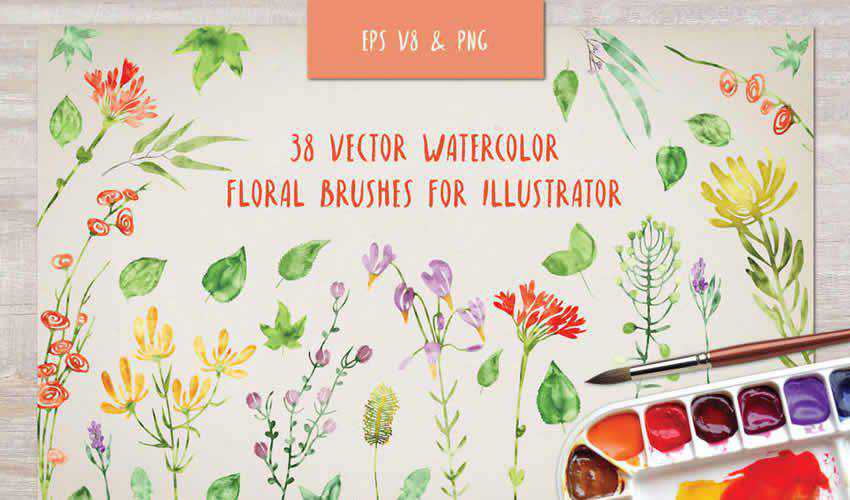
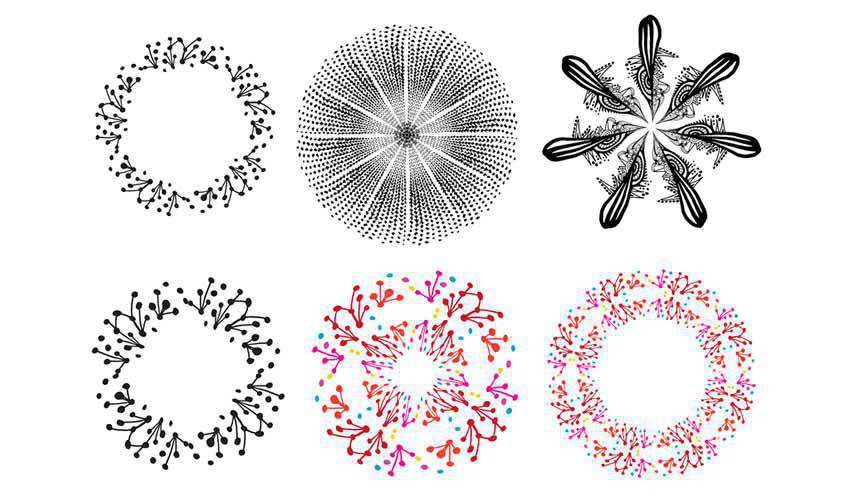
Prices shown are monthly equivalents based on the billing terms displayed by each provider.

What Creatives Should Look for in WordPress Hosting

Creative websites often contain large images, complex layouts, video, animation, and interactive features. These elements can place more pressure on hosting than a basic blog or small business website.

  • Image and media performance: Look for server caching, CDN access, and enough storage for a growing media library. Image compression and support for WebP or AVIF can also help portfolio pages load faster.
  • Theme and design tool support: The host should support custom themes and third party plugins. Designers using page builders, animation plugins, or Advanced Custom Fields may also benefit from higher PHP memory and stronger server resources.
  • Staging and development tools: Staging allows design changes, theme updates, and new layouts to be tested privately. SFTP, SSH, WP CLI, Git, database access, and PHP controls are also useful for custom and client websites.
  • Client and team management: Freelancers and agencies may need collaborator accounts, separate permissions, site cloning, and a central dashboard for managing several projects. Site transfer and billing handover tools can also simplify client delivery.
  • Backups and site recovery: Automatic backups provide protection when an update, code change, or plugin conflict causes a problem. Check how often backups are created, how long they are stored, and whether the website can be restored with a single click.
  • Pricing and renewal costs: Check the regular renewal rate rather than relying on the introductory price. Storage, traffic, staging, backups, email, and additional websites may depend on the plan, so the cheapest option is not always the best value.

Top WordPress Hosts for Designers & Creatives

1. Best Overall for Creatives: WordPress.com

WordPress.com is a good choice for creatives who want managed hosting without spending much time on server maintenance. Updates, security, backups, caching, and performance tools are handled for you, leaving designers to manage their website through a familiar WordPress dashboard.

The Business plan is the best fit for a professional portfolio or creative business. It includes 50GB of storage, a global CDN, staging, real time backups, and 250GB of separate VideoPress storage. Custom themes and third party plugins are supported, so designers are not limited to the themes and tools supplied. SFTP, SSH, WP CLI, Git commands, and GitHub deployments are also available for more advanced projects.

The main drawback is cost. Each website requires its own plan, which may not suit freelancers or agencies managing a large number of client sites. However, it remains a practical option for individual designers, photographers, illustrators, and creative businesses that want strong performance without dealing with the technical side of hosting.
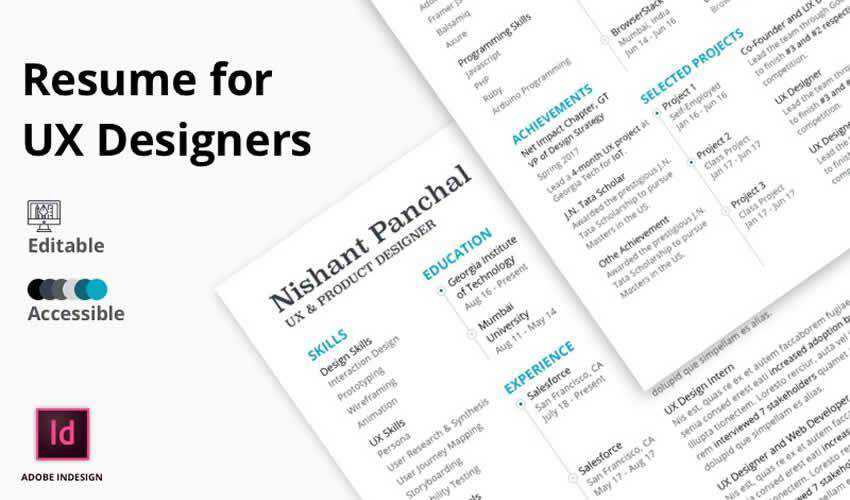

  • Recommended plan: Business.
  • Best for: Professional portfolios and creative business websites.
  • Key strength: Managed hosting with strong media and development tools.
  • Main drawback: A separate plan is required for each website.

Plan Monthly Cost Storage Staging CDN
Business $25, billed annually 50GB plus 250GB for VideoPress Included Included

Can You Really Replicate Your Favorite SaaS With AI?

There’s something about AI that tends to make us humans bolder – especially when it comes to code. The tool does all the heavy lifting for us, leading to more ambitious projects. Even solo developers are using it to build things that required a dedicated team a few years ago. It feels like having a secret weapon that’s ready to help at a moment’s notice.

That has led some seasoned (and not-so-seasoned) developers to go for the ultimate prize: replicating their favorite SaaS product. I admit to falling under the spell of such temptation.

It’s easy to see the potential benefits. SaaS subscriptions can be expensive, and the products may be more than what we need. Plus, there are always niche features that seem to be missing. Oh, and many are proprietary, raising data ownership concerns. Why not use AI to vibe code your own spinoff?

Can it really be that simple? Type a few prompts, and get a high-level tool to replace an enterprise app? As usual, it’s complicated.

Let’s take a hard look at the good, the bad, and the ugly of using AI to build a SaaS replica.

Taking Software Into Your Own Hands

My journey building a SaaS replica with AI began as I stood at a crossroads of sorts. I’m a longtime user of QuickBooks Desktop, which has served my accounting needs well over the years. However, the product I use was discontinued and moved online. Moving meant going from buying a license every few years to a monthly fee. I’m not keen on yet another subscription.

The desktop app is also starting to show its age. Some features are broken, and the interface is behind the times. Not to mention it’s a memory hog on my PC. This all coincides with some upcoming changes to my business that require a different approach.

So, I decided to take the plunge and build my own billing/customer relationship management (CRM) app as a WordPress plugin. I wanted something portable that would allow me (or others) to add features as needed. WordPress was the perfect fit.

The decision seemed like a no-brainer. I could use my existing skills to guide AI in the right direction. And I could leave out the things that weren’t necessary. I hoped to build a lean, functional plugin that streamlined my billing process.

This would also free me from the proprietary trap so many SaaS providers lock us into. I wouldn’t have to worry about higher rates, product limitations, or waiting for support tickets to be answered. Yes, this was exactly what I needed!

The only question was: Can I really build a suitable replacement?

AI opens up plenty of development possibilities, including replicating a SaaS

The Challenge Is in the Details

The project started with a bang, as I used Claude to build a working prototype within an hour. Sure, there were some rough edges to be smoothed over. But the basic concept was coming together. Then, a bit of reality set in.

One of my goals was to create a tool that was close enough to what I’m accustomed to. The idea wasn’t to rebuild QuickBooks line by line, feature by feature. But I wanted something that provided a seamless transition.

My prototype allowed me to add customers, services, and invoices. I even built some import tools to bring my real-world data into the system. But I didn’t realize how many little details were missing until I used the plugin.

For example, I needed a way to share invoices with my clients. I also needed to distinguish between hourly-based and project-based services. Other needs seemed to pop up every few minutes:

  • Custom reports for my business and individual customers.
  • A way to email invoices to multiple contacts at the same company.
  • A log to remind me whom I sent invoices to and when.
  • Navigation to and from different areas of the plugin.
  • User permissions for scenarios where you want to provide CRM access to a non-administrator.
  • A front-end version of each relevant screen.

This was a different experience for someone who hadn’t taken a product from start to finish before. It felt more like being a product designer than a developer. That requires a different type of thinking.

AI proved capable of writing the code. However, I found myself having to provide extra context along the way. There was a lot of trial and error, and each new feature opened another set of decisions and potential.

There’s also danger in adding too many features. I didn’t want a bloated plugin that was difficult to use. As such, I had to practice restraint when considering my options.

It was a positive learning experience, for sure. But it also made me realize how much is involved in building a plugin that does more than merely function. Good things do indeed take time.

Great software is all about the details

Questions To Ask Before You Build

The temptation to dive right in and generate code for the next HubSpot or Asana is understandable. AI makes relatively short work of complex coding tasks. These models can also advise you on how to replicate specific features.

It’s worth taking a step back and asking yourself a few key questions first, though. The answers will help you navigate the project or save you from making a massive mistake.

Are You Serious or Curious?

First, determine why you want to build this amazing new thing that’s based on an existing thing. Experimental side projects can be fun and a great way to learn. However, it’s different than a serious bid to create software that your entire company will use.

The former encourages you to be patient and test your ideas. The latter is often a mandate to increase efficiency while saving money. There’s an entirely different level of pressure in that scenario. You’ll also need to dedicate more resources toward the project.

It’s not necessarily a deal breaker either way, but a consideration nonetheless.

Do You Need Third-Party Integrations?

Integrating with other tools and services is a SaaS superpower. For example, adding Stripe to your CRM enables online payments, while Mailchimp adds email capabilities. AI tools can help you connect the various APIs out there.

The downside is the responsibility that comes with these integrations. APIs frequently change, and you need to stay ahead of them. Failing to keep up could lead to software that doesn’t work. Plus, there are security and privacy risks.

Remember: Once you build it, you’re responsible for it.

Do You Need Your App To Scale?

SaaS applications often require a robust infrastructure. That’s why AI companies are building data centers everywhere. This could be a concern if you’re expecting a stampede of users and use cases.

Smaller, more focused apps like my CRM plugin aren’t as big of a problem. A few users on a WordPress site won’t require a ton of memory or CPU cycles. But the calculus changes as your needs grow.

This is where a fun little project can turn into something more complex. That app you just vibe coded could turn you into a systems engineer. There’s also a cost to server space and other necessities. Are you prepared to go that far?

Ask yourself some important questions before building your app or plugin

You Can Replicate a SaaS With AI, but Should You?

Using AI to generate code opens up a world of possibilities – and it’s only getting more powerful. New models continue to evolve to help us get things done faster. That leads to bigger and bolder ideas on our part.

Even so, it’s a good idea to think about the long-term consequences of what you build. It may be fun to try and replicate Gmail, but do you really want the responsibilities that go with it?

That may be an extreme example, but the theory also applies to smaller projects. The reality is that the best SaaS products are popular for a reason. They scale, have dedicated security teams, and professional product designers working to improve every aspect. Even the best AI models can’t match that quite yet.

So, have fun and experiment! Just know what you’re getting into before you begin.

The post Can You Really Replicate Your Favorite SaaS With AI? appeared first on Speckyboy Design Magazine.

❌